
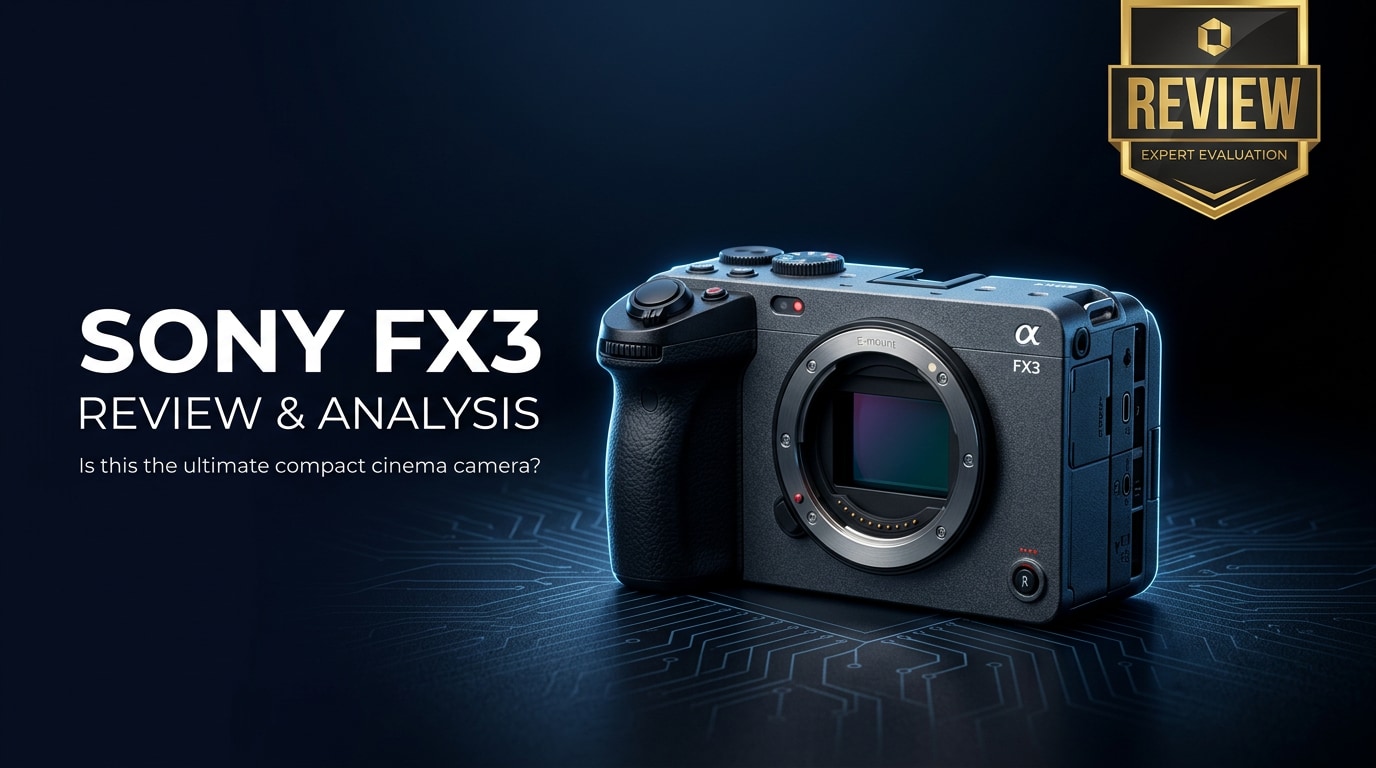
The Sony FX3 is a compact full-frame cinema camera designed for filmmakers and content creators who prioritize video-first workflows. Blending Sony's Alpha mirrorless DNA with its Cinema Line features, the FX3 offers advanced 4K recording, excellent low-light performance, active cooling, and creator-friendly ergonomics in a small, rig-ready body that easily fits into solo and run-and-gun productions.
Repair Corrupted Files To Save Your Data
 Security Verified. Over 7,302,189 people have downloaded it.
In this article
Introduction
The Sony FX3 sits between Sony's Alpha stills cameras and its higher-end cinema bodies, giving independent creators access to cinema-grade tools without the bulk. With 4K up to 120p, impressive low-light performance, active cooling, and a cage-free design with built-in mounting points, it is aimed squarely at filmmakers, YouTubers, and content creators who want professional video features in a travel-friendly package.
What’s New About Sony FX3
The Sony FX3 review story starts with how it differs from popular hybrid models like the A7S III. Internally, the two cameras share a lot, but the FX3 is tailored for video-first work.
- Dedicated cinema-focused design with tally lamps, top-handle audio, and streamlined video menus.
- Built-in cooling fan to extend 4K recording times and reduce overheating risk.
- Cage-free body with multiple 1/4"-20 mounting points for monitors, mics, and accessories.
- Included XLR top handle for professional audio inputs and physical level controls.
- More discreet, compact form factor compared with larger cinema cameras while retaining the same sensor and core imaging pipeline as the A7S III.
Compared with earlier Alpha models, the FX3 removes the viewfinder, changes the grip slightly, and leans entirely into video operation, including the placement of REC buttons and tally lights that make it much easier to see recording status from multiple angles.
Full Specs at a Glance
| Feature | Specification |
|---|---|
| Sensor | 12.1MP full-frame back-illuminated CMOS (Exmor R) |
| Lens mount | Sony E-mount |
| Video resolution & frame rates | 4K (UHD) up to 120p; Full HD up to 240p |
| Recording formats | XAVC HS, XAVC S, XAVC S-I (All-Intra); 10-bit 4:2:2 internal |
| Color & gamma | S-Log3, S-Gamut3.Cine, S-Cinetone, HLG |
| ISO range | 80–102,400 (expandable); dual native ISO behavior optimized for low light |
| Autofocus | Fast hybrid AF with 627 phase-detection points; Eye AF for humans and animals |
| Stabilization | 5-axis in-body image stabilization (IBIS) with Active mode |
| Media slots | Dual CFexpress Type A / SD UHS-II combo slots |
| Audio | Detachable XLR handle with up to 4-channel recording; 3.5 mm mic/headphone jacks |
| Monitoring | 3.0" vari-angle LCD touchscreen; no built-in EVF |
| Connectivity | Full-size HDMI, USB-C, Wi-Fi, wired LAN support via accessories |
| Weight | Approx. 715 g with battery and card |
Real-World Performance
Image quality and codecs
For filmmakers, the big question in any sony fx3 review is how the footage holds up. The FX3 uses a 12MP full-frame sensor optimized for video, producing clean, detailed 4K footage without line-skipping or heavy rolling shutter artifacts. 10-bit 4:2:2 internal recording in XAVC-S and XAVC HS, along with All-Intra options, gives plenty of flexibility for color grading.
Profiles like S-Log3 and S-Cinetone make it easy to match with other Sony Cinema Line cameras. S-Log3 gives you the most dynamic range and grading latitude, while S-Cinetone delivers pleasing, ready-to-use images directly out of camera for fast-turnaround content.
Autofocus, stabilization, and handling
Autofocus performance is one of the FX3's standout strengths. It shares the same AF system as the A7S III, with fast hybrid AF, reliable subject tracking, and Eye AF that works well even in dim settings. For gimbal work, talking-head videos, or solo documentary shooting, the camera's AF reduces the need for a dedicated focus puller.
5-axis IBIS combined with Active mode helps smooth handheld shots, especially with wide and standard lenses. While it is not a substitute for a gimbal, it is effective for walk-and-talks, static handheld framing, and general run-and-gun scenarios.
The grip, button layout, and side tally lamps are tuned for video use. Multiple REC buttons, clear status lights, and a flip-out screen make self-shooting and multi-angle operation much easier than older, photo-first bodies.
Low light, dynamic range, and overheating
The 12MP sensor is designed for low-light work, and it shows. The sony fx3 low light performance is excellent, with clean results at high ISOs that would be unusable on many other cameras. This makes the FX3 very appealing for documentary, event, and night exteriors where lighting control is limited.
Dynamic range is strong, especially when shooting in S-Log3, allowing you to retain highlight detail in bright windows or skies while still seeing into the shadows. This is crucial when grading for a cinematic look or when delivering in HDR workflows.
A key advantage of the sony fx3 cinema camera over some hybrid models is its active cooling system. Concerns about sony fx3 overheating are significantly reduced thanks to the internal fan and the optimized body design. In practice, this allows extended 4K recording even at higher frame rates, as long as you work within reasonable ambient temperatures and maintain airflow around the camera.
Pros & Cons
| Pros | Cons |
|---|---|
|
|
Who Is This Camera For?
The best sony camera for video will depend on your workflow, but the FX3 targets a specific type of user. It is ideal for:
- Independent filmmakers and narrative creators who want cinema-ready footage in a small, gimbal-friendly package.
- Documentary shooters and journalists needing reliable autofocus, strong low-light performance, and long record times.
- YouTubers and content creators who prioritize video over stills and value strong audio and simple rigging.
- Owner-operators upgrading from hybrids like the A7 series who want cinema features without moving to a much larger body.
If you are comparing fx3 vs a7siii, the FX3 is generally better suited for pure video work thanks to its cooling, tally lights, and audio options. The A7S III remains the better choice if still photography or having an EVF matters to you.
What to Do If Your Sony FX3 Files Get Corrupted
Repairit Introduction
Even with a robust camera like the sony fx3 4k, memory card issues, power loss, or interrupted recording can leave you with corrupted or unplayable clips. Wondershare Repairit is a dedicated media repair toolkit that helps you fix damaged video files from cameras, cards, SSDs, and other storage. With a straightforward interface and powerful repair engine, it can analyze problematic Sony FX3 footage and restore it to a viewable state without requiring deep technical knowledge. You can learn more and download it from the Repairit official website.
Key Features of Repairit
- Repairs corrupted or unplayable video files from cameras, memory cards, and external or internal drives.
- Supports a wide range of formats, resolutions, and recording codecs used by cinema and mirrorless cameras.
- Guided workflow with the ability to preview repaired clips before saving them to safe storage.
Step-by-step: Repair Sony FX3 Files
-
Choose a Location to Repair Data
Start by launching Wondershare Repairit on your computer and selecting the Video repair module. Click the option to add files, then browse to the folder, memory card, or SSD that holds your problematic sony fx3 specs footage. Select the damaged clips you want to repair and confirm to load them into the project. If the files are still on the card used in the camera, avoid recording anything new to that card before adding the videos into Repairit.

-
Deep Scan the Location
Once your FX3 clips are added, start the repair process so Repairit can perform a deep analysis of each file. The software examines the video structure, containers, and audio tracks to detect what is causing playback errors or corruption. During this phase, you will see progress indicators and a list of clips being processed. Let the scan complete without interrupting it, especially when dealing with long 4K or 120p recordings.

-
Preview and Repair Your Desired Data
After the scan, Repairit shows you the clips it can repair along with basic details like resolution and duration. Use the built-in player to preview the repaired versions, checking both the image and audio to ensure they meet your needs. When you are satisfied, select the clips you want to keep and choose a secure destination folder on a different drive or card. Save the repaired files there, then back them up as part of your normal archive routine.

Conclusion — Should You Buy?
The Sony FX3 is a compact cinema powerhouse aimed squarely at creators who live in the video world. Its combination of high-quality 4K recording, excellent low-light performance, reliable autofocus, and practical design touches like tally lights and active cooling make it a strong choice for solo shooters and small teams.
If you are primarily a filmmaker or content creator and do not need high-resolution stills or an EVF, the FX3 is a compelling investment that bridges the gap between hybrid mirrorless cameras and larger cinema systems. Pair it with careful media management, solid backup habits, and a repair tool like Wondershare Repairit, and you will have a reliable foundation for professional video production.
FAQ
-
1. Is the Sony FX3 good for photography as well as video?
The FX3 can capture still photos, but its 12MP sensor, control layout, and menus are optimized for video work. If stills are a major part of your workflow, a hybrid body like the A7 IV or A7S III will serve you better while still giving you strong video performance. -
2. Does the Sony FX3 overheat during long 4K recording?
The FX3 has an internal cooling fan designed to support extended 4K sessions. In normal conditions with proper airflow, it can record for long stretches without thermal shutdown, making it more reliable than many fanless hybrid cameras for lengthy interviews or events. -
3. What memory cards should I use with the Sony FX3?
For the highest bitrate and All-Intra recording modes, use CFexpress Type A cards or V90-rated SD cards from reputable brands. Slower cards may cause dropped frames, recording errors, or increase the risk of file corruption during demanding shoots. -
4. Can I shoot Netflix-approved content with the Sony FX3?
Yes. The FX3 is part of Sony's Cinema Line and appears on Netflix's approved camera list for certain production types, provided you use supported recording settings and workflows. Always check the latest Netflix guidelines to confirm current technical requirements. -
5. How can I recover corrupted Sony FX3 video files?
If a clip becomes corrupted, stop using the affected card immediately to avoid overwriting data. Then run a repair tool such as Wondershare Repairit to scan the damaged files, repair structural issues, and export playable versions to a separate, safe storage location.




