
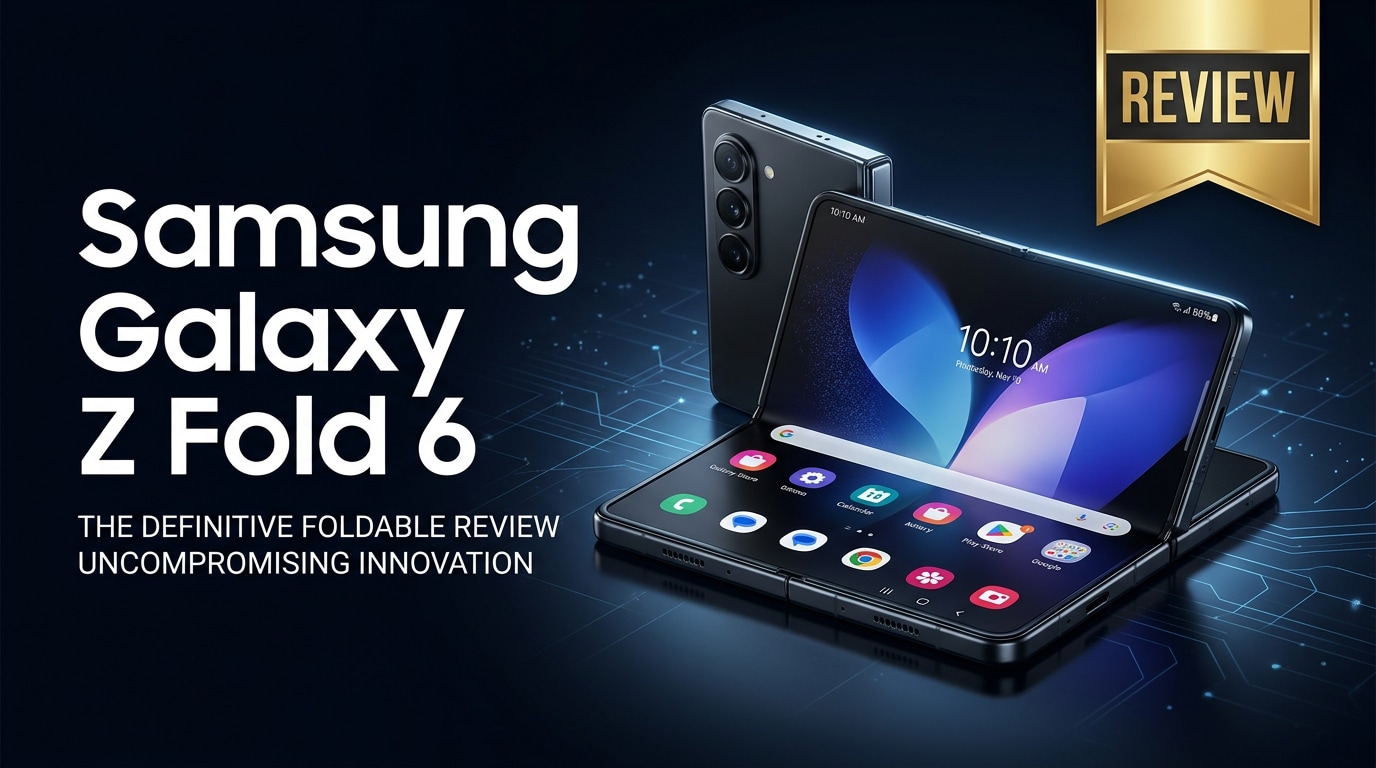
The Samsung Galaxy Z Fold 6 is Samsung's latest book-style foldable, blending a tall cover screen with a tablet-sized inner display in one premium device. It targets power users who want serious multitasking, laptop-like productivity, and immersive entertainment without carrying multiple gadgets. This review looks at its design, specs, software experience, and value for money, and also explains how to protect and recover your important photos, videos, and documents if something goes wrong.
Repair Corrupted Files To Save Your Data
 Security Verified. Over 7,302,189 people have downloaded it.
In this article
What is New About Samsung Galaxy Z Fold 6
The Galaxy Z Fold 6 review story is all about refinement rather than a radical redesign. Samsung has slimmed the body, trimmed weight, and squared up the silhouette, making the phone feel more like a normal flagship when folded. The hinge is tighter and less bulky, bezels are slimmer, and both displays get brightness boosts that help outdoors.
Inside, a newer flagship chipset powers everything from high-refresh gaming to multitasking without stutters. Software refinements include better app continuity between the cover and inner screens, improved taskbar behavior, and more polished Flex Mode layouts when you partially fold the device.
Price, Storage, and Design
Galaxy Z Fold 6 price and storage options
The Z Fold 6 specs sheet starts with generous storage tiers, aimed at users who store a lot of apps, games, and media offline.
| Variant | What you get |
|---|---|
| Base model | Large internal storage suited for everyday apps, photos, and social media videos. |
| Mid-tier model | Extra space for offline movies, large games, and professional files without constant cleanup. |
| Top-tier model | Maximum storage for creators and professionals dealing with 4K video, RAW photos, and heavy documents. |
Exact pricing varies by market, but the Samsung Galaxy Z Fold 6 remains a premium device that costs more than most standard slab phones. Carrier deals, trade-in values, and launch promotions can soften the hit, so it is worth checking local offers before buying at full price.
Design, hinge, and durability
Design-wise, the Z Fold 6 is slimmer and a bit lighter, with flatter edges that make it easier to grip. The cover display is more useable for one-handed texting and quick replies, and the inner screen feels almost like a compact tablet when opened.
Samsung continues to strengthen hinge durability and crease resistance. You still see and feel a crease in certain lighting, but it is less distracting in day-to-day use. Water resistance returns, though like other foldables, dust protection is still limited, so you should keep it away from sand and debris.
Display, Performance, and Daily Use
Both the cover and inner panels on the Samsung fold phone support high refresh rates, making scrolling through apps, feeds, and websites feel smooth. Colors are punchy in typical Samsung fashion, and brightness improvements make the displays easier to read in harsh sunlight.
Under the hood, the latest flagship chipset teams up with ample RAM. Apps launch quickly, multitasking in split screen or multi-window mode is fluid, and demanding games run at high settings with stable frame rates. Thermal management is improved compared with older generations, though extended gaming sessions can still warm the chassis.
In daily use, the large inner canvas shines for email triage, document editing, and side-by-side apps like chat plus browser or notes. Samsung's taskbar, app pairs, and drag-and-drop between windows make the foldable phone feel closer to a tiny laptop than a supersized phone. The trade-off is bulk: the device is still thicker and heavier in a pocket than a standard flagship.
Camera Review
The Z Fold 6 camera system focuses on consistency and versatility rather than chasing the highest megapixel count. You get a capable main sensor, an ultra-wide lens for landscapes and group shots, and a telephoto camera for zooming without destroying detail.
In good light, photos offer sharp detail, wide dynamic range, and saturated colors. Low-light shots benefit from improved processing with better noise reduction and more accurate skin tones than older Fold models. The telephoto camera produces clean zoom images up to moderate levels, though extreme zoom still trails Samsung's Ultra series.
On the video side, stabilization is strong, and 4K footage looks crisp and well-exposed. The big inner screen doubles as a preview monitor when you use the rear cameras for selfies, which is a significant advantage over traditional phones. However, you should handle long 4K recordings carefully and back them up regularly, as large clips are more vulnerable to corruption if storage or apps misbehave.
Battery, Charging, and Software Experience
The Z Fold 6 battery capacity is tuned to power two big displays and a top-end chipset. For light to moderate use combining messaging, social apps, browsing, and some video, a full day is realistic. Heavy gaming or extended sessions on the inner display may require a top-up in the late afternoon or evening.
Wired fast charging and wireless charging are supported, and Samsung includes battery optimization features to preserve long-term health. You will want a capable charger to take full advantage of quick top-ups.
On the software side, Samsung's One UI for foldables continues to evolve, with better per-app behavior between folded and unfolded modes. Many popular apps now understand the tablet-style layout on the inner display. Flex Mode makes video calls, media viewing, and some productivity tasks more comfortable when the device is partially folded like a mini laptop.
Pros and Cons of Samsung Galaxy Z Fold 6
Pros
- Large, bright inner display that transforms into a tablet-like workspace.
- Refined design with a slimmer profile and more comfortable cover screen.
- Flagship-level performance suitable for gaming and heavy multitasking.
- Improved software features for split screen, app pairs, and Flex Mode.
- Versatile camera setup with strong photo and video quality for most users.
Cons
- High price compared with traditional flagship phones.
- Still thicker and heavier in a pocket than a standard phone.
- Visible crease and limited dust resistance remain compromises.
- Battery life can dip quickly with long inner-screen sessions or intensive gaming.
- Potential for more complex repairs and higher replacement costs if damaged.
What to Do If Your Samsung Galaxy Z Fold 6 Files Get Corrupted
Why use Repairit for Galaxy Z Fold 6 file issues
Because the Samsung Galaxy Z Fold 6 often doubles as both phone and tablet, it quickly fills with work documents, vacation photos, and 4K videos. If those files become corrupted after a crash, interrupted transfer, or storage glitch, a dedicated tool like Wondershare Repairit can help. From the Repairit official website, you can access specialized modules for videos, photos, and documents that are designed to restore unplayable or unreadable media from devices like the Fold 6.
Key features of Repairit for Galaxy Z Fold 6 owners
- Repairs corrupted or unplayable photos, videos, and documents from phones, memory cards, and other storage.
- Handles batch repair so you can fix multiple damaged clips, images, or files in a single run.
- Lets you preview the repaired output first, then save it only when you confirm everything opens and plays correctly.
How to repair corrupted Galaxy Z Fold 6 files step by step
Follow these steps if your important recordings, photos, or documents on the Samsung Galaxy Z Fold 6 stop opening properly.
- Launch Wondershare Repairit on your computer and add corrupted files from the Fold 6.

Install and open Wondershare Repairit on your Windows PC or Mac. On the main screen, choose the module that matches your issue, such as Video Repair, Photo Repair, or File Repair. Connect your Fold 6 via USB or use a card reader, then click the Add button to import the problem files that refuse to open, show errors, or will not play smoothly.
- Start the automatic repair so Repairit can analyze and fix file errors.

Once the damaged files appear in the list, confirm your selection and click Repair. Repairit scans each file, detects structural issues, and runs its built-in algorithms to rebuild headers, frames, and metadata. You do not need to tweak advanced options; just keep the computer powered and let the repair process finish.
- Preview repaired content and save it to safe storage before returning it to your phone.

After the repair completes, use the Preview feature beside each item to check if videos play smoothly, images display correctly, or documents open without errors. If you are satisfied, click Save and choose a secure folder on your computer or an external drive. Only then should you copy the fixed files back to your Samsung Galaxy Z Fold 6 or cloud storage.
Conclusion — When Should You Buy?
The Samsung Galaxy Z Fold 6 refines the foldable experience with a slimmer body, brighter screens, and faster performance, all wrapped in more mature software. For professionals, creators, and enthusiasts who genuinely use the inner display for multitasking and media, it offers a unique combination of phone and tablet in a single device.
You should consider the samsung galaxy z fold 6 if productivity, large-screen immersion, and cutting-edge design matter more than price and pocketability. Just remember to protect your data with solid backups and keep a repair solution like Wondershare Repairit in mind so corrupted photos, videos, or documents do not become permanent losses.
FAQ
-
1. Is the Samsung Galaxy Z Fold 6 worth upgrading from the Z Fold 5?
If you care about a slimmer design, improved durability, a faster processor, and camera refinements, the Samsung Galaxy Z Fold 6 is a meaningful upgrade. If your Fold 5 is still in great condition and performance meets your needs, you may be comfortable skipping this generation. -
2. Is the Samsung Galaxy Z Fold 6 good for gaming and multitasking?
Yes. The large inner display, high refresh rate, and flagship chipset make the samsung galaxy z fold 6 well suited for gaming and productivity. You can comfortably run two or three apps side by side while keeping smooth performance. -
3. How long does the Galaxy Z Fold 6 battery last in real use?
Most users can expect a full day of mixed use that includes browsing, messaging, social media, and some video watching. Heavy gaming or several hours on the large inner screen may require an additional charge before the day ends. -
4. What should I do if my Galaxy Z Fold 6 videos stop playing or get corrupted?
Stop recording new clips to the same storage, then back up everything that still works. Transfer the problematic videos to a computer and run a repair tool such as Wondershare Repairit to scan and fix the corrupted files before you overwrite damaged data. -
5. Can I repair corrupted photos or documents directly from my Samsung phone?
For simple glitches, try copying the files to another folder, clearing the gallery or file manager cache, or opening them in a different app. For deeper corruption, connect the phone to a computer and use desktop repair software like Wondershare Repairit, which typically offers higher recovery and repair success rates.




