
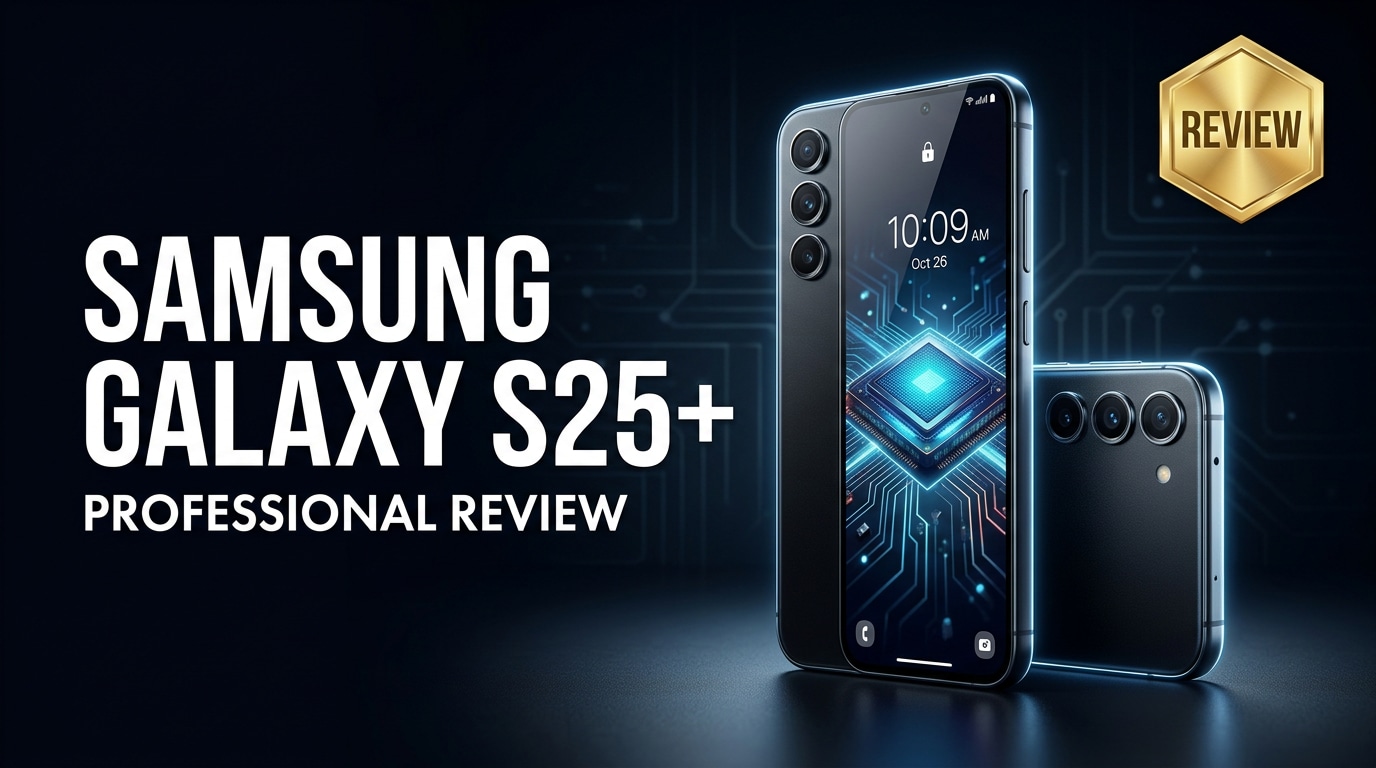
The Samsung Galaxy S25+ targets users who want a premium big-screen Android phone without stepping up to the Ultra tier. It blends a refined design, faster performance, upgraded cameras, and smarter AI features while keeping the experience approachable for everyday use. Below, you will find a complete breakdown of its specs, real-world performance, and how to keep your data safe if something goes wrong.
Repair Corrupted Files To Save Your Data
 Security Verified. Over 7,302,189 people have downloaded it.
In this article
The Samsung Galaxy S25+ sits in the middle of Samsung's flagship family, giving you a big, bright display, high-end processor, polished cameras, and long-term software support without the bulk or cost of the Ultra. It is built for users who stream, game, and capture content daily but still want a phone that feels practical in one hand and lasts through busy days.
What is New About Samsung Galaxy S25+
Compared with previous Plus models, the Samsung Galaxy S25+ brings a series of refinements rather than wild redesigns. The bezels are slimmer, the device is slightly lighter, and thermal management has been improved to keep performance stable during long gaming or video sessions.
Under the hood, a next-generation flagship chipset powers smoother multitasking, faster AI-driven photo processing, and more efficient battery use. Samsung's latest One UI version introduces deeper on-device AI features, such as smarter photo editing, enhanced transcription, and better contextual suggestions in the keyboard and system apps.
Camera tuning is another quiet but meaningful upgrade. Even without massive spec jumps, Samsung has worked on HDR balance, low-light noise reduction, and skin-tone accuracy, especially for social media-ready photos straight from the default camera app.
Price, Storage, and Design
Galaxy S25+ pricing and storage options
The Galaxy S25+ review story starts with how it is positioned in Samsung's lineup. It is priced below the Ultra but clearly above the base S25, designed for buyers who want flagship hardware with a more reasonable price tag.
| Variant | What to expect |
|---|---|
| Base Galaxy S25+ model | Generous starting storage, enough for most users balancing apps, photos, and 4K video. |
| Higher-capacity S25+ model | Ideal if you shoot lots of high-resolution photos or videos and keep offline media libraries. |
| Regional differences | Exact configurations and pricing may vary by market and carrier promotions. |
Whichever storage tier you choose, you are getting a phone built for several years of use, supported by a long software update commitment and Samsung's broader ecosystem of wearables, tablets, and laptops.
Design and build quality
The Samsung Galaxy S25+ keeps the familiar minimalist look of recent Galaxy flagships: flat glass surfaces, a clean camera island, and a metal frame with subtly rounded sides for comfort. Materials and finish feel premium in hand, with sturdy glass on both front and back and a frame that resists bends and creaks.
Color options lean toward modern, subdued shades with a few playful finishes as online exclusives. The phone remains thin and relatively light for its display size, making it easier to use one-handed than the Ultra without sacrificing screen real estate.
As you would expect from a modern Samsung flagship, the S25+ offers dust and water resistance, adding peace of mind against rain, spills, and daily accidents. Tactile buttons, reliable haptics, and a responsive in-display fingerprint reader round out the hardware experience.
Display, Performance, and Daily Use
The display is one of the biggest reasons to choose the Samsung Galaxy S25+. You get a large, high-resolution AMOLED panel with deep blacks, punchy colors, and excellent outdoor visibility. High refresh rate support keeps scrolling and animations smooth in social media feeds, web pages, and games.
Inside, the latest flagship chipset paired with ample RAM powers through heavy multitasking, from video streaming and gaming to split-screen productivity. Apps launch quickly, and background processes stay responsive without frequent reloads. Thermal improvements ensure that performance stays more consistent even when you push the phone with 3D games or extended camera use.
In everyday use, One UI feels polished and cohesive, offering extensive customization without overwhelming newer Android users. You can easily tailor the home screen, quick toggles, and system-wide themes, while Samsung's ecosystem features like DeX, Quick Share, and Galaxy Buds integration make the S25+ a strong hub in a multi-device setup.
Camera Review
The camera system on the Samsung Galaxy S25+ aims to deliver reliable, social media-ready photos with minimal effort. You get a versatile triple-camera array covering wide, ultra-wide, and telephoto focal lengths, supported by improved image processing and AI scene recognition.
In good light, photos are detailed and vibrant, with Samsung's characteristic punchy colors and solid dynamic range. HDR handling is more controlled than in earlier generations, helping retain highlight detail in bright skies while still preserving shadow information in backlit scenes.
Low-light performance benefits from faster night modes and better noise reduction. The main camera holds onto detail without pushing noise too aggressively, and the telephoto remains usable for evening portraits and cityscapes. Portrait mode edge detection has improved, with cleaner subject separation and more natural background blur.
Video capture is similarly polished. The Galaxy S25+ camera offers high-resolution recording, stable footage through enhanced stabilization, and improved audio pickup. AI-powered features help with auto-framing and lock-on tracking, making it easier to record moving subjects or vlog-style content without complex manual settings.
Battery, Charging, and Software Experience
The battery inside the Samsung Galaxy S25+ is tuned for long, busy days. Combined with a more efficient processor and software optimizations, the phone comfortably handles mixed use involving messaging, social apps, navigation, photography, and streaming without constant anxiety about charge levels.
Fast wired charging lets you top up quickly, ideal when you only have a short break. Wireless charging remains convenient for desks and bedside tables, and many markets also support reverse wireless charging so you can share power with earbuds or another phone in a pinch.
Software is a core strength. The latest One UI version brings enhanced AI tools, more refined animations, and deeper privacy controls. Samsung continues its push for extended OS and security updates, making the S25+ a safer long-term purchase. Features like secure folders, per-app permissions, and clearer privacy dashboards help you understand and manage how your data is used.
Pros and Cons of Samsung Galaxy S25+
| Pros | Cons |
|---|---|
| Large, bright AMOLED screen with smooth refresh rate for gaming and streaming. | Still priced firmly in flagship territory, not ideal if you are on a tight budget. |
| Flagship-grade performance and thermal management for demanding apps. | Camera upgrades are mostly refinements, not dramatic leaps for recent Galaxy owners. |
| Long-term software support, strong ecosystem integration, and robust water resistance. | Big-screen size may feel large for users who prefer compact phones. |
What to Do If Your Samsung Galaxy S25+ Files Get Corrupted
Why use Repairit for corrupted Galaxy S25+ files
Even the most advanced phone cannot fully protect you from data issues. A failing memory card, interrupted transfers, or system glitches can still lead to photos, videos, or documents on your Samsung Galaxy S25+ becoming corrupted or refusing to open. When this happens, using a dedicated repair tool is far safer than repeatedly trying to open the damaged files or editing them directly.
Wondershare Repairit is built specifically to handle corrupted media and documents with a guided, click-through workflow. Instead of manually tweaking formats or using risky online services, you can run a local repair process on your computer and then safely move the recovered files back to your phone. To explore the latest version and features, visit the Repairit official website.
Key features of Repairit
- Repairs corrupted photos, videos, and documents from phones, memory cards, camera storage, and computers.
- Offers a straightforward, step-by-step interface, making it suitable even if you are not technically inclined.
- Supports batch repair and built-in preview so you can verify each file before saving the fixed version.
Step-by-step guide to repair files
- Install and open Wondershare Repairit on your computer, then choose the module that matches your issue, such as Video Repair, Photo Repair, or File Repair. Connect your Samsung Galaxy S25+ via USB or insert its memory card into a card reader. Click the add or plus button to load the corrupted photos, videos, or documents that no longer open correctly.

- After adding the damaged files, click the Repair button to start the process. Repairit will quickly scan each item, analyze the corruption, and attempt to rebuild the playable or readable structure automatically. You can keep using your computer while the progress bar moves through the repair stages, especially when handling larger 4K or 8K clips.

- When the repair finishes, use the preview option to check each fixed file for quality, audio sync, and completeness. If the results look good, select the files you want to keep and click Save. Choose a safe location on your computer or an external drive first, then copy the repaired versions back to your Samsung Galaxy S25+ only after you confirm everything is working.

Conclusion — When Should You Buy?
The Samsung Galaxy S25+ stands out as a balanced flagship: big, bright display, fast performance, and versatile cameras, all wrapped in a refined design with robust water resistance and long software support. It is ideal if you want a powerful Android phone that feels premium yet more manageable than the Ultra in size and price.
If you are upgrading from a Galaxy S23+ or older, you will notice the improved efficiency, smoother camera experience, and smarter software. From a Galaxy S24+, the jump is more about refinements and the extended support window. Whichever path you take, remember to back up your data regularly and rely on a trusted repair tool like Wondershare Repairit when important files become corrupted.
FAQ
-
1. Is the Samsung Galaxy S25+ worth upgrading to from the Galaxy S23+ or S24+?
If you are coming from a Galaxy S23+ or older, the Samsung Galaxy S25+ offers noticeable gains in performance, battery efficiency, and camera processing, making it a strong upgrade. From a Galaxy S24+, improvements are more incremental, so it mainly makes sense if you value the latest chipset, refined camera tuning, and a longer remaining software support window. -
2. How good is the Galaxy S25+ battery life for everyday use?
Battery life on the Samsung Galaxy S25+ is designed to comfortably last a full day of mixed use, including messaging, browsing, social apps, and media streaming. Heavy gaming or long 4K video recording sessions will drain it faster, but fast wired and wireless charging make quick top-ups easy. -
3. What should I do if my Galaxy S25+ photos or videos will not open?
First, avoid repeatedly opening or editing the problematic files. Restart your device and try a different gallery or video app. If the issue remains, copy the files to a computer immediately and run a repair tool such as Wondershare Repairit to attempt safe recovery before you write new data to the same storage. -
4. Can I repair corrupted files on my Galaxy S25+ without losing data?
Dedicated tools like Wondershare Repairit are designed to rebuild corrupted media or document structures while leaving the original source unchanged. Although no solution can promise a 100% success rate, using repair software early and avoiding new writes on the affected storage gives you the best chance to recover data without further loss. -
5. Does the Galaxy S25+ support fast and wireless charging features?
Yes, the Samsung Galaxy S25+ supports fast wired charging for quick top-ups as well as Qi-compatible wireless charging. Many regions additionally offer reverse wireless charging so you can power accessories, such as Galaxy Buds or a smartwatch, directly from the back of the phone.




