
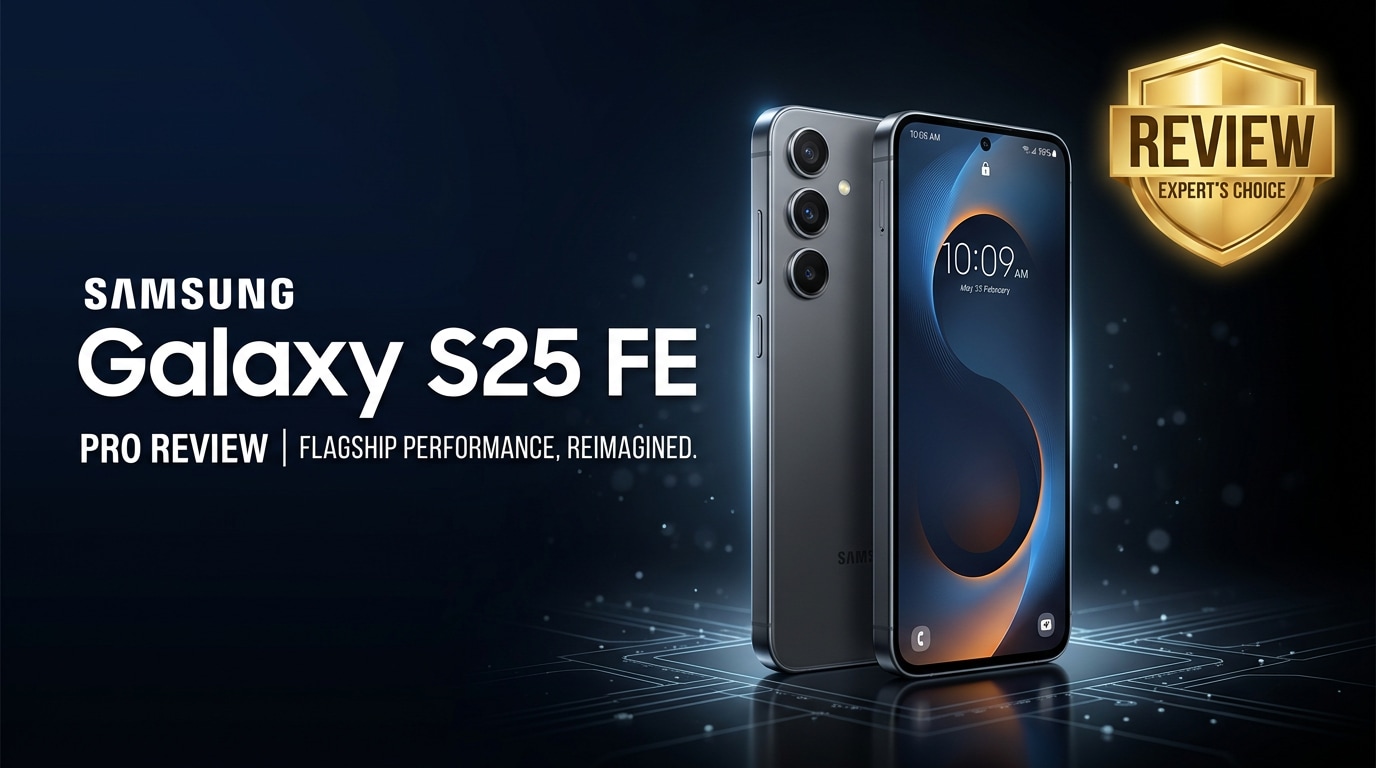
The Samsung Galaxy S25 FE is Samsung's latest Fan Edition phone, designed to capture much of the flagship S-series experience at a more accessible price. It blends a smooth display, capable cameras, and reliable battery life inside a familiar Samsung design. This review looks at its main specs and features, how it behaves in real-world use, and who it suits best, plus what you can do if your photos, videos, or other files on the S25 FE ever become corrupted or unreadable.
Repair Corrupted Files To Save Your Data
 Security Verified. Over 7,302,189 people have downloaded it.
In this article
What's New About Samsung Galaxy S25 FE
Design and hardware upgrades
The Samsung Galaxy S25 FE continues the Fan Edition tradition but tightens the gap with the main S25 lineup. Expect a refined chassis with slimmer bezels, improved haptics, and a more premium matte finish that resists fingerprints better than older FE models. Samsung typically brings a modern, efficient chipset to the FE line, so the S25 FE should deliver stronger CPU and GPU performance than the S23 FE, along with better thermal control for longer gaming or camera sessions.
On the connectivity side, the S25 FE is positioned to keep up with current standards: 5G, Wi-Fi 6 or newer, NFC, and secure biometrics. The main hardware story is about balance: enough power and polish to feel flagship-like, but with carefully chosen components to keep the cost below the top-tier S25 models.
Software and ecosystem improvements
Compared to earlier FE generations, the Samsung Galaxy S25 FE benefits from more mature One UI features and tighter integration with Samsung's ecosystem. Expect longer software support windows, better privacy controls, and cross-device continuity options with Galaxy tablets, watches, and laptops.
Features like Samsung DeX, improved Quick Share, and enhanced photo editing tools in the Gallery app ensure the phone feels current for years. For users who live inside Samsung services and smart home products, the S25 FE stands as a cost-effective gateway into the wider Galaxy ecosystem.
Price, Storage, and Design
Expected pricing and variants
Samsung positions the Samsung Galaxy S25 FE as a budget-friendlier alternative to the true S25 flagships. While exact numbers vary by market and promotions, you can expect it to sit comfortably in the upper mid-range price band, undercutting the S25 and S25+ while offering a noticeably better experience than the A-series.
| Model | Expected Storage Options |
|---|---|
| Galaxy S25 FE (base) | 128 GB with 8 GB RAM |
| Galaxy S25 FE (higher tier) | 256 GB or higher with 8–12 GB RAM |
Regions may see different RAM and storage bundles, occasional carrier-exclusive colors, and trade-in deals that bring the effective price down even further.
Build quality and ergonomics
Design-wise, the S25 FE closely follows the clean, minimalist Samsung language: flat or slightly curved edges, separate camera rings, and a symmetric front. Materials typically combine a metal frame with a durable glass or high-quality composite back, striking a balance between durability and cost.
In the hand, the phone is designed to feel solid without being overly heavy. Rounded corners and subtle curves help it rest comfortably during one-handed use. Water and dust resistance ratings (such as IP rating) are another welcome advantage over many mid-range competitors, helping the phone survive accidental splashes or rain.
Display, Performance, and Daily Use
Display quality and brightness
The Samsung Galaxy S25 FE is expected to ship with a vivid AMOLED panel and a high refresh rate, likely 120 Hz, continuing Samsung's strong track record in screens. Colors are punchy yet can be tamed with natural profiles, while deep blacks and high contrast make media consumption enjoyable.
High peak brightness ensures decent readability outdoors, even in direct sunlight. HDR support enhances compatible streaming content, making movies and games look more immersive. The FE panel may not match the absolute peak numbers of the S25 Ultra, but for its segment, it should be one of the best displays available.
Performance and real-world experience
Under the hood, the S25 FE uses a capable mid-to-high tier chipset tailored for efficiency and consistent performance. Multitasking, social media, browsing, and productivity apps feel snappy, and One UI animations remain smooth thanks to the combination of horsepower and refresh rate.
For gaming, the Samsung Galaxy S25 FE should handle popular titles such as battle royales and MOBAs comfortably, especially at medium or high settings. Extended gaming sessions or 4K recording can still warm the device up, but Samsung's recent tuning has focused on avoiding harsh thermal throttling. Overall, day-to-day reliability is where the S25 FE shines: it aims to do everything most people need with minimal fuss.
Camera Review
Photo performance
The S25 FE camera setup continues Samsung's trend of versatile, multi-lens configurations. Expect a main wide sensor, an ultra-wide, and possibly a telephoto or macro lens depending on region. In good light, photos typically show strong detail, vibrant colors, and balanced dynamic range, especially with Samsung's scene optimization turned on.
In low light, the dedicated Night mode helps reduce noise and preserve detail, though shots may lean toward brighter, more processed looks that many casual users enjoy. Portrait mode delivers pleasing subject separation and adjustable background blur, ideal for social media-ready shots straight from the camera app.
Video performance
Video on the Samsung Galaxy S25 FE aims to be stable and colorful, with support for at least 4K recording at multiple frame rates. Optical and electronic image stabilization combine to reduce shakes while walking or panning. Samsung's camera app also offers modes like Super Steady, slow motion, and hyperlapse for more creative clips.
Microphone quality is generally solid for capturing voice and ambient sound, especially in vlogging or casual recording scenarios. However, like any phone, recording in very low light can introduce noise and occasional focus hunting. Always keep your storage healthy and avoid abrupt battery drops while recording to prevent file corruption issues.
Battery, Charging, and Software Experience
Battery endurance and charging
The battery in the Samsung Galaxy S25 FE is designed to deliver a full day of mixed use, from messaging and browsing to streaming and navigation. Combined with an efficient processor and Samsung's battery optimization, most users should comfortably get through a workday with some charge left.
Fast charging support lets you top up quickly before heading out, though the maximum wattage may sit below the Ultra model. Wireless charging, if included, adds convenience for desk and bedside use. As always, using quality chargers and cables is important to avoid power interruptions that can sometimes damage active recordings or downloads.
One UI and smart features
Running Samsung's latest One UI on top of Android, the Samsung Galaxy S25 FE benefits from refined gestures, extensive customization, and privacy features such as permission controls and clipboard protection. Samsung Wallet, Samsung Health, and SmartThings integration round out the experience for users invested in the ecosystem.
Features like secure folders, cloud backup, and automatic syncing with Samsung or Google accounts are especially important for protecting your photos and videos. Make sure you enable backups early, so you have multiple copies of your data in case something goes wrong with local storage or an SD card.
Pros and Cons of Samsung Galaxy S25 FE
Pros
- Flagship-like AMOLED display with high refresh rate for smooth visuals
- Strong everyday performance capable of handling gaming and multitasking
- Versatile camera system with reliable photos and detailed 4K video
- Full-day battery life with fast charging support
- Premium design, water resistance, and long-term software support
- Better value than full flagship S-series models
Cons
- Chipset and camera may fall short of top-tier S25 and Ultra models
- Charging speeds may be slower than some competing brands
- No charger in the box in many regions, adding to total cost
- Storage options may be limited in certain markets without easy expansion
What to Do If Your Samsung Galaxy S25 FE Files Get Corrupted
Why files get corrupted on phones
Even a capable phone like the Samsung Galaxy S25 FE is not immune to file corruption. Crashes while recording video, sudden battery shutdowns, interrupted file transfers, or issues with SD cards and internal storage can all damage your photos, videos, and documents.
Sometimes the Android Gallery or video player simply refuses to open a file, or you see a gray thumbnail instead of your picture. When that happens, avoid repeatedly saving or editing the same file, as this may make things worse. Instead, safely copy the problematic files to a computer and use specialized repair software to attempt a fix.
How to repair corrupted files with Repairit
Wondershare Repairit is a dedicated file repair solution that helps you bring damaged media back to life. It can fix corrupted or unplayable videos, photos, and documents from your Samsung Galaxy S25 FE, SD cards, and other devices. With an intuitive interface and an automatic repair engine, it is approachable even if you are not technically inclined. You can learn more on the Repairit official website.
Key features of Repairit
- Repairs corrupted or unplayable videos, photos, and other frequently used file formats from mobile devices and computers.
- Supports files stored on phones, cameras, memory cards, USB drives, and local hard disks, making it versatile for many scenarios.
- Offers a guided repair process with preview options, so you can check fixed files before saving them to a safe location.
Step-by-step: Fix corrupted Samsung Galaxy S25 FE files with Repairit
-
Install Repairit on your computer and add the damaged files
Download and install Wondershare Repairit on your Windows PC or Mac, then connect your Samsung Galaxy S25 FE or its SD card using a reliable cable or card reader. Open Repairit, click the option to add files, and browse to the corrupted photos or videos you copied from your phone. Select all damaged items you want to repair.

-
Start the repair and let the tool process your media
After adding your files, highlight them in the Repairit interface and click the Repair button. The program will analyze each file, detect structural issues, and automatically attempt to fix headers, frames, and other damaged components. You can monitor progress in the window while Repairit works in the background.

-
Preview the repaired results and save them safely
When the repair finishes, use the built-in preview to check whether the recovered photos display properly and the repaired videos play smoothly from start to finish. If you are satisfied with the results, click Save and choose a secure folder on your computer or external drive. After that, you can copy the fixed files back to your Samsung Galaxy S25 FE or keep them in your backup location.

Conclusion — When Should You Buy?
The Samsung Galaxy S25 FE continues the Fan Edition mission of delivering much of the flagship S-series experience at a more approachable price. With its capable display, solid everyday performance, versatile cameras, and dependable battery life, it is an appealing choice for users who want a premium-feeling Samsung phone without paying full flagship prices.
You should consider the S25 FE if you value a balanced feature set, long-term software support, and the familiarity of One UI. It is especially suitable for users coming from older Galaxy models or mid-range Android phones. Just remember to enable regular backups and, if your files ever become corrupted, rely on a tool like Wondershare Repairit to help you recover precious photos and videos from your device.
FAQ
-
1. Is the Samsung Galaxy S25 FE good for gaming?
The Samsung Galaxy S25 FE should comfortably handle casual and moderately demanding games, thanks to its efficient chipset and high refresh rate display. For very heavy titles, you may need to lower graphics settings slightly to maintain smooth frame rates during extended play sessions. -
2. How much storage does the Samsung Galaxy S25 FE offer?
Configurations vary by region, but the S25 FE is typically available with at least 128 GB of internal storage, with higher-capacity variants in some markets. Cloud backup options from Samsung and Google help you expand beyond local storage for photos, videos, and documents. -
3. Does the Samsung Galaxy S25 FE have good battery life?
Yes. The S25 FE is expected to deliver a full day of mixed use on a single charge, combining a reasonably large battery with efficient hardware and Samsung's software optimizations. Heavy users may still want a quick top-up during the day, but most people will find the endurance reliable. -
4. What should I do if videos on my Samsung Galaxy S25 FE will not play?
Start by restarting your phone and trying another video player app. If the file still will not play, copy the video to a computer and open it in Wondershare Repairit to scan and repair possible corruption. Once fixed, you can save the repaired video and copy it back to your phone. -
5. Can I repair corrupted photos from the Samsung Galaxy S25 FE?
Yes. If specific photos appear broken, gray, or refuse to open, transfer them to a computer and use Repairit to attempt recovery. After repairing, save the recovered images in a safe folder and consider enabling automatic cloud backups to prevent similar issues in the future.




