
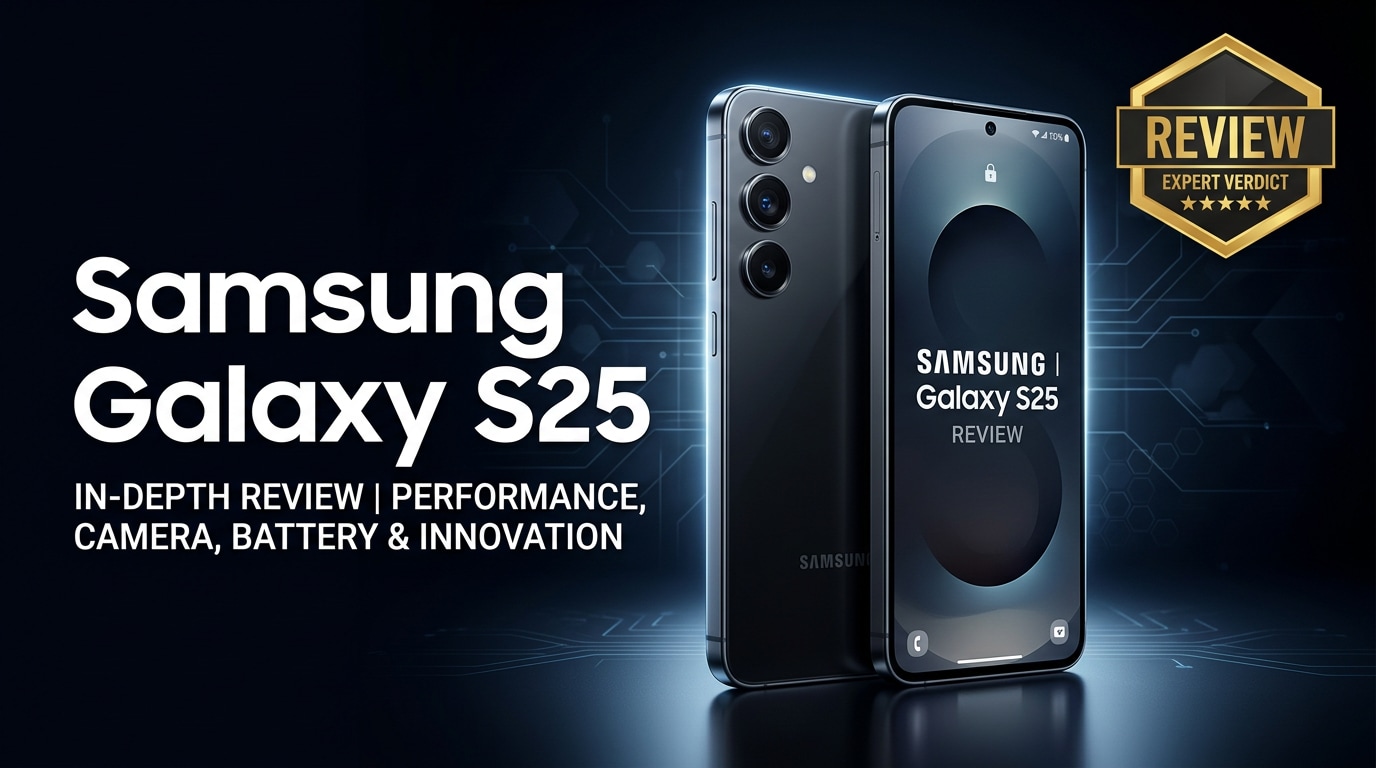
The Samsung Galaxy S25 is Samsung's latest flagship phone, built for users who rely on their device for work, entertainment, and capturing memories. It blends a refined design, upgraded performance, and improved cameras with smarter AI-driven software features. In this guide, you will find an in-depth Galaxy S25 review, including specs, display and battery insights, camera performance, and practical advice on how to protect and repair your photos and videos if something goes wrong.
Repair Corrupted Files To Save Your Data
 Security Verified. Over 7,302,189 people have downloaded it.
In this article
The Samsung Galaxy S25 stands at the top of Samsung's mainstream flagship line, with a focus on high-end performance, bright and smooth display technology, and powerful cameras for both casual and serious creators. It is built for users who shoot 4K or even 8K video, multitask heavily, and expect long-term Android and security updates.
What Is New About the Samsung Galaxy S25
The Galaxy S25 refines the formula of earlier S-series phones rather than reinventing it, but there are several meaningful upgrades that make it more future-ready.
- New generation chipset with better power efficiency and faster AI processing for on-device editing, translation, and image enhancement.
- Improved main camera sensor with better low-light performance and faster autofocus, plus tuning for more natural skin tones.
- Brighter adaptive refresh-rate display for better outdoor visibility and smoother scrolling.
- Optimized thermal design to keep performance stable during gaming and video recording.
- Longer software support window, ensuring more years of Android and security updates.
Altogether, these updates make the Galaxy S25 review story more about polish and reliability than flashy gimmicks.
Price, Storage, and Design
Galaxy S25 price and storage options
Exact pricing for the samsung galaxy s25 varies by region and carrier, but it typically launches in the same premium bracket as previous S-series flagships.
| Model / Variant | Expected Positioning |
|---|---|
| 128 GB base storage | Most affordable entry into the Galaxy S25 line, suitable for light to moderate users. |
| 256 GB storage | Balanced choice for most people, especially if you capture a lot of photos and 4K video. |
| Higher storage tiers | Best for creators and gamers who install many apps and keep large media libraries offline. |
As always, promotions and trade-in deals can significantly reduce the effective cost, especially if you are upgrading from an older Galaxy model.
Design, build quality, and durability
The Galaxy S25 specs on the outside focus on a minimal, flat-edged design with slim bezels and a familiar vertical camera module. Premium glass on the front and back, paired with an aluminum frame, gives the phone a sturdy yet lightweight feel in hand.
- IP-rated water and dust resistance for better protection against rain and accidental splashes.
- Reinforced glass to reduce the risk of scratches and minor drops.
- Neutral and bold color options to appeal to both professional and casual users.
While it still benefits from a case and screen protector, the Galaxy S25 is built to stand up to everyday use, including frequent pocketing, bags, and outdoor photography sessions.
Display, Performance, and Daily Use
The display is one of the Galaxy S25's standout strengths. You get a high-resolution AMOLED panel with vivid colors, deep blacks, and a high adaptive refresh rate that ramps up for smooth scrolling and ramps down to save battery.
- Excellent brightness for readability under direct sunlight.
- Accurate color profiles for content creators who edit photos and videos on the go.
- Fast touch response for gaming and quick navigation.
Under the hood, the new chipset and generous RAM ensure that apps open quickly, background tasks stay responsive, and demanding games or editing tools can run without stutter. In day-to-day use, the phone handles everything from messaging and social media to split-screen multitasking without strain.
Thermal management is improved compared to older S-series phones, so performance remains stable during long gaming sessions or extended 4K recording, which also helps reduce the risk of crashes or corrupted video files.
Camera Review
The galaxy s25 camera system is designed to handle everything from quick social snaps to more serious creative work.
- Main wide camera with a larger sensor for better dynamic range and low-light shots.
- Ultra-wide camera for landscapes and tight indoor scenes with consistent color tuning.
- Telephoto lens for zoomed-in portraits and distant subjects with less noise.
- Improved selfie camera with AI-assisted skin tone and exposure adjustments.
In good light, photos are sharp, with saturated but pleasing colors typical of Samsung. Night mode benefits from faster multi-frame processing, giving cleaner, brighter images with less motion blur. Portrait mode edges are more accurate, and the phone handles hair and complex backgrounds better than earlier generations.
Video recording is equally strong. The fix corrupted galaxy videos issue is less likely thanks to better stability and file handling, but you still get rich 4K footage with reliable autofocus and solid stabilization for walking shots. High frame-rate modes are available for slow-motion capture, and built-in editing tools allow you to trim, color-tune, and share quickly.
Battery, Charging, and Software Experience
The galaxy s25 battery is designed to last a full day for most users, even with heavy social media, messaging, and some gaming or video streaming.
- Adaptive power management learns your habits and allocates resources to apps you use most.
- Fast wired and wireless charging options help you refill quickly when you are low.
- Battery protection modes limit maximum charge to reduce long-term wear if you charge overnight.
On the software side, Samsung's interface layers AI-powered tools on top of Android, such as live translation, photo remastering, and smart gallery search. These features make it easier to manage large libraries of pictures and clips without feeling overwhelmed.
Long-term update support means you can expect several major Android generations and security patches, which is important for users who plan to keep their device for many years and store sensitive data on it.
Pros and Cons of the Samsung Galaxy S25
| Pros | Cons |
|---|---|
| Bright, smooth display that is excellent for gaming, streaming, and outdoor use. | Premium pricing may be overkill for light users who do not need flagship power. |
| Versatile camera setup with strong low-light performance and stable 4K video. | Large size can be uncomfortable for users who prefer compact phones. |
| Long software support window and reliable day-long battery life. | Advanced camera and AI features can generate large files that quickly eat into storage. |
Overall, the galaxy s25 review shows a well-rounded flagship that excels at display, performance, and camera quality, with only a few trade-offs around price and size.
What to Do If Your Samsung Galaxy S25 Files Get Corrupted
Repairit introduction
Even with a stable phone like the Samsung Galaxy S25, files can still get corrupted during recording, transfer, or storage failures. When photos refuse to open or videos will not play, a dedicated repair tool is safer than constantly re-recording or risking more damage. Wondershare Repairit is designed specifically to repair samsung photos, videos, and other files from phones, cameras, and computers. You can learn more and download it from the Repairit official website.
Key features of Repairit
- Repairs corrupted or unplayable videos, photos, and documents from devices like the Galaxy S25, cameras, memory cards, and computers.
- Supports popular formats and batch repair, allowing you to process many damaged files in one go.
- Offers a clear, step-based interface so non-technical users can fix media without complex settings.
Step-by-step: Repair corrupted Galaxy S25 files
- Install and open Repairit on your computer, then select the repair module that matches your issue, such as Video Repair or Photo Repair. Connect your Samsung Galaxy S25 or open the folder where you copied its media. Click the option to add files and load every photo or clip that shows an error, fails to open, or stops playing midway.
- After adding your Galaxy S25 files, start the repair process with the on-screen button. Repairit will scan each item, locate structural errors, and rebuild playable versions where possible. When the analysis is complete, use the preview window to check image sharpness, color accuracy, audio sync, and video smoothness so you can confirm that the issues are fixed.
- If the previews look normal, choose a safe output folder on your computer that is different from the original file location to avoid overwriting. Save the repaired media, then back up these recovered files to cloud storage or an external drive. This extra backup step reduces the risk of losing important memories if your phone storage, SD card, or apps misbehave again.



Conclusion — When Should You Buy?
The Samsung Galaxy S25 refines Samsung's flagship recipe with better cameras, stronger performance, a high-quality display, and thoughtful software improvements. For users upgrading from older models like the S21 or S22, these changes add up to a smoother, more reliable experience for gaming, content creation, and daily communication.
If you rely heavily on your phone for storing photos, videos, and important work files, combining the Galaxy S25 with regular backups and a repair tool such as Wondershare Repairit gives you a safety net when files become corrupted. You should strongly consider buying the Galaxy S25 if you want a premium Android phone that balances speed, camera quality, and long-term software support, while still offering practical options to protect and restore your data.
FAQ
-
1. Is the Samsung Galaxy S25 worth upgrading from the Galaxy S22?
Yes. The Samsung Galaxy S25 brings faster processing, improved cameras, better battery optimization, and longer software support than the Galaxy S22, so it is a meaningful upgrade if you want smoother performance and stronger photography. -
2. How much storage does the Samsung Galaxy S25 offer?
The Samsung Galaxy S25 is typically available in 128 GB and 256 GB variants, with higher storage options in some regions. Check your local Samsung or carrier listings for exact configurations and pricing. -
3. Does the Samsung Galaxy S25 have good battery life?
The Galaxy S25 is built to last through a full day of mixed use, including browsing, messaging, media, and some gaming. Adaptive power features help extend battery life further when your usage is lighter. -
4. What should I do if my Samsung Galaxy S25 videos will not play?
First, restart the phone and test the videos in another media player. If they still fail, transfer the files to a computer and run them through a repair tool such as Wondershare Repairit to safely fix corruption without further damage. -
5. Can I repair corrupted photos from my Samsung Galaxy S25 without rooting the phone?
Yes. You usually do not need root access. Copy the corrupted photos to a computer and use a dedicated repair solution like Repairit to restore them, then save and back up the fixed images to cloud or external storage.




