
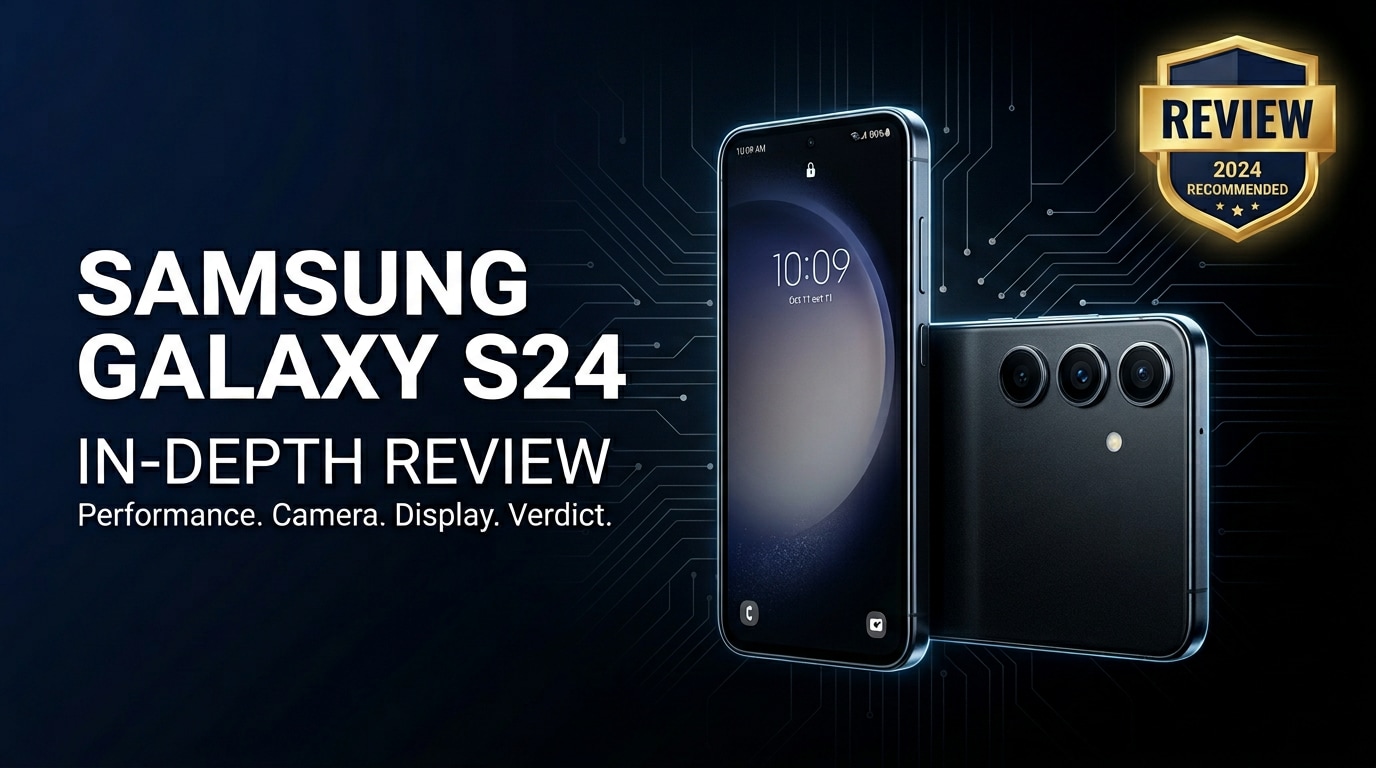
The Samsung Galaxy S24 Ultra is Samsung's 2024 Android flagship, mixing premium titanium hardware with upgraded cameras, a brighter display, and a full suite of Galaxy AI tricks. This review explains what is new, how it performs in daily use, how good the camera and battery really are, and what you can do if photos, videos, or documents on your S24 Ultra become corrupted or refuse to open.
Repair Corrupted Files To Save Your Data
 Security Verified. Over 7,302,189 people have downloaded it.
In this article
The Galaxy S24 Ultra review story centers on refinement rather than radical redesign. Samsung keeps the familiar big-screen S Pen formula but adds titanium sides, smarter AI editing, upgraded zoom hardware, and better thermal control. Whether you shoot a lot of 4K video, multitask with DeX, or just want a reliable all-day flagship, this guide walks through everything you should know before buying.
What’s New About Samsung Galaxy S24 Ultra
Compared with earlier Ultras, the Samsung Galaxy S24 Ultra focuses on smarter features more than raw spec bumps. Here are the headline upgrades:
- Titanium frame: Swaps aluminum for a tougher, lighter frame that feels more premium in hand.
- New 5x telephoto camera: Replaces the older 10x periscope with a higher-resolution 5x sensor that delivers sharper 5x to 10x shots.
- Galaxy AI features: Live Translate, Circle to Search, automatic summaries, and AI-powered photo editing baked into One UI.
- Brighter, smarter display: Higher peak brightness, adaptive refresh, and better outdoor visibility.
- Improved cooling and efficiency: Enables more stable gaming performance and better sustained speeds.
- Longer software support: Extended OS and security update promises to keep the phone secure for years.
None of these alone is revolutionary, but together they make the samsung galaxy s24 ultra feel more polished, future-proof, and creator-friendly than its predecessors.
Price, Storage, and Design
Samsung Galaxy S24 Ultra price and configurations
Samsung positions the s24 ultra price at the very top of its lineup. Exact pricing varies by region and promotions, but you typically get several storage options, each paired with ample RAM so multitasking stays fluid.
| Variant | Who it suits |
|---|---|
| Base storage model | Everyday users who shoot mainly photos, stream media, and offload large files to cloud or PC. |
| Mid-tier storage model | Heavy camera users who record lots of 4K video, install many apps, and play big games. |
| Top-tier storage model | Power users, mobile creators, and professionals wanting headroom for multi-year use. |
There is no microSD slot, so choose your storage carefully. If you plan to film regularly at high resolution or capture RAW photos, opting for a higher tier is a safer bet.
Titanium design, build, and ergonomics
The Samsung Galaxy S24 Ultra largely keeps Samsung's squared-off Ultra silhouette but swaps in a titanium frame and slightly flatter edges. This makes it feel more solid yet less slippery than fully curved glass designs.
- Materials: Titanium sides, Gorilla Glass front and back, with individually ringed camera lenses.
- Grip and handling: Still a big phone, though the flatter frame and weight balance help with one-handed use.
- Durability: IP68 water and dust resistance, plus more scratch resistance versus older models.
- S Pen integration: The stylus docks in the bottom and remains fully supported for note-taking and precision editing.
Overall, the galaxy s24 ultra review design verdict is that this is a refinement of a proven formula, now with a tougher, more premium shell that should stand up to years of use.
Display, Performance, and Daily Use
The screen is one of the largest draws of the Samsung Galaxy S24 Ultra. You get a big, sharp AMOLED panel with a fast refresh rate and top-tier brightness that makes outdoor use comfortable.
- Display quality: Deep blacks, vivid colors, and fine-grained brightness control make content look excellent, from HDR movies to social feeds.
- Refresh rate: Adaptive high refresh keeps scrolling smooth while dialing down when static to save power.
- Detail: A high resolution ensures text looks crisp, while the large canvas suits split-screen multitasking.
Under the hood, a flagship-class chipset powers the samsung galaxy s24 ultra experience. Paired with ample RAM and fast storage, it handles app launches, gaming, and photo editing without hesitation.
- Gaming: Modern 3D titles run at high frame rates, and the improved cooling helps prevent quick throttling.
- Productivity: Samsung DeX, multi-window, and S Pen support turn the device into a mini workstation.
- AI features: On-device Galaxy AI assists with summarizing notes, rewriting text, translating calls, and more.
Day to day, animations stay smooth, apps seldom reload, and the phone feels responsive even when juggling several heavy tasks at once.
Camera Review
The s24 ultra camera setup is one of the key reasons to pick this model over cheaper Galaxy phones. You get a versatile multi-lens system covering ultra-wide, main wide, 3x, and a new high-resolution 5x telephoto.
- Main camera: Produces detailed, balanced shots with strong dynamic range and reliable autofocus in good light.
- Ultra-wide: Great for landscapes and group shots, largely matching the main lens in color tone.
- Telephoto: The 3x and new 5x lenses deliver cleaner zoom shots with more natural detail than earlier Samsung phones at similar ranges.
- Video: Smooth stabilization and high-resolution recording make it a solid tool for casual and semi-serious creators.
In low light, the galaxy s24 ultra review camera story improves further. Night mode cleans up noise, preserves more fine detail, and handles tricky scenes like city lights better than many rivals.
- Low light photos: Brighter, less grainy images with more accurate colors than older Ultra models.
- Portraits: Improved edge detection and background blur, especially at 2x and 3x focal lengths.
- AI editing: Built-in tools can remove reflections, change backgrounds, and reframe shots after capture.
For most users, the s24 ultra camera is overkill in the best way, giving you flexibility and consistency across a wide range of shooting conditions.
Battery, Charging, and Software Experience
The s24 ultra battery capacity and efficiency tuning allow a full day of heavy use or longer with lighter workloads. Streaming, browsing, messaging, and occasional gaming rarely push it to red before bedtime.
- Screen-on time: All-day coverage with headroom for navigation, photos, and social apps.
- Standby drain: Optimized background management and AI-driven power features help reduce overnight losses.
Charging speeds remain comfortably fast, though not class-leading. You still get wired fast charging and wireless charging, plus reverse wireless charging to top up earbuds or another phone in a pinch.
On the software side, the Samsung Galaxy S24 Ultra runs the latest One UI version atop Android, with a growing emphasis on Galaxy AI services:
- Customization: Deep theming, edge panels, and Good Lock modules for power users.
- Security: Samsung Knox, secure folder, and long-term update support keep data better protected.
- Ecosystem: Smooth integration with Galaxy Buds, Galaxy Watch, and Samsung tablets or laptops.
The total package feels mature and flexible, though some users may still find the customization menus extensive compared to stock Android.
Pros and Cons of Samsung Galaxy S24 Ultra
| Pros | Cons |
|---|---|
|
|
What to Do If Your Samsung Galaxy S24 Ultra Files Get Corrupted
Why Galaxy S24 Ultra files become corrupted
Even a powerful phone like the Samsung Galaxy S24 Ultra cannot fully prevent file corruption. Photos, videos, and documents can become unreadable for several reasons:
- Interrupting recordings or transfers by force-restarting the phone or unplugging the cable mid-copy.
- Sudden battery drain or crashes while saving large media files.
- Storage errors, such as bad sectors or file system glitches.
- Third-party apps that handle files incorrectly or conflict with system processes.
Typical symptoms include photos that will not open, videos that freeze or stop playing, and documents that show error messages. When this happens, avoid repeatedly opening or editing the affected files, as that might worsen the damage.
How to repair corrupted Samsung Galaxy S24 Ultra files with Repairit
Repairit Introduction
When important files on your Samsung Galaxy S24 Ultra stop opening or become distorted, specialized repair software gives you a better chance of saving them. Wondershare Repairit is designed specifically to fix corrupted photos, videos, and documents from phones, cameras, and computers without risky system tweaks. You can learn more or download it from the Repairit official website.
Key Features of Wondershare Repairit
- Repairs damaged or unplayable videos, photos, and documents from devices like the Samsung Galaxy S24 Ultra, cameras, and computers.
- Handles multiple file formats in one scan, so you can fix mixed photo, video, and document sets together.
- Offers a repair preview so you can check quality, confirm content, and save only the files you actually need.
Step-by-step guide to fix corrupted Samsung Galaxy S24 Ultra files
-
Step 1: Add the corrupted Samsung Galaxy S24 Ultra files to Repairit
First, move the problematic files from your phone to a computer. Connect the samsung galaxy s24 ultra with a USB cable, choose File Transfer, and copy your photos, videos, or documents to a folder on your PC or Mac. Open Wondershare Repairit, pick the module that matches your file type (Video Repair, Photo Repair, or File Repair), and click the option to add files. Browse to the folder you just created and select every damaged item that fails to open or play correctly.

-
Step 2: Start the repair and let Repairit analyze your files
After importing your corrupted Galaxy S24 Ultra files, confirm that all of them are checked in the list. Click the Repair button to begin the process. Repairit examines the internal structure of each file, locates broken headers or data segments, and attempts to rebuild clean, viewable versions. While the scan and repair are running, avoid disconnecting the drive, closing your laptop lid, or shutting down the program so that every file has a chance to be processed fully.

-
Step 3: Preview and save the repaired Samsung Galaxy S24 Ultra files
When the repair is finished, Review the results directly inside Repairit. Use the built-in preview window to play restored videos, view photos, and open documents to check that the content looks right and plays smoothly. For files that look good, click Save, choose a safe destination folder on your computer that is different from the original location, and confirm. Once saving completes, you can copy the repaired files back to your Samsung Galaxy S24 Ultra or upload them to cloud storage for backup.

Conclusion — When Should You Buy?
The Samsung Galaxy S24 Ultra delivers one of the most complete Android packages available: a brilliant display, robust performance, long-lasting battery, and a capable AI-enhanced camera system. Add the S Pen, long software support, and premium titanium build, and it becomes an excellent choice for power users, content creators, and anyone who keeps a phone for several years.
You should strongly consider the samsung galaxy s24 ultra if you want top-tier hardware, are willing to pay flagship prices, and will actually use the advanced camera, Galaxy AI, and productivity features. At the same time, protecting your data matters just as much as the phone itself. Regular backups and a dedicated repair tool like Wondershare Repairit help ensure that even if your media files get corrupted, you still have a reliable way to restore your photos, videos, and documents.
FAQ
-
1. Is the Samsung Galaxy S24 Ultra worth upgrading from the S23 Ultra?
If you care about camera refinements, Galaxy AI features, a brighter display, and the titanium design, the Samsung Galaxy S24 Ultra is a meaningful upgrade. However, if your S23 Ultra still feels fast, the camera already meets your needs, and you are not excited about AI tools, you may be comfortable skipping this generation. -
2. How good is the Samsung Galaxy S24 Ultra camera for low light photos?
The Galaxy S24 Ultra performs very well in low light. Night mode handles noise better, keeps more detail in shadows, and maintains accurate colors more reliably than older Galaxy models. Portraits and cityscapes in dim conditions generally look cleaner and more balanced. -
3. What should I do if photos or videos on my Galaxy S24 Ultra will not open?
Start by restarting the phone and trying to open the files in both Samsung Gallery and a different viewer. If they still fail, copy them to a computer, check that your storage is not full or reporting errors, and use a repair tool such as Wondershare Repairit to attempt to fix the corrupted photos or videos without further damaging them. -
4. How can I prevent file corruption on my Samsung Galaxy S24 Ultra?
Avoid interrupting file transfers, do not force shut down the phone while recording or saving, and keep some free storage space available. Back up important media regularly to Samsung Cloud, Google Photos, or a computer, and keep your software updated to reduce bugs that might affect data integrity. -
5. Does using Repairit require rooting my Samsung Galaxy S24 Ultra?
No. Wondershare Repairit runs on your computer and works with files you have already transferred from the phone. You do not need to root or modify your Samsung Galaxy S24 Ultra in any way; just copy the corrupted files to a PC or Mac and run the repair there.




