
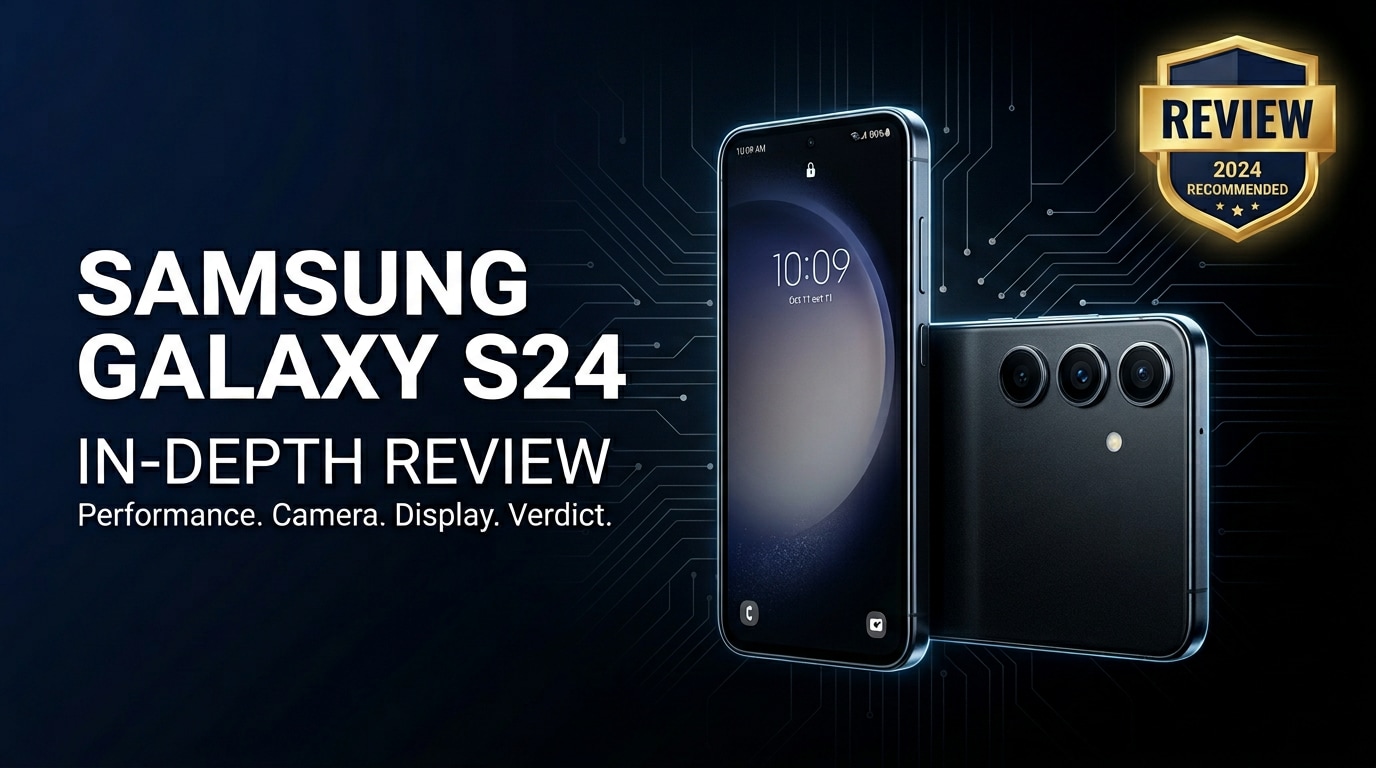
The Samsung Galaxy S24 is Samsung's compact flagship for users who want top-tier performance, polished design, and smarter AI tools without going oversized. It keeps the familiar Galaxy look while upgrading the processor, display brightness, camera intelligence, and long-term software support. This review walks through its strengths and weaknesses in daily use, helps you decide if it is worth buying, and explains what to do if your Galaxy S24 photos, videos, or documents ever become corrupted.
Repair Corrupted Files To Save Your Data
 Security Verified. Over 7,302,189 people have downloaded it.
In this article
What is New About Samsung Galaxy S24
The Galaxy S24 focuses on refinement rather than a radical redesign, but there are several meaningful upgrades over previous models.
- Newer, more efficient chipset for better performance and cooler operation under load.
- Brighter display for improved readability outdoors and smoother variable refresh handling.
- Smarter camera processing with enhanced night performance and improved detail retention.
- AI-driven features like smart editing, live translation, and productivity tools integrated into system apps.
- Extended software support window, giving the phone a longer usable lifespan with security updates.
Price, Storage, and Design
Samsung Galaxy S24 price and storage options
At launch, the Samsung Galaxy S24 targets the premium segment while staying below ultra flagship prices. Exact pricing varies by region and carrier promotions, but you can usually choose between multiple storage tiers without expandable microSD support.
| Model | Typical configuration |
|---|---|
| Galaxy S24 base | Ample RAM with 128 GB internal storage |
| Galaxy S24 higher tier | More RAM and 256 GB or higher storage option |
Since there is no memory card slot, it is worth estimating how many photos, videos, and apps you will keep locally and picking the largest storage you can reasonably afford.
Design, build quality, and in-hand feel
The Galaxy S24 keeps Samsung's flat-sided, minimalist design with premium materials. The frame feels solid, the glass back is clean, and the camera module is neatly integrated in a vertical stack.
- Compact footprint for easier one-handed use compared with many large flagships.
- High-quality materials that feel sturdy and premium in daily handling.
- Water and dust resistance (IP rating), giving you extra peace of mind against spills and rain.
Display, Performance, and Daily Use
The Samsung Galaxy S24 continues Samsung's strong reputation for vibrant OLED screens. Colors are vivid yet can be tuned more natural, blacks are deep, and the high refresh rate keeps scrolling and animations smooth.
- Display: High-resolution OLED with adaptive refresh rate for smoother motion and battery efficiency.
- Brightness: Higher peak brightness improves outdoor legibility in direct sunlight.
- Touch response: Fast and accurate touch registration helps with gaming and quick typing.
Under the hood, the upgraded chipset offers snappy app launches and stable frame rates for most modern games. RAM management is improved, so multitasking between social apps, streaming, and productivity tools feels fluid.
In day-to-day use, the phone handles messaging, browsing, and media consumption without stutters. Network performance, including Wi-Fi and 5G, is reliable, and call quality is clear on both ends. The in-display fingerprint reader is responsive, and face unlock provides a convenient secondary option.
Camera Review
The camera system on the Galaxy S24 is designed to be versatile for everyday shooting. You get a main wide lens, an ultra-wide for landscapes or group shots, and a telephoto for zoomed images.
- Daylight photos: Images are sharp with punchy colors and strong dynamic range, ideal for social sharing without heavy editing.
- Low-light performance: Improved night mode reduces noise and enhances detail, with balanced exposure and color accuracy.
- Portrait mode: Good subject separation and natural-looking background blur, with adjustable intensity.
- Video: Stable 4K recording with effective stabilization and decent audio capture for vlogging or casual clips.
AI-powered enhancements help detect scenes, optimize settings, and offer features like object eraser or smart cropping. These tools make it easier to get a good shot quickly even if you are not an expert photographer.
Battery, Charging, and Software Experience
The Galaxy S24 battery is tuned to balance endurance with a slim design. For typical usage patterns such as messaging, web browsing, social apps, and a bit of streaming, most users will comfortably reach the end of the day on a single charge.
- Battery life: Efficient chipset and adaptive display help reduce power drain during light tasks.
- Charging: Fast wired charging and wireless charging support allow quick top-ups when needed.
- Power management: Built-in modes let you optimize for performance or longevity depending on your priorities.
On the software side, Samsung's One UI offers a polished, customizable experience on top of Android. You can tweak themes, layouts, and gesture controls while benefiting from deep integration with Samsung services and Google apps.
Long-term software support is a major strength. The Samsung Galaxy S24 is expected to receive multiple years of Android OS upgrades and security patches, helping keep your phone secure and compatible with new apps over time.
Pros and Cons of Samsung Galaxy S24
| Pros | Cons |
|---|---|
| Compact premium design that is comfortable to use one-handed. | No microSD card slot, so storage choice at purchase is critical. |
| Vibrant, bright OLED display with smooth high refresh rate. | Battery life, while solid, may require a top-up for very heavy users. |
| Strong performance and long software support for years of use. | Camera improvements are incremental if you are upgrading from a recent flagship. |
| Reliable cameras with better AI features for photos and videos. | Premium price may feel high compared with mid-range alternatives. |
| Useful AI tools and refined One UI experience. | Pre-installed apps and services may require some cleanup. |
What to Do If Your Samsung Galaxy S24 Files Get Corrupted
Why Galaxy S24 files may become corrupted
Even a modern device like the Samsung Galaxy S24 is not immune to data issues. Files can become corrupted for several reasons: interrupted transfers, sudden shutdowns during recording, faulty cables, storage errors, or buggy apps. When this happens, photos might stop opening, videos may refuse to play, or documents might appear unreadable or partially missing.
Before giving up on these files, it is worth trying a specialized repair tool that can analyze and rebuild the damaged data structure rather than simply attempting another copy or re-download.
How to repair corrupted Galaxy S24 files with Repairit
For corrupted photos, videos, or documents from your Galaxy S24, Wondershare Repairit is a practical option. It is designed for non-technical users and provides clear steps to scan, preview, and restore damaged files from phones, SD cards, and computers. You can learn more on the Repairit official website.
Key features of Repairit
- Repairs corrupted photos, videos, and files from mobile devices, SD cards, and computer storage.
- Offers quick scanning with a preview window so you can check the repaired result before saving.
- Uses a simple, guided workflow that does not require advanced technical knowledge.
Step-by-step guide to fix corrupted Samsung Galaxy S24 files
- Launch Repairit on your computer and add your Galaxy S24 files

Install and open Repairit on your Windows PC or Mac. Choose the correct module for your issue (video, photo, or file repair). Connect your Samsung Galaxy S24 via USB or mount its storage/SD card, then click the add button to import the corrupted photos, videos, or documents that will not open correctly.
- Start the repair and check the preview results

Click the repair or start button so Repairit can analyze each selected file for structural errors and data inconsistencies. When the process finishes, use the built-in preview to play repaired videos, zoom into photos, or open documents. Confirm that playback, clarity, and content look normal compared with the broken originals.
- Save the repaired files and back them up safely

Select the repaired items you want to keep and choose a secure folder on your computer or an external drive as the save location. Once exported, you can copy these fixed files back to your Galaxy S24. To avoid future data loss, keep at least one extra backup in cloud storage or on another physical drive.
Conclusion — When Should You Buy?
The Samsung Galaxy S24 is a well-rounded flagship with a compact body, vivid display, smooth performance, and dependable cameras. Its smarter AI tools and long-term software support make it a strong everyday companion for most Android users who want premium quality without going to oversized or ultra-expensive models.
You should seriously consider the Galaxy S24 if you value a manageable size, polished software, and balanced performance for work, social media, and entertainment. Just remember to plan your storage choice carefully, back up your data regularly, and use tools like Repairit if your important photos, videos, or documents ever become corrupted.
FAQ
-
1. Is the Samsung Galaxy S24 worth upgrading from the Galaxy S22 or S21?
If you want better performance, longer software support, and improved cameras with newer AI features, the Samsung Galaxy S24 is a meaningful upgrade from the S22 or S21. If your current phone still feels fast and the battery is healthy, you could wait for a discount or a carrier trade-in offer. -
2. How long will the Samsung Galaxy S24 receive software updates?
Samsung typically commits to several years of Android OS upgrades plus additional years of security patches for its flagship phones. This means the Galaxy S24 should receive long-term support, keeping it secure and compatible with new apps for an extended period. -
3. What should I do if photos or videos on my Galaxy S24 will not open?
Try restarting the phone first and opening the files with a different gallery or video app. If they are still corrupted, copy them to a computer and use a repair tool such as Wondershare Repairit to scan and fix the damaged files, then save repaired copies in a safe folder. -
4. Does the Samsung Galaxy S24 have good battery life for heavy users?
The Galaxy S24 offers strong all-day battery life for typical use. Heavy gamers, frequent hotspot users, or people who stream for hours may still need an evening top-up, but fast charging helps reduce downtime when you plug in. -
5. Can I recover deleted files from my Samsung Galaxy S24?
First, check the trash or recycle sections in apps like Google Photos, Samsung Gallery, or your cloud backup service. If the files are not there and were not backed up, avoid saving new data to the phone and consider using professional recovery or repair software on a computer as soon as possible.




