
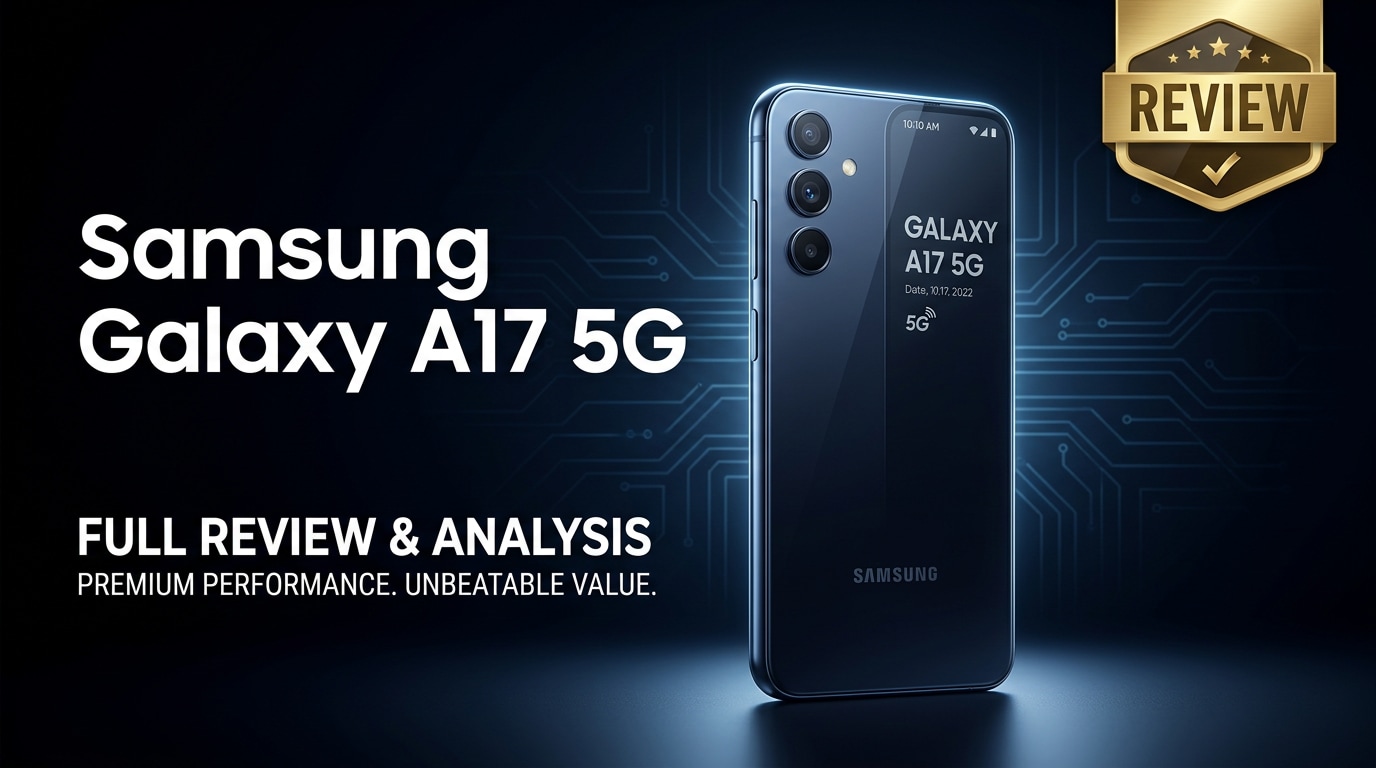
The Samsung Galaxy A17 5G is a budget-friendly 5G smartphone built for everyday users who care about a big display, steady connectivity, and dependable battery life. It aims to balance modern features with a reasonable price, making it suitable for social media, streaming, light gaming, and casual photography. This review covers its design, performance, cameras, battery, and software, plus what to do if your Galaxy A17 5G starts showing corrupted photos, videos, or documents.
Repair Corrupted Files To Save Your Data
 Security Verified. Over 7,302,189 people have downloaded it.
In this article
The Galaxy A17 5G sits in Samsung's mid-range lineup and focuses on practical upgrades that matter in daily life: smoother 5G connectivity, a large display for streaming and browsing, and a battery that can comfortably last through a busy day. Instead of chasing premium extras, it aims to give you a reliable smartphone experience at a price that is easier on the wallet, especially if you are upgrading from an older 4G or entry-level device.
What is New About Samsung Galaxy A17 5G
The Samsung Galaxy A17 5G builds on earlier A-series models with better connectivity and refinements that target real-world usage instead of just benchmark numbers.
- Upgraded 5G modem for more stable data speeds on supported networks, ideal for streaming, video calls, and cloud apps.
- A larger, more immersive display with a smoother refresh rate compared to older A-series phones, improving scrolling and animations.
- An updated chipset focused on efficiency, helping balance performance with lower power consumption.
- Camera tuning improvements for better daylight detail and more consistent skin tones in portraits.
- Newer One UI software version with security patches, smarter battery management, and quality-of-life improvements.
Price, Storage, and Design
Samsung Galaxy A17 5G price and configurations
The Galaxy A17 5G price varies by region and carrier, but it is designed to sit firmly in the affordable 5G bracket.
| Variant | Expected Positioning |
|---|---|
| Base model (RAM + storage) | Targeted at budget-conscious users who mostly stream, browse, and message. |
| Higher storage variant | Better for users who keep lots of photos, videos, and apps locally. |
| Carrier/online offers | Often bundled with discounts, EMI plans, or trade-in deals. |
Exact pricing will depend on your country, taxes, and whether you buy it unlocked or on contract. In most markets, it competes with other value-focused 5G phones rather than premium flagships.
Build quality and design overview
The Galaxy A17 5G design follows Samsung's clean, minimal language seen across the A series.
- Materials: A plastic back and frame that keeps weight down but feels sturdy enough for daily use.
- Finish: Matte or lightly textured rear panel to reduce fingerprints and improve grip.
- Camera module: Vertically stacked lenses that mirror Samsung's recent design language.
- Practical touches: Side-mounted fingerprint scanner, USB-C port, and a SIM tray that often supports dual SIM plus microSD (depending on region).
Overall, the phone looks modern without trying to be flashy, aiming instead for durability and comfort in the hand.
Display, Performance, and Daily Use
The display is a central part of any smartphone experience, and the Galaxy A17 5G aims to deliver a comfortable screen for long sessions of scrolling and watching content.
- Display size and type: A large panel suited for split-screen multitasking, reading, and video streaming.
- Refresh rate: A smoother refresh rate (compared with basic 60 Hz screens) makes UI navigation and supported games feel more fluid.
- Brightness and outdoor use: Adequate brightness for casual outdoor use, with adaptive brightness to adjust based on surroundings.
Under the hood, the Galaxy A17 5G performance targets everyday tasks rather than heavy workloads.
- Processor and RAM: A mid-range chipset paired with enough RAM for multitasking between social apps, messaging, and light productivity.
- Gaming: Casual and mid-level games run well on moderate settings, though graphically intense titles may need lowered settings to stay smooth.
- Connectivity: 5G, 4G, Wi-Fi, Bluetooth, and GPS are on board, making it a reliable companion for navigation, calls, and streaming.
For day-to-day use, the Samsung Galaxy A17 5G feels tuned for reliability: apps open promptly, switching between them is mostly smooth, and the phone stays cool during typical use scenarios such as browsing and video playback.
Camera Review
The Galaxy A17 5G camera system is designed for social media sharing and everyday photography rather than professional-level shoots. It typically includes a main sensor, supporting lenses, and a front-facing camera for selfies and video calls.
- Main camera: Captures detailed shots in good lighting, with colors leaning toward Samsung's usual vibrant style.
- Low-light performance: Night and indoor shots are usable but can show noise and loss of fine detail, especially without steady hands.
- Portrait mode: Provides background blur that works well for people and pets, though edge detection can occasionally miss fine hair or outlines.
- Ultra-wide or macro (if included): Helpful for fitting more into a frame or capturing close-ups, but lower resolution means results are best in strong light.
- Front camera: Good enough for clear video calls and selfies, with beautification filters available for users who like a polished look.
For most users, the Samsung Galaxy A17 5G delivers a camera experience that is more than sufficient for sharing content on Instagram, TikTok, or messaging apps. It is not meant to replace a professional camera, but it handles family photos, casual vlogs, and travel snapshots reliably.
Battery, Charging, and Software Experience
The Galaxy A17 5G battery is one of its most attractive traits. With a large capacity and efficient hardware, the phone is built to last a full day for typical users.
- Battery capacity: Large enough to handle a mix of messaging, social media, calls, some streaming, and light gaming without constant top-ups.
- Screen-on time: Optimized to balance performance and battery drain, especially when using mobile data and 5G.
- Charging: Fast charging support (exact wattage varies by region) that can bring the battery from low to usable levels in a short window.
On the software side, the Samsung Galaxy A17 5G runs Samsung's One UI on top of Android.
- User interface: Clean, customizable UI with options for dark mode, accessible menus, and quick setting toggles.
- Pre-installed apps: Samsung and Google apps come standard, with some regional bloatware that can often be disabled or uninstalled.
- Security and updates: Regular security patches and planned Android/One UI upgrades (exact policy varies by market).
Overall, the battery and software experience help the Galaxy A17 5G feel consistent and dependable throughout the day.
Pros and Cons of Samsung Galaxy A17 5G
| Pros | Cons |
|---|---|
| Affordable entry point into 5G with balanced hardware and software. | Not ideal for heavy gamers or power users who need flagship-class performance. |
| Large display and long-lasting battery suited for streaming and daily use. | Low-light camera performance can struggle with noise and softness. |
| Expandable storage on most variants, plus a familiar, polished Samsung interface. | Plastic build may feel less premium than glass/metal competitors. |
What to Do If Your Samsung Galaxy A17 5G Files Get Corrupted
Why choose Repairit for Galaxy A17 5G file issues
Even reliable phones can run into problems: a sudden shutdown, storage glitch, or failed transfer can leave your photos, videos, or documents corrupted. If your Samsung Galaxy A17 5G starts showing files that will not open or play, a dedicated repair tool can help. Wondershare Repairit is built specifically to fix damaged media and documents from devices like the Galaxy A17 5G. You can learn more and access both desktop and online tools from the Repairit official website.
Key features of Repairit
- Repairs corrupted or unplayable videos, photos, audio, and documents copied from your Samsung Galaxy A17 5G or other sources.
- Supports multiple formats commonly used on Android, so you can handle different file types in one place.
- Offers a guided, click-based repair flow with file previews before you save the fixed versions.
Step-by-step: Repair corrupted Samsung Galaxy A17 5G files
- Transfer the problematic files from your Galaxy A17 5G to a computer and open Repairit. On the main screen, pick the module that matches your issue, such as Video Repair, Photo Repair, or File Repair. Click the add button and select the corrupted photos, videos, or documents you moved from the phone.
- Once the files are loaded, click the repair button to start processing. Repairit will analyze the structure of each file, identify common issues that prevent playback or opening, and attempt to fix them automatically. Let the scan and repair run without closing the program or disconnecting your drive until it finishes.
- After the repair completes, use the preview function to check each recovered file directly inside Repairit. If the content now opens or plays correctly, choose a safe output folder on your computer and click save. When everything is stored, you can copy the repaired files back to your Samsung Galaxy A17 5G or keep them backed up on your PC or an external drive.



Conclusion — When Should You Buy?
The Samsung Galaxy A17 5G is a solid choice if you want reliable 5G, a big screen, and strong battery life without stretching your budget. It focuses on practical strengths like streaming, social media, navigation, and casual gaming rather than pushing high-end specs.
If you mainly use your phone for everyday tasks and prefer value over luxury finishes, the Galaxy A17 5G is worth buying when offered at a competitive price or as part of a good carrier deal. Paired with a repair tool like Wondershare Repairit, you also have a safety net for rescuing corrupted photos, videos, and documents should anything go wrong.
FAQ
-
1. Is the Samsung Galaxy A17 5G good for gaming?
The Samsung Galaxy A17 5G handles casual and mid-level games smoothly, especially popular titles on medium or balanced graphics. For very demanding 3D games at the highest settings, you may see frame drops, so lowering graphics or frame rate is recommended for a more stable experience. -
2. Does the Samsung Galaxy A17 5G support expandable storage?
Yes. Most Galaxy A17 5G variants include a microSD card slot that lets you expand storage beyond the internal capacity. Always check your local model's specifications to confirm card support and maximum capacity before purchasing a memory card. -
3. How long does the Samsung Galaxy A17 5G battery last in daily use?
With its large battery and efficient hardware, the Samsung Galaxy A17 5G is designed to comfortably last a full day of regular use. Tasks such as browsing, social media, messaging, and streaming should not require more than one charge per day, while heavy gaming or continuous 5G use may shorten runtimes. -
4. What should I do if photos on my Samsung Galaxy A17 5G become corrupted?
Stop shooting new photos or videos to avoid overwriting data, then copy the corrupted files to a computer. Use a dedicated repair tool like Wondershare Repairit to scan and fix the damaged images. After repair, save the recovered files to a safe location and consider backing them up to cloud storage. -
5. Can I recover damaged videos saved on my Samsung Galaxy A17 5G?
In many cases, yes. Transfer the problematic video files from your Galaxy A17 5G to a computer and run them through Repairit. If the data is not severely overwritten or physically lost, the software can often restore the videos to a playable state.




