
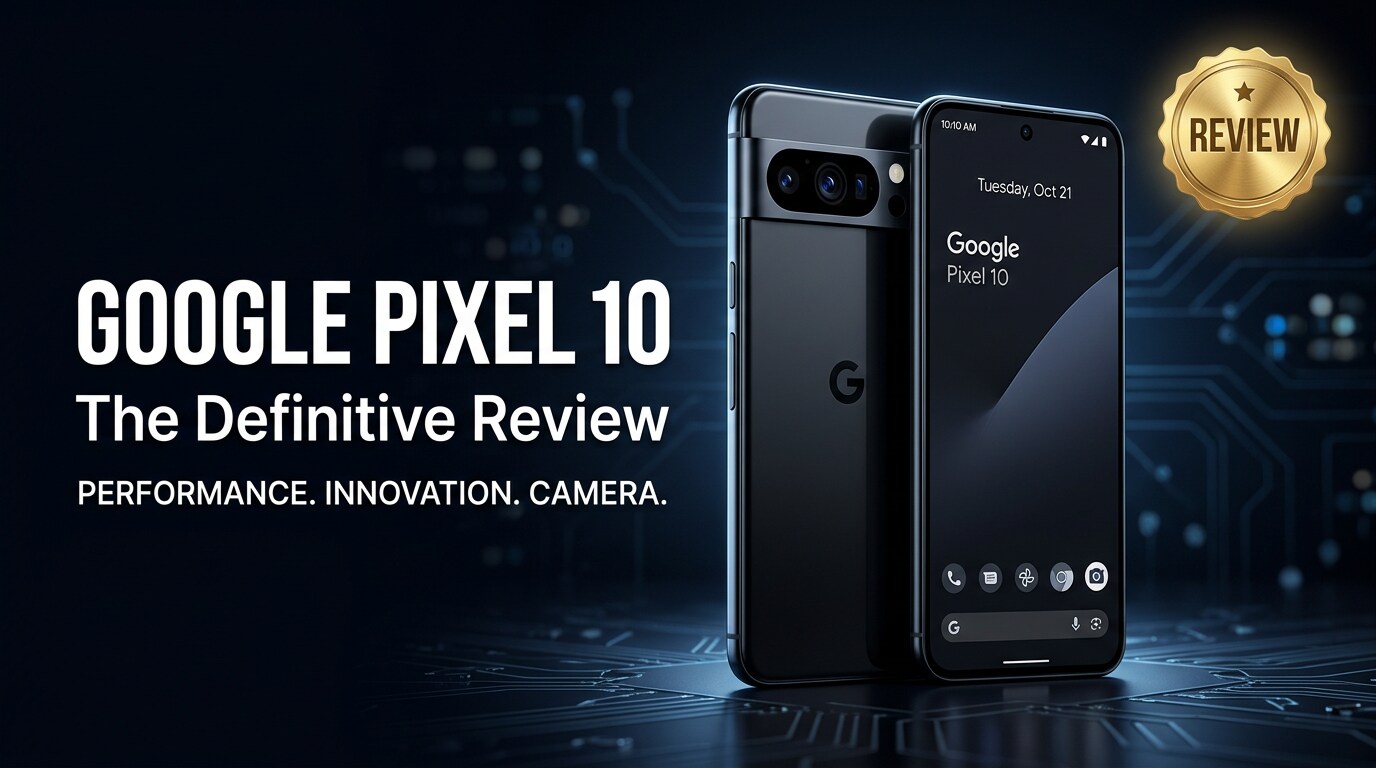
The Google Pixel 10 is Google's latest flagship phone, built to showcase pure Android, powerful AI features, and an upgraded camera system. It aims to handle everything from social media and gaming to serious photography with effortless performance and all-day battery life, while keeping Google's clean and secure software experience.
Repair Corrupted Files To Save Your Data
 Security Verified. Over 7,302,189 people have downloaded it.
In this article
What's New About Google Pixel 10
The Pixel 10 specs build on Google's custom Tensor platform with a newer, more efficient chipset designed for on-device AI tasks. This means faster voice processing, better photo computation, and smarter suggestions without always needing the cloud.
The camera stack receives upgraded sensors and refined image processing for sharper detail and more accurate skin tones. Google also pushes deeper integration with its services, from seamless photo backup in Google Photos to smarter spam filtering and call screening.
Another visible change is the streamlined design language. The signature camera bar remains, but the frame and back panel have slimmer lines, improved grip, and a refreshed color palette that aims to look more premium while staying practical for daily use.
Price, Storage, and Design
Pixel 10 pricing and configurations
The Pixel 10 price is positioned in the flagship tier, but Google typically keeps it slightly lower than some competing ultra-premium phones. Expect the base model to ship with at least 128 GB of internal storage, with 256 GB and possibly larger storage options available in select markets.
Since there is usually no microSD expansion, choosing the right storage option is essential. If you shoot a lot of 4K video or plan to keep years of photos on-device, stepping up to a higher-capacity configuration is wise to avoid running out of room later.
Design, colors, and durability
The Pixel 10 design keeps the recognizable camera bar but refines it with smoother transitions into the frame. Materials include a metal frame and glass back, balancing durability with a premium in-hand feel. Subtle curves help the phone sit comfortably, even during one-handed use.
Color options usually include a classic black or graphite tone alongside brighter, playful finishes. The phone is rated for water and dust resistance, making it suitable for everyday spills and light rain. Gorilla Glass protection on the front and back adds extra resilience against scratches and small drops.
Display, Performance, and Daily Use
The display on the Google Pixel 10 continues Google's use of high-refresh-rate OLED panels. You get deep blacks, vivid but controlled colors, and smooth scrolling thanks to adaptive refresh that can ramp up for gaming and drop to save power when viewing static content.
Under the hood, the updated Tensor chipset and ample RAM deliver confident multitasking. Apps open quickly, switching between chats, maps, and streaming is responsive, and the device stays cool in most scenarios. AI-powered features like live translation, voice typing, and smart call handling feel noticeably snappier.
In daily use, the Pixel 10 performance is defined by consistency more than sheer benchmark numbers. Animations are fluid, the interface remains clean and bloat-free, and Google's helpful features stay out of the way until you need them. Haptic feedback is tight and precise, enhancing typing and gesture navigation.
Camera Review
The Pixel 10 camera is the main reason many users choose this phone. Google combines upgraded sensors with its computational photography pipeline to capture detailed photos with strong dynamic range in varied lighting conditions.
Daylight shots have natural colors, accurate exposure, and excellent contrast. Portrait mode remains a highlight, with refined subject separation and improved handling of hair and tricky edges. Low-light performance benefits from faster Night Sight processing, producing bright, clean images with realistic tones.
On the video side, the Pixel 10 videos support high-resolution recording with advanced stabilization that keeps footage steady while walking or panning. Enhanced HDR video modes help preserve detail in bright skies and dark shadows. Audio capture is clear, with directional noise reduction to prioritize voices.
Google's imaging tools round out the experience: features like Magic Eraser, advanced photo editing in Google Photos, and automatic backup make it easy to polish and protect your visual memories.
Battery, Charging, and Software Experience
The Pixel 10 battery is tuned for a full day of typical mixed use, including messaging, social apps, web browsing, and casual gaming. Adaptive battery learns your usage patterns to prioritize the apps you rely on most and limit background drain from others.
Fast wired charging and wireless charging support help you top up quickly when needed. While exact wattage depends on final specs, Google usually aims for a practical balance between speed and long-term battery health, so using the recommended charger is advisable.
On the software side, the Pixel 10 ships with the latest version of Android in Google's clean Pixel skin. The experience includes timely security patches and multiple years of OS upgrades. Features like At a Glance, smart home controls, and deep integration with Google Assistant make the phone feel like an intelligent hub for your digital life.
Pros and Cons of Google Pixel 10
| Pros | Cons |
|---|---|
| Excellent Pixel 10 camera performance in both photos and videos, especially in low light. | No microSD expansion, so storage choice at purchase is final. |
| Clean Android software with long-term updates and useful AI-powered features. | Charging speeds may be slower than some competing flagship phones focused on ultra-fast charging. |
| Bright, smooth OLED display and reliable all-day battery life for most users. | Camera bar design is distinctive but may feel bulky to users who prefer fully flat backs. |
What to Do If Your Google Pixel 10 Files Get Corrupted
Repairit overview for Pixel 10 users
Even with a reliable phone like the Google Pixel 10, photos or videos can become corrupted after a crash, failed transfer, or storage issue. When your memories refuse to open, a dedicated repair tool is much more effective than random manual workarounds. Wondershare Repairit is built specifically to fix damaged photos, videos, and documents from phones, cameras, and computers. You can explore its capabilities and download it from the Repairit official website.
How to repair corrupted Pixel 10 photos and videos
Key features of Repairit for Pixel 10 owners
- Repairs corrupted or unplayable photos and videos from phones, cameras, and computers without complex manual settings.
- Supports batch repair so you can fix many damaged Pixel 10 storage files at once instead of handling them one by one.
- Offers preview before saving, so you only keep the repaired results that actually look or play correctly.
Step-by-step guide: Repair corrupted Google Pixel 10 files
-
Step 1: Add your corrupted Google Pixel 10 files
First, connect your phone to a computer or copy the problematic media from your Google Pixel 10 to a local folder. Launch Wondershare Repairit on your computer and choose the appropriate repair module for photos or videos. Click the option to add files, browse to the folder containing the Pixel 10 media that refuse to open or play, and confirm to load them into the Repairit interface.

-
Step 2: Start the repair scan
After your damaged Pixel 10 files appear in the list, click the Repair button to begin analysis. Repairit will scan each file's structure, identify common corruption patterns, and automatically apply targeted fixes. During this phase, avoid disconnecting drives or closing the program to prevent interruptions. Progress indicators on-screen help you see how far along the repair process is.

-
Step 3: Preview and save the repaired results
When Repairit finishes, select any file in the results list and use the built-in preview to confirm that it now displays or plays correctly. If you are satisfied, click Save and choose a secure destination folder on your computer. It is best to store the fixed versions separately from the original corrupted Google Pixel 10 files, so you always have a clean backup going forward.

Conclusion — When Should You Buy?
The Google Pixel 10 refines the familiar Pixel formula with smoother performance, smarter AI features, and meaningful camera improvements. It feels built for people who want reliable everyday speed, great photos in almost any light, and a clean Android experience with long-term support.
You should strongly consider the Pixel 10 if you value point-and-shoot camera quality, timely Android updates, and thoughtful software over raw hardware specs alone. Couple it with regular backups and tools like Wondershare Repairit, and you have a setup that not only captures important memories but also helps you recover them if files ever become corrupted.
FAQ
-
1. Is the Google Pixel 10 worth upgrading from an older Pixel?
If you are using a Pixel 6 or earlier, the Google Pixel 10 delivers a clear jump in performance, camera quality, and AI features, making it a compelling upgrade. From a Pixel 7 or 8, the changes are more incremental, so it depends on how much you value the latest camera refinements and longer update window. -
2. How much storage does the Google Pixel 10 offer?
Storage configurations vary by region, but the Pixel 10 specs typically start at 128 GB, with 256 GB or higher options available. Because the phone usually lacks microSD support, it is best to choose a capacity that comfortably covers your apps, photos, and videos for the next few years. -
3. How long does the Pixel 10 battery last in daily use?
The Pixel 10 battery is designed to last a full day of mixed use that includes messaging, browsing, streaming, and photography. Intensive gaming or long 5G sessions will shorten runtime, so using adaptive battery settings and power saver mode can help extend it when needed. -
4. What should I do if my Pixel 10 photos or videos get corrupted?
Stop using the phone heavily to avoid overwriting data, then back up any remaining files. Try opening the problematic media on a computer. If the files stay unreadable, use a repair utility such as Wondershare Repairit to scan and fix the corrupted Pixel 10 camera photos or videos. -
5. How long will the Google Pixel 10 receive Android updates?
Google usually provides several years of Android version upgrades and monthly security patches for Pixel phones. The Google Pixel 10 should receive long-term support, keeping it secure and adding new features well into its lifespan.




