
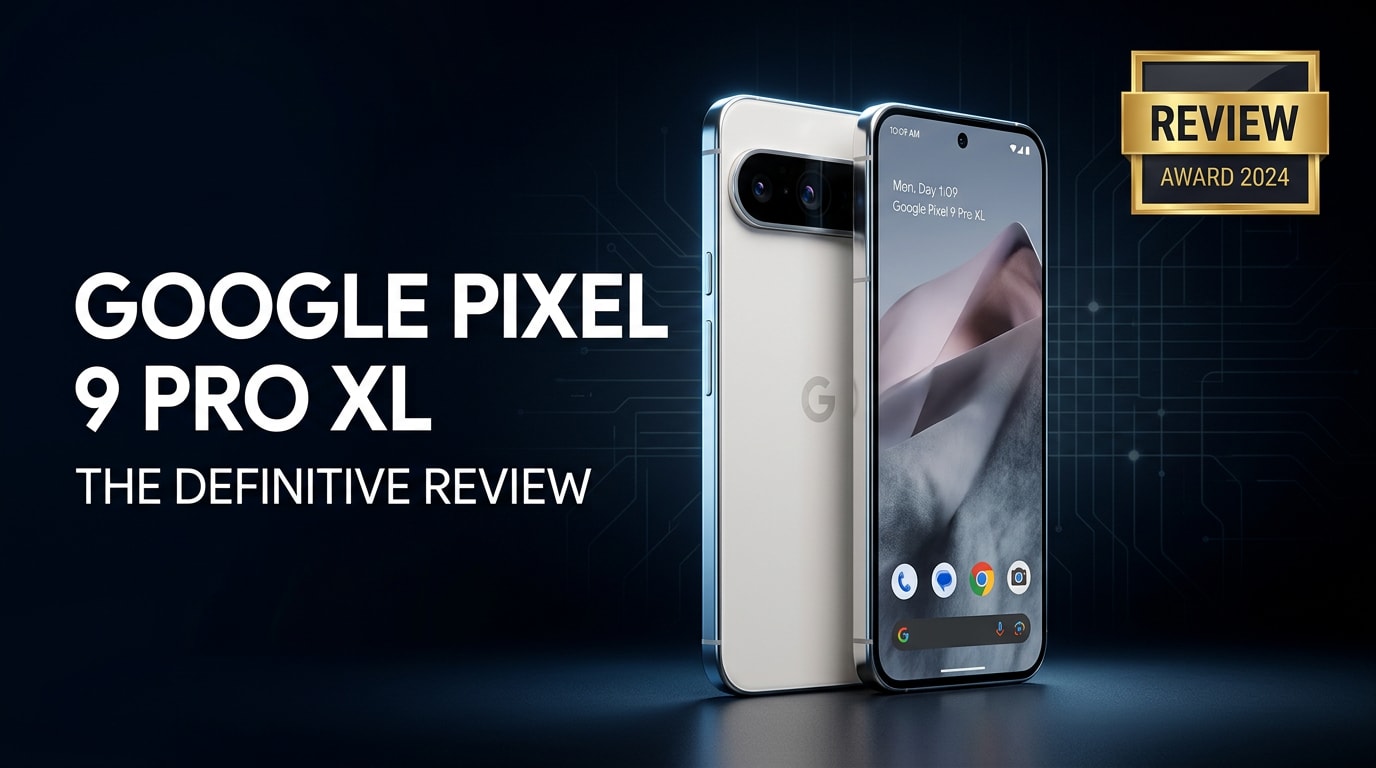
The Google Pixel 9 Pro XL is Google's latest large-screen flagship, built for users who want powerful AI tools, a refined camera system, and long-term Android support. With upgraded hardware, smarter software, and Google's best display yet, it aims to be a complete daily driver for photography, productivity, and entertainment while staying tightly integrated with Google's ecosystem.
Repair Corrupted Files To Save Your Data
 Security Verified. Over 7,302,189 people have downloaded it.
In this article
What's New About Google Pixel 9 Pro XL
The Google Pixel 9 Pro XL refines the Pixel formula with a stronger focus on AI-first features and long-term usability. Under the hood, Google's latest Tensor chipset delivers better on-device processing for voice, translation, and generative tools, while also improving thermals and efficiency over previous generations.
On the outside, Google subtly tweaks the design with slimmer bezels, a more seamless camera bar, and a sturdier frame that still feels premium. The new display reaches higher peak brightness for outdoor visibility and smoother adaptive refresh rates for gaming and scrolling.
Camera upgrades focus on smarter processing, more reliable skin tones, and better zoom performance, backed by an improved ultra-wide and telephoto stack. Software-based features like enhanced Night Sight, Magic Editor, and upgraded Video Boost bring noticeable quality gains, especially in challenging lighting or handheld shooting.
Finally, Google extends its software support window, promising long-lasting security and OS updates that make the Pixel 9 Pro XL a safe choice if you plan to keep your phone for several years.
Price, Storage, and Design
Google Pixel 9 Pro XL price and storage options
Google positions the Google Pixel 9 Pro XL firmly in flagship territory, with pricing that competes directly with other high-end Android phones and iPhones. Exact prices vary by region and promotions, but you can expect it to sit at the upper end of the smartphone market.
| Model | Typical configuration |
|---|---|
| Pixel 9 Pro XL (base) | Large display, flagship chipset, dual/triple rear cameras, minimum 128 GB storage |
| Higher storage tiers | More internal storage (256 GB or above) for 4K video, RAW photos, and app-heavy users |
There is no microSD expansion, so choosing the right storage tier from the start is important if you regularly shoot 4K video or keep a large offline media library.
Design, build quality, and ergonomics
The Pixel 9 Pro XL keeps the recognizable Pixel silhouette with a horizontal camera bar, but the lines are cleaner and transitions between glass and metal are more polished. The large footprint means it is a true two-handed device for many people, yet thoughtful curves around the edges help it sit more comfortably in the hand.
Premium materials like aluminum and Gorilla Glass, plus IP-rated water and dust resistance, make it suitable for everyday use, including light rain and accidental splashes. Button placement remains intuitive, with an easy-to-reach power button and volume rocker on one side, and the USB-C port at the bottom for charging and audio via adapters or USB-C headphones.
Color options follow Google's playful yet minimal approach, combining subtle hues with a matte or semi-gloss finish to resist fingerprints better than older glossy designs. The only drawback for some users will be the weight, which is typical for a large flagship with a big battery and robust camera hardware.
Display, Performance, and Daily Use
The Google Pixel 9 Pro XL features a large, bright OLED panel with high resolution and an adaptive high refresh rate, delivering crisp text, deep blacks, and smooth animations. Whether you are scrolling social feeds, reading long articles, or watching HDR videos, the display offers excellent clarity and contrast, with enough brightness to stay readable in direct sunlight.
Driven by Google's latest Tensor processor and generous RAM, performance is snappy in everyday apps, web browsing, and multitasking. The real strength lies in AI-heavy tasks: live transcription, translation, photo editing, and voice assistance feel faster and more reliable, often running directly on the device to keep data private and reduce latency.
Gaming performance holds up well for most popular titles, with stable frame rates and responsive touch input. During extended sessions, you may feel some warmth near the rear upper portion of the phone, but day-to-day use stays within comfortable limits thanks to better thermal management than earlier Tensor generations.
In daily life, the Pixel experience remains clean and focused. Google's version of Android is free from unnecessary bloat, and you get timely updates plus practical touches like Now Playing, Call Screen, and context-aware suggestions that learn your habits without overwhelming you with settings.
Camera Review
The camera system on the Google Pixel 9 Pro XL continues Google's tradition of prioritizing computational photography. The main sensor delivers sharp, detailed images with accurate colors and excellent dynamic range, even in tricky lighting with strong backlight or mixed shadows.
The ultra-wide camera is useful for landscapes, architecture, and tight indoor spaces, with better edge sharpness and less distortion than many mid-range competitors. The telephoto lens provides meaningful optical zoom, keeping faces and small details crisp without relying too heavily on digital cropping.
Low light performance stands out. Night Sight and related algorithms brighten scenes without turning them unnatural, maintaining realistic shadows and skin tones while controlling noise. Handheld shots in dim restaurants, city streets at night, or indoor events come out surprisingly clean and shareable.
On the video side, stabilization makes walking clips smoother, and features like enhanced HDR, improved audio pickup, and optional processing modes give you more flexibility. You can record high-resolution 4K footage at various frame rates, though these larger files do demand more storage and can occasionally be vulnerable to corruption if recording is interrupted or the phone crashes mid-capture.
Software extras such as Magic Eraser, Magic Editor, and Photo Unblur remain highlights, allowing you to quickly fix distracting elements or slightly soft images directly on your phone without learning complex editing tools.
Battery, Charging, and Software Experience
The Google Pixel 9 Pro XL includes a large battery designed to carry you through a full day of mixed use. With a combination of efficient hardware and adaptive software features, light and moderate users will often still have charge left by bedtime, while heavier users (gaming, lots of 5G video streaming, GPS navigation) may reach for the charger in the evening.
Fast wired charging lets you quickly top up when needed, and wireless charging support adds convenience for desks and nightstands. Reverse wireless charging remains handy for powering accessories like earbuds in a pinch, though it drains the phone more quickly.
On the software side, the Pixel 9 Pro XL runs a clean version of Android with Pixel-exclusive features and a long update promise. You get years of major OS upgrades plus frequent security patches, keeping your device safer over time. Google's AI integrations help summarize content, manage notifications, and offer context-aware suggestions while aiming to preserve privacy through on-device processing where possible.
Combined, these elements create a phone that feels reliable day to day, with fewer slowdowns over time and the peace of mind that comes from knowing you will stay supported longer than many competing Android devices.
Pros and Cons of Google Pixel 9 Pro XL
| Pros | Cons |
|---|---|
|
|
What to Do If Your Google Pixel 9 Pro XL Files Get Corrupted
Why Pixel files may become corrupted
Even on a modern flagship like the Google Pixel 9 Pro XL, your photos and videos are not completely immune to corruption. A sudden app crash while recording, a low-battery shutdown, interrupted file transfers, or glitches during software updates can all damage media files. Sometimes the result is subtle, such as videos that stutter or stop halfway through; other times, the file will refuse to open at all.
Because 4K clips and HDR photos are larger and more complex, a single error can be enough to make them unplayable. That is why having a reliable repair tool on your computer matters if important memories or work content stored on your Pixel suddenly stop working.
How to repair corrupted Pixel photos and videos with Repairit
For recovering unusable photos or videos from your Pixel 9 Pro XL, it is practical to rely on a dedicated repair toolkit instead of trial-and-error with random apps. Wondershare Repairit is built specifically to fix damaged media and other file types with a guided workflow that does not require technical expertise. You can learn more on the Repairit official website.
On desktop, Repairit can scan problematic clips or images copied from your phone and automatically attempt to rebuild playable or viewable versions. This saves time compared with manually re-encoding files or re-installing apps, and it helps you salvage content that would otherwise be lost.
Key features of Wondershare Repairit
- Repairs corrupted or unplayable videos and photos from phones, cameras, and computers.
- Supports a wide range of popular formats, including MP4, MOV, and JPG.
- Offers a simple guided workflow with preview before you save repaired files.
Step-by-step: Fix corrupted Google Pixel 9 Pro XL files with Repairit
- Launch Repairit on your computer and import Pixel files

Install and open Wondershare Repairit on your Windows PC or Mac. From the main screen, choose the module that matches your issue, such as Video Repair or Photo Repair. Click "Add" and browse to the folder where you stored your Google Pixel 9 Pro XL media (phone storage backup, SD card reader, or cloud download). Select the corrupted photos or videos that will not open and confirm to load them into the repair list.
- Start repairing and check previews of fixed media

After your damaged files appear in the list, press the "Repair" button. Repairit scans each file, analyzes errors, and attempts to rebuild a healthy version that can be opened normally. When processing finishes, use the Preview option next to a file to play the recovered video or view the repaired image. Check audio sync, clarity, and completeness so you know which results are worth saving.
- Save repaired Pixel files to a secure location

If you are satisfied with the repaired output, click "Save" and choose a safe destination on your computer or an external drive. Avoid writing back to the same folder or storage that originally held the corrupted data to reduce the risk of further issues. Once everything is exported, you can copy the restored files back to your Google Pixel 9 Pro XL or sync them through Google Photos, Drive, or your preferred cloud service.
Conclusion — When Should You Buy?
The Google Pixel 9 Pro XL is a compelling choice if you want a big, bright display, a versatile camera system, and Google's clean Android experience with powerful AI tools. Its long-term software support and strong everyday performance make it well suited to users who plan to keep their phone for several years instead of upgrading every cycle.
If you prefer compact devices or are on a tight budget, a smaller Pixel or mid-range alternative might fit better. But if you are comfortable with flagship pricing and value top-tier cameras, smart software, and timely updates, the Pixel 9 Pro XL is easy to recommend. Just remember to keep backups of your photos and videos, and use tools like Wondershare Repairit when corrupted files threaten important memories.
FAQ
-
1. Is the Google Pixel 9 Pro XL worth upgrading from an older Pixel?
If you are coming from a Pixel that is two or more generations old, the Google Pixel 9 Pro XL offers clear gains in performance, camera quality, battery efficiency, and software support length. For recent flagships like the Pixel 8 series, the upgrade is more incremental and depends on how much you value the larger display and newer AI features. -
2. How good is the Google Pixel 9 Pro XL camera for low light photos?
The Pixel 9 Pro XL performs very well in dim conditions thanks to Google's Night Sight and improved image processing. It captures bright, detailed photos with controlled noise and accurate colors, often outperforming many competitors in challenging lighting. -
3. What should I do if videos on my Google Pixel 9 Pro XL will not play?
Start by restarting your phone and trying another video player app. If playback still fails, transfer the video files to a computer and use a repair tool such as Wondershare Repairit to analyze and fix potential corruption. Avoid recording or copying new data over the same storage until you finish the repair attempt. -
4. Can I recover deleted photos from my Google Pixel 9 Pro XL?
First, check the Trash folders in Google Photos and the Files app; items usually stay there for a limited time before permanent deletion. If they are gone and you have no cloud backup, you may need specialized recovery software, but success is not guaranteed. Enabling automatic backup to Google Photos or another cloud service is the best prevention. -
5. How can I prevent file corruption on my Google Pixel 9 Pro XL?
Avoid force-stopping the camera while recording, do not power off or let the battery die in the middle of a video, and keep enough free storage space available. Update your apps and system regularly, use high-quality cables during transfers, and maintain routine backups so you have a fallback if something goes wrong.




