
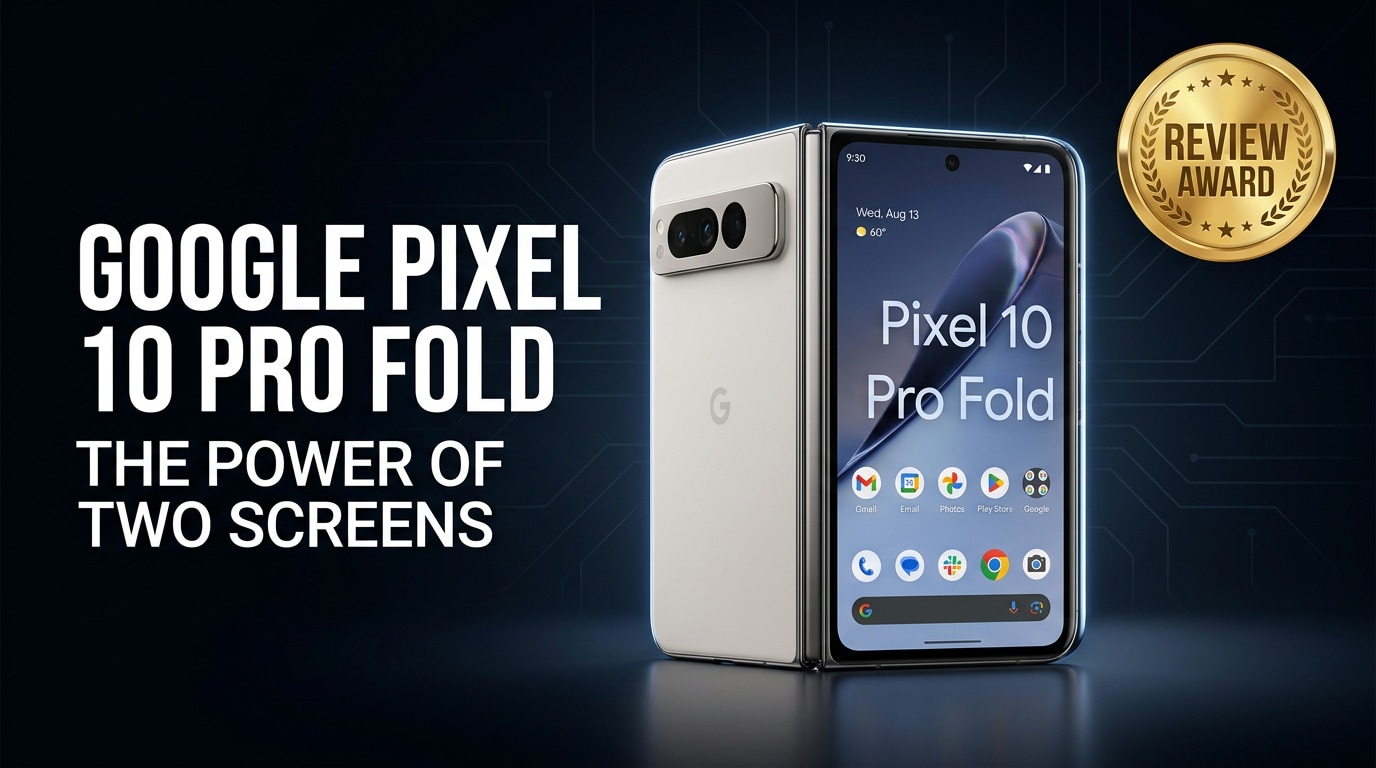
The Google Pixel 10 Pro Fold is Google's latest flagship foldable, designed to bridge the gap between a compact phone and a productive tablet. It combines premium hardware, a flexible inner display, and powerful on-device AI to handle work, gaming, and photography. This review covers its design, specs, cameras, battery life, and day-to-day experience, and explains how to protect your data if files on your Pixel 10 Pro Fold become corrupted.
Repair Corrupted Files To Save Your Data
 Security Verified. Over 7,302,189 people have downloaded it.
In this article
Introduction to the Google Pixel 10 Pro Fold
The Google Pixel 10 Pro Fold is a premium Android foldable that opens into a tablet-like display while keeping a traditional phone form factor when closed. It targets users who want a single device for communication, media, productivity, and photography, with Google's latest AI tricks built directly into the hardware and software. Think of it as a Pixel Pro and a compact tablet combined.
What is New About Google Pixel 10 Pro Fold
Key hardware and AI upgrades
The latest Pixel 10 Pro Fold iteration focuses on stronger performance, smarter AI, and better durability. Under the hood, Google uses a new-generation Tensor chipset with improved efficiency, upgraded ISP for imaging, and faster on-device AI processing for tasks like live translation, call screening, and photo editing. RAM and storage options are tuned for power users, and wireless connectivity is updated with more reliable 5G and Wi-Fi support.
On the AI side, the phone leans heavily into generative tools. Features such as AI wallpaper, enhanced Magic Editor, and upgraded voice typing aim to reduce friction across everyday use. These improvements make the foldable experience less about novelty and more about tangible productivity gains.
Foldable experience improvements
Compared with earlier Pixel folds, the Google Pixel 10 Pro Fold emphasizes a slimmer hinge, reduced display crease visibility, and better weight distribution. The hinge is designed for more stable multi-angle positions, useful for hands-free video calls, desk mode, or shooting photos without a tripod.
Software refinements also matter. Google has optimized split-screen multitasking, drag-and-drop between apps, and continuity when moving content from the outer to the inner display. More apps are tuned for large-screen layouts, which helps the Fold feel closer to a compact tablet instead of just a stretched phone screen.
Price, Storage, and Design
Pricing and storage options
The Pixel 10 Pro Fold sits firmly in the ultra-premium segment. Pricing is positioned to compete with other top-tier foldables, reflecting the cost of its dual displays, advanced hinge, and flagship internals. Typical configurations start with generous base storage, such as 256 GB, and scale up to higher tiers like 512 GB or 1 TB for users with large media libraries and heavy app usage.
There is no microSD expansion, so choosing the right storage tier upfront is important. If you shoot lots of 4K or 8K video, capture RAW photos, or store big offline files, the higher-capacity variant will age better.
Build quality and ergonomics
The Google Pixel 10 Pro Fold design blends glass, metal, and a refined camera bar that echoes the standard Pixel line while accommodating the foldable hinge. The frame feels sturdy, and Google aims for a comfortable in-hand feel despite the added complexity of a foldable device.
While closed, the phone is tall and pocketable, with an outer display that supports quick tasks. When unfolded, the larger inner panel offers an almost tablet-like canvas. The hinge mechanism is smoother than early foldable generations, with an emphasis on resistance to wobble and controlled opening angles. Still, as with any foldable, extra care is required to avoid grit, drops, and pressure on the inner display.
Display, Performance, and Daily Use
Outer and inner displays
The Google Pixel 10 Pro Fold includes a bright, high-refresh outer display for one-handed use and a larger inner foldable display for immersive tasks. Both panels are tuned for vivid colors, deep blacks, and excellent HDR performance, making them ideal for streaming, photo editing, and browsing.
The inner screen is optimized to minimize crease visibility under normal viewing angles, and the bezels are kept reasonably slim to maximize usable area. High refresh rates keep scrolling and animations smooth across both displays, while adaptive brightness and eye comfort modes assist with outdoor visibility and late-night reading.
Performance and everyday usability
Powered by Google's newest Tensor chipset, the Pixel 10 Pro Fold aims to deliver flagship-level performance with an emphasis on AI and machine learning tasks. General navigation, app switching, and split-screen multitasking feel responsive, and background AI processes (like live transcription or real-time photo enhancement) run without making the phone sluggish.
For gaming, the Fold can handle graphically demanding titles at high settings, although intense sessions may warm the device and impact battery drain. Multitasking is where it shines: running two or three apps side by side on the inner display meaningfully improves productivity, whether you're referencing documents, chatting, or editing photos while browsing.
Camera Review
Photo and video quality
The camera setup on the Google Pixel 10 Pro Fold is built to rival the best non-folding flagships. You can expect a high-quality main sensor, an ultra-wide lens for landscapes and group shots, and a telephoto lens for zoom. Daylight shots are detailed, with Google's characteristic contrasty look and strong dynamic range.
Low-light performance benefits from improved Night Sight algorithms, allowing the Fold to capture bright, clean images in dim environments. Video recording offers 4K at high frame rates, with reliable stabilization that reduces shake during walking or panning. Audio capture is generally clear, making the device suitable for casual vlogs and social content.
AI camera features
The standout aspect of the Google Pixel 10 Pro Fold camera system is its suite of AI tools. Features such as Magic Eraser, Best Take, and advanced portrait modes help you fix distractions, adjust facial expressions, or tweak depth-of-field after the shot. Generative editing tools go further, letting you creatively reframe or enhance images in ways that previously required a desktop editor.
On the video side, AI-assisted stabilization, improved autofocus tracking, and subject isolation make it easier to get polished footage even if you're not an expert. These tools fit naturally into the camera app, so the Fold feels like a smart assistant for everyday content creation rather than just a high-end sensor array.
Battery, Charging, and Software Experience
Battery life and charging speeds
The Google Pixel 10 Pro Fold packs a sizable battery to offset the demands of two displays and a powerful processor. With mixed usage across both screens, it is designed to last through a typical day, though heavy gaming, extended inner-screen use, or long 5G sessions may still require an evening top-up.
Wired fast charging and wireless charging are supported, with speeds competitive for a modern flagship. While it may not always top the charts in raw charging wattage, the balance between battery capacity and charge rate is tuned to manage heat and preserve long-term battery health.
Software, AI, and updates
Running the latest version of Android with Google's Pixel skin, the Google Pixel 10 Pro Fold leans into AI-led experiences. Call screening, spam filtering, live translation, and smart reply suggestions are deeply integrated. On the big inner display, large-screen optimizations make it easier to use multiple apps and pick up content where you left off.
Google typically promises several years of OS upgrades and security patches, which is crucial for a premium device expected to last. Regular feature drops often bring new camera tools, AI capabilities, and interface refinements, ensuring the Pixel 10 Pro Fold improves over time rather than feeling static after launch.
Pros and Cons of Google Pixel 10 Pro Fold
| Pros | Cons |
|---|---|
| Large, versatile foldable display that boosts productivity and media consumption. | Premium price puts it out of reach for many buyers. |
| Excellent camera system with powerful AI editing tools and consistent image quality. | Foldable design is more fragile than traditional glass slab phones and needs extra care. |
| Deep integration with Google's AI features, long-term software support, and clean Android experience. | Battery life can drop faster under heavy multitasking or gaming on the inner screen. |
What to Do If Your Google Pixel 10 Pro Fold Files Get Corrupted
Why Pixel files get corrupted
Even with a premium phone like the Google Pixel 10 Pro Fold, file corruption can happen. Sudden shutdowns, low battery during recording, interrupted transfers, buggy apps, or storage errors can all damage photos, videos, and documents. Symptoms include files that will not open, videos that freeze or show errors, or photos that appear blank or distorted.
When this occurs, avoid repeatedly opening or editing the damaged files on your phone, as this may make the corruption worse. Instead, copy the affected items to a computer and use a dedicated repair tool to attempt safe recovery.
Use Repairit to fix corrupted Pixel files
For many users, the most practical option is Wondershare Repairit, a professional repair toolkit that can handle corrupted photos, videos, audio, and documents from devices like the Google Pixel 10 Pro Fold. It offers a guided workflow, supports many common error scenarios, and lets you preview files before saving them. You can learn more and download it from the Repairit official website.
Key features of Repairit
- Repairs corrupted photos and videos from phones, cameras, and computers.
- Supports batch repair, letting you fix many damaged files in one session.
- Offers an intuitive interface with step-by-step guidance and preview before export.
Step-by-step: Repair corrupted Google Pixel 10 Pro Fold files with Repairit
-
Step 1: Launch Repairit and import your corrupted Pixel files
Install and open Repairit on your Windows or Mac computer. From the main screen, choose the right repair module, such as Video Repair or Photo Repair, depending on what is damaged. Click the "Add" button and browse to the folder where you saved your transferred Google Pixel 10 Pro Fold photos or videos. Select all the corrupted files you want to fix and confirm so they appear in the Repairit file list.

-
Step 2: Start repairing and let Repairit analyze the damage
Click "Repair" to begin. Repairit scans each selected file for structural problems, such as broken headers, missing frames, or index errors, and then automatically attempts to rebuild a playable version. During this process, keep your computer powered and avoid disconnecting any external drives or closing the program so the repair can complete without interruption.

-
Step 3: Preview repaired files and save them safely
When the repair finishes, highlight each item and use the Preview button to check the results directly inside Repairit. Confirm that your Pixel 10 Pro Fold photos display correctly and that videos play smoothly from start to finish. If you are satisfied, click "Save" or "Export", choose a secure folder on your computer or an external drive, and then copy the repaired files back to your phone if you want them available on the device again.

Conclusion — When Should You Buy?
The Google Pixel 10 Pro Fold is aimed at users who want a foldable that behaves like a no-compromise flagship, with excellent cameras, strong AI features, and a large inner display for multitasking. If you regularly watch videos on the go, work across multiple apps, or value Google's photography and AI tools, the Fold's premium price can be justified.
If you mainly need a simple, compact phone and rarely use split-screen multitasking, a standard Pixel might offer better value. However, for early adopters, creators, and productivity-focused users, pairing the Pixel 10 Pro Fold with a safety net like Wondershare Repairit ensures both your device and your data are ready for demanding everyday use.
FAQ
-
1. Is the Google Pixel 10 Pro Fold worth upgrading to from an older Pixel?
It is worth considering if you specifically want a foldable design, larger inner display, and the latest camera and AI features. If you are happy with a traditional flat phone and your current Pixel still runs smoothly, the upgrade may feel less essential. -
2. Is the Google Pixel 10 Pro Fold good for gaming and multitasking?
Yes. Its flagship Tensor chipset, ample RAM, and big inner screen are well-suited for demanding games and running multiple apps side by side. Just remember that intensive workloads can increase heat and battery drain. -
3. How durable is the Google Pixel 10 Pro Fold hinge and screen?
The hinge is engineered for thousands of folds and everyday use, but the inner display and moving parts remain more delicate than regular glass phones. Avoid dust, sand, sharp objects, and strong pressure on the inner panel to prolong its lifespan. -
4. What should I do if photos or videos on my Pixel 10 Pro Fold will not open?
Restart your phone and try a different gallery or player app first. If the files still fail, transfer them to a computer and use a repair tool like Wondershare Repairit to attempt a safe fix without further damaging the data. -
5. Can I repair system issues on my Pixel 10 Pro Fold without losing data?
Often you can. Start with basic steps such as clearing cache, uninstalling problematic apps, and applying system updates. Always back up important data first. For corrupted media, use Repairit, and reserve a factory reset as a last resort if other troubleshooting fails.




