
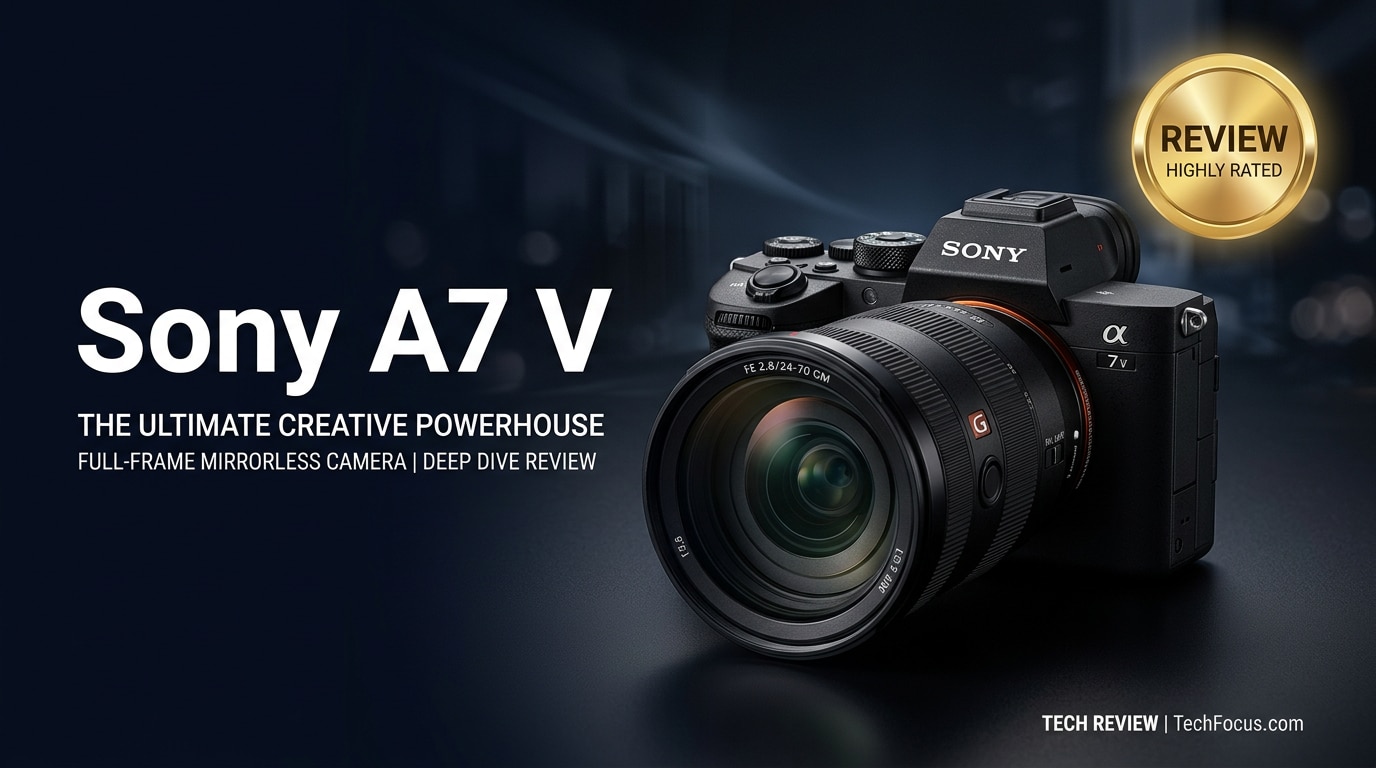
The Sony A7 V is a next-generation full-frame mirrorless camera built for hybrid creators who demand high-quality photos and video in one compact body. It refines Sony's proven A7 formula with smarter autofocus, improved low-light performance, and more flexible 4K recording tools, making it a compelling option for weddings, events, travel, and content creation.
Repair Corrupted Files To Save Your Data
 Security Verified. Over 7,302,189 people have downloaded it.
In this article
What's New About Sony A7 V
The Sony A7 V pushes the A7 line forward with meaningful upgrades aimed squarely at modern hybrid shooters. While it keeps the familiar compact body and full-frame sensor concept, its internals, autofocus intelligence, and video flexibility have been refreshed to better match real-world workflows.
- Newer-generation full-frame sensor for cleaner files and better dynamic range.
- Next-level subject recognition autofocus for people, animals, vehicles, and more.
- Faster processor for improved tracking, buffer performance, and video codecs.
- More refined 4K capture options, including higher bitrates and flexible profiles.
- Enhanced in-body image stabilization for smoother handheld shooting.
- Updated menus and ergonomics inspired by Sony's higher-end bodies.
Together, these changes make the Sony A7 V feel more responsive, reliable, and creator-focused than earlier A7 generations, especially for shooters who constantly switch between stills and video.
Full Specs at a Glance
While exact numbers can vary by final production version or firmware, the Sony A7 V is positioned as a capable, all-round full-frame camera with balanced resolution, speed, and video features.
Sensor and Image Quality
| Feature | Details |
|---|---|
| Sensor type | Full-frame back-illuminated CMOS |
| Resolution | High-resolution stills suitable for large prints and cropping |
| Native ISO range | Wide range designed for low-light flexibility with usable high ISO |
| Dynamic range | Excellent highlight and shadow recovery for RAW shooters |
| Image stabilization | In-body 5-axis stabilization for both photos and video |
Video and Connectivity
| Feature | Details |
|---|---|
| Video formats | 4K recording with oversampling options and advanced codecs |
| Frame rates | Multiple frame rate modes for slow motion and flexible delivery |
| Recording limits | Extended recording options with thermal management improvements |
| Ports | USB-C, HDMI, mic in, headphone out, and multi-interface shoe |
| Card slots | Dual slots supporting high-speed SD and newer standards |
For creators comparing something like sony a7 v vs sony a1 ii, the A7 V aims for balance and value, while the A1-series focuses more on extreme speed and flagship-level specs.
Real-World Performance
In real use, the Sony A7 V is built to feel fast and dependable rather than purely spec-driven. Autofocus locks quickly and confidently on faces and eyes, even in mixed or low light, which is crucial for events and run-and-gun content creation. Subject recognition helps keep moving people, pets, and vehicles tightly tracked across the frame.
Image quality is clean, with plenty of detail and flexible RAW files that respond well to editing. The camera's dynamic range allows you to lift shadows and tame highlights without introducing heavy noise, making it suitable for high-contrast scenes like weddings or cityscapes.
On the video side, oversampled 4K modes deliver sharp footage with good color, and log or flat profiles help you match footage with other Sony bodies in a multi-camera setup. Heat management is improved but, as with many compact full-frame bodies, demanding modes can still trigger sony a7 v overheating in very hot environments or long continuous takes. Planning for shorter clips and allowing cool-down time keeps things reliable.
Rolling shutter is well controlled for most practical work, and the in-body stabilization helps smooth handheld shots when paired with stabilized lenses. Battery life and dual card slots support long shooting days, making the sony full frame camera platform more dependable for professional use.
Pros & Cons
Pros
- Balanced resolution and performance for both stills and video.
- Smart, highly reliable autofocus with advanced subject detection.
- High-quality 4K video modes suitable for professional delivery.
- Strong low-light performance and wide dynamic range for editing.
- Compact body with improved ergonomics and dual card slots.
- Deep lens ecosystem and accessories across the Sony E-mount system.
Cons
- Potential sony a7 v overheating in some intensive 4K modes.
- Menu depth and options can be complex for new users.
- High-performance media cards add to total system cost.
- Rolling shutter may still appear in extreme fast pans or whip movements.
- Some advanced video features require careful setup and grading knowledge.
Who Is This Camera For?
The Sony A7 V is best suited to hybrid creators who need one camera that can handle nearly everything. If your work mixes photography and 4K video—such as weddings, events, corporate work, YouTube, or travel storytelling—the A7 V's combination of autofocus, image quality, and recording options makes it highly attractive.
Pure still photographers will appreciate the dynamic range and low-light performance, while video-focused users gain reliable autofocus, oversampled 4K, and flexible codecs in a body that is smaller and more affordable than high-end cinema gear. For those stepping up from APS-C or older A7 models, the A7 V offers a serious quality leap without abandoning portability.
What to Do If Your Sony A7 V Files Get Corrupted
Even the most advanced sony full frame camera cannot prevent every problem. Power loss, card issues, or interrupted recording can still lead to corrupted footage, unreadable images, or damaged SD cards. Having a solid repair workflow in place is essential so you do not lose key wedding moments, client interviews, or travel memories.
Why Use Repairit for Sony A7 V Files
When you run into recover sony a7 v files emergencies, a dedicated repair tool can save hours of stress. Wondershare Repairit is built specifically to fix corrupted or unplayable videos, photos, and other files from cameras like the Sony A7 V. It supports popular mirrorless and cinema formats, offers a guided interface, and lets you preview the repaired media before saving. You can learn more and access both desktop and online tools on the Repairit official website.
Key Features of Repairit
- Repairs corrupted or unplayable video, photo, and document files from cameras, memory cards, SSDs, and other storage devices.
- Supports many modern formats and codecs commonly used in hybrid mirrorless camera workflows, including 4K and high-bitrate recording modes.
- Simple step-by-step process with optional advanced repair, plus detailed previews so you can verify quality before exporting the fixed files.
How to Repair Sony A7 V Files Step by Step
-
Choose a Location to Repair Data
Stop shooting as soon as you notice corruption or playback errors. Safely eject the SD card from your Sony A7 V and connect it to your computer with a card reader. Launch Repairit and pick the correct repair module, such as Video Repair or Photo Repair. Add the corrupted clips or image files directly, or point Repairit to the card, camera folder, or backup drive that contains the damaged media.
-

Deep Scan the Location
Start the repair process and let Repairit perform a deep analysis of your selected files. The software checks file headers, metadata, and internal structures to identify exactly where the damage occurred. It then attempts to reconstruct those broken parts without modifying your original sources, which are kept intact. For heavily damaged clips, you can use advanced repair modes to improve the chance of recovering playable video and clean frames.
-

Preview and Repair Your Desired Data
When Repairit completes its pass, you will see a list of recoverable files with built-in previews. Play each repaired video or inspect each photo to confirm that motion, audio, and image quality are acceptable. Once you are satisfied, select the files you want to keep and export them to a safe location on your computer or an external drive, not back to the same SD card. This workflow helps you reliably repair corrupted sony a7 v video or fix a damaged sony a7 v sd card without risking further data loss.

Conclusion — Should You Buy?
The Sony A7 V stands out as a powerful, flexible sony full frame camera for creators who need one body to handle both serious photography and polished 4K video. With improved autofocus, solid low-light performance, advanced recording options, and ergonomics tuned for real-world work, it offers excellent value in the hybrid mirrorless space.
If you shoot weddings, events, commercial content, or online video and want a future-ready system without jumping to flagship pricing, the A7 V is an easy camera to recommend. Combine it with careful card management and a repair solution like Wondershare Repairit in your toolkit, and you will be well prepared to protect your footage and keep creating with confidence.
FAQ
-
1. Is the Sony A7 V good for both photos and video?
Yes. The Sony A7 V is designed as a true hybrid mirrorless camera, offering high-quality stills, advanced autofocus, and robust 4K modes that suit weddings, events, content creation, and travel shooting. -
2. How does the Sony A7 V compare to older A7 models?
Compared with earlier A7 generations, the A7 V typically delivers faster, smarter autofocus, better processing, improved subject detection, and more polished video features, including refined oversampling and modern codecs. -
3. Can the Sony A7 V overheat when recording 4K video?
As with many compact full-frame bodies, intensive 4K or high frame rate recording can cause heat buildup. Shooting shorter clips, avoiding direct sun, and allowing cool-down breaks helps reduce the risk of overheating.




