
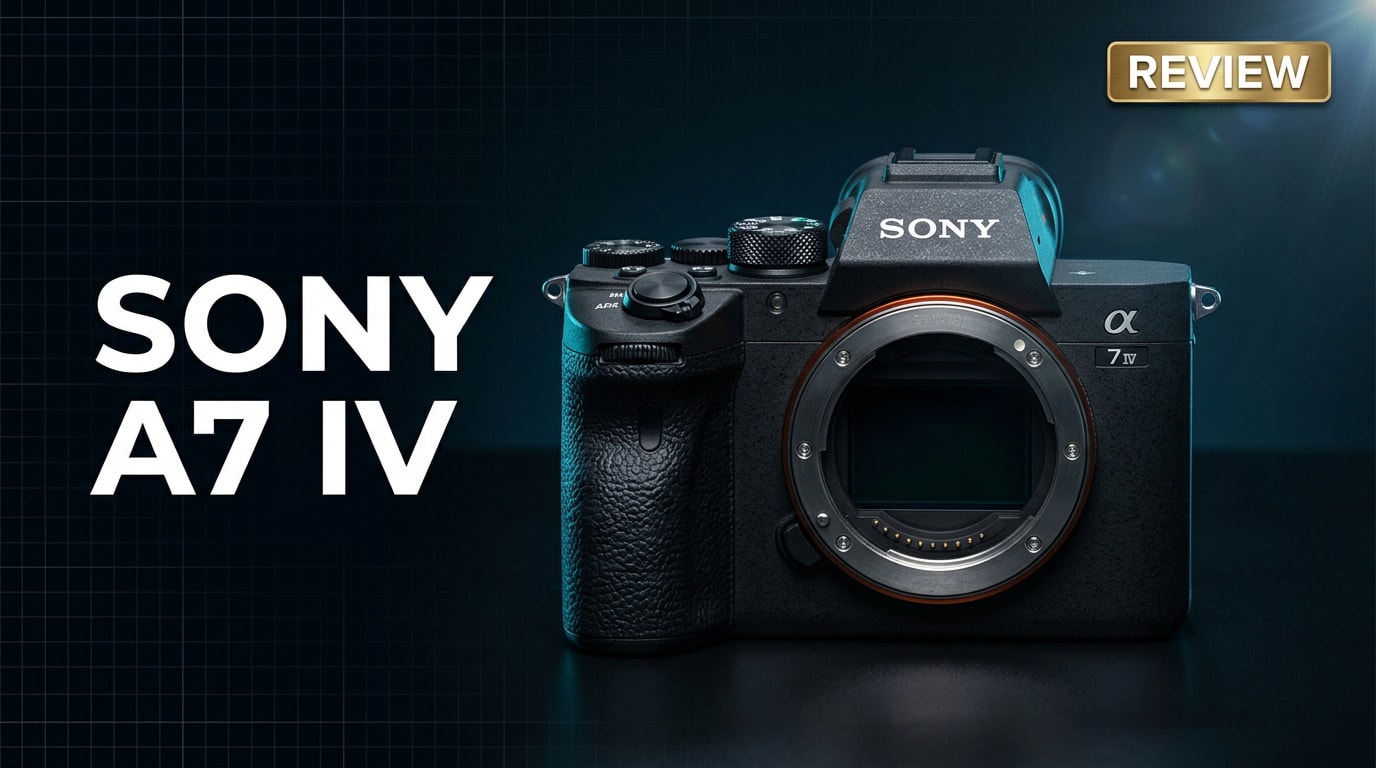
The Sony A7 IV is a 33MP full-frame mirrorless hybrid camera built for creators who demand dependable performance in both stills and video. It refines the classic A7 formula with higher resolution, smarter autofocus, and stronger video tools like 4K 60p and 10-bit internal recording. Whether you shoot weddings, commercial content, or YouTube, this body is designed to be a flexible workhorse, backed by Sony's mature E-mount ecosystem and advanced processing for modern workflows.
Repair Corrupted Files To Save Your Data
 Security Verified. Over 7,302,189 people have downloaded it.
In this article
The Sony A7 IV is a fourth-generation full-frame mirrorless camera that blends 33MP stills with advanced 4K video features. It sits at the heart of Sony’s lineup as a flexible hybrid option, offering class-leading autofocus, improved ergonomics, and deep customization. Aimed at serious enthusiasts and working professionals, it is designed to be a reliable, everyday tool for portraits, events, travel, documentaries, and content creation, while also integrating smoothly into modern post-production workflows.
What’s New About Sony A7 IV
The Sony A7 IV builds significantly on the popular A7 III, addressing key feedback from photographers and videographers.
- New 33MP back-illuminated full-frame sensor replacing the older 24MP chip, offering more detail without a huge noise penalty.
- Latest BIONZ XR processor for faster operation, improved color processing, and more robust video codecs.
- Advanced Real-time Tracking and Eye AF for humans, animals, and birds, now available in both stills and video modes.
- 4K up to 60p in 10-bit 4:2:2 internal recording, including S-Cinetone for quick-turnaround cinematic footage.
- New menu system and fully articulating vari-angle touchscreen for better usability, especially for vloggers and solo shooters.
- Improved body design with deeper grip, better sealing, and refined buttons and dials.
- Dual card slots (SD UHS-II and CFexpress Type A support) for flexible, robust recording setups.
- Enhanced wired and wireless connectivity, including USB-C with power delivery, livestreaming, and improved FTP options.
Full Specs at a Glance
Core imaging specs
| Feature | Sony A7 IV Specification |
|---|---|
| Sensor | 33MP full-frame back-illuminated Exmor R CMOS |
| Image Processor | BIONZ XR |
| Native ISO Range | ISO 100–51,200 (expandable to ISO 50–204,800 for stills) |
| Autofocus System | Fast hybrid AF with 759 phase-detection points (stills) |
| Continuous Shooting | Up to 10 fps with AF/AE tracking (compressed formats) |
| In-Body Stabilization | 5-axis IBIS, rated up to 5.5 stops |
Video, storage, and connectivity
| Feature | Sony A7 IV Specification |
|---|---|
| Video Resolution | 4K up to 60p (Super 35 crop at 60p), Full HD up to 120p |
| Color & Bit Depth | 10-bit 4:2:2 internal, XAVC S-I / XAVC HS / XAVC S |
| Card Slots | 2x slots: SD UHS-II (both) + CFexpress Type A (slot 1) |
| Viewfinder | 3.69M-dot OLED EVF, 0.78x magnification |
| LCD | 3.0-inch vari-angle touchscreen, 1.04M dots |
| Connectivity | USB-C (10 Gbps), micro HDMI, Wi-Fi, Bluetooth, headphone and mic jacks |
Real-World Performance
In practical use, the Sony A7 IV is a dependable, responsive camera. The 33MP sensor offers detailed files with flexible dynamic range, making it easy to pull back highlights or lift shadows in RAW editing. Low-light performance remains strong, with clean results through mid-ISO ranges commonly used for events and indoor work.
Autofocus is a standout. Real-time Tracking and Eye AF lock on quickly and hold focus accurately, even when subjects move erratically or turn away briefly. For wildlife or pet photographers, the animal and bird AF modes provide a tangible hit-rate improvement.
Video quality is robust, with oversampled 4K 30p footage delivering high detail and natural color. The 10-bit 4:2:2 options provide ample room for grading, while S-Cinetone offers a pleasing look straight out of camera. Rolling shutter is well controlled for most real-world movements, and the IBIS plus electronic stabilization helps smooth handheld clips.
The camera’s deeper grip, revised menu system, and fully articulating screen contribute to more comfortable all-day shooting. Battery life is solid, though intensive 4K recording or continuous high-speed shooting will drain packs faster, so carrying spares is still recommended for professional use.
Pros & Cons
Pros
- Versatile 33MP resolution balances detail, dynamic range, and manageable file sizes.
- Fast, reliable autofocus with excellent subject detection for people, animals, and birds.
- Strong 4K video feature set with 10-bit internal recording and professional picture profiles.
- Comfortable ergonomics, improved menu system, and fully articulating touch LCD.
- Dual card slots with CFexpress Type A support for high data-rate recording.
- Deep lens ecosystem in Sony E-mount, covering virtually any shooting need.
Cons
- 4K 60p uses a Super 35 crop, which may limit wide-angle options without suitable lenses.
- Heavier and slightly bulkier than some competing full-frame mirrorless bodies.
- CFexpress Type A cards are still relatively expensive compared to SD.
- Complex feature set and menus can feel overwhelming to new users.
Who Is This Camera For?
The Sony A7 IV is aimed squarely at hybrid creators who split their time between stills and video. Wedding and event photographers get fast AF, reliable low-light performance, and 4K options for highlight films or full event coverage. Portrait and commercial shooters benefit from the 33MP resolution for large prints and detailed retouching.
Content creators, solo filmmakers, and YouTubers will appreciate the articulating screen, advanced video codecs, and strong autofocus in video. While beginners can certainly use it in auto modes, the camera truly shines in the hands of enthusiasts and professionals who will leverage its extensive customization and advanced features.
What to Do If Your Sony A7 IV Files Get Corrupted
Repairit introduction
Even with careful handling, footage from a Sony A7 IV can become corrupted due to card failures, interrupted writes, or improper ejections. When critical photos or videos will not open or play, a dedicated repair tool can be the difference between losing and saving a project. Wondershare Repairit is designed specifically to repair damaged media and other files with a guided workflow suitable for both busy professionals and new creators. You can explore its capabilities on the Repairit official website and keep it ready as part of your data protection plan.
Key features of Repairit
- Repairs corrupted photos and videos from a wide range of cameras and storage devices.
- Simple guided workflow suitable for both beginners and professionals handling urgent projects.
- Supports preview of repaired files before saving them to a safe location.
Step-by-step guide to repair files
-
Choose a Location to Repair Data
Launch Wondershare Repairit and select the module that matches your damaged files, such as Video Repair or Photo Repair. Click the add button and browse to the broken Sony A7 IV clips or images on your SD card, CFexpress card, SSD, or local folder. Load all files that show errors, missing thumbnails, or playback problems so Repairit can process them together.

-
Deep Scan the Location
Start the repair task and allow Repairit to perform an in-depth analysis of the selected files. The software inspects the file structure, headers, and metadata to find exactly where the corruption sits. During this stage, you do not need to adjust any complex settings; simply let the scan run to completion while Repairit reconstructs playable file components in the background.

-
Preview and Repair Your Desired Data
When Repairit finishes, you will see a list of recoverable items. Use the built-in player or viewer to preview repaired Sony A7 IV videos and photos, checking that they open correctly and play through without major glitches. Select the files that look good and click to save them to a secure destination, such as another drive or a backup disk, avoiding the original corrupted card or folder.

Conclusion — Should You Buy?
The Sony A7 IV is a highly capable hybrid camera that blends strong image quality, intelligent autofocus, and modern video features in a single, flexible body. It comfortably handles portraits, events, travel, and professional 4K production, while offering enough resolution for detailed editing and large prints.
If you are an enthusiast or working creator who needs one camera to cover both stills and video, the A7 IV is an excellent long-term investment. Pair it with solid backup habits and a repair tool like Wondershare Repairit, and you can approach demanding shoots with confidence that your creative work is protected.
FAQ
-
1. Is the Sony A7 IV good for beginners?
The Sony A7 IV can work for motivated beginners, but it is primarily targeted at enthusiasts and professionals. Its menus and feature set are deep, so new users should expect a learning curve. However, reliable autofocus and automatic modes make it manageable if you plan to grow into the system. -
2. Can the Sony A7 IV shoot 4K video without a crop?
The A7 IV records 4K up to 30p using the full width of the sensor. When you switch to 4K 60p, the camera applies a Super 35 crop, effectively using a smaller portion of the sensor while still delivering detailed, professional-looking footage. -
3. How can I avoid corrupted files on my Sony A7 IV?
Use high-quality, fast SD or CFexpress Type A cards, and format them in-camera before important shoots. Avoid removing cards or batteries while the camera is writing data, back up your files regularly, and replace aging or unreliable cards to minimize the risk of corruption. -
4. Can Wondershare Repairit fix unplayable Sony A7 IV videos?
Wondershare Repairit is designed to repair many types of corrupted or unplayable video files, including those recorded on cameras like the Sony A7 IV. As long as the storage media is readable and not physically destroyed, there is a good chance that Repairit can restore video playback. -
5. Does repairing Sony A7 IV files affect image quality?
Proper repair tools focus on restoring file structure and playback rather than altering the core visual content. While severely damaged files may not be fully recoverable, Wondershare Repairit aims to preserve as much original quality as possible when fixing your Sony A7 IV photos and videos.




