
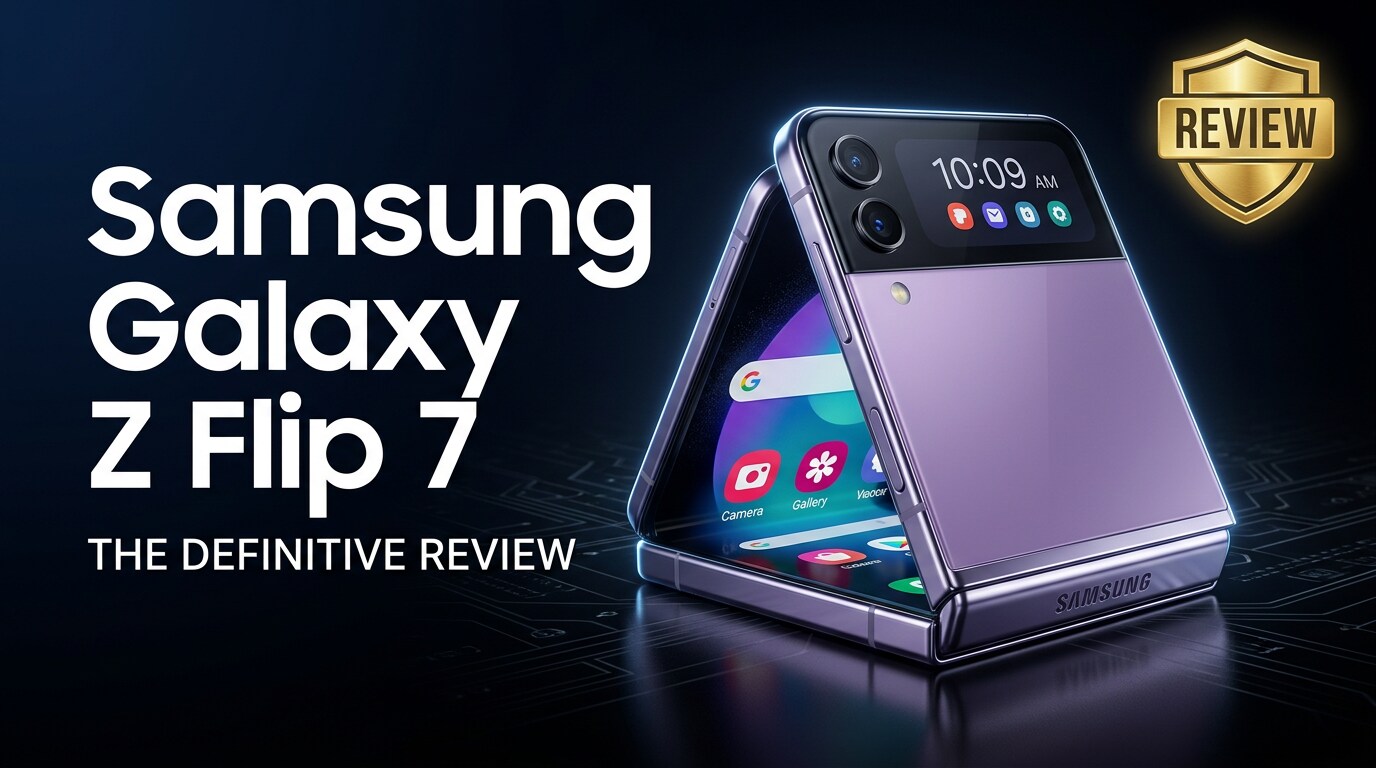
The Samsung Galaxy Z Flip 7 is Samsung's latest clamshell-style foldable, designed to feel like a premium flagship that just happens to fold in half. It packs upgraded cameras, a smoother display, and a tougher hinge into a compact body that easily slips into pockets and small bags. This review walks through its design, specs, everyday performance, and how to safeguard and recover your photos and videos if anything goes wrong.
Repair Corrupted Files To Save Your Data
 Security Verified. Over 7,302,189 people have downloaded it.
In this article
What's New About Samsung Galaxy Z Flip 7
The Galaxy Z Flip 7 focuses on refining what made previous Flips fun while smoothing out their rough edges. You get a brighter, more efficient inner display with slimmer bezels, a tougher hinge mechanism rated for more folds, and better dust resistance to inspire more confidence in daily use.
Samsung also leans harder into the cover screen this generation. The outer display supports more widgets, quick replies, and camera controls, so you can check essentials or shoot a quick selfie without fully opening the phone. Inside, the chipset upgrade improves multitasking, gaming, and image processing, and Samsung's camera tuning has been further optimized for low-light photography and social-ready selfies.
On the software side, Flex Mode is more polished. Many apps now adapt more intelligently when the phone is partially folded, shifting controls to one half of the screen and content to the other, which is ideal for hands-free video calls or recording.
Price, Storage, and Design
Price and configurations
Samsung positions the Samsung Galaxy Z Flip 7 as a premium device, but it often undercuts the price of large foldables. Expect base storage configurations starting with ample space for photos and 4K clips, with higher tiers available for heavy content creators.
| Variant | Who it suits |
|---|---|
| Base storage model | Casual users who mainly stream media and take everyday photos. |
| Mid-tier storage | Social media users who capture lots of photos and short videos. |
| Top storage | Power users shooting extended 4K video and storing large app libraries. |
Regardless of storage option, pairing the phone with cloud backups or regular offloads to a PC or external drive is wise to reduce the risk of data loss.
Design and build quality
The Galaxy Z Flip 7 keeps the iconic compact clamshell silhouette but subtly improves ergonomics. The hinge feels tighter and more confidence-inspiring when stopping at intermediate angles, and the folded footprint remains impressively small.
Materials include a sturdy metal frame, Gorilla Glass on the outer surfaces, and a flexible inner panel with a less noticeable crease than earlier Flips. Button placement still favors one-handed use when open, and the fingerprint reader in the power button remains fast and accurate.
Dust and water protection have been quietly improved, but this is still a phone you should keep away from sand and sharp objects. Using a slim case helps protect both the frame and inner display without sacrificing the pocket-friendly feel.
Display, Performance, and Daily Use
Foldable display and cover screen
The main AMOLED panel unfolds into a tall, vibrant display with a high refresh rate for smooth scrolling and animations. Colors are punchy without looking cartoonish, and brightness is strong enough to stay readable in harsh outdoor light.
The crease is still there, but it is less distracting in everyday use, especially when you are focused on content. Touch response is snappy, and Samsung's improved protective layer feels slightly more glass-like while still requiring a gentle touch.
The upgraded cover screen turns the Samsung Galaxy Z Flip 7 into a surprisingly capable mini phone. You can quickly check notifications, control music, manage calls, and even use small widgets for weather and calendar. Camera integration on the cover display is a standout: framing selfies with the main cameras is one of the Flip's signature tricks.
Performance and everyday experience
Inside, the latest flagship-grade processor and ample RAM mean that apps open quickly, multi-window multitasking runs smoothly, and games play at high settings without obvious stutter. Samsung's thermal tuning keeps the device warm but manageable during extended gaming or 4K video recording.
In daily life, the best part of the Galaxy Z Flip 7 is the flexibility of the form factor. Fold it halfway to prop it on a table for video calls or content viewing. Snap it shut to end a call or slide it into a small pocket. One-handed use is easier when folded, while the unfolded state feels like a typical tall smartphone.
Call quality, Wi-Fi, and 5G performance are solid, and haptic feedback is crisp enough for accurate typing. Stereo speakers produce decent volume and clarity, though they cannot quite match large bar-shaped flagships.
Camera Review
Photo quality
The camera hardware on the Samsung Galaxy Z Flip 7 builds on Samsung's proven formula: reliable main and ultrawide lenses backed by strong computational photography. Daylight photos show rich detail, pleasing contrast, and Samsung's characteristic color pop that looks great on social media.
Low-light performance benefits from faster processing and improved noise reduction. Night mode shots maintain more detail in shadows while preserving highlights, and skin tones in dim indoor lighting look more natural than before.
Portrait mode does a good job with edge detection, especially when using the main camera, and the ability to use the primary cameras for selfies via the cover screen elevates the selfie experience significantly compared to typical front cameras.
Video recording and creator tools
Video recording on the Galaxy Z Flip 7 supports high resolutions and frame rates suitable for vlogging and social content. Stabilization is effective for handheld clips, and autofocus confidently tracks faces and moving subjects.
The foldable form factor is especially handy for creators. You can set the phone on a surface in Flex Mode for tripod-free shots, film overhead clips more easily, and monitor yourself on either the main or cover display depending on the angle you need. Samsung's camera app offers multiple view layouts, quick aspect ratio switching, and direct integration with popular social apps to streamline posting.
Battery, Charging, and Software Experience
Battery life and charging
Battery capacity has been carefully tuned to balance the slim chassis with practical endurance. For most people, the Samsung Galaxy Z Flip 7 should last a full day of moderate use: messaging, social apps, browsing, light photography, and a bit of streaming.
Heavy gaming, long 5G sessions, and extended 4K recording will drain the battery more quickly, so power users may still want midday top-ups. Fast wired charging and convenient wireless charging help here, and reverse wireless charging remains available for topping up earbuds or a smartwatch.
One UI on a foldable
Samsung's One UI is one of the most mature Android skins for foldables. On the Galaxy Z Flip 7, it supports multi-window layouts, a taskbar-style recent apps row, and intuitive gestures for dragging content between apps.
Flex Mode panels for supported apps move playback controls, timelines, or chat boxes to the lower half of the screen when partially folded, which is perfect for desk use. Samsung also provides long-term software update commitments, which is critical for performance, security, and app compatibility over several years.
Pros and Cons of Samsung Galaxy Z Flip 7
| Pros | Cons |
|---|---|
| Compact clamshell design that folds small but feels like a full flagship when open. | Battery life can still feel average for heavy users and gamers. |
| Improved hinge durability, brighter inner display, and more useful cover screen. | Foldable inner display remains more delicate than standard glass panels. |
| Versatile camera experience with strong selfies using the main cameras and Flex Mode shooting. | Premium pricing compared to non-foldable phones with similar core specs. |
| Polished One UI optimizations for multitasking and foldable layouts. | Visible crease and occasional reflections can distract some users. |
What to Do If Your Samsung Galaxy Z Flip 7 Files Get Corrupted
Why files from a foldable can become corrupted
Even with a flagship like the Samsung Galaxy Z Flip 7, your files are not completely safe from corruption. Sudden shutdowns during recording, low storage space, buggy third-party gallery apps, or interrupted transfers to a computer or SD card can all damage photos and videos.
Typical symptoms include videos that will not play, clips stuck at 0:00, photos showing gray boxes or error icons, or files that disappear after an app crash. Before you delete anything, it is worth trying a professional repair approach to salvage your memories.
Repair Samsung Galaxy Z Flip 7 media with Wondershare Repairit
When photos or videos from your Galaxy Z Flip 7 will not open, a specialized repair tool can often fix structural damage inside the files. Wondershare Repairit is designed exactly for this: it analyzes broken media, reconstructs critical data such as headers and frames, and lets you preview the results before saving. You can learn more on the Repairit official website.
Key features of Wondershare Repairit
- Fixes corrupted videos and photos from phones, cameras, SD cards, and computers.
- Supports a wide range of formats, including high-resolution 4K and high frame rate clips.
- Offers a guided, click-through repair process with preview before you save recovered files.
Step-by-step: Repair corrupted Samsung Galaxy Z Flip 7 files
- Copy the problematic photos or videos from your Samsung Galaxy Z Flip 7 to a computer using a USB cable or card reader. Open Wondershare Repairit, pick the correct module (Video Repair or Photo Repair), and click the "Add" button to load the corrupted files into the program.

- After your files are listed, select them and click "Repair." Repairit scans each item, fixes damaged headers, frames, and metadata, and attempts to restore smooth playback or correct image display. Let the process finish without disconnecting your phone or storage device.

- When the repair completes, use the built-in preview window to check video and photo quality. If you are satisfied, click "Save" and choose a secure folder on your computer or backup drive. Keep a separate backup of the repaired files before deleting the damaged originals from your Galaxy Z Flip 7.

Conclusion — When Should You Buy?
The Samsung Galaxy Z Flip 7 is ideal if you want a compact, stylish phone that still delivers premium performance, a flexible camera setup, and a polished foldable experience. Its refined hinge, brighter display, and smarter cover screen make it feel less like a tech experiment and more like a daily driver you can rely on.
It is not the best choice if you demand marathon battery life or prefer the absolute durability of a traditional slab phone. But if you value pocketability, unique shooting angles, and the fun of snapping a phone shut, the Z Flip 7 stands out. Combine it with consistent backups and a repair toolkit like Wondershare Repairit, and you can enjoy cutting-edge foldable hardware while keeping your media safer in the long run.
FAQ
-
1. Is the Samsung Galaxy Z Flip 7 durable enough for everyday use?
Samsung has strengthened the hinge, inner display, and frame compared with earlier generations, making the Galaxy Z Flip 7 more robust in daily use. Still, it is a foldable device, so using a case, avoiding drops, and keeping it away from dust and sand will help it last longer. -
2. How good is the Samsung Galaxy Z Flip 7 battery life?
Battery life is generally sufficient for a full day of moderate activity, such as social media, messaging, browsing, and light photography. Heavy gaming, long 5G sessions, or extended 4K recording can drain it faster, so occasional quick charging may still be needed for power users. -
3. Can the Samsung Galaxy Z Flip 7 take high-quality photos and videos?
Yes. The Galaxy Z Flip 7 offers capable cameras with strong daytime performance, improved low-light results, and flexible shooting modes. The folding design lets you use the main cameras for selfies and hands-free recording, giving it an edge over many standard phones for content creation. -
4. What should I do if videos from my Galaxy Z Flip 7 will not play?
Start by restarting the phone, clearing the cache of your gallery or video app, and testing playback in a different player. If the file is still corrupted, transfer it to a computer and use a dedicated repair tool such as Wondershare Repairit to attempt structured repair of the damaged video. -
5. How can I protect my data on the Samsung Galaxy Z Flip 7?
Enable automatic cloud backups, regularly copy important photos and videos to a computer or external drive, and keep your phone on the latest software version. Having Wondershare Repairit as a fallback for corrupted media adds another layer of protection for valuable memories.




