
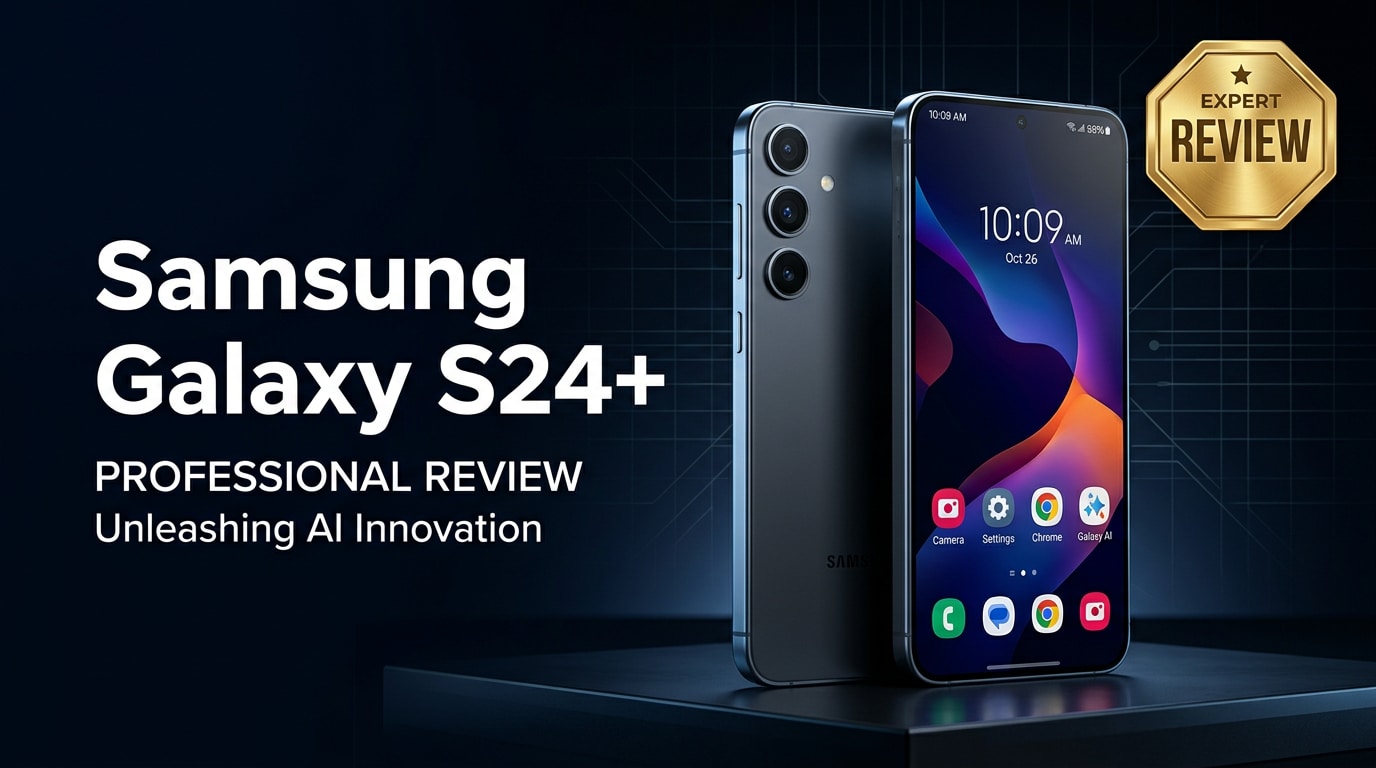
The Samsung Galaxy S24+ is Samsung's mid-tier flagship, offering most of the Ultra's power in a slimmer, more affordable body. It combines a large, bright screen, fast performance, upgraded cameras, and Galaxy AI features, aiming at users who want a premium Android phone without overspending. This review covers design, specs, camera, battery life, and real-world experience, plus a simple way to repair corrupted photos and videos so your memories stay safe.
Repair Corrupted Files To Save Your Data
 Security Verified. Over 7,302,189 people have downloaded it.
In this article
The Samsung Galaxy S24+ sits between the compact S24 and the camera-heavy Ultra, targeting users who want a big display and flagship-grade performance at a slightly lower cost. It brings a refined design, powerful chipset, upgraded cameras, and Samsung's latest Galaxy AI tricks into a single package. Below, we explore what has changed from last year, how it performs in everyday use, and how to keep your important photos and videos safe if they ever become corrupted.
What is New About Samsung Galaxy S24+
The Samsung Galaxy S24+ refines the S23+ formula with several upgrades that matter in day-to-day use.
- A brighter, more color-accurate display with slimmer bezels and improved outdoor visibility.
- New, more efficient flagship chipset for faster performance and cooler operation.
- Galaxy AI features for translation, summarization, photo editing, and search enhancements.
- Camera tuning improvements for better low-light detail and more natural colors.
- Slightly larger battery and smarter power management for longer screen-on time.
- Extended software support period to keep your phone secure and up to date for years.
Price, Storage, and Design
Price and storage options
Samsung positions the Samsung Galaxy S24+ as a premium flagship that undercuts the Ultra while still offering high-end specs. Pricing varies by region, but it typically starts with a generous base storage option and scales up for heavier users.
| Model | Approximate positioning |
|---|---|
| Galaxy S24+ (base) | Flagship-tier pricing with ample storage for most users |
| Galaxy S24+ (higher storage) | For users who shoot lots of 4K video, play large games, or store offline media |
There is no microSD card slot, so choosing the right storage tier upfront is important, especially if you record many high-resolution videos or store large offline libraries.
Design and build quality
The design of the Samsung Galaxy S24+ continues Samsung's minimalist aesthetic with flat edges, a clean back, and individually ringed camera lenses.
- Materials: Premium glass and metal sandwich that feels solid in the hand.
- Ergonomics: Thin profile and balanced weight help the large phone remain comfortable for long sessions.
- Durability: IP rating for water and dust resistance, along with toughened glass on the front and back.
- Colors: A range of muted and bold color options, plus some online-exclusive finishes depending on region.
While it does not include the Ultra's S Pen, its design is slightly lighter and easier to handle, appealing to users who prefer a simpler slab-style phone.
Display, Performance, and Daily Use
The display is one of the main reasons to pick the Samsung Galaxy S24+. It offers a large AMOLED panel with high resolution and a fast refresh rate, making everything from scrolling to gaming feel smooth and responsive.
- Display: High refresh rate, deep blacks, and strong brightness for clear visibility outdoors.
- Performance: Flagship-grade chipset handles demanding apps, multitasking, and gaming without noticeable slowdowns.
- Thermals: Improved efficiency helps the phone stay cooler under load compared with older generations.
- Audio: Stereo speakers provide loud, clear sound for media and calls.
In daily use, app launches are snappy, multitasking is fluid, and Samsung's One UI adds helpful tweaks without overwhelming the experience. Galaxy AI features assist with real-time translation, quick summarization of text, and intelligent suggestions, adding value for productivity and travel.
Camera Review
The camera system on the Samsung Galaxy S24+ aims for versatility and consistency more than wild hardware experiments. It combines wide, ultra-wide, and telephoto lenses with improved processing.
- Daylight photos: Sharp, vibrant images with good dynamic range and punchy colors that are typical of Samsung.
- Low-light performance: Better noise handling and detail retention compared with the previous generation, especially in night mode.
- Zoom: Reliable telephoto lens for portraits and distant subjects, though it cannot fully match the Ultra's extreme zoom range.
- Video: Stable 4K recording with good detail and effective stabilization for walking shots.
- Selfie camera: Detailed selfies with natural skin tones once you dial in your preferred beauty settings.
AI plays a bigger role in camera performance this year, powering advanced editing tools like object removal and background adjustments, as well as smarter scene recognition and exposure decisions.
Battery, Charging, and Software Experience
The Samsung Galaxy S24+ is built for all-day use, combining a large battery with efficient hardware and software optimization.
- Battery life: Comfortable full-day endurance for mixed usage; light users may stretch into a second day.
- Charging: Fast wired charging and wireless charging, plus support for wireless power share to top up accessories.
- Software: Ships with the latest version of Android and One UI, with extended software support promised for years.
- Galaxy AI: Integrated tools across messaging, camera, notes, and search that streamline everyday tasks.
Samsung's commitment to long-term updates means the Samsung Galaxy S24+ should remain secure and feature-rich over its lifespan, which is a major factor for buyers planning to keep their phone for several years.
Pros and Cons of Samsung Galaxy S24+
| Pros | Cons |
|---|---|
| Large, bright, smooth display great for media and gaming | No microSD card slot for storage expansion |
| Flagship-level performance and strong multitasking | Cameras are excellent but less versatile than the Ultra's extreme zoom |
| Long battery life with fast charging and wireless options | Premium pricing, especially for higher storage tiers |
| Refined design with water resistance and durable materials | Pre-installed apps and services may feel like clutter to some users |
| Galaxy AI features add real value for productivity and travel | Large size may be uncomfortable for users who prefer compact phones |
What to Do If Your Samsung Galaxy S24+ Files Get Corrupted
Why use Repairit for corrupted S24+ files
Even with a powerful phone like the Samsung Galaxy S24+, files can become corrupted due to failed transfers, sudden shutdowns, or storage errors. When important photos or videos stop opening, a dedicated repair tool is safer than repeatedly trying different apps. Wondershare Repairit is built specifically to fix damaged photos, videos, and documents. You can access it from the Repairit official website, where a guided workflow helps you repair corrupted Samsung files without complex settings.
Key features of Wondershare Repairit
- Fixes corrupted or unplayable videos, photos, and documents from phones, cameras, memory cards, and computers.
- Simple, guided repair process that walks non-technical users through each step.
- Lets you preview repaired files before saving them back to a safe location.
How to repair corrupted Samsung Galaxy S24+ files
- Transfer and add your corrupted Galaxy S24+ files

Connect your Samsung Galaxy S24+ to a computer or use a cable/wireless transfer method to copy the problematic photos and videos to the PC or Mac. Open Wondershare Repairit and click the option to add files. Browse to the folder where you stored the copied media and import the corrupted items into the main Repairit window.
- Start the automatic repair process

After the files appear in the list, confirm that all the items you want to fix are selected. Click the repair button to begin. Repairit will analyze each file, detect common corruption patterns, and automatically apply the appropriate fixes. You do not need to tweak codecs or advanced parameters; just let the tool complete the process.
- Preview and save your repaired Samsung files

When the repair finishes, select each file and use the built-in preview to check whether the photo or video plays correctly. If you are satisfied with the result, click Save and choose a secure folder on your computer. Once everything is stored safely, you can copy the repaired media back to your Samsung Galaxy S24+ or keep a backup on an external drive.
Conclusion — When Should You Buy?
The Samsung Galaxy S24+ is a well-balanced flagship that focuses on a great display, reliable performance, strong cameras, and long battery life, without the extra bulk and cost of the Ultra. It is an excellent choice if you want a big-screen Android phone that feels premium, stays fast for years, and benefits from Samsung's latest Galaxy AI tools.
If you already own an S23+ and are satisfied with its speed and battery, you might wait another cycle. But for users coming from older devices, or anyone wanting a modern flagship without going all-in on the Ultra, the Samsung Galaxy S24+ is easy to recommend. Just remember to protect your data; if photos or videos ever become corrupted, Wondershare Repairit can help you restore them quickly.
FAQ
-
1. Is the Samsung Galaxy S24+ worth upgrading to from the Galaxy S23+?
If you value better performance, a brighter display, updated cameras, and new Galaxy AI features, the Samsung Galaxy S24+ is a meaningful upgrade over the S23+. However, if your S23+ still runs smoothly and its battery is healthy, you may be comfortable waiting another generation. -
2. How good is the Samsung Galaxy S24+ for gaming and multitasking?
The Samsung Galaxy S24+ is excellent for gaming and multitasking. Its flagship chipset, ample RAM, and high refresh rate screen allow demanding titles to run smoothly while you switch between apps with minimal lag or slowdowns. -
3. Does the Samsung Galaxy S24+ have good battery life?
Yes. Thanks to a sizable battery, efficient processor, and software optimization, the Samsung Galaxy S24+ typically lasts a full day of mixed use. Light users can often reach a second day with moderate screen time and conservative settings. -
4. What should I do if photos or videos on my Samsung Galaxy S24+ will not open?
First, restart your phone and try opening the files in different apps or a file manager. If they still fail, copy the affected photos or videos to a computer and run them through a repair tool like Wondershare Repairit to safely attempt to fix the corrupted media. -
5. Can I repair corrupted Galaxy S24+ videos without rooting my phone?
Yes. You do not need to root the Samsung Galaxy S24+. Simply move the corrupted videos to a computer and use desktop software such as Wondershare Repairit to repair them. This avoids modifying system files and keeps your device warranty intact.




