
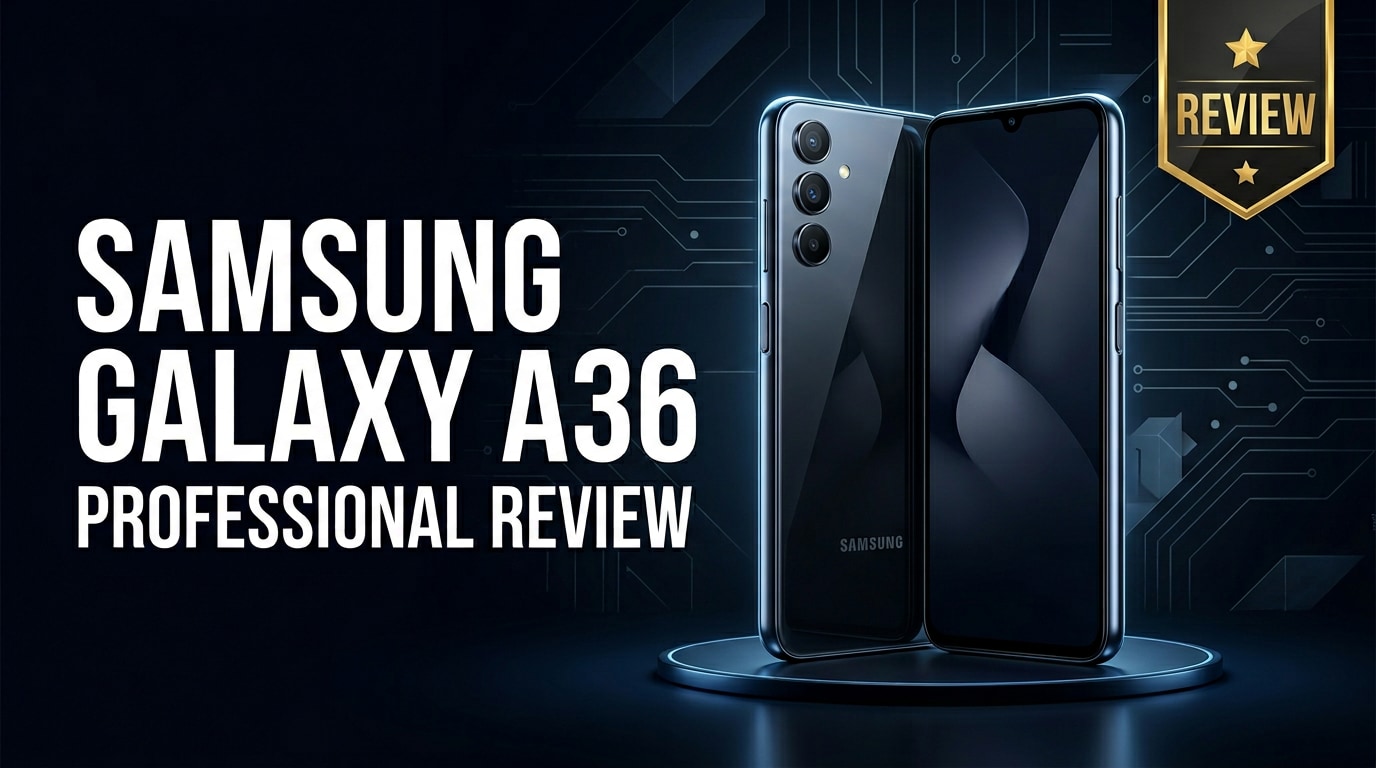
The Samsung Galaxy A36 is a mid-range Android smartphone aimed at users who want a modern Samsung experience without the premium flagship price. It focuses on balanced performance, improved cameras, reliable battery life, and a clean design that fits everyday use, from social media and streaming to casual gaming and photography.
Repair Corrupted Files To Save Your Data
 Security Verified. Over 7,302,189 people have downloaded it.
In this article
What’s New About Samsung Galaxy A36
The Galaxy A36 refines Samsung’s successful A-series formula with better everyday performance, camera improvements, and a more polished design. Compared with older models, it focuses on a smoother display experience, a more capable main camera for low-light shots, and longer-lasting battery efficiency. You also get updated connectivity, a cleaner One UI software layer, and security features that make it more future-proof for a few upgrade cycles.
Samsung positions the Samsung Galaxy A36 as a practical upgrade for users coming from budget or older mid-range devices. Instead of chasing headline specs, it aims to deliver consistency: stable frame rates in common games, reliable 4G/5G connectivity (region dependent), and a camera system tuned for social-ready photos with minimal effort.
Price, Storage, and Design
Samsung Galaxy A36 Price and Variants
The Galaxy A36 sits in the mid-range price bracket, targeting buyers who want good value without overspending. Its pricing typically undercuts Samsung’s flagship S series while offering a noticeably better experience than entry-level Galaxy phones.
| Model | Positioning |
|---|---|
| Samsung Galaxy A36 (base) | Best balance of price and performance for most users |
| Higher storage RAM variant | For users who install many apps, games, or store large media libraries |
Exact prices vary by market, carrier deals, and launch promotions, but you can generally expect it to compete with other popular mid-range phones from Samsung, Xiaomi, and Realme while leveraging Samsung’s strong software and support reputation.
Storage Options and Design Overview
The Samsung Galaxy A36 typically comes with mid-range internal storage options (for example, 128 GB or higher), paired with expandable storage via microSD. This setup is ideal if you shoot a lot of photos and videos or download movies for offline viewing, because you can expand capacity later without paying flagship-level prices upfront.
Design-wise, the phone follows Samsung’s current language: a slim profile, minimal camera housing, and a clean back panel with vertically aligned lenses. The frame feels solid in the hand, and the curved edges make it comfortable to grip during long browsing or gaming sessions. The front is mostly display with a small punch-hole or notch, providing an immersive viewing area without compromising usability.
Display, Performance, and Daily Use
The display on the Galaxy A36 is designed for content consumption. Expect a vivid panel with good brightness, punchy colors, and decent viewing angles, which makes it well suited for YouTube, social media, and streaming platforms. A higher refresh rate (where available) improves scrolling smoothness and general responsiveness across One UI.
Under the hood, the chipset focuses on balanced efficiency. In day-to-day use, you can comfortably run messaging apps, web browsing, video calls, and light photo editing without major slowdowns. Multitasking between a few common apps is handled well, especially on variants with higher RAM.
For gaming, the Samsung Galaxy A36 performs best at low to medium graphics settings. Popular titles like PUBG Mobile, Call of Duty Mobile, and Mobile Legends are playable with occasionally reduced visual effects to maintain frame rates. Thermal management is generally reasonable, although long gaming sessions can still warm the device.
In everyday life, the phone’s performance feels reliable: app launches are quick, animations are smooth, and Samsung’s software optimizations keep things running predictably, which is often more important than raw benchmark scores.
Camera Review
The camera setup on the Samsung Galaxy A36 aims to deliver social media-ready images with minimal editing. The main sensor captures good detail in daylight, producing vibrant but not overly saturated colors, which is ideal for casual point-and-shoot photography.
Portrait mode benefits from improved edge detection, giving better separation between subjects and background blur. The ultra-wide lens (where included) is useful for landscapes and group shots, though it may show some softness at the edges and more noise at night compared with the main sensor.
Low-light performance is solid for a mid-range phone. Night mode helps reduce noise and brighten scenes, although you should manage expectations if you are coming from a flagship-level camera. Indoor images are still serviceable for social sharing, but fast-moving subjects can introduce blur.
On the video side, the Galaxy A36 records smooth clips at common resolutions like 1080p, with decent stabilization for walking shots. It is ideal for casual vlogging, family moments, or short-form content, but you might notice shakiness when running or recording in very dark environments.
Battery, Charging, and Software Experience
The battery capacity on the Samsung Galaxy A36 is tuned for full-day use. With mixed activities such as social media, browsing, messaging, and occasional video playback, most users should comfortably reach the end of the day with some charge left. Heavy gaming or extended mobile hotspot usage will drain the battery faster but still within reasonable limits.
Fast charging support (speed depends on the variant and charger) allows you to top up quickly before heading out. Using an official or certified charger is recommended for the best balance of safety and speed.
On the software side, Samsung’s One UI provides a familiar, polished interface. You get useful features like secure folders, extensive customization options, and regular security updates in line with Samsung’s mid-range support policy. The combination of Android and One UI is user-friendly, even for people switching from other brands, and offers plenty of control over notifications, privacy, and power saving.
Pros and Cons of Samsung Galaxy A36
Before deciding if the Samsung Galaxy A36 is right for you, it helps to weigh its main strengths and weaknesses.
| Pros | Cons |
|---|---|
| Balanced performance for everyday tasks and casual gaming | Not ideal for heavy gamers who demand flagship-level graphics |
| Vivid display that is great for streaming and social media | Camera performance in very low light still trails premium phones |
| Expandable storage via microSD for large photo and video libraries | Charging speeds may feel modest compared with some competitors |
| Clean, modern Samsung design with comfortable in-hand feel | Plastic build may not feel as premium as glass/metal flagships |
| Reliable battery life and mature One UI software experience | Pre-installed apps may require some cleanup for minimalists |
What to Do If Your Samsung Galaxy A36 Files Get Corrupted
Repairit Introduction
If important photos, videos, or documents on your Samsung Galaxy A36 suddenly stop opening, appear distorted, or show error messages, the files themselves may be corrupted. In this situation, a dedicated repair toolkit can be more effective than basic viewing apps. Wondershare Repairit is designed specifically to fix damaged photos, videos, and documents from phones, SD cards, and computers. You can download it directly from the Repairit official website and use it to repair broken Galaxy A36 files before they are lost for good.
Key Features of Repairit
- Repairs corrupted photos, videos, and documents stored on your Samsung Galaxy A36, SD cards, USB drives, or computers.
- Supports popular formats including MP4, MOV, MKV, JPG, PNG, and Office files, covering most media and work documents.
- Provides a guided workflow with preview options so you can confirm repair quality before saving fixed files.
Step-by-Step: Repair Samsung Galaxy A36 Files
Follow these steps to repair corrupted files from your Galaxy A36 using Wondershare Repairit.
-
Add your corrupted Samsung Galaxy A36 files into Repairit
Install and launch Wondershare Repairit on your computer. From the main interface, pick the category that matches your damaged content, such as Video Repair, Photo Repair, or File Repair. Connect your Galaxy A36 to the computer via USB or mount its SD card using a card reader. Click the "Add" or "Add Files" button and browse to select the files that refuse to open, display errors, or will not play correctly.

-
Start the automatic repair process
After importing, check that all problematic Galaxy A36 files you want to fix appear in the list. Click the "Repair" button to launch the automatic analysis. Repairit will scan each file, identify structural issues such as broken headers, index errors, or missing metadata, and then attempt to reconstruct the damaged portions so the file becomes readable or playable again.

-
Preview repaired files and save them securely
When the repair completes, use the built-in Preview option to check the result. Play repaired videos for a few seconds, zoom into photos, or quickly open documents to confirm everything looks normal. If you are satisfied, click "Save" and choose a safe output folder on your computer or an external drive. Once saved, you can copy the fixed files back to your Samsung Galaxy A36 or keep them as backups on your PC.

Conclusion — When Should You Buy?
The Samsung Galaxy A36 is a smart choice if you want a reliable mid-range phone that feels modern, handles everyday tasks smoothly, and captures good photos without the premium price tag. Its combination of a vivid display, capable cameras, and dependable battery life makes it well suited for students, casual gamers, and social media enthusiasts.
If you do not need flagship performance or the most advanced camera features, the Galaxy A36 offers excellent value as a practical daily driver. Just remember to keep regular backups of your data, and if any of your files become corrupted, a specialized tool like Wondershare Repairit can often restore your photos, videos, and documents instead of losing them permanently.
FAQ
-
1. Is the Samsung Galaxy A36 good for gaming?
The Samsung Galaxy A36 can comfortably handle casual and moderately demanding games at low to medium settings. Titles such as PUBG Mobile and Call of Duty Mobile are playable if you lower some graphics options to keep frame rates stable, but it is not intended to compete with dedicated gaming phones. -
2. How much storage does the Samsung Galaxy A36 offer?
The Galaxy A36 usually ships with mid-range internal storage options that suit everyday users, and it also supports microSD expansion. This means you can start with a more affordable variant and later add a memory card if your library of apps, photos, and videos grows. -
3. Does the Samsung Galaxy A36 have good battery life?
Yes. The Samsung Galaxy A36 is designed to last a full day of mixed use, including browsing, social networking, messaging, and light streaming. Actual runtime depends on how bright you keep the screen and how intensively you use data-heavy or gaming apps, but it generally holds up well for typical daily routines. -
4. What should I do if photos on my Galaxy A36 will not open?
First, restart your phone and try opening the photos in a different gallery app or on a computer. If they still appear corrupted, copy the files to a PC immediately and repair them with a dedicated tool such as Wondershare Repairit to avoid further damage or overwriting. -
5. Can I recover deleted videos from the Samsung Galaxy A36?
Check the Recycle Bin or Trash folder in your gallery app or cloud backup service first, as recently deleted videos may still be there. If they are gone, use a trusted Android data recovery program as soon as possible and avoid saving new large files, which can overwrite and permanently destroy the deleted video data.




