
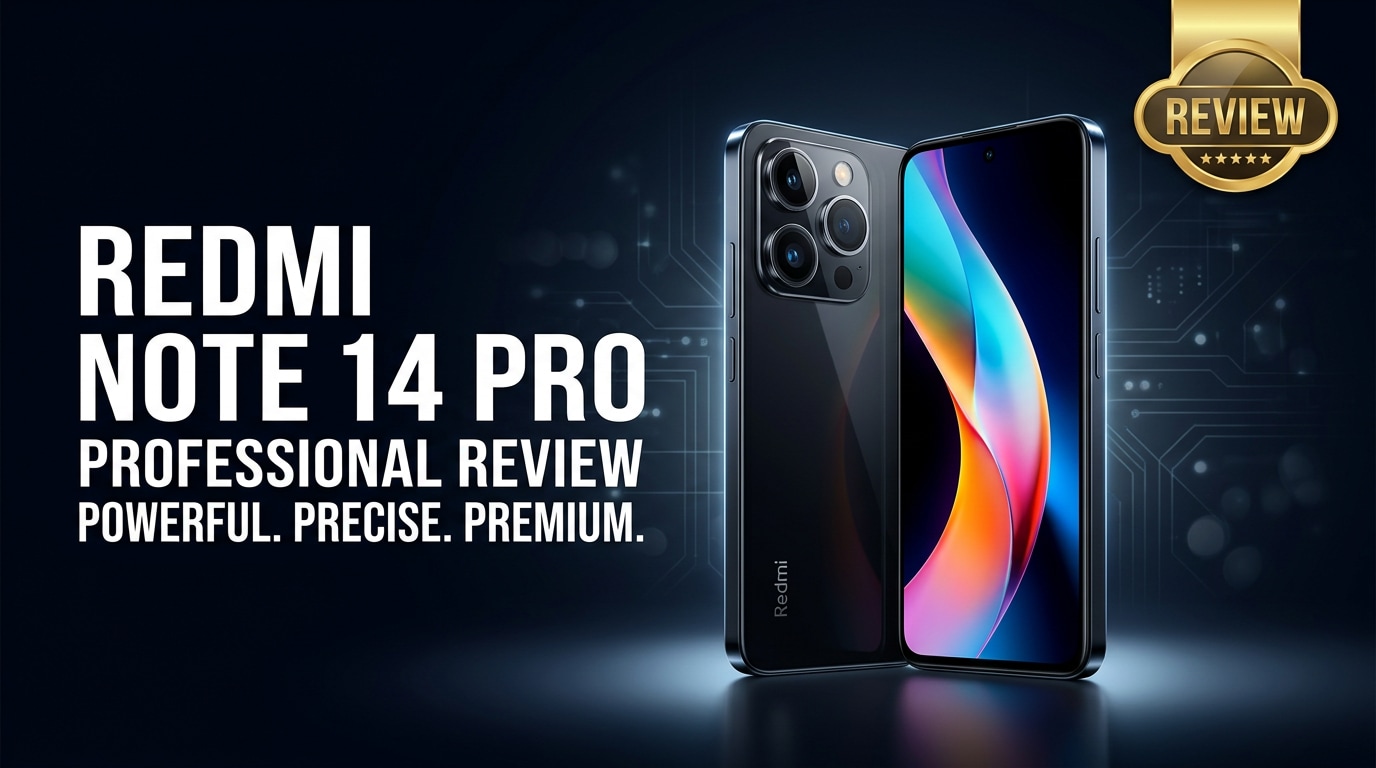
The Redmi Note 14 Pro is Xiaomi's latest mid-range Android phone, offering a faster chip, refined design, and upgraded cameras at an accessible price. It targets users who want reliable everyday performance, smooth visuals, and respectable photography without paying flagship money. This review walks through its key specs, daily experience, and data protection tips.
Repair Corrupted Files To Save Your Data
 Security Verified. Over 7,302,189 people have downloaded it.
In this article
The Redmi Note 14 Pro continues Xiaomi's tradition of squeezing premium features into an affordable package. It offers a high-refresh display, a capable processor, and a multi-camera setup aimed at social media creators and everyday users. At the same time, it keeps battery life, charging speed, and storage options practical for long-term use and large media libraries.
What is New About Redmi Note 14 Pro
This generation of the Redmi Note 14 Pro focuses on refining the formula rather than reinventing it. Compared with older Redmi Note models, you get a more efficient chipset, a brighter OLED or AMOLED-style display, and a noticeably improved main camera with better low-light processing.
Software optimizations also help animations feel smoother and reduce stutters in everyday use. Connectivity upgrades such as faster 5G bands, Wi-Fi improvements, and more reliable Bluetooth make it a more future-ready choice for streaming, gaming, and using wireless accessories.
Finally, Xiaomi polishes the design language with slimmer bezels, a more premium rear finish, and a camera module that looks closer to its higher-end siblings. These tweaks make the phone feel more expensive in the hand without dramatically raising the price.
Price, Storage, and Design
Redmi Note 14 Pro price and variants
The Redmi Note 14 Pro price targets value-conscious buyers who still care about performance and cameras. Depending on region and promotions, it typically launches in several RAM and storage variants so you can balance budget with long-term needs.
| Variant | Who it suits |
|---|---|
| 6 GB RAM / 128 GB storage | Light users, messaging, browsing, and casual photos. |
| 8 GB RAM / 256 GB storage | Most buyers, balanced for gaming, photos, and video downloads. |
| Higher RAM / 256 GB+ storage | Heavy users with many apps, offline music/video, and big games. |
Exact pricing varies by market and sales events, but the Redmi Note line usually stays aggressively competitive against devices from Samsung, Realme, and other Android rivals in the same range.
Design and in-hand feel
The Redmi Note 14 Pro design aims to feel sleek while remaining practical. Expect a flat or slightly curved frame, a glass or glass-like back with a matte or glossy finish, and a prominent camera island that signals its photographic ambitions.
The phone manages weight and thickness well enough for one-handed use, though users with smaller hands may still prefer a grip or case. Button placement is straightforward, and the fingerprint reader (whether side-mounted or under-display, depending on variant) is quick to reach and consistent in unlocking.
Color options typically include classic black or gray alongside more expressive hues to appeal to younger buyers. Build quality feels solid for the price range, though you should still rely on a case and screen protector to guard against drops and scratches.
Display, Performance, and Daily Use
The display is one of the biggest reasons to choose the Redmi Note 14 Pro. You get a high-refresh screen (commonly 90 Hz or 120 Hz), which makes scrolling, gaming, and UI animations feel much smoother than on standard 60 Hz panels.
Brightness is strong enough for comfortable outdoor use, and color reproduction is pleasing for streaming movies and editing photos before uploading them to social media. Thin bezels help deliver an immersive viewing experience, and the punch-hole selfie camera minimally interrupts content.
On the performance side, the Redmi Note 14 Pro specs usually include a mid-range processor built on a modern, power-efficient process node. Paired with 6 GB or more of RAM, it handles multitasking, messaging, and most games on medium to high settings without obvious slowdowns.
In everyday use, you can expect:
- Fast app launches for common apps like Instagram, WhatsApp, and TikTok.
- Smooth navigation in the interface, even with multiple apps in the background.
- Stable 5G or 4G connections for streaming and video calls, depending on coverage.
- Acceptable heat management, with only moderate warmth during long gaming sessions.
Overall, daily performance is more than enough for typical users and competitive for the mid-range market segment.
Camera Review
The Redmi Note 14 Pro camera system is a major selling point. Xiaomi usually combines a high-resolution main sensor with supporting ultra-wide and possibly macro or depth cameras to give users flexibility in shooting different scenes.
Daylight shots from the main camera are crisp, with good dynamic range and saturated but appealing colors that are ready for social media. The built-in AI scene detection can slightly boost contrast and color depending on what you are shooting, which many users enjoy for quick snaps.
In low light, improved night mode processing helps reduce noise and retain more detail than past Redmi Note generations. While it may not match flagship phones in shadow detail or color accuracy, the results are strong for this price and fully adequate for messaging apps and online sharing.
The ultra-wide camera is useful for landscapes, group photos, and room shots. Its output is usually softer and noisier in dim light but still practical for good lighting conditions. The macro or close-up camera, if included, is more situational yet can capture interesting details of small subjects.
Video recording from the Redmi Note 14 Pro supports popular resolutions such as 1080p and potentially 4K, with stabilization helping smooth handheld footage. It is suitable for vlogs, travel clips, and everyday memories, though professionals may still prefer dedicated cameras or flagships.
Battery, Charging, and Software Experience
The Redmi Note 14 Pro battery is designed to comfortably last through a full day of mixed usage. With a capacity typically around 5000 mAh and an efficient processor, you can browse, chat, stream, and snap photos without constantly worrying about the percentage dropping too quickly.
Heavy gamers or those who watch hours of video over mobile data might need an evening top-up, but Xiaomi's fast charging support helps quickly refill the battery when needed. Charging speeds depend on your region and charger bundle, yet you can normally expect a significant boost in under 30 minutes.
On the software side, Xiaomi's Android skin offers many customization options, from themes and icon packs to gesture navigation. While there may be some pre-installed apps, most can be disabled or uninstalled. Regular updates vary by market, but Xiaomi usually pushes security patches and at least one or two major Android upgrades to its mid-range lineup.
Together, these factors make the Redmi Note 14 Pro a dependable daily companion that balances performance, battery life, and features well for its asking price.
Pros and Cons of Redmi Note 14 Pro
Before deciding if this phone is right for you, it helps to weigh the upsides and trade-offs clearly.
Pros
- Bright, smooth high-refresh display ideal for gaming and scrolling.
- Capable main camera with solid daylight performance and improved night mode.
- Reliable battery life with fast charging for quick top-ups.
- Competitive pricing versus other mid-range Android phones.
- Multiple RAM and storage options to suit different budgets and needs.
- Modern design with premium feel for its price bracket.
Cons
- Ultra-wide and macro cameras may lag behind the main sensor in detail and low-light performance.
- Some regions may see extra pre-installed apps or ads in the UI.
- Not as powerful as true flagship devices for intensive, long gaming sessions at max settings.
- Camera bump can be pronounced, making a protective case almost necessary.
What to Do If Your Redmi Note 14 Pro Files Get Corrupted
Why use Repairit for corrupted Redmi files
Even a well-built phone like the Redmi Note 14 Pro is not immune to issues such as corrupted photos, videos, or documents. Sudden shutdowns, system crashes, unstable apps, or a failing SD card can all damage your media files. When this happens, a specialized tool like Wondershare Repairit can be the difference between losing memories and recovering them.
Wondershare Repairit is a dedicated repair solution that focuses on fixing corrupted or unplayable photos, videos, audio, and documents from devices such as the Redmi Note 14 Pro, cameras, and computers. You can learn more and download it from the Repairit official website, so it is ready whenever your data needs help.
Key features of Wondershare Repairit
- Repairs corrupted or unplayable photos, videos, audio, and documents from phones, cameras, SD cards, and computers.
- Guided, click-through workflow with file preview before saving the repaired versions to your device.
- Supports batch repair and multiple popular formats so you can restore many damaged files in one run.
How to repair Redmi Note 14 Pro files step by step
Follow these steps to repair corrupted files from your Redmi Note 14 Pro using Wondershare Repairit.
-
Step 1: Launch Repairit and load your corrupted Redmi files
Install and open Wondershare Repairit on your Windows PC or Mac. Connect your Redmi Note 14 Pro via USB, or insert its SD card into a card reader attached to your computer. In the Repairit interface, choose the relevant repair module (videos, photos, audio, or files) and click the option to add files. Browse to the folder containing your corrupted Redmi media and import them into the program.

-
Step 2: Start the repair process and wait for analysis
After adding all affected items, click the Repair button. Repairit will quickly scan each file, detect structural damage, and attempt to rebuild headers, indexes, and other essential data sections. During this stage, avoid disconnecting your Redmi Note 14 Pro or SD card to prevent further damage. The progress bar shows how many files are being processed and when the initial repair pass finishes.

-
Step 3: Preview the results and save the repaired files
When Repairit completes its work, you will see a status indicator beside each file. Use the Preview option to open repaired photos, videos, or documents within the program and confirm that they now play or display correctly. If you are satisfied, click Save or Save All and choose a safe folder on your computer (not on the original corrupted storage) as the destination. You can then copy these fixed files back to your Redmi Note 14 Pro once you are sure the phone or SD card is working normally again.

Conclusion — When Should You Buy?
The Redmi Note 14 Pro delivers a balanced mix of performance, display quality, and camera capability at a price aimed squarely at mainstream users. Its long-lasting battery, fast charging, and modern design make it a strong candidate if you want a phone that simply works well day after day without feeling slow or outdated too quickly.
You should consider buying the Redmi Note 14 Pro if you want a capable Android phone that focuses on value without huge compromises in gaming, photography, or battery life. To protect your memories and important documents, keep regular backups and have a repair tool like Wondershare Repairit ready in case any of your Redmi Note 14 Pro photos, videos, or files become corrupted.
FAQ
-
1. Is the Redmi Note 14 Pro good for gaming?
The Redmi Note 14 Pro is well suited for casual and mid-level gaming. Its capable processor and high-refresh display deliver smooth gameplay in popular titles at medium to high graphics settings. For very demanding games, lowering settings can help maintain stable frame rates and keep temperatures under control. -
2. How long does the Redmi Note 14 Pro battery last in daily use?
With typical use that includes social media, messaging, web browsing, and some video streaming, the Redmi Note 14 Pro battery usually lasts a full day on one charge. Heavy gaming or continuous 5G data may shorten screen-on time, but fast charging lets you quickly top up when needed. -
3. Does the Redmi Note 14 Pro have a good camera for night photos?
The Redmi Note 14 Pro camera performs well in daylight and offers a noticeably better night mode than many older Redmi models. While it cannot fully match flagship-level low-light performance, night photos are generally clean and detailed enough for social media and everyday sharing. -
4. What should I do if my Redmi Note 14 Pro photos or videos get corrupted?
If you notice corrupted photos or videos, stop saving new files to the same storage to avoid overwriting data. Transfer the damaged files to a computer and run Wondershare Repairit to attempt recovery. The tool lets you repair and preview the fixed versions before saving them back to your Redmi Note 14 Pro or another safe location. -
5. Can I repair files after a system crash on the Redmi Note 14 Pro?
If a system crash causes file corruption but the phone's internal storage or SD card is still readable, you can often repair affected photos, videos, and documents using Wondershare Repairit. Combining regular cloud or local backups with repair software gives you the highest chance of recovering your important data.




