
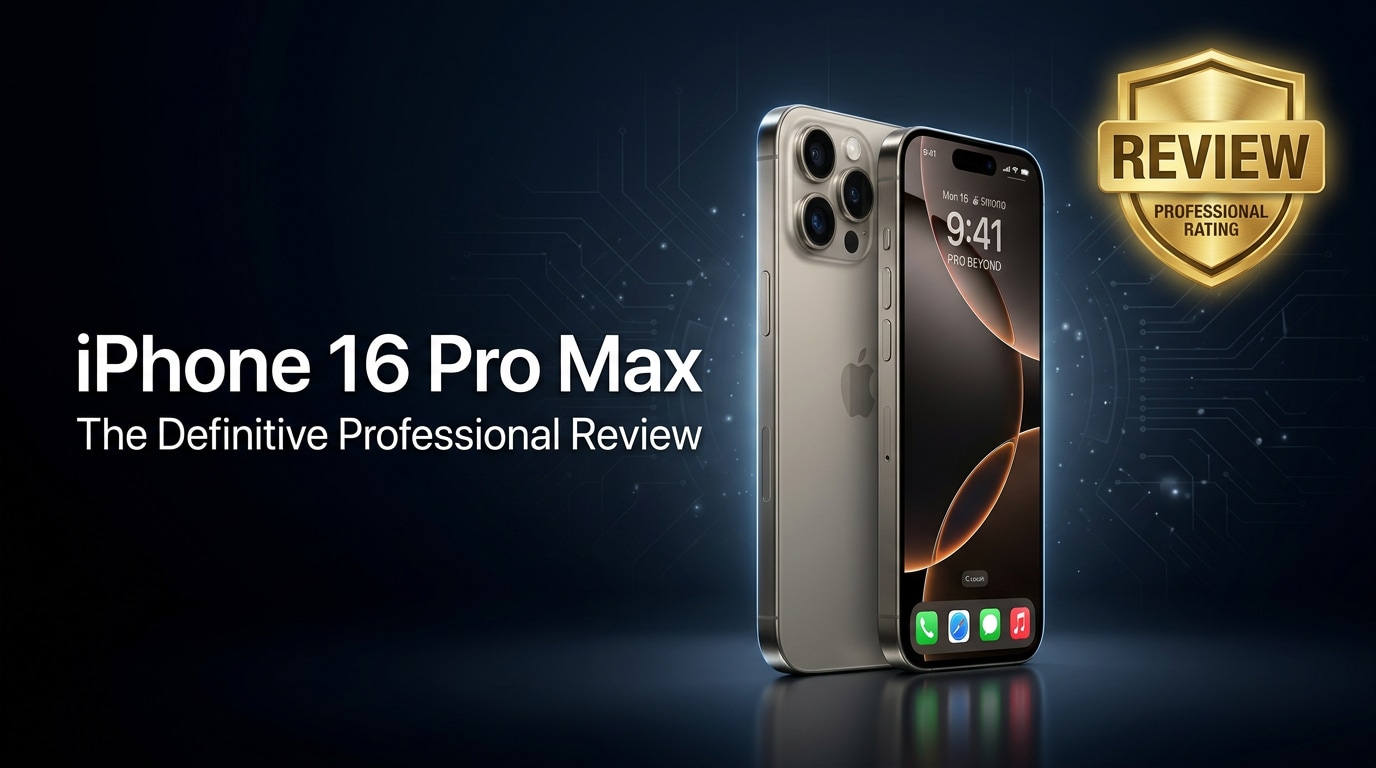
The iPhone 16 Pro Max is Apple's biggest, most powerful flagship, aimed at creators, gamers, and professionals who want a large display, premium camera system, and long battery life. This review walks through its key upgrades, real-world performance, and user experience while also covering how to keep your data safe and what to do if files on your new iPhone become corrupted.
Repair Corrupted Files To Save Your Data
 Security Verified. Over 7,302,189 people have downloaded it.
In this article
What’s New About iPhone 16 Pro Max
The iPhone 16 Pro Max builds on the Pro line with a slightly larger display, a more efficient next-gen A-series chip, and a refined titanium frame that reduces weight while improving durability. The camera system gains improved low-light performance, smarter computational photography, and a more capable telephoto lens for distant subjects. Apple also enhances on-device AI features, making tasks like photo editing, voice processing, and real-time transcription faster and more power-efficient. Combined, these upgrades make the 16 Pro Max feel noticeably more responsive, especially for heavy multitaskers and content creators.
Price, Storage, and Design
iPhone 16 Pro Max price and storage options
Apple positions the iPhone 16 Pro Max at the top of its lineup, so it comes with a premium price tag. Exact pricing varies by region, but it typically starts at the Pro Max tier and increases with storage. You can expect familiar capacities such as 256 GB, 512 GB, and 1 TB, with some markets still offering a 128 GB base for lighter users.
For most buyers, 256 GB is the sweet spot, balancing cost and room for 4K video, high-resolution photos, and large apps. If you frequently shoot ProRes video or plan to keep the phone for many years, 512 GB or 1 TB will offer more peace of mind and reduce the risk of running out of space.
Design, build quality, and ergonomics
The iPhone 16 Pro Max continues Apple's premium design language with a titanium frame, textured glass back, and precision-milled edges. It feels solid yet slightly lighter than earlier stainless-steel Pro Max models, which makes a real difference in day-to-day use, especially one-handed.
Apple subtly tweaks the button layout and maintains features like the Action button (or its successor), giving quick access to functions such as camera, flashlight, or focus modes. The large screen inevitably makes it a two-handed device for many users, but the slimmer bezels and rounded corners help it sit more comfortably in the hand and in pockets.
| Aspect | iPhone 16 Pro Max Overview |
|---|---|
| Materials | Titanium frame, textured glass back, Ceramic Shield front |
| Water/Dust Resistance | Rated for everyday spills and splashes, suitable for brief submersion |
| Storage Options | Likely 256 GB, 512 GB, 1 TB (region-dependent base option) |
Display, Performance, and Daily Use
The iPhone 16 Pro Max display is larger and brighter than before, with a high-refresh ProMotion panel for smoother scrolling and more responsive gaming. HDR content looks punchy, and brightness levels make it easy to read outdoors in harsh sunlight.
Under the hood, the latest A-series chip delivers faster CPU and GPU performance while remaining power efficient. Intensive games, high-bitrate video editing, and multitasking across multiple apps feel fluid, with fewer slowdowns even after long sessions. Connectivity upgrades such as 5G improvements and Wi-Fi refinements contribute to snappier downloads and more reliable streaming.
In daily use, animations feel crisp, apps open quickly, and the phone stays cool under normal workloads. The combination of silicon, software optimizations, and generous RAM means that even users juggling social media, productivity apps, and creative tools should experience consistently smooth performance.
Camera Review
The camera system on the iPhone 16 Pro Max is one of its biggest selling points. Apple refines the triple-lens array, improving the main wide sensor, ultra-wide lens, and telephoto capabilities for sharper, more detailed photos across varied lighting conditions.
Daylight images show rich, accurate colors with strong dynamic range, preserving detail in highlights and shadows. Low-light and night mode performance are noticeably cleaner, with less noise and more natural skin tones. The telephoto lens is more capable for distant subjects, making it easier to capture crisp shots at higher zoom levels during travel or events.
On the video side, stabilization is excellent, and footage looks cinematic, especially when using modes that blur the background or capture higher frame rates. Features like better audio capture and advanced stabilization help vloggers and mobile filmmakers get usable clips without carrying extra gear. Overall, the camera setup is a solid upgrade for users who rely on their phone as their main camera.
Battery, Charging, and Software Experience
The iPhone 16 Pro Max is built for all-day use, even under heavy workloads. A refined battery design and the efficient A-series chip work together to deliver strong endurance for gaming, navigation, 5G browsing, and long video sessions. Most users should end a full day with some charge left, and light users may stretch to a second day with moderate usage.
Fast charging and wireless charging support remain, letting you top up quickly when needed. While exact wattage can vary, a capable USB-C or Lightning charger (depending on your region and model) will get you from low to roughly half charge in about half an hour in many scenarios.
On the software side, the latest iOS release brings deeper AI integration, enhanced privacy controls, and features like improved widgets, lock screen customization, and smarter photo management. Long-term software support means you can expect multiple years of security updates and new iOS features, which is a major advantage for users planning to keep their phone for a long time.
Pros and Cons of iPhone 16 Pro Max
Pros
- Large, bright ProMotion display ideal for gaming, media, and productivity.
- Powerful A-series chip with excellent performance and efficiency.
- Upgraded camera system with improved low-light and telephoto capabilities.
- Premium titanium design that is both durable and lighter than older Pro Max models.
- Strong battery life and long-term iOS software support.
Cons
- High price, especially for larger storage tiers.
- Large size may be uncomfortable for users with smaller hands.
- Accessories and repairs remain relatively expensive.
- Base storage may feel tight for heavy 4K video shooters.
What to Do If Your iPhone 16 Pro Max Files Get Corrupted
Repairit introduction
Even with powerful hardware, the iPhone 16 Pro Max is not immune to issues like corrupted photos, videos, or documents caused by interrupted transfers, crashes, or storage errors. When important files stop opening or become unplayable, a dedicated repair tool is far more effective than repeatedly forcing them to open. Wondershare Repairit is designed specifically to repair damaged media and documents, giving you a guided workflow to analyze and fix corrupted files from your iPhone without complex technical steps.
Key features of Repairit
- Repairs corrupted or unplayable videos, photos, and documents from the iPhone 16 Pro Max and many other devices.
- Offers a simple, step-based interface with clear progress indicators, previews, and save options after the repair.
- Supports a wide range of popular file formats and can process multiple files in a single repair session to save time.
Step-by-step guide to repair corrupted iPhone files
- Launch Repairit on your computer and add the damaged files. Connect your iPhone 16 Pro Max using a cable, or transfer its media to a local folder first. Open Repairit, choose the relevant repair module (video, photo, or file), and click the option to add files. Browse to the photos, videos, or documents that are not opening correctly and load them into the repair list for processing.

- Start the repair process and check the preview. After confirming the list of corrupted items, click the Repair button to begin analysis. Repairit scans the structure of each file and attempts to rebuild missing or damaged data segments. When the repair completes, review the status indicators and use the built-in preview to see whether the repaired photos display correctly or videos play smoothly before you commit to saving them.

- Save repaired files to a secure location and resync. Select the items that were fixed successfully and click Save or Save All. Choose a stable folder on your computer or an external drive instead of the original problematic location. Once everything is stored safely, you can sync the repaired copies back to your iPhone 16 Pro Max using Finder, iTunes, or cloud services like iCloud or Dropbox, ensuring your restored files are ready to use again.

Conclusion — When Should You Buy?
The iPhone 16 Pro Max offers a compelling mix of a larger, brighter display, faster performance, and an upgraded camera system inside a lighter titanium body. It is an ideal choice for users who prioritize screen size, camera quality, and long-term software support over compact dimensions and lower cost.
You should seriously consider the 16 Pro Max if you are upgrading from an older Pro Max model that is at least two generations behind, or if you rely on your phone for photography, video creation, or demanding apps. Pairing it with regular backups and tools like Wondershare Repairit helps keep your photos, videos, and documents safe so you can fully enjoy what the device offers without worrying about unexpected file corruption.
FAQ
-
1. Is the iPhone 16 Pro Max worth upgrading from an older Pro Max model?
It is most worthwhile if you value camera upgrades, better battery efficiency, and the newest A-series processor. Owners of devices older than two generations or users who shoot a lot of photos and high-resolution video will notice the biggest improvements. -
2. How much storage do I need on the iPhone 16 Pro Max?
Casual users who mostly stream content may be fine with the base storage, but heavy photo and video shooters should choose at least 256 GB. If you record a lot of 4K or ProRes video, 512 GB or 1 TB is safer for long-term use. -
3. What should I do first if my iPhone 16 Pro Max files look corrupted?
Stop recording or copying more data immediately, restart your phone, and try opening the files again. Then create a backup and use a desktop repair tool such as Wondershare Repairit to attempt file-level repair rather than repeatedly forcing the files to open. -
4. Can I repair corrupted iPhone 16 Pro Max videos without data loss?
There is no absolute guarantee, but specialized tools like Repairit are designed to correct structural file errors while preserving as much content as possible. Always work on copies of your files and keep backups to reduce the risk of permanent loss. -
5. Will using Repairit void my iPhone 16 Pro Max warranty?
No. Repairit operates on files after you transfer them to a computer and does not change your iPhone hardware or system firmware, so it does not affect your Apple warranty coverage.




