
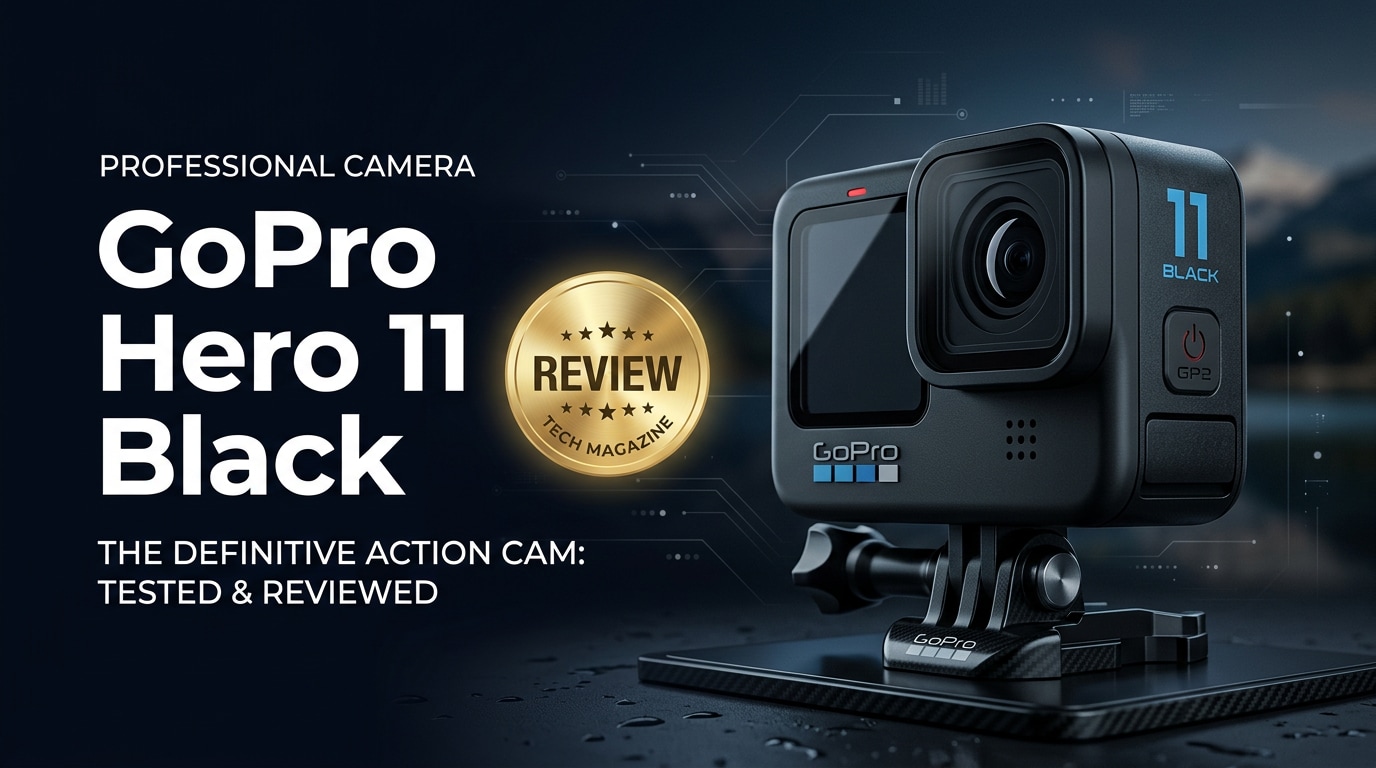
The GoPro Hero 11 Black is a rugged, waterproof action camera built to capture crisp 5.3K video and detailed photos in demanding environments. With a taller sensor, advanced stabilization, and creator-friendly shooting modes, it targets everyone from adrenaline junkies to travel vloggers. This guide walks through what is new, how it performs, key pros and cons, and how to protect and repair your footage if anything goes wrong with your files.
Repair Corrupted Files To Save Your Data
 Security Verified. Over 7,302,189 people have downloaded it.
In this article
What Is New About GoPro Hero 11 Black
The GoPro Hero 11 Black refines the classic GoPro formula with a taller 8:7 sensor that captures more vertical height in every frame. This makes it easier to crop for 16:9, 4:3, or 9:16 social formats without reshooting. HyperSmooth 5.0 stabilization introduces AutoBoost and Horizon Lock for smoother footage, even in chaotic action scenes. GoPro also adds new shooting modes like Light Painting, Vehicle Light Trails, and Star Trails, alongside improved 10-bit color for richer gradients and better color grading flexibility in post.
Full Specs at a Glance
Core imaging specs
| Feature | GoPro Hero 11 Black Specs |
|---|---|
| Sensor | 1/1.9-inch CMOS, 8:7 aspect ratio |
| Maximum video resolution | 5.3K up to 60 fps |
| Other video modes | 4K up to 120 fps, 2.7K and 1080p up to 240 fps for slow motion |
| Photo resolution | Up to 27MP still photos |
| Color depth | 10-bit color for video |
| Stabilization | HyperSmooth 5.0 with Horizon Lock and AutoBoost |
| Lens options | Digital lenses: SuperView, Wide, Linear, Linear + Horizon Lock, Narrow |
| Night effects | Star Trails, Light Painting, Vehicle Light Trails |
| Time-lapse modes | TimeWarp 3.0, standard time-lapse, Night Lapse |
Connectivity, battery, and storage
| Feature | GoPro Hero 11 Black Specs |
|---|---|
| Waterproof rating | 10 m / 33 ft without housing |
| Battery | Enduro rechargeable battery, 1720 mAh |
| Ports | USB-C, microSD card slot |
| Wireless | Wi‑Fi, Bluetooth, cloud upload with subscription |
| Storage | microSD card (UHS-I, V30 or better recommended) |
| Dimensions and weight | Similar footprint to Hero 10 Black, compact and mount-compatible |
| Mounting | Built-in folding mounting fingers |
| Accessories | Compatible with Mods, chest and helmet mounts, and most GoPro ecosystem gear |
Real-World Performance
In use, the GoPro Hero 11 Black delivers crisp, detailed 5.3K footage with excellent sharpness and improved dynamic range compared with earlier models. The 8:7 sensor is particularly useful for creators who need both horizontal YouTube content and vertical social clips from the same recording. HyperSmooth 5.0 keeps handheld and helmet-mounted footage very stable, while Horizon Lock maintains a level horizon even when the camera rotates significantly.
Low-light performance is better than older GoPros but still limited compared with larger-sensor cameras, so results depend on how much available light you have. Audio quality from the onboard microphones is solid for action use, especially with wind reduction enabled, though external mics via the Media Mod remain a better choice for talking-head content. Battery life is reasonable with the Enduro battery, but long 5.3K or high-frame-rate sessions still require spares for all-day shooting.
Pros & Cons
Pros
- New 8:7 sensor allows flexible reframing for multiple aspect ratios from one clip.
- 5.3K60 recording with 10-bit color gives more detail and grading latitude.
- HyperSmooth 5.0 stabilization and Horizon Lock produce very stable, level footage.
- Rugged, waterproof design to 10 m without an additional housing.
- Improved Enduro battery performance in cold and demanding conditions.
- Creative modes such as TimeWarp 3.0, Star Trails, and Light Painting.
Cons
- Small sensor still struggles in very low light compared with larger cameras.
- High resolutions and frame rates generate large files that quickly fill cards.
- Camera can get warm in long 5.3K or high-frame-rate recordings.
- Requires fast, high-quality microSD cards to avoid recording problems or corruption.
- Subscription features add ongoing costs if you want cloud upload and extra tools.
Who Is This Camera For?
The GoPro Hero 11 Black is ideal for action sports shooters, travelers, vloggers, and creators who need a compact camera they can mount almost anywhere. If you prioritize durability, portability, and stabilized 5.3K footage over interchangeable lenses or shallow depth of field, it fits comfortably into your kit. It is also a strong fit for social media creators who want to capture once and then crop for multiple platforms without re-recording.
On the other hand, if you mostly film indoor content, talking heads, or cinematic work where low-light performance and lens flexibility matter more, a mirrorless camera or a compact with a larger sensor may serve you better, with the Hero 11 Black acting as a rugged B-camera for risky angles.
What to Do If Your GoPro Hero 11 Black Files Get Corrupted
Why use Repairit for GoPro footage
Even with fast microSD cards and careful handling, you may still encounter corrupted clips, missing thumbnails, or videos that refuse to play from your GoPro Hero 11 Black. Rather than giving up on those recordings, you can use Wondershare Repairit to scan and repair damaged media. It is a dedicated repair solution for videos, photos, and other files stored on SD cards, cameras, or computers. You can learn more and download it from the Repairit official website to quickly bring problem GoPro footage back to life.
Key features of Repairit
- Repairs corrupted or unplayable GoPro videos, photos, and other common media formats.
- Supports SD cards, external drives, and local disks so you can target the storage used by your camera.
- Guided repair workflow with automatic scanning, file listing, and preview before you save the final results.
Step-by-step: repair corrupted GoPro Hero 11 Black files
-
Choose a Location to Repair Data
Install and open Wondershare Repairit, then pick the repair module that matches your damaged content, such as Video Repair or Photo Repair. In the main window, select the SD card, external drive, or folder where your GoPro Hero 11 Black files are stored. Confirm the path so Repairit can focus its analysis on the location that actually contains your corrupted clips.

-
Deep Scan the Location
Start the scan and let Repairit work through the selected storage. It will automatically search for damaged or partially unreadable GoPro files and examine their structure in the background. You can follow the progress bar as new entries appear in the results list. Allow the deep scan to complete so the software has enough information to attempt the most thorough repair possible.

-
Preview and Repair Your Desired Data
When the analysis finishes, browse the list of found items and use the preview function to check that video and photo playback looks correct. Tick only the clips you want to keep, then start the repair and save process. Choose a safe destination folder on your computer rather than the original SD card. Afterward, open a few repaired files in your usual player or editor to confirm that your GoPro Hero 11 Black footage is usable again.

Conclusion — Should You Buy?
The GoPro Hero 11 Black offers a powerful blend of rugged design, flexible 8:7 framing, and 5.3K 10-bit video that suits most action, travel, and POV creators. HyperSmooth 5.0 and Horizon Lock keep footage steady in situations where other compact cameras would struggle, and the ecosystem of mounts makes it easy to capture unique angles in harsh conditions.
If you want a tough, mount-anywhere camera that prioritizes stabilization, portability, and high-resolution video over interchangeable lenses or large sensors, the Hero 11 Black is a strong buy. Pair it with reliable microSD cards, regular backups, and a repair tool like Wondershare Repairit so that even if files become corrupted, your best moments are not lost.
FAQ
-
1. What resolutions can the GoPro Hero 11 Black record at?
The GoPro Hero 11 Black can record up to 5.3K at 60 fps, 4K at higher frame rates such as 120 fps, and 2.7K or 1080p at even faster frame rates for ultra-smooth slow motion. -
2. Is the GoPro Hero 11 Black waterproof without a case?
Yes. The Hero 11 Black is waterproof down to 10 meters (33 feet) without an external housing. For deeper dives or heavy impact situations, use a compatible underwater housing for extra protection. -
3. How can I prevent GoPro Hero 11 Black files from becoming corrupted?
Use high-quality, fast microSD cards (V30 or better), always stop recording before powering off, avoid removing the battery or card while the camera is writing, and format the card in-camera regularly instead of deleting files one by one. -
4. Can corrupted GoPro Hero 11 Black videos be repaired?
In many cases they can. Tools like Wondershare Repairit scan your SD card or drive, analyze damaged files, and attempt to rebuild their structure so they play back correctly again. -
5. How does the GoPro Hero 11 Black compare to compact gimbal cameras?
The Hero 11 Black is more rugged, waterproof, and better suited to high-impact action, while small gimbal cameras (like the DJI Osmo Pocket series) usually excel at stabilized walking shots and more traditional framing. The best choice depends on where and how you shoot.




