
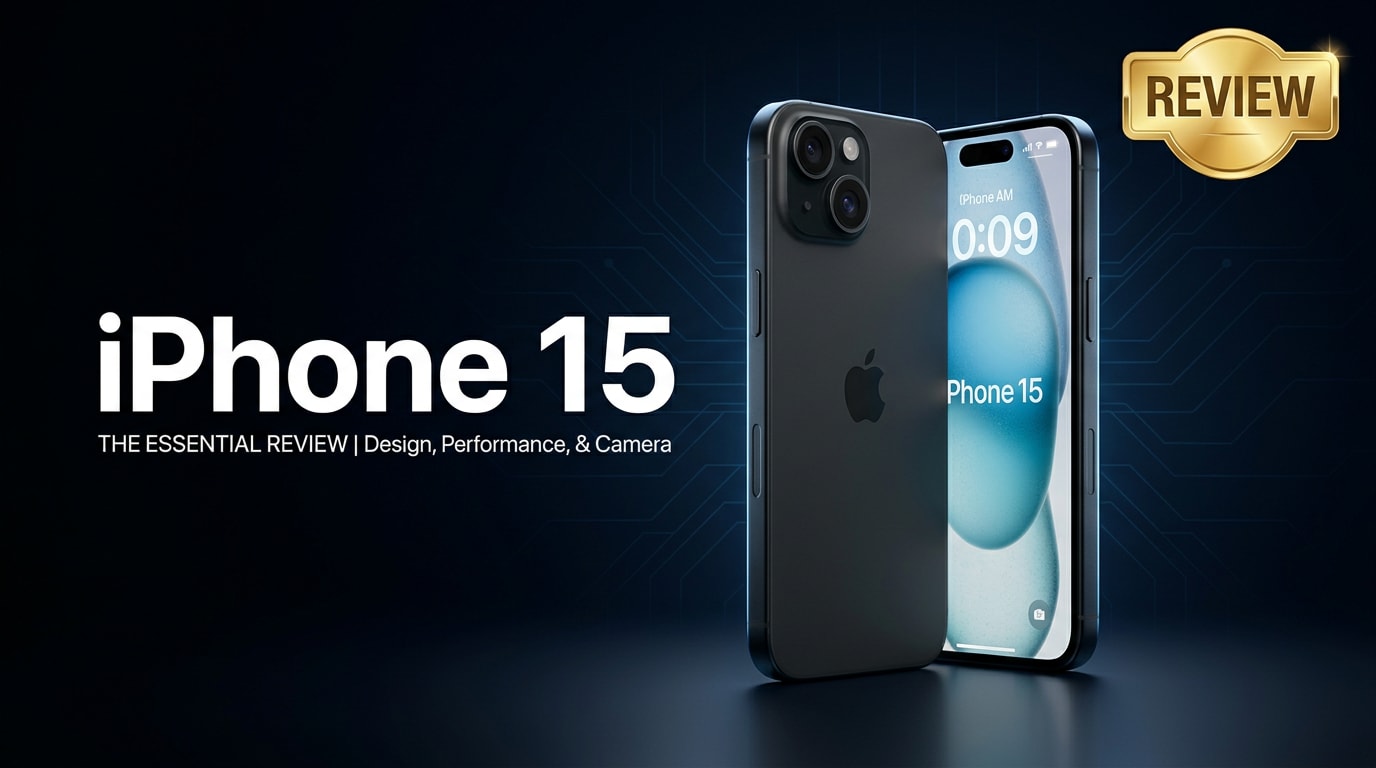
The iPhone 15 continues Apple's flagship line with a refined design, brighter display, and smarter performance aimed at everyday users and mobile power users alike. It delivers noticeable upgrades in camera quality, connectivity, and efficiency while keeping the familiar iOS experience. This review looks at how the phone performs in real life and what to do if important files on your device become corrupted or inaccessible.
Repair Corrupted Files To Save Your Data
 Security Verified. Over 7,302,189 people have downloaded it.
In this article
What's New About iPhone 15
The iPhone 15 features an updated design with softer edges and a lighter chassis, making it more comfortable to hold for long periods. Apple also brings the Dynamic Island to this generation, replacing the traditional notch and giving you interactive access to live activities like music, calls, and navigation. USB-C finally arrives, simplifying charging and data transfer across your devices. Under the hood, a newer chip boosts iPhone 15 performance in gaming and multitasking while improving power efficiency. Connectivity gets an upgrade too, with faster 5G, better satellite-based emergency features, and improved wireless performance.
Price, Storage, and Design
iPhone 15 price and storage options
The iPhone 15 storage lineup is designed to cover casual and heavier users alike. The base model typically starts with 128 GB, which is suitable for messaging, social apps, and moderate photo libraries. Power users, content creators, and mobile gamers should consider 256 GB or 512 GB to avoid frequent offloading of photos and videos. Pricing scales accordingly, so factor in how many 4K videos, ProRAW photos, and large apps you plan to keep locally. Remember that more local storage can reduce your reliance on cloud subscriptions and make offline use more flexible.
Design and build quality
The iPhone 15 refines Apple's existing aesthetic rather than reinventing it. You get a sleek aluminum frame with color-infused glass on the back for a smooth, matte feel that resists fingerprints better than previous glossy finishes. The softened edges make the phone noticeably more comfortable to grip one-handed. Button placement remains familiar, but the addition of USB-C on the bottom replaces Lightning and better aligns with laptops, tablets, and accessories. It is rated for water and dust resistance, so accidental splashes or rain should not be a problem, though you should still avoid prolonged submersion.
| Model | Key Design Highlights |
|---|---|
| iPhone 15 | Aluminum frame, color-infused glass back, Dynamic Island, USB-C |
| Previous standard models | Sharper edges, notch display, Lightning port, similar size and weight class |
Display, Performance, and Daily Use
The iPhone 15 performance is built around a fast chip that handles multitasking, casual gaming, and content creation with ease. Apps launch quickly, system animations are smooth, and iOS optimizations keep the phone feeling responsive even as your app library grows. The brighter OLED display makes outdoor visibility better than before, which is especially useful for maps, photography, and reading in direct sunlight. Color accuracy and contrast are excellent, making videos and photos look vibrant yet natural.
In daily use, everything from Face ID unlocking to switching between messaging, email, and social apps feels fluid. The phone remains cool under typical workloads, with only moderate warmth during extended gaming or 4K video recording. 5G and Wi-Fi deliver fast downloads and clearer video calls when your network supports them. For most people, the iPhone 15 is more than capable of acting as a main work, entertainment, and communication device without noticeable slowdowns.
Camera Review
The iPhone 15 camera system brings meaningful upgrades over prior standard models, especially in low light and portrait photography. The main lens captures detailed, balanced images with accurate skin tones and improved dynamic range, helping preserve detail in both bright skies and deep shadows. Smart HDR processing does a better job of handling high-contrast scenes, such as backlit subjects or sunsets.
Portrait mode is more flexible, letting you adjust focus and depth after the shot in many cases, while subject detection helps keep people and pets sharp. Night mode activates automatically in dim scenes, resulting in brighter photos with less noise and more visible detail. For video, the iPhone remains a standout: stabilization keeps handheld clips smooth, and colors stay consistent across different lighting environments. For content creators and social media users, the overall experience is dependable and straightforward, even if you rarely tweak advanced settings.
Battery, Charging, and Software Experience
The iPhone 15 battery is tuned for efficiency, comfortably lasting a full day of mixed use that includes web browsing, messaging, social media, streaming, and light gaming. Power users who frequently record 4K video or play 3D games may want to top up in the late afternoon, but most people will find the endurance reliable.
USB-C charging makes it easier to share cables with laptops, tablets, and other modern devices. Fast charging gets you from low battery to meaningful levels in a short break, while MagSafe accessories still offer convenient wireless charging and snap-on cases, wallets, and mounts.
On the software side, iOS offers tight integration with Apple services, smooth animations, and consistent updates for several years. Features like Focus modes, Live Text, and improved widgets make everyday tasks more efficient. Apple's privacy controls, permission prompts, and on-device processing for many features provide added reassurance when handling sensitive data, photos, and messages.
Pros and Cons of iPhone 15
| Pros | Cons |
|---|---|
| Brighter, color-accurate display that is easy to view outdoors | Base storage may feel limiting for heavy photo and video users |
| Improved iPhone 15 camera performance, especially in low light and portraits | No major design overhaul if you prefer a radically new look |
| USB-C, strong day-long iPhone 15 battery, and polished iOS software experience | Advanced camera and productivity users might prefer Pro models for extra features |
What to Do If Your iPhone 15 Files Get Corrupted
Why iPhone 15 files can get corrupted
Even with Apple's safeguards, your iPhone 15 data is not completely immune to corruption. Sudden shutdowns during recording or saving, failed transfers over unstable cables or networks, buggy third-party apps, or storage errors can all leave photos, videos, or documents partially written or unreadable. Symptoms include media that will not open, playback that stops suddenly, missing thumbnails, or error messages when you tap a file. When this happens, avoid repeatedly opening or editing the damaged item, since that can make recovery harder.
How to repair corrupted iPhone 15 files with Repairit
Repairit Introduction
When critical photos, videos, or documents on your iPhone 15 stop opening, a dedicated repair tool can often rescue them. Wondershare Repairit is built specifically to fix corrupted media and files from phones, memory cards, and computers. Instead of editing data directly on your device, it works on copies of the damaged files on your computer, reducing risk to your phone's storage. You can download the desktop and online versions from the Repairit official website and follow a guided process that does not require technical expertise.
Key Features of Repairit
- Repairs corrupted photos, videos, and documents from multiple devices, including the iPhone 15, memory cards, and external drives.
- Provides a clear workflow with repair progress indicators and a preview option before you save the fixed files.
- Supports batch processing so you can repair many damaged items in one session instead of handling them one by one.
Step-by-step guide to fix corrupted iPhone 15 files
-
Step 1: Transfer and add your corrupted iPhone 15 files into Repairit
Connect your iPhone 15 to a computer and copy the problematic photos, videos, or documents to a local folder. Open Repairit on your desktop, choose the repair module that matches your file type (video, photo, or file), and click the option to add files. In the file browser, navigate to the folder where you stored the exported items, select all the corrupted files you want to fix, and confirm so they appear in the Repairit list.

-
Step 2: Start the repair and let Repairit analyze the corruption
After loading your media, click the Repair button to begin processing. Repairit scans each file to identify issues such as header damage, missing frames, or structural inconsistencies, then applies targeted repair methods automatically. During this stage, keep your computer powered on and avoid disconnecting any external drives or closing the program. You can monitor the repair status using the on-screen progress bars until the analysis and fixing steps are complete.

-
Step 3: Preview the repaired results and save them safely
When Repairit finishes, use the Preview button next to each item to confirm that your photo, video, or document now opens correctly and plays or displays without errors. If the preview looks good, click Save and choose a reliable destination folder on your computer or an external drive. Once the fixed versions are stored safely, you can sync them back to your iPhone 15 via Finder, iTunes, or your preferred transfer method, and keep a backup in iCloud or on another drive for extra protection.

Conclusion — When Should You Buy?
The iPhone 15 is a confident upgrade that refines nearly every part of the experience: brighter display, better cameras, improved efficiency, and the long-awaited switch to USB-C. It does not radically change the smartphone formula, but it offers a balanced package that will satisfy most users.
You should strongly consider the iPhone 15 if you are upgrading from an older model like the iPhone 11 or earlier, want reliable all-day performance, or care about camera quality and long-term software support. Just make sure to protect your iPhone 15 storage with regular backups and use tools like Wondershare Repairit when files become corrupted, so important memories and documents stay recoverable.
FAQ
-
1. Is the iPhone 15 worth upgrading from an older iPhone?
If you are coming from an iPhone 11 or earlier, the iPhone 15 offers major gains in camera quality, battery efficiency, display brightness, and overall performance, making it a strong upgrade. Users of more recent models may want to upgrade only if they value USB-C, the improved camera, or need better battery life. -
2. How long does the iPhone 15 battery last in daily use?
In typical mixed use, the iPhone 15 battery can comfortably last a full day of web browsing, messaging, social apps, streaming, and some light gaming. Very heavy camera or gaming sessions may require a top-up before bedtime. -
3. What should I do if photos or videos on my iPhone 15 will not open?
First, check your iCloud and local backups to see if clean copies of the files exist. If the files themselves appear corrupted, transfer them to a computer and use a repair tool like Wondershare Repairit to attempt to fix and restore the damaged media. -
4. Can I recover deleted files from my iPhone 15?
Recently deleted photos and videos often remain in the Photos app's Recently Deleted album for up to 30 days, where you can restore them directly. For older deletions, you may need to restore from an iCloud or computer backup or try a dedicated iOS data recovery solution. -
5. Does repairing corrupted files with Repairit affect data on my iPhone 15?
Repairit works on copies of your exported files stored on a computer, not directly on the iPhone 15 itself. This means your phone's internal data remains untouched. To stay safe, always keep backups before running any repair or recovery operation.




