
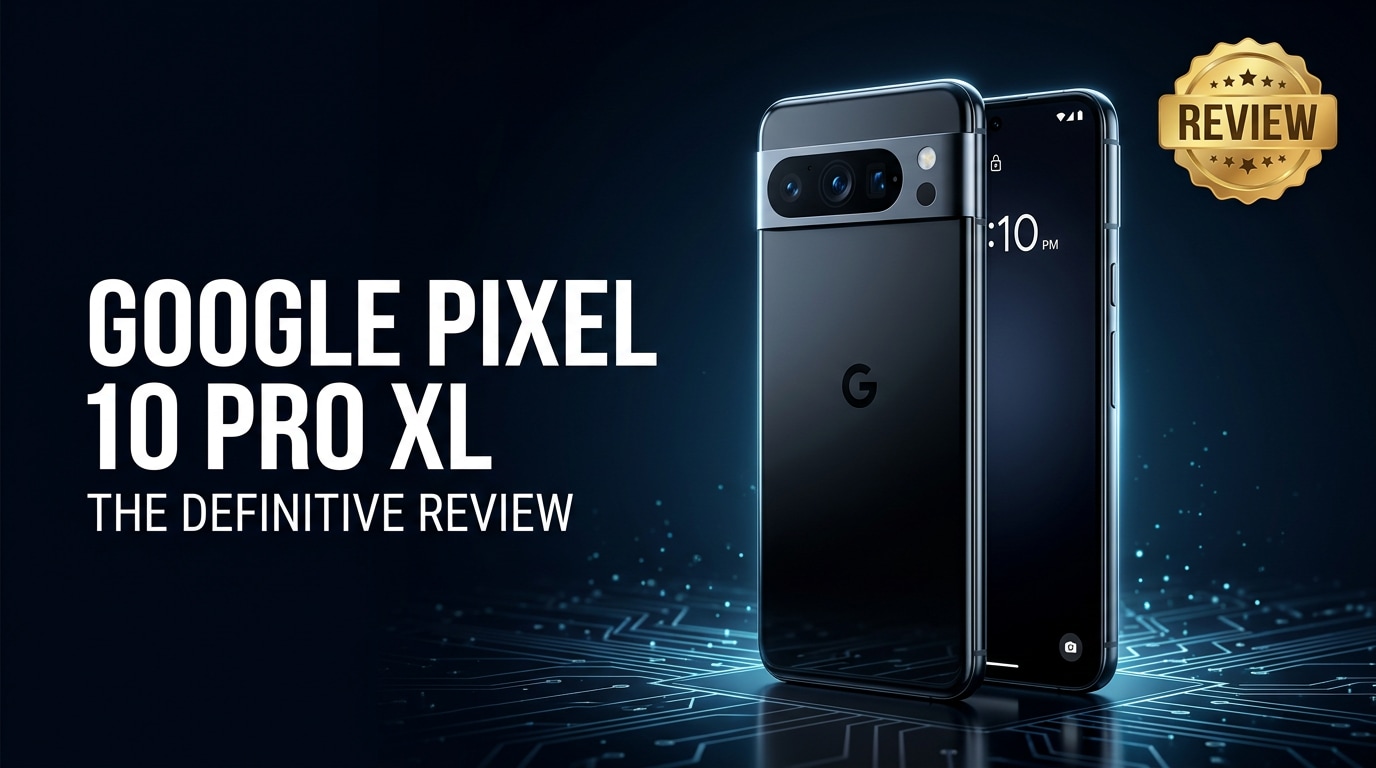
The Google Pixel 10 Pro XL is Google's big-screen flagship built for demanding users who care about smart features as much as raw specs. It brings a larger display, upgraded Tensor silicon, refined camera hardware, and deeper on-device AI to help you shoot, edit, and share faster. This review covers its design, performance, battery life, and photography, plus how to deal with corrupted photos or videos so your memories stay safe.
Repair Corrupted Files To Save Your Data
 Security Verified. Over 7,302,189 people have downloaded it.
In this article
The Google Pixel 10 Pro XL sits at the top of Google's smartphone lineup with a huge display, premium hardware, and deep integration of Google services. It is aimed at users who want clean Android, powerful on-device AI, and a camera that reliably delivers great photos and videos. Beyond the headline specs, what really matters is how it feels in daily use and how safely it handles your data, especially your irreplaceable media.
What’s New About Google Pixel 10 Pro XL
The Google Pixel 10 Pro XL builds on earlier Pro models with a series of hardware and software refinements focused on size, power, and intelligence.
- New-generation Tensor chipset designed for faster AI tasks, better voice processing, and smarter photo/video editing.
- Larger, brighter high-refresh OLED panel optimized for HDR content and outdoor visibility.
- Updated camera sensors and lenses, particularly for the main and telephoto modules, with improved low-light and zoom performance.
- More advanced on-device AI features like real-time call enhancements, context-aware Assistant actions, and smarter photo editing tools.
- Refined design language with slimmer bezels, more durable materials, and improved in-hand balance for a large phone.
- Enhanced security features and extended update commitment for long-term software support.
Price, Storage, and Design
Pixel 10 Pro XL price and configurations
Pricing for the Google Pixel 10 Pro XL targets the premium flagship segment, and typical configurations follow Google's recent pattern.
| Variant | Who it suits |
|---|---|
| 128 GB storage | Streaming-first users who rely on cloud backups and shoot occasional 4K clips. |
| 256 GB storage | Most people, balancing cost with space for apps, photos, and regular 4K video. |
| 512 GB (or higher) | Power users who record long 4K/8K videos, store offline media, or game heavily. |
There is no microSD expansion on recent Pixels, so you should pick a storage tier that comfortably covers at least two to three years of use.
Design, build, and ergonomics
The Google Pixel 10 Pro XL keeps the recognizable Pixel camera bar but refines how it blends into the frame. Premium glass and metal materials give it a solid, flagship feel, while tight tolerances help with dust and water resistance.
- Tall and wide footprint, clearly favoring users who like big phones and big screens.
- Slimmer bezels compared with previous generations, making the display feel more immersive.
- Matte or satin finishes on the back that reduce fingerprints and improve grip.
- Color options that range from classic neutrals to more playful shades.
Despite the XL size, thoughtful weight distribution and gentle curves make it more comfortable to hold than its dimensions suggest, though small-hand users may still need two-handed operation most of the time.
Display, Performance, and Daily Use
Display quality and speakers
The display is the centerpiece of the Google Pixel 10 Pro XL. It is a large, high-resolution OLED with a fast refresh rate that dynamically scales to balance smoothness and efficiency.
- Sharp, vibrant picture quality with deep blacks and excellent contrast for streaming, gaming, and photo editing.
- High peak brightness that keeps content legible and punchy in direct sunlight.
- Adaptive refresh rate that ramps up for scrolling and gaming, then down for static content.
- Accurate color profiles that can be tuned for either vivid or more natural output.
Stereo speakers complement the display with clear mids and decent bass for a phone. They are loud enough for casual video watching and speakerphone calls without distorting badly at higher volumes.
Performance, gaming, and connectivity
Powered by Google's latest Tensor chip, the Google Pixel 10 Pro XL aims to deliver fluid performance with a special focus on AI and machine learning workloads.
- Everyday tasks such as browsing, messaging, and multitasking feel responsive with ample RAM headroom.
- Gaming performance is strong for most titles at high settings, though extended sessions can warm the device, as with many modern flagships.
- On-device AI accelerates tasks like live transcription, translation, image processing, and smart replies.
- Fast 5G and Wi-Fi connectivity support smooth streaming and quick cloud backups when networks are stable.
Overall, the phone provides a consistently smooth daily experience, with intelligent optimizations that quietly work in the background to prioritize the apps and activities you use most.
Camera Review
Rear camera performance
The camera system is one of the main reasons to buy the Google Pixel 10 Pro XL. It combines upgraded hardware with Google's well-known computational photography.
- Main wide camera that captures detailed, contrasty shots with reliable exposure and pleasing color tuning.
- Ultra-wide lens for landscape, architecture, and group shots with improved edge sharpness over older models.
- Telephoto camera that delivers cleaner optical and hybrid zoom, particularly in the 3x–10x range, where many users shoot portraits or distant scenes.
- Low-light performance boosted by refined Night Sight, which better preserves detail and reduces motion blur.
Dynamic range remains a Pixel strong point, handling tricky backlit scenes without crushing shadows or blowing highlights. The camera app remains simple on the surface while allowing fast access to modes like portrait, night, and high-res zoom.
Selfie camera and video
The front camera on the Google Pixel 10 Pro XL is tuned for clarity and natural skin tones, making it well suited to video calls and social posts.
- Sharp selfies with balanced color, even in mixed lighting situations.
- Portrait selfies with more accurate edge separation and refined background blur.
- High-resolution video recording options on both front and rear cameras, including 4K.
- Stabilization that keeps handheld footage looking smooth while walking or panning.
Google's software also adds creative extras such as intelligent background blur, noise reduction, and AI-powered editing tools that can remove distractions or enhance certain details in your photos and clips.
Battery, Charging, and Software Experience
Battery life and charging speeds
The Google Pixel 10 Pro XL houses a large battery designed to power its big display and AI features throughout a full day.
- All-day endurance for typical mixed use that includes web browsing, social apps, camera use, and navigation.
- Adaptive battery management that learns your habits and limits power to rarely used apps.
- Fast wired charging that gets you from low to a comfortable level in a short sitting.
- Wireless charging and reverse wireless charging support for earbuds and compatible accessories.
Under heavy camera or gaming loads, you will see faster drain, but most users should comfortably reach the evening without topping up if they start the day at 100%.
Software, AI features, and updates
The software experience is a core strength of the Google Pixel 10 Pro XL. It ships with clean, current Android and a long-term update roadmap.
- Minimal bloatware with a cohesive design language and intuitive system navigation.
- Exclusive Pixel features such as smarter call screening, audio message transcription, and context-aware Assistant shortcuts.
- Deep AI integration for tasks like photo editing, summarizing content, and real-time translation.
- Security and feature updates delivered quickly, keeping the phone safer and more capable over time.
The result is a phone that often feels smarter than its raw specs suggest, quietly offering helpful suggestions or automating small tasks without getting in your way.
Pros and Cons of Google Pixel 10 Pro XL
Pros
- Excellent camera system with reliable performance across lighting conditions and focal lengths.
- Large, bright, and smooth display that is ideal for media and productivity.
- Clean Android with fast updates and exclusive Pixel AI features.
- Strong day-long battery life with both wired and wireless charging options.
- Tight integration with Google services, cloud backups, and smart home controls.
Cons
- XL size can be cumbersome for one-handed use or small pockets.
- No microSD card expansion, so choosing the right storage tier is critical.
- Charging speeds may lag behind the very fastest competitors.
- Tensor chip prioritizes AI over peak gaming performance, which may matter to some heavy gamers.
What to Do If Your Google Pixel 10 Pro XL Files Get Corrupted
Why Pixel 10 Pro XL files get corrupted
Even a flagship like the Google Pixel 10 Pro XL is not immune to file issues. You might find that some photos do not open, videos will not play, or files show errors after transfer. Common causes include forced shutdowns while recording, interrupted file transfers, storage errors, buggy apps, or unexpected disconnections when backing up to a computer or external drive.
When this happens, avoid repeatedly opening or editing the same problematic files on the phone, as this can make recovery harder. Instead, copy them to a computer and work from there with dedicated repair tools.
Repair corrupted Pixel files with Repairit
When media from your Google Pixel 10 Pro XL becomes unplayable or refuses to open, a specialized repair solution is usually safer than random workarounds. Wondershare Repairit is built to fix corrupted videos, photos, and other files from phones, cameras, and computers. You can explore its capabilities and supported formats from the Repairit official website, then run repairs locally on your Windows or Mac system.
Key features of Repairit
- Repairs corrupted or unplayable videos, photos, and other files copied from your Google Pixel 10 Pro XL and many other devices.
- Handles multiple formats and resolutions, including 4K and HEVC phone footage, without lowering output quality.
- Offers a step-by-step interface where you can preview repaired files before saving them to safe storage.
Step-by-step: Fix corrupted Google Pixel 10 Pro XL files with Repairit
- Install and open Wondershare Repairit on your computer, then choose the repair module that matches your issue, such as Video Repair or Photo Repair. Connect your Google Pixel 10 Pro XL or use a card reader, and copy the damaged media to a local folder before adding them into Repairit.
- Check the list of imported Pixel files in Repairit and click the repair button to start scanning. The program analyzes each item for structural damage, rebuilds headers and data indexes where possible, and processes the files automatically in the background.
- When the repair finishes, use the built-in preview to play the fixed videos or view the restored photos. Confirm that everything looks correct, then save the repaired versions to a secure location on your computer or backup drive, keeping them separate from the original corrupted copies.



Conclusion — When Should You Buy?
The Google Pixel 10 Pro XL is designed for users who want a large-screen Android flagship with excellent cameras, strong AI features, and reliable day-long battery life. It excels at everyday tasks, creative work, and media consumption while keeping the software experience clean and up to date.
You should consider buying the Pixel 10 Pro XL if you prioritize Google's software experience and camera quality over extreme gaming performance or the very fastest charging speeds. Pairing it with consistent cloud backups and a repair tool for your media, such as Wondershare Repairit, gives you a powerful, dependable daily driver that also keeps your photos and videos safer over the long term.
FAQ
-
1. Is the Google Pixel 10 Pro XL worth upgrading to from an older Pixel?
If you are coming from a Pixel that is two or more generations old, the Google Pixel 10 Pro XL offers clear gains in performance, battery optimization, camera versatility, and AI features. From a very recent Pro model, the jump is more incremental and mainly worth it if you want the larger display, better zoom, and updated software extras. -
2. How much storage do I need on the Google Pixel 10 Pro XL?
Light users who mostly stream content can manage with 128 GB, provided they use cloud backups. If you record lots of 4K video, install many games, or keep offline media, 256 GB or higher on the Google Pixel 10 Pro XL is safer since there is no microSD expansion. -
3. What should I do if videos from my Google Pixel 10 Pro XL will not play?
Restart your phone, test a different video player, and check whether other videos play normally. If specific clips still fail, copy them to a computer and run them through Wondershare Repairit to detect and fix corruption before you decide to delete anything from your Google Pixel 10 Pro XL. -
4. Can I recover deleted photos on the Google Pixel 10 Pro XL?
First check the Photos app Trash or Bin, where deleted items usually remain for a limited time. If they are gone, you can try a data recovery tool, but success depends on how much new data you have created on the Google Pixel 10 Pro XL since deletion. -
5. How can I protect my Google Pixel 10 Pro XL data from corruption?
Enable automatic cloud backups, avoid force-restarting the phone during recording or file transfers, keep some free space on the internal storage, and periodically copy important photos and videos to a computer or external drive. Using a repair solution like Wondershare Repairit as a safety net adds another layer of protection.




