
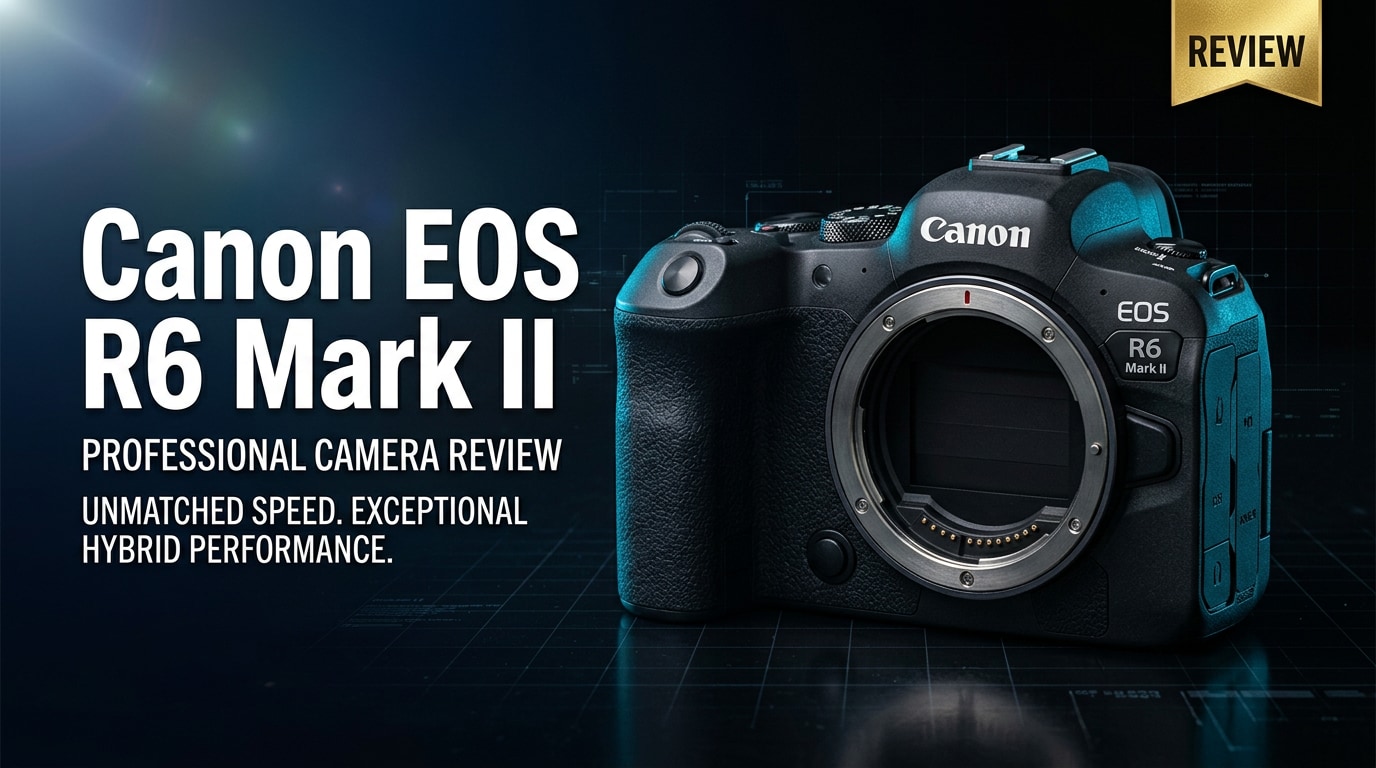
The Canon EOS R6 Mark II is a 24.2MP full-frame mirrorless camera aimed at creators who need dependable speed, advanced autofocus, and flexible 4K video. It refines the original R6 with better heat management, smarter subject tracking, and workflow-friendly features, making it a strong option for weddings, events, sports, and hybrid content creation.
Repair Corrupted Files To Save Your Data
 Security Verified. Over 7,302,189 people have downloaded it.
In this article
What's New About Canon EOS R6 Mark II
The EOS R6 Mark II review story starts with meaningful upgrades over the original R6 that target hybrid shooters.
- New 24.2MP full-frame sensor for more detail and slightly better dynamic range compared with the 20MP R6.
- Refined Dual Pixel CMOS AF II with improved subject recognition for people, animals, and vehicles.
- Up to 40 fps electronic shutter burst shooting with AF/AE tracking, plus pre-shooting capture in RAW burst mode.
- 4K60p oversampled from 6K with no crop in many modes, plus 6K ProRes RAW output over HDMI with an external recorder.
- Better heat management, reducing Canon R6 II overheating concerns for longer 4K recording sessions.
- Enhanced video tools: false color (via compatible external monitor), focus breathing correction, and more flexible oversampled 4K.
- Improved ergonomics and menu tweaks for quicker access to video/stills settings and custom modes.
Full Specs at a Glance
The R6 Mark II specs put it firmly in the enthusiast and professional bracket, with serious firepower for both stills and video work.
Sensor and Image Processing
| Feature | Details |
|---|---|
| Sensor | 24.2MP full-frame CMOS |
| Image Processor | DIGIC X |
| Native ISO Range | ISO 100-102,400 (expandable to 204,800) |
| Image Stabilization | In-body 5-axis IBIS, up to 8 stops with compatible lenses |
| Continuous Shooting | Up to 12 fps mechanical, 40 fps electronic (with AF/AE) |
| Autofocus System | Dual Pixel CMOS AF II, 100% coverage, subject detection for humans, animals, and vehicles |
Video and Connectivity
| Feature | Details |
|---|---|
| Video Resolutions | 4K60p oversampled from 6K, Full HD up to 180p |
| Recording Formats | MP4, MOV; 10-bit 4:2:2 internal with Canon Log 3 / HDR PQ |
| External Output | Up to 6K ProRes RAW via HDMI to compatible recorder |
| Memory Cards | Dual SD UHS-II card slots (V60/V90 recommended for high-bitrate 4K) |
| Ports and Connectivity | Microphone, headphone, USB-C, full-size HDMI, Wi-Fi, Bluetooth |
| Battery and Build | LP-E6NH battery, weather-sealed body similar to R5/R6 |
Real-World Performance
In day-to-day use, the Canon EOS R6 Mark II feels fast and confident. The autofocus locks onto eyes and faces reliably for weddings, portraits, and documentary work, and tracking animals or vehicles is fluid for sports or wildlife. Continuous shooting at up to 40 fps makes it easy to capture peak action, though using electronic shutter can introduce rolling shutter in certain situations.
For video, oversampled 4K60p footage is sharp with pleasing color and strong low-light performance, especially when pairing Canon Log 3 with proper grading. Many users will notice that Canon mirrorless camera overheating is better controlled compared with the original R6, especially at standard 4K frame rates. Dual SD slots and improved heat handling together reduce the risk of dropped clips, though using fast V60 or V90 cards is essential for stable recording.
Pros & Cons
| Pros | Cons |
|---|---|
| Excellent Dual Pixel AF II with subject detection for people, animals, and vehicles | Rolling shutter can appear when using 40 fps electronic shutter in fast pans |
| Fast bursts (up to 40 fps) and responsive handling for action and events | Video recording times can still be limited in very hot environments |
| Oversampled 4K60p and 6K RAW output for serious video work | Dual SD (not CFexpress) limits absolute max data rates compared with higher-end bodies |
| Improved heat management vs original R6, reducing Canon R6 II overheating concerns | 24.2MP may feel modest for heavy crop or landscape specialists |
| Solid weather sealing, dual card slots, and familiar Canon ergonomics | Price sits above entry-level bodies, less ideal for casual beginners |
Who Is This Camera For?
The Canon EOS R6 Mark II is built for hybrid creators who constantly switch between photography and video. Wedding and event photographers will appreciate its fast autofocus, dependable low-light performance, and dual SD slots for redundancy. Documentary shooters and YouTubers benefit from its 4K60p, 10-bit recording, and improved thermal performance.
If you are deciding between Canon R6 II vs R5, the R6 Mark II is usually better for high-volume work where speed, autofocus, and lower file sizes matter more than extreme resolution. The R5 still wins for detailed studio, landscape, and large print work, but the R6 Mark II is often the more flexible all-rounder.
What to Do If Your Canon EOS R6 Mark II Files Get Corrupted
Why Use Repairit for Canon Files
Even a reliable body like the Canon EOS R6 Mark II is not immune to memory card glitches, power loss, or file system errors that can corrupt MP4/MOV clips or photo files. When precious footage or client work will not open, crashes the player, or stops halfway, a dedicated repair tool is much safer than random manual tricks.
Wondershare Repairit is built specifically to handle scenarios like corrupted corrupted Canon video files and damaged photos from cameras and cards. You can learn more on the Repairit official website, where the workflow guides you from scan to preview and final repair without needing advanced technical skills.
Key Features of Repairit
- Repairs corrupted or unplayable Canon photo and video files in a guided, click-through workflow.
- Supports multiple formats and storage devices, including SD cards, CFexpress readers, and external drives.
- Offers visual preview of repaired media so you only recover the clips and images that truly matter.
How to Repair Canon EOS R6 Mark II Files Step by Step
-
Choose a Location to Repair Data
Open Repairit and pick the repair mode that matches your issue, such as video or photo repair. Connect the SD card, camera, or external drive that stored your Canon EOS R6 Mark II files, and select that device or folder as the scan location. This tells Repairit exactly where to look for damaged MP4, MOV, or image files.

-
Deep Scan the Location
Start the deep scan and let Repairit analyze the selected card or drive without interruption. The tool will search for missing, corrupted, or partially saved clips and images created by your Canon mirrorless camera. As files are discovered, you will see a list of recoverable items, including those flagged as damaged or incomplete, so you can quickly spot problem recordings.

-
Preview and Repair Your Desired Data
When the scan finishes, browse the results and use the built-in preview window to check whether each repaired video plays smoothly and audio is in sync, or whether photos display clearly. Select the clips and images you want to keep, then click to repair and save them to a safe folder on your computer. Avoid saving back to the same SD card to prevent overwriting, especially if you still hope to recover additional repair Canon MP4 or MOV footage later.

Conclusion — Should You Buy?
The Canon EOS R6 Mark II review verdict is that this camera is a fast, reliable, and well-balanced hybrid body. With excellent autofocus, oversampled 4K, solid low-light performance, and better heat management, it comfortably handles weddings, events, sports, and content creation for both enthusiasts and working professionals.
If you need a dependable full-frame tool rather than the highest possible resolution, the R6 Mark II is a smart long-term investment. Combine it with a disciplined backup strategy and a repair solution like Repairit to protect against corrupted MOV or MP4 files, and you have a robust, creator-ready system for demanding shoots.
FAQ
-
1. Is the Canon EOS R6 Mark II good for professional work?
Yes. The Canon EOS R6 Mark II offers reliable autofocus, strong low-light performance, dual card slots, and robust 4K video, making it suitable as a main or backup body for weddings, events, documentary work, and content creation. -
2. Does the Canon EOS R6 Mark II overheat when shooting 4K video?
Canon has significantly improved heat management compared with the original R6. In typical real-world use, you can record oversampled 4K for longer before reaching limits, especially in moderate temperatures and when allowing short breaks between takes. -
3. What memory cards work best with the Canon EOS R6 Mark II?
The camera uses SD UHS-II cards. For reliable 4K video and continuous bursts, fast V60 or V90 rated UHS-II cards are recommended to minimize buffer delays, recording errors, and the risk of corrupted Canon video files. -
4. Can I recover corrupted video files from the Canon EOS R6 Mark II?
In many cases, yes. If MP4 or MOV clips become corrupted because of power loss, card removal, or file system errors, tools like Repairit can scan, repair, and restore unplayable footage from your card or drive. Avoid shooting more on the same card before attempting recovery. -
5. Is the Canon EOS R6 Mark II suitable for beginners?
It can be a good choice for serious beginners who plan to grow into the system. The autofocus and menus are user-friendly, but the price and feature set are more aligned with enthusiasts and professionals than with casual, occasional users.




