
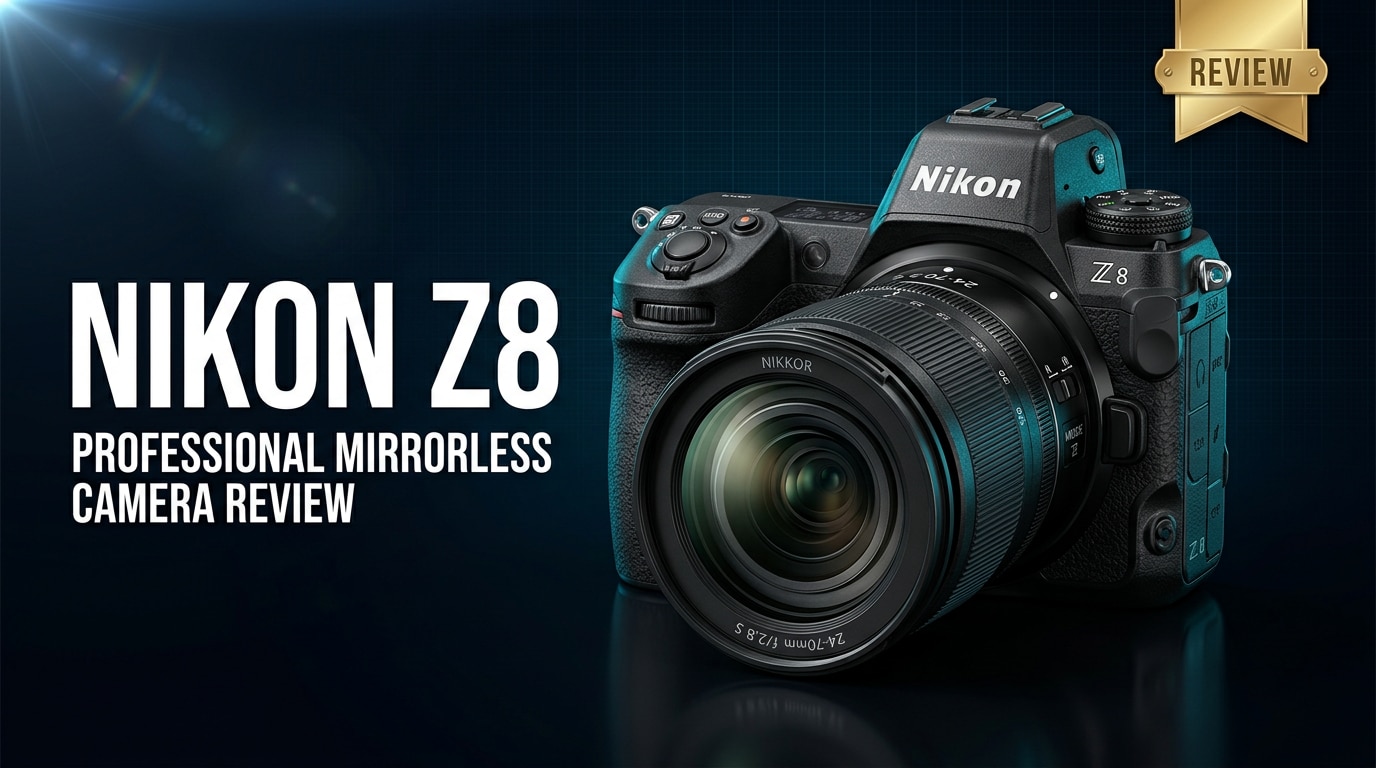
The Nikon Z8 packs flagship imaging and video technology into a smaller, more affordable body that suits working photographers and hybrid creators alike. With its stacked sensor, fast autofocus, and robust 8K video options, this full-frame mirrorless camera targets demanding shoots without the bulk of Nikon's largest pro models. Below, we explore what is new, how it performs in real-world scenarios, and what to do if your files ever become corrupted.
Repair Corrupted Files To Save Your Data
 Security Verified. Over 7,302,189 people have downloaded it.
In this article
The Nikon Z8 is a full-frame mirrorless camera that brings much of Nikon's flagship Z9 technology into a more compact body aimed at professional and advanced enthusiast creators. It combines a stacked sensor, powerful autofocus, and advanced 8K video tools in a package that is easier to carry for events, travel, and commercial work.
What's New About Nikon Z8
The Nikon Z8 essentially distills the core capabilities of Nikon's top-end Z9 into a smaller, lighter body, making pro performance more accessible and portable.
- Shares the same high-resolution stacked CMOS sensor and EXPEED 7 processor as the Z9, enabling blistering readout speeds and reduced rolling shutter.
- Removes the integrated vertical grip, dramatically reducing size and weight while retaining pro-level controls and weather sealing.
- Offers advanced 8K and 4K video modes, including internal N-RAW and ProRes RAW options traditionally reserved for flagship cinema-level bodies.
- Improves subject detection AF with deep-learning algorithms for people, animals, vehicles, and more, working seamlessly for both stills and video.
- Refined ergonomics and customizable controls optimized for hybrid shooters who regularly switch between photo and video on set.
Full Specs at a Glance
Here is a quick look at the key specifications that define the Nikon Z8 as a compact flagship camera.
| Feature | Nikon Z8 Specification |
|---|---|
| Sensor & Resolution | Full-frame stacked CMOS, approx. 45.7 MP, same generation as Nikon Z9 |
| Image Processor | EXPEED 7 with advanced noise reduction and deep-learning AF algorithms |
| ISO Range | Native ISO 64–25,600 (expandable), optimized for wide dynamic range |
| Continuous Shooting | Up to very high FPS with full AF/AE tracking (ideal for sports and wildlife) |
| Video Recording | Internal 8K recording, high-bitrate 4K, N-RAW and ProRes RAW support |
| Autofocus System | Advanced hybrid AF with subject detection for people, animals, and vehicles |
| Card Slots | 1x CFexpress Type B / XQD, 1x UHS-II SD for speed and redundancy |
| Build & Sealing | Magnesium alloy chassis with extensive weather sealing |
| Mount & Compatibility | Nikon Z mount, supports Z lenses and F-mount glass via FTZ adapter |
Real-World Performance
In practice, the Nikon Z8 behaves like a flagship camera that you can comfortably carry all day.
Autofocus and Tracking
The Z8's subject detection and tracking are particularly strong in challenging environments. Sports, wildlife, or fast-paced events benefit from sticky eye detection and intelligent recognition of people, animals, and vehicles. The fast stacked sensor readout trims rolling shutter, so panning with fast subjects feels more natural, even in electronic shutter modes.
Image Quality and Dynamic Range
The 45.7 MP full-frame sensor delivers detailed files with rich color and impressive dynamic range. Low ISO landscapes and commercial work benefit from clean shadows and flexible highlights, while higher ISO performance remains competitive for low-light events. RAW files provide plenty of latitude for grading, retouching, and compositing, making the Z8 suitable for professional workflows.
Video Capabilities
For creators focused on motion, the Nikon Z8 is a serious 8K video tool. Internal 8K capture, oversampled 4K modes, and internal RAW formats give filmmakers room to crop, stabilize, and reframe in post. Combined with advanced AF, zebra patterns, log profiles, and reliable heat management in most shooting scenarios, it can replace larger cinema-style setups for many productions.
Pros & Cons
Advantages of the Nikon Z8
- Flagship-level sensor and processor in a smaller, lighter body than the Z9.
- Excellent AF and tracking performance for action, events, and wildlife.
- Professional-grade 8K and 4K video modes with internal RAW options.
- Strong weather sealing and robust construction suitable for demanding field work.
- Dual card slots (CFexpress/XQD + UHS-II SD) for flexible recording and backup.
Potential Drawbacks
- High data rates in 8K and RAW modes demand fast, expensive CFexpress cards.
- Large 8K and high-bitrate 4K files can strain storage and backup workflows.
- Battery life, while solid, may feel shorter for intensive all-day video recording.
- Price remains premium, especially once you factor in professional Z lenses.
Who Is This Camera For?
The Nikon Z8 is best suited for serious photographers and hybrid shooters who need flagship performance but prefer not to carry an integrated-grip body.
- Wedding and event photographers: Benefit from fast AF, great low-light performance, and dual card slots for in-camera backup.
- Sports and wildlife shooters: Appreciate the stacked sensor's readout speed, subject detection, and high burst rates in a lighter package.
- Commercial and portrait photographers: Leverage the 45.7 MP resolution and dynamic range for large prints, campaigns, and detailed retouching.
- Content creators and filmmakers: Use 8K, internal RAW, and advanced video tools for YouTube, documentary, branded content, and short films.
What to Do If Your Nikon Z8 Files Get Corrupted
Repairit Introduction
High-resolution stills and 8K video from the Nikon Z8 can occasionally run into problems, especially when cards are removed too quickly, power is interrupted, or media starts to fail. Wondershare Repairit is designed to repair damaged or unplayable photo and video files from cameras like the Z8, letting you rescue valuable shoots that might otherwise be lost. You can learn more and download the tool from the Repairit official website.
Key Features of Repairit
- Repairs corrupted or unplayable photo and video files from cameras, memory cards, and external or internal drives used with the Nikon Z8.
- Supports a wide range of formats, including high-resolution stills and professional video codecs commonly used for 8K and advanced workflows.
- Offers a guided, click-through interface suitable for both beginners and working professionals under deadline pressure.
Step-by-Step: Repair Nikon Z8 Files
-
Choose a Location to Repair Data
Open Wondershare Repairit and pick the appropriate repair module for your Nikon Z8 photos or videos. In the file browser, select the specific memory card, external drive, or folder where the affected files are stored. Confirm your choice so Repairit can focus its search on the location that actually holds the corrupted Z8 footage or RAW images.

-
Deep Scan the Location
Start the scan to let Repairit thoroughly analyze the selected source for broken, unreadable, or partially damaged Nikon Z8 files. During this deep scan, the software detects problematic media and evaluates whether it can be repaired. Allow the process to finish without interrupting it, especially if you are working with large 8K clips or many RAW files.

-
Preview and Repair Your Desired Data
When the scan is complete, Repairit lists the recoverable Nikon Z8 photos and videos. Use the preview function to confirm that the repaired files look and play correctly. Select the items you want to keep, then click to repair and save them to a safe destination on your computer or a different drive. Avoid saving them back to the original card to reduce the risk of further corruption.

Conclusion — Should You Buy?
The Nikon Z8 delivers near-flagship power in a more compact body, combining a stacked sensor, fast AF, and serious 8K video features that satisfy demanding photographers and hybrid creators. It handles fast action, controlled studio work, and high-end content creation without the bulk of a full-sized integrated-grip camera.
If you want professional image quality, advanced video options, and reliable performance without stepping up to the largest and most expensive model in the lineup, the Nikon Z8 is one of the most compelling full-frame mirrorless choices available. Paired with solid backup habits and repair tools like Wondershare Repairit, it becomes a robust core for a modern, resilient creative workflow.
FAQ
-
1. Is the Nikon Z8 weather sealed?
Yes, the Nikon Z8 includes extensive weather sealing comparable to higher-end Nikon bodies, helping protect against dust, moisture, and light rain when shooting outdoors. -
2. What memory cards does the Nikon Z8 use?
The Nikon Z8 provides two card slots: one CFexpress Type B or XQD slot for maximum speed and one UHS-II SD slot for affordable capacity and backup recording. -
3. Can the Nikon Z8 record 8K video internally?
Yes, the Nikon Z8 can record 8K video internally, including high-bitrate options and internal N-RAW or ProRes RAW modes, although these require fast CFexpress cards and generate large files. -
4. How does the Nikon Z8 autofocus perform for fast action?
The Z8 uses an advanced AF system with subject detection and a fast stacked sensor, delivering reliable tracking for sports, wildlife, and events when paired with suitable Z-mount or adapted telephoto lenses. -
5. What should I do if my Nikon Z8 files become corrupted?
Stop shooting on the affected card immediately to avoid overwriting data, back up any readable files, then use a repair tool such as Wondershare Repairit to scan, repair, and recover damaged photos or videos.




