
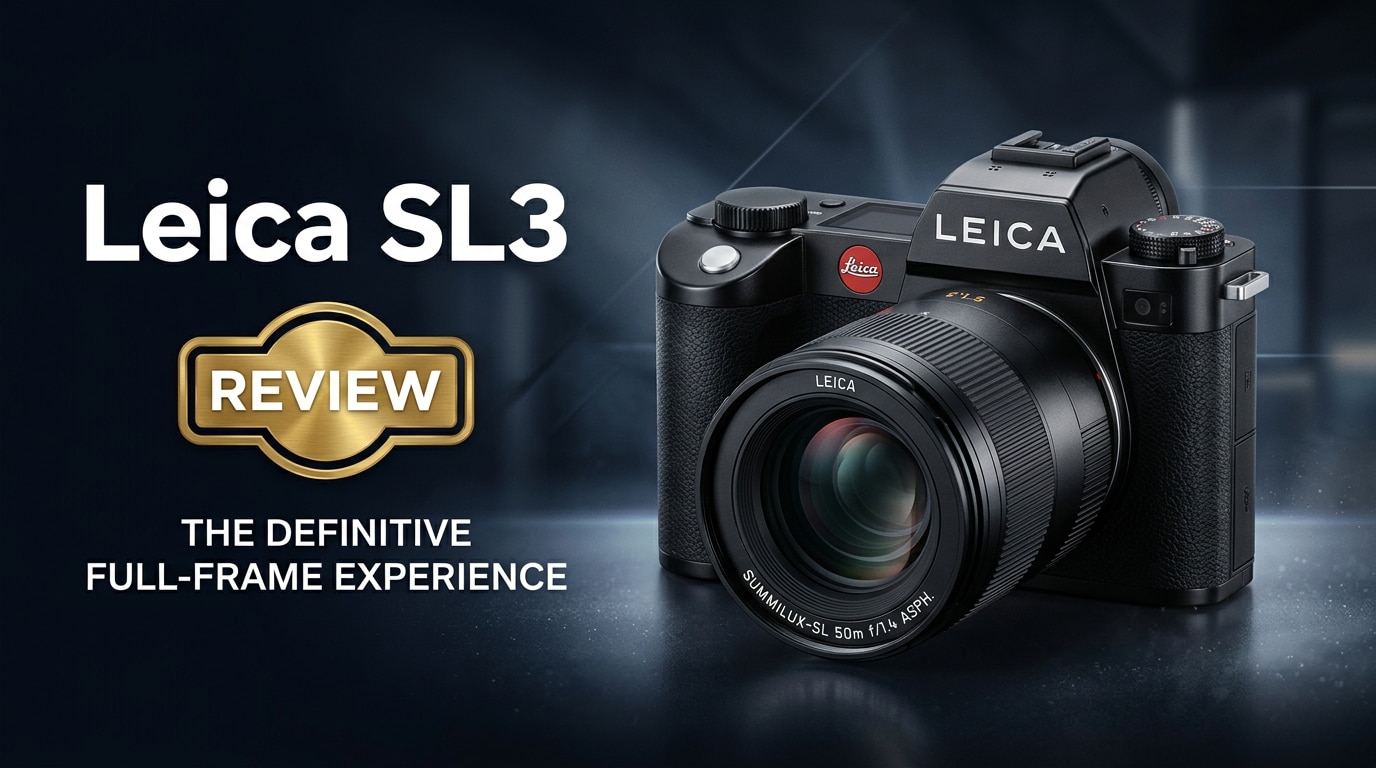
The Leica SL3 is a premium full-frame mirrorless camera aimed at professionals and serious enthusiasts who want uncompromising image quality, robust construction, and a refined shooting experience. With high-resolution stills, advanced video tools, and seamless integration with Leica L-mount glass, the SL3 is designed to be a long-term workhorse for demanding photo and hybrid workflows.
Repair Corrupted Files To Save Your Data
 Security Verified. Over 7,302,189 people have downloaded it.
In this article
What is New About Leica SL3
The Leica SL3 review story starts with meaningful upgrades over the previous generation. Leica boosts resolution with a cutting-edge full-frame sensor, bringing more detail and flexibility for large prints or tight crops. The latest processor improves burst performance, autofocus intelligence, and overall responsiveness.
The Leica full frame mirrorless design remains familiar, but ergonomics are slightly refined, and the EVF and rear display are sharper and more responsive. Video features receive a serious lift, adding higher bitrates, modern codecs, and flexible recording formats to position the SL3 as a true hybrid camera for photo and video professionals.
Leica also tightens integration with L-mount lenses and improves color science, giving users rich, natural files straight out of the camera. Together, these changes make the Leica SL3 a more capable and future-ready system body.
Full Specs at a Glance
Sensor and Image Quality
At the heart of the Leica SL3 specs is a high-resolution full-frame sensor designed for maximum detail, color depth, and dynamic range.
| Feature | Details |
|---|---|
| Sensor Type | Full-frame CMOS, approximately 60MP-class resolution |
| Image Formats | Leica Leica SL3 RAW files (DNG) and JPEG |
| ISO Range | Wide native ISO range suitable for low-light and studio work |
| Dynamic Range | High latitude for highlight and shadow recovery in post |
| Color Science | Leica signature color with natural skin tones and smooth roll-off |
Autofocus, Speed, and Video
The Leica SL3 autofocus system and video toolset target demanding hybrid creators.
| Category | Key Specifications |
|---|---|
| Autofocus | Advanced subject detection AF with improved tracking and low-light performance |
| Shooting Speed | High burst rate suitable for weddings, events, and moderate action |
| Video Recording | High-resolution Leica SL3 video with professional codecs, flexible frame rates, and log-style profiles |
| Stabilization | In-body image stabilization (IBIS) to assist both photo and video |
| Connectivity | USB-C, HDMI, Wi-Fi, and Bluetooth for tethering and quick file transfer |
Real-World Performance
In daily use, the Leica SL3 feels like a refined tool rather than a gadget. The body balances well with fast primes and larger zooms, and the weather sealing inspires confidence when shooting in tough conditions.
Autofocus is noticeably more decisive than earlier SL bodies, especially for eye and face detection, making it more viable for dynamic portrait and wedding work. The high-resolution sensor delivers crisp detail and flexible files that tolerate heavy editing, while noise control remains strong at moderate ISOs.
For video, the Leica SL3 video output is detailed and clean, with pleasing color and good rolling shutter control. The interface remains minimalist, so you spend less time in menus and more time concentrating on composition and timing.
Pros & Cons
| Pros | Cons |
|---|---|
| Exceptional image quality from the high-resolution full-frame sensor | Premium pricing limits accessibility for casual users |
| Robust, weather-sealed build suited for professional environments | Large body and lenses compared with some competitors |
| Improved AF with reliable subject detection and tracking | High-resolution files demand fast cards and ample storage |
| Strong video capabilities with pro codecs and profiles | Battery life can drop quickly during intensive video sessions |
| Simple, intuitive interface that gets out of your way | Limited third-party accessory ecosystem compared to mass-market systems |
Who Is This Camera For?
The Leica SL3 is tailored for photographers and filmmakers who prioritize build quality, lens character, and dependable color over endless customization. Commercial shooters, wedding professionals, documentary photographers, and high-end content creators will appreciate the combination of resolution, robust files, and hybrid features.
It is also a compelling body for existing Leica users who want to leverage L-mount or adapted M-mount glass on a modern digital platform. For newcomers willing to invest, the SL3 offers a long-term ecosystem with a clear focus on quality and simplicity.
What to Do If Your Leica SL3 Files Get Corrupted
Why Leica SL3 Files Get Damaged
Even with a professional tool like the Leica SL3, file corruption can happen. Common causes include pulling the card out while the camera is still writing, sudden battery failure, faulty or counterfeit memory cards, USB disconnections during transfer, or file system issues on your computer or external drive.
When this happens, your repair Leica SL3 files strategy matters. You may see unreadable Leica SL3 RAW files, photos that will not open, or video clips that refuse to play. The key is to stop using the affected card immediately and move to dedicated repair software instead of repeatedly attempting to open or modify damaged files.
How to Repair Leica SL3 Files with Repairit
For professional workflows, you need a reliable way to recover corrupted Leica photos and fix corrupted video files. Wondershare Repairit is built specifically to repair damaged photos, videos, and other files from cameras like the Leica SL3. Its interface is streamlined, and it supports a broad range of formats and storage devices. You can learn more and download it from the Repairit official website.
Key features of Repairit for Leica SL3 users
- Repairs corrupted or unplayable photo and video files from cameras, cards, SSDs, and hard drives.
- Works with common Leica formats, including RAW stills and high-bitrate video clips from the SL3.
- Lets you preview repaired files before saving, so you restore only what you actually need.
Step-by-step: Repair Leica SL3 files with Repairit
-
Choose a Location to Repair Data
Open Repairit and point it to the storage location that holds your damaged Leica SL3 media. This can be an SD card or CFexpress card in a reader, an external SSD, or a folder on your computer. Add the problematic Leica SL3 RAW files or video clips into the interface so Repairit knows exactly which items you want to repair.

-
Deep Scan the Location
Start the repair process so Repairit can analyze each selected file in depth. The software checks file structure, header information, and data integrity to detect what went wrong. Let the scan run to completion without interrupting it, especially if you are working with large Leica SL3 video clips, so every corrupted file gets a full pass.

-
Preview and Repair Your Desired Data
When the repair finishes, Repairit will list the recovered photos and videos. Use the built-in preview to confirm that your Leica SL3 images open correctly and your clips play smoothly from start to finish. Select the files you want to keep and save them to a different, healthy drive or card to avoid overwriting the damaged source.

Conclusion — Should You Buy?
The Leica SL3 brings higher resolution, better autofocus, and stronger video performance to an already respected system. Its rugged build, minimalist interface, and superb image quality make it a serious tool for professionals who value reliability and consistent results.
If its price and size fit your workflow, the SL3 is an excellent long-term investment in the Leica ecosystem. Pair it with a solid backup routine and a repair solution like Repairit, and you will be well prepared to safeguard both your camera and your data on demanding shoots.
FAQ
-
1. Is the Leica SL3 good for professional video work?
Yes. The Leica SL3 video feature set includes high-resolution recording, robust color, and modern codecs that suit professional productions, especially when paired with quality lenses, external audio, and proper lighting. -
2. What memory cards are recommended for the Leica SL3?
Use high-speed UHS-II SD and compatible CFexpress cards from reputable brands. Fast, reliable cards help ensure stable burst shooting and reduce the risk of corrupted Leica SL3 files when capturing high-bitrate video. -
3. Can I recover corrupted Leica SL3 video files?
In many cases, yes. Stop using the card immediately, copy its contents to a safe drive if possible, and then use a repair tool like Wondershare Repairit to fix corrupted video files and restore playable clips. -
4. Does the Leica SL3 support older Leica lenses?
With the appropriate Leica L-mount or M-mount adapters, many classic Leica lenses can be used on the SL3, often delivering excellent optical performance and the brand's distinctive rendering. -
5. What should I do if my Leica SL3 photos will not open on my computer?
First, try a different card reader, USB cable, or computer. If the issue remains, copy the files to another drive and run a repair scan in Wondershare Repairit to attempt to recover corrupted Leica photos without further damaging the originals.




