
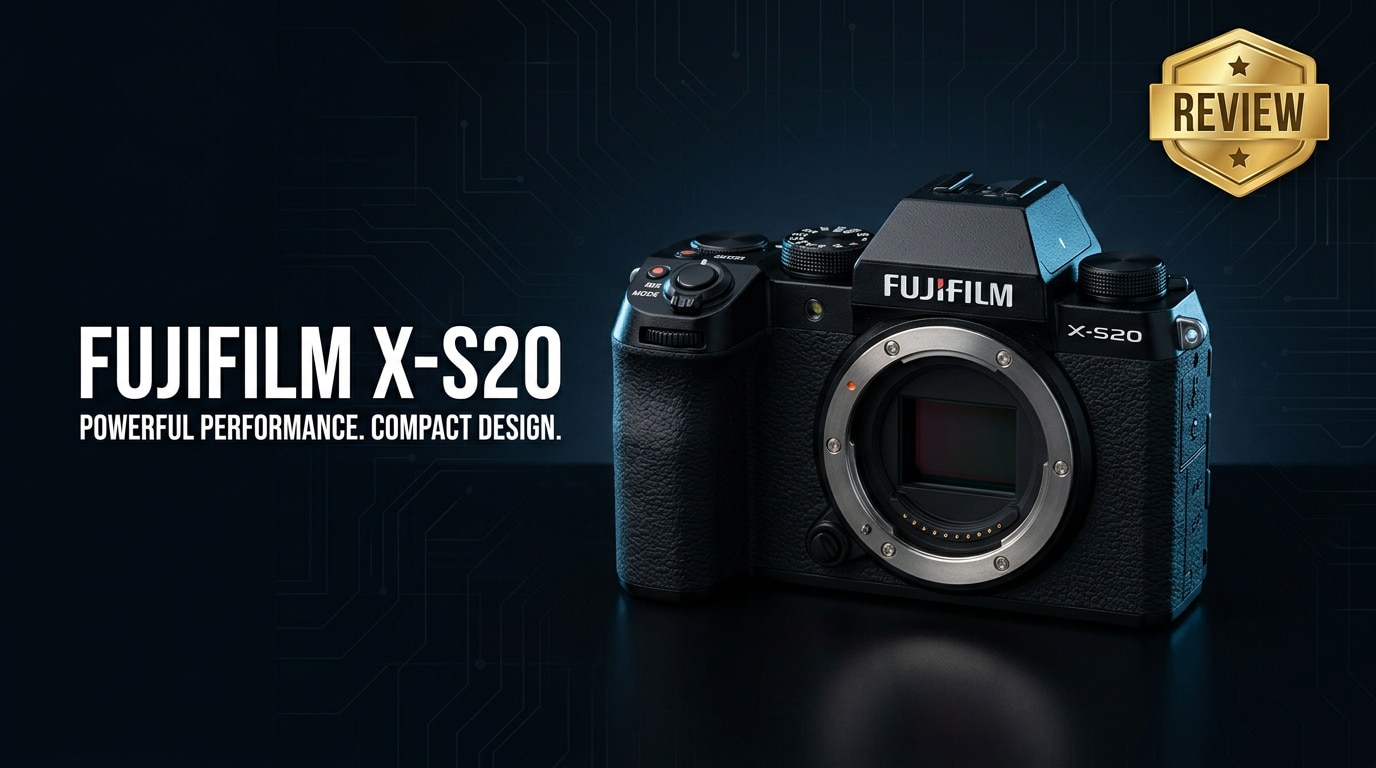
The Fujifilm X-S20 is a compact APS-C mirrorless camera aimed at photographers and creators who want serious performance without carrying a heavy kit. It builds on Fujifilm's renowned color science and intuitive controls, adding stronger video tools, better battery life, and reliable autofocus. Whether you are upgrading from a smartphone, stepping up from an older Fuji body, or seeking a hybrid workhorse for travel and content creation, the X-S20 is designed to cover everyday shooting, vlogging, and more.
Repair Corrupted Files To Save Your Data
 Security Verified. Over 7,302,189 people have downloaded it.
In this article
What is New About Fujifilm X-S20
Design and Handling Upgrades
The Fujifilm X-S20 keeps the familiar S-series DSLR-style shape but adds subtle refinements that matter in day-to-day use. The deep grip is slightly more secure, making it comfortable with larger lenses, and the overall body remains light enough for all-day carry.
Fujifilm retains the PASM dial instead of the classic shutter and ISO dials, which will feel intuitive to users coming from other mirrorless systems. The fully articulating LCD screen supports self-recording and low/high angles, while the top-plate and rear controls are thoughtfully laid out for quick changes without diving deep into menus.
Autofocus, Battery, and Video Improvements
Compared with its predecessor, the X-S10, the X-S20 benefits from updated subject-detection autofocus algorithms. It tracks people, animals, and moving subjects more confidently, which is valuable for both stills and 4K video work.
A major change is the adoption of the larger NP-W235 battery, significantly boosting endurance over the X-S10. For hybrid shooters, the enhanced video suite stands out: high-bitrate 4K recording, improved overheating management, and creator-focused modes transform this into a flexible XS20 4K video and XS20 vlog camera option.
Full Specs at a Glance
Key Photo Specs
| Feature | Fujifilm X-S20 Specification |
|---|---|
| Sensor | APS-C X-Trans CMOS sensor with approximately 26MP resolution |
| Image processor | Latest X-Processor generation for faster AF and improved noise handling |
| ISO range | Native ISO 160–12800, expandable for low-light flexibility |
| Continuous shooting | High-speed burst with electronic shutter suitable for action and sports |
| Image stabilization | In-body image stabilization (IBIS) with up to several stops of compensation |
Key Video Specs
| Feature | Fujifilm X-S20 Video Capability |
|---|---|
| Maximum resolution | High-quality 4K video recording for detailed footage |
| Frame rates | Multiple frame-rate options for slow motion and flexible delivery |
| Profiles | Advanced log and film simulation profiles for grading freedom |
| Audio | External mic input and headphone monitoring for better sound control |
| Stabilization for video | Combination of IBIS and digital stabilization for smoother handheld clips |
Real-World Performance
Image Quality and Autofocus
In real use, the X-S20 delivers detailed, vibrant images with the recognizable Fujifilm color palette. The X-Trans sensor manages noise well, keeping files clean for most low-light scenarios, especially when shooting RAW and applying modern noise reduction in post.
Autofocus is quick and sticky, particularly with face and eye detection enabled. For street, portraits, and family events, it locks onto subjects reliably. Continuous AF during bursts is strong enough for casual sports and action, making the X-S20 a capable all-rounder rather than a purely casual body.
Stabilization, Vlogging, and Battery Life
IBIS is a highlight of the XS20 stabilization story. Handheld stills at slower shutter speeds remain sharp more often, and video footage shows noticeably reduced shake, especially when paired with lenses that have optical stabilization.
For vloggers, the front-facing screen, compact size, and 4K modes combine well. With a lightweight lens, you can comfortably hold it at arm's length, and the updated battery keeps recording for longer sessions. Overall XS20 battery life is a major upgrade over the previous generation, reducing the need to carry multiple spares on long shooting days.
Pros & Cons
Pros
- Compact, travel-friendly body with comfortable grip and intuitive controls.
- Excellent Fujifilm color science and film simulations straight out of camera.
- Effective in-body image stabilization for both stills and video.
- Strong 4K video options suitable for serious content creation.
- Significantly improved battery life compared with the X-S10.
- Capable autofocus with subject-detection features.
Cons
- No fully weather-sealed body, which may limit heavy adverse-weather use.
- Rolling shutter can appear in some fast pans during 4K recording.
- Single card slot may be a limitation for critical professional work.
- Menu depth can feel complex for absolute beginners, despite helpful modes.
Who Is This Camera For?
The Fujifilm X-S20 is a strong choice for hybrid creators who value balance over specialization. Travel photographers, lifestyle shooters, and YouTube or TikTok creators will appreciate the combination of light weight, high-quality stills, and flexible 4K video modes.
It also suits ambitious beginners who want a camera that is approachable on day one yet powerful enough to grow into. While working professionals may still turn to dual-slot, weather-sealed flagships for mission-critical work, the X-S20 can serve as an excellent B-camera or backup body.
What to Do If Your Fujifilm X-S20 Files Get Corrupted
Why Use Repairit for X-S20 File Issues
Even with careful handling, footage from your Fujifilm X-S20 can become corrupted due to card errors, sudden power loss, or interrupted transfers. When crucial photos or 4K clips refuse to open or play correctly, a dedicated repair tool is far safer than repeatedly re-saving or converting damaged files.
Wondershare Repairit is built specifically to handle corrupted or unplayable media from cameras, memory cards, and drives. Its streamlined workflow makes it easy to scan, fix, preview, and save repaired images and videos, helping you avoid unnecessary reshoots and data loss. You can learn more and download it from the Repairit official website.
Key Features of Repairit
- Repairs corrupted or unplayable photo and video files from cameras, SD cards, microSD cards, external drives, and computers.
- Supports a wide range of popular camera photo and video formats, making it ideal for Fujifilm mirrorless workflows.
- Lets you preview repaired files before saving them, so you only recover the content that looks right.
How to Repair Fujifilm X-S20 Photos and Videos Step by Step
-
Choose a Location to Repair Data
Install and open Wondershare Repairit, then pick the repair module that matches your issue, such as video repair or photo repair. In the interface, browse to the folder, SD card, or external drive where your damaged X-S20 clips or images are stored. Select that location so Repairit knows exactly which files to analyze.

-
Deep Scan the Location
Start the scan to let Repairit inspect the selected storage in depth. The software will automatically detect corrupted Fujifilm X-S20 photo and video files, then create tailored repair tasks based on the type of damage found. You can monitor the progress on-screen while Repairit parses headers, metadata, and content to rebuild broken structures.

-
Preview and Repair Your Desired Data
Once the repair phase completes, you will see a list of recoverable items. Use the preview option to play back fixed X-S20 videos or view repaired photos, checking for smooth playback and correct visuals. When you are satisfied, select the files you want to keep and click to save them to a different, secure destination drive, avoiding the original corrupted card.

Conclusion — Should You Buy?
The Fujifilm X-S20 stands out as a versatile, creator-friendly mirrorless camera that successfully balances portability with serious capability. It offers pleasing image quality, reliable autofocus, meaningful stabilization, and robust video options, all backed by much-improved battery life.
If you need a single camera that can handle travel, everyday photography, and consistent 4K content creation without feeling bulky, the X-S20 is easy to recommend. Pair it with good backup habits and a repair solution like Wondershare Repairit, and you will have both a capable imaging tool and a safety net for unexpected file corruption.
FAQ
-
1. Is the Fujifilm X-S20 good for beginners?
Yes. The Fujifilm X-S20 offers simple automatic modes, a comfortable grip, and a clear on-screen interface. New users can start in fully automatic or scene modes and gradually move into manual settings as they gain confidence, without quickly outgrowing the camera. -
2. Can the Fujifilm X-S20 record 4K video for professional use?
The X-S20 can capture detailed 4K video with higher frame-rate options and advanced log profiles, making it suitable for YouTube, social media, and even paid projects when paired with proper lighting, sound, and workflow. -
3. How does Fujifilm X-S20 battery life compare to the X-S10?
The X-S20 uses a larger capacity battery than the X-S10, delivering noticeably longer shooting and recording times. This means fewer battery swaps during events, travel, or extended vlogging sessions. -
4. What should I do if my Fujifilm X-S20 videos will not play?
Stop using the card immediately to avoid overwriting data, then copy the problem files to a computer. Use a repair tool such as Wondershare Repairit to scan and fix corrupted or unplayable clips before trying other conversions or edits. -
5. Does the Fujifilm X-S20 have in-body image stabilization (IBIS)?
Yes. The camera includes IBIS, which helps you capture sharper handheld photos at slower shutter speeds and smoother video footage, particularly valuable when using primes or lenses without optical stabilization.




