
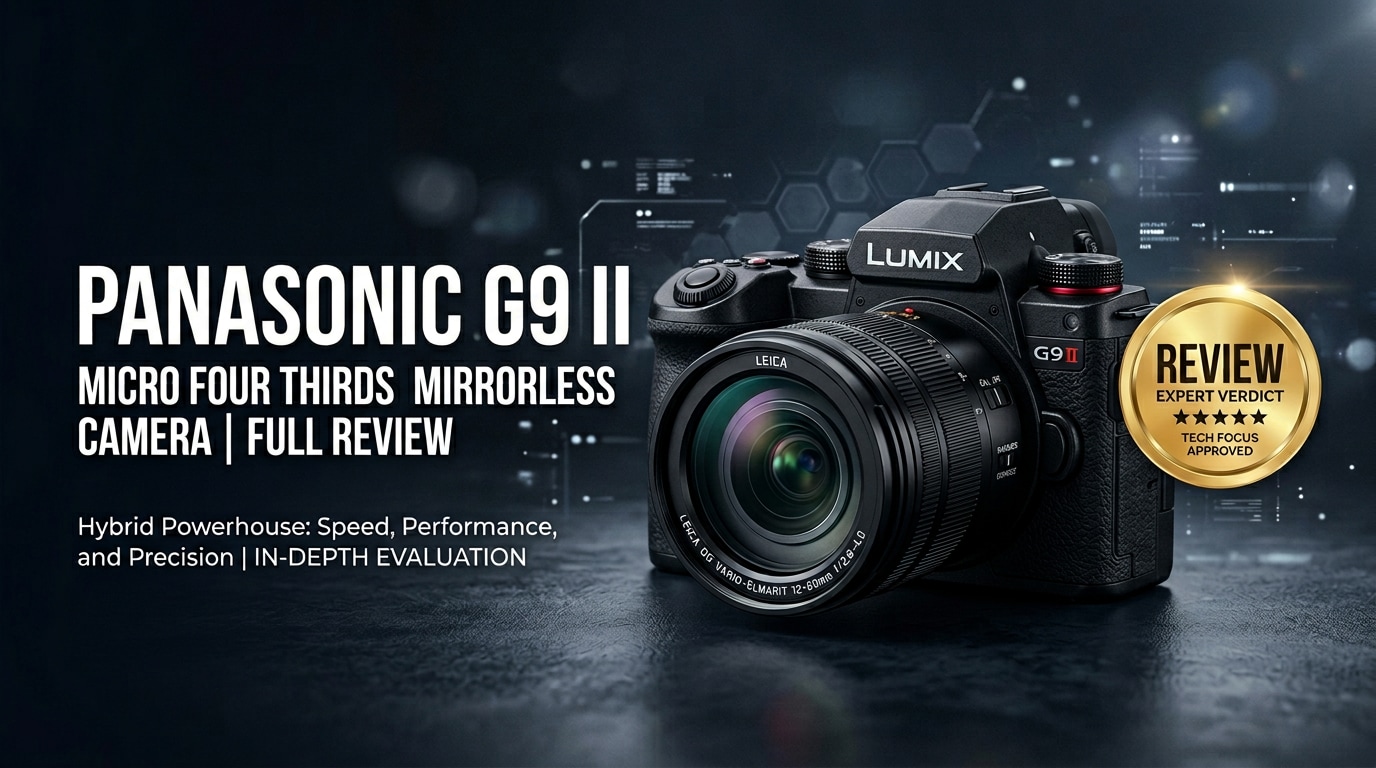
The Panasonic G9 II is a high-speed Micro Four Thirds mirrorless camera built for demanding photographers and hybrid content creators. With a new sensor, improved autofocus, and class-leading stabilization, it delivers rapid stills, sharp 4K video, and reliable performance in a compact, travel-friendly body. Whether you shoot wildlife, sports, or online content, the Panasonic G9 II aims to offer professional results without the size and weight of full-frame gear.
Repair Corrupted Files To Save Your Data
 Security Verified. Over 7,302,189 people have downloaded it.
In this article
What Is New About Panasonic G9 II
New sensor and processing
The Panasonic G9 II introduces a higher-resolution Micro Four Thirds sensor paired with the latest image processor, delivering better detail, dynamic range, and noise control than the original G9. This combination supports faster readout for high-speed bursts and advanced video modes, including 4K/120p and refined 10-bit recording options for serious creators.
Autofocus, speed, and handling upgrades
One of the biggest changes is the upgraded autofocus system with improved subject detection and tracking for people, animals, and vehicles. Continuous shooting speeds and buffer performance are boosted for action and wildlife. The in-body image stabilization has also been refined, offering even more stops of compensation. Ergonomic tweaks, better menu organization, and expanded customization help the Panasonic G9 II feel faster and more intuitive in the field.
Full Specs at a Glance
Core photo and video specs
| Feature | Specification (Panasonic G9 II) |
|---|---|
| Sensor & Mount | Micro Four Thirds sensor, MFT lens mount |
| Resolution | High-resolution stills with improved detail over original G9 |
| Video Recording | Up to 4K/120p with 10-bit recording options for flexible grading |
| Autofocus System | Advanced subject-detection AF for people, animals, and vehicles |
| Burst Shooting | High-speed continuous shooting suited to sports and wildlife |
Body, storage, and connectivity
| Feature | Specification (Panasonic G9 II) |
|---|---|
| Stabilization | Enhanced in-body image stabilization with dual I.S. support |
| Build & Weather Sealing | Robust, weather-resistant body for outdoor shooting |
| Storage | Dual card slots for backup and flexible recording |
| Ports & Connectivity | Microphone and headphone jacks, HDMI, USB, and wireless connectivity |
| Battery & Power | Long shooting times with USB charging and power options |
Real-World Performance
Stills performance
In real use, the Panasonic G9 II feels snappy and confident. Autofocus locks quickly in good light and remains reliable in challenging, low-contrast scenes. The high burst rates and deep buffer make it a strong option for wildlife and sports, where capturing the decisive moment is essential. Image quality is clean across a wide ISO range, and the excellent stabilization lets you shoot slower shutter speeds handheld with sharp results.
Video performance
Video shooters benefit from 4K/120p for slow motion, robust 10-bit options, and flexible picture profiles that grade well in post. Rolling shutter is well controlled, and the combination of in-body stabilization and lens IS produces smooth handheld footage for run-and-gun work. The fully featured audio inputs and monitoring tools make the Panasonic G9 II a capable hybrid body for interviews, documentaries, and social content.
Pros & Cons
- Fast, responsive autofocus with modern subject detection
- Excellent in-body image stabilization for stills and video
- High-speed bursts suitable for sports and wildlife
- Advanced 4K video modes with 10-bit recording options
- Compact Micro Four Thirds system with extensive lens choice
- Smaller sensor than full-frame competitors may show more noise at very high ISO
- High-end video modes demand fast, large-capacity memory cards
- Menu depth can feel complex for beginners
Who Is This Camera For?
The Panasonic G9 II is ideal for photographers and creators who value speed, portability, and versatility. Wildlife and sports shooters will appreciate the rapid bursts, reliable tracking AF, and telephoto reach advantages of Micro Four Thirds lenses. Travel and documentary creators benefit from the lightweight system, excellent stabilization, and 4K video tools that fit easily in a compact kit.
If you are a hybrid content creator producing photo and video for clients, events, or social platforms, the Panasonic G9 II offers pro-level features without demanding a full-frame budget or heavy bag, making it a strong everyday workhorse.
What to Do If Your Panasonic G9 II Files Get Corrupted
Why use Repairit for G9 II files
Shoots with the Panasonic G9 II often involve fast action, frequent card swaps, and long 4K clips, which increases the risk of file corruption from power loss, card errors, or accidental removal. Wondershare Repairit is designed to repair damaged photos, videos, and documents from cameras like the G9 II, helping you rescue valuable shots that no longer open or play correctly. You can explore all tools and download the software from the Repairit official website.
Key features of Repairit
- Repairs corrupted photos and videos from cameras, memory cards, and external or internal drives.
- Supports popular media formats and resolutions, including high-bitrate 4K footage from modern mirrorless cameras.
- Offers a clear, guided workflow that suits both beginners and professionals handling client-critical projects.
Step-by-step: Repair Panasonic G9 II files
-
Choose a Location to Repair Data
Install and launch Wondershare Repairit, then select the repair module that fits your issue, such as Video Repair or Photo Repair. In the interface, add or point to the folder, memory card, or drive where your Panasonic G9 II files are stored. This tells Repairit exactly which location and file types to analyze for potential damage.

-
Deep Scan the Location
Start the scanning process so Repairit can thoroughly inspect the selected files and storage location. The software will detect corrupted, unreadable, or partially damaged G9 II photos and videos and list them in the results panel. Let the deep scan run to completion to maximize the number of recoverable items it can attempt to repair.

-
Preview and Repair Your Desired Data
When the scan and repair process finishes, use the built-in preview to check the repaired Panasonic G9 II clips and images. Confirm that playback is smooth and that frames or thumbnails appear normal. Finally, select the files you want to keep and save them to a secure destination, preferably a different drive or card than the original source, to avoid overwriting or further damage.

Conclusion — Should You Buy?
The Panasonic G9 II successfully blends speed, stabilization, and robust hybrid features into a compact Micro Four Thirds body. Its upgraded autofocus, fast bursts, and advanced 4K video modes make it a highly capable tool for action shooters, travelers, and content creators who need dependable performance without the weight of a full-frame system.
If you prioritize mobility, versatile lenses, and reliable video alongside strong stills, the Panasonic G9 II is an excellent all-rounder. Paired with disciplined backups and a repair solution like Wondershare Repairit, you can shoot confidently knowing that both your footage and your workflow are well protected.
FAQ
-
1. Is the Panasonic G9 II good for wildlife and sports photography?
Yes. The Panasonic G9 II offers fast burst shooting, improved subject-detection autofocus, and strong stabilization, making it very capable for wildlife and sports, especially with telephoto Micro Four Thirds lenses. -
2. How does the Panasonic G9 II compare to full-frame cameras for video?
Full-frame cameras can provide cleaner high-ISO performance and shallower depth of field, but the Panasonic G9 II delivers excellent 4K quality, advanced 10-bit options, and smaller lenses, which many creators prefer for travel and handheld work. -
3. Can the Panasonic G9 II handle professional work?
Yes. With dual card slots, robust build quality, advanced video features, and dependable autofocus, the Panasonic G9 II is well suited for professional assignments such as events, documentary, and online content production. -
4. What should I do if my Panasonic G9 II videos become corrupted?
Stop recording to the affected card immediately, avoid formatting it, and copy all files to a computer. Then use a repair tool like Wondershare Repairit to scan and repair the damaged video files before reusing the card. -
5. Does the Panasonic G9 II have good image stabilization?
Yes. The Panasonic G9 II includes in-body image stabilization that works with compatible stabilized lenses, providing excellent shake reduction for handheld telephoto shooting and smooth handheld video.




