
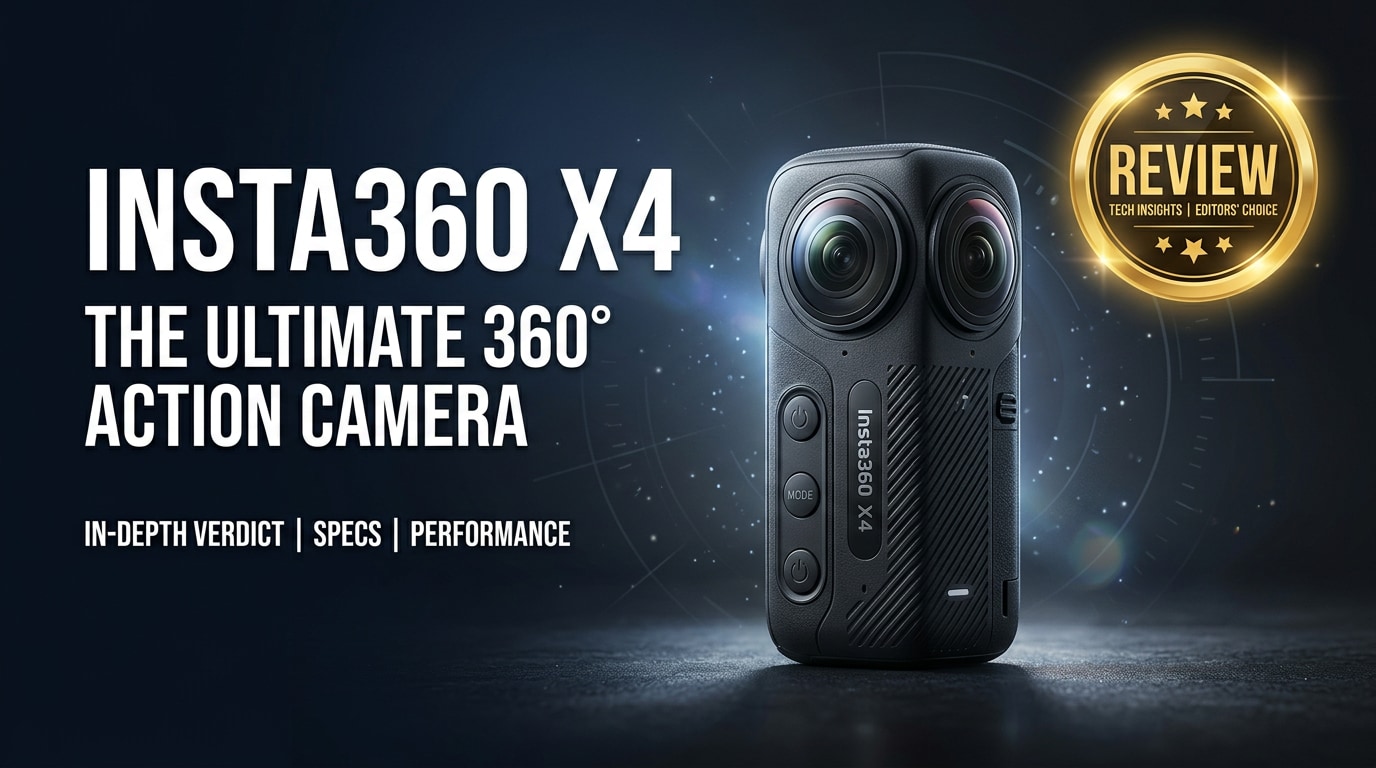
The Insta360 X4 is an 8K 360 action camera built for creators who want immersive footage in a compact, rugged body. It records high-resolution 360 video, offers advanced stabilization, and packs smart shooting tools that make reframing and sharing easier, whether you film travel, sports, or social clips.
Repair Corrupted Files To Save Your Data
 Security Verified. Over 7,302,189 people have downloaded it.
In this article
Introduction
The Insta360 X4 is a next-generation 360 action camera that captures immersive 8K footage in a pocketable, waterproof body. It is aimed at vloggers, action sports fans, and everyday creators who want to shoot first and reframe later, without worrying about where the camera is pointed in the moment.
What is New About Insta360 X4
The Insta360 X4 builds on the X3 with higher resolution, improved processing, and smarter shooting modes tailored for fast-paced creators.
- 8K 360 capture for noticeably sharper detail and more crop flexibility in editing.
- Refined stabilization and horizon leveling to keep footage smooth in rough conditions.
- Longer battery life to support extended recording sessions and time-lapses.
- Updated body design with improved heat management and usability tweaks.
- New software tricks such as smarter reframing presets and better low-light handling.
Together, these changes make the X4 feel like a more polished and future-proof 360 camera, especially if you deliver in 4K but want the extra resolution overhead for creative reframes.
Full Specs at a Glance
Video and Photo Specs
| Feature | Insta360 X4 Specs (Overview) |
|---|---|
| Maximum 360 Video Resolution | Up to 8K 360 recording at supported frame rates |
| Standard Video Modes | Multiple frame rates for action, slow motion, and timelapse |
| Photo Resolution | High-resolution 360 stills with RAW support in selected modes |
| Stabilization | Built-in electronic stabilization and horizon leveling |
| File Formats | Proprietary 360 container plus standard export formats via Insta360 software |
Design, Battery, and Connectivity
| Category | Details |
|---|---|
| Body and Weight | Compact, pocketable design with front and rear lenses |
| Waterproof Rating | Waterproof out of the box to the rated depth when all doors are sealed |
| Battery | Removable battery with extended runtimes compared to earlier models |
| Storage | microSD card slot; high-speed, high-capacity cards recommended for 8K |
| Connectivity | Wi-Fi, Bluetooth, and USB-C for data transfer, charging, and accessories |
Real-World Performance
In real use, the Insta360 X4 feels tailored to creators who shoot in chaotic, unpredictable environments. The 8K resolution gives you a cleaner starting point for 4K exports and aggressive crops, especially when you reframe for 16:9 or vertical formats.
Stabilization and horizon leveling keep shots steady while biking, skiing, or running, and the camera handles fast pans better than earlier generations. The waterproof design and rugged body mean you can take it in rain, snow, or shallow water without a separate housing, as long as you stay within Insta360's rating limits.
Battery life improvements are particularly noticeable during long sessions, such as all-day rides or travel vlogs. However, sustained 8K recording generates large files and can push temperatures, so it is wise to carry spare batteries and manage your clips with frequent offloads to a computer or SSD.
Pros & Cons
Pros
- 8K 360 capture delivers more detail and flexibility when reframing shots.
- Robust stabilization and horizon leveling suitable for intense action.
- Waterproof and rugged design that is easy to pack and mount.
- Improved battery life for longer shoots without constant recharging.
- Insta360 software makes it simple to reframe to 16:9, 9:16, or 1:1.
Cons
- 8K files are large, requiring fast, high-capacity microSD cards and plenty of storage.
- Editing and exporting 8K 360 clips can be demanding on older computers.
- Proprietary file structure means you must use Insta360 tools for proper decoding and export.
- Lens elements can be vulnerable to scratches if the camera is dropped without protection.
Who Is This Camera For?
The Insta360 X4 is ideal for creators who value flexibility in post-production. If you often miss framing with traditional action cams, 360 capture lets you decide your angle later, which is perfect for solo travelers, motorcyclists, mountain bikers, and FPV pilots.
It also suits social media creators who publish across multiple aspect ratios. You can shoot one 360 clip, then export horizontal for YouTube, vertical for TikTok and Reels, and square for feeds, all from the same source footage.
If you mainly record static talking-head videos or do not plan to reframe heavily, a conventional 4K action camera may be simpler. But if immersive views, dynamic reframing, and VR-ready content appeal to you, the X4 offers far more creative headroom.
What to Do If Your Insta360 X4 Files Get Corrupted
Why Use Repairit for Insta360 X4
High-resolution 8K files from the Insta360 X4 put serious load on memory cards and storage devices. Power loss, ejection errors, or transfer glitches can leave you with clips that will not open or that play with artifacts, freezes, or missing audio. Instead of giving up on those shots, you can use Wondershare Repairit to repair damaged Insta360 files quickly and safely.
Repairit is a dedicated media repair toolkit that works with a wide range of video, photo, and document formats. It can scan your SD card, external drive, or local folders for broken Insta360 X4 footage and attempt to fix structural issues so your clips become playable again. You can learn more and download the tool from the Repairit official website.
Key Repairit Features
- Repairs corrupted or unplayable Insta360 X4 videos, photos, and many other media formats without changing the original source files.
- Supports multiple storage locations, including SD cards, external drives, and internal disks, so you can recover footage wherever it is stored.
- Lets you preview repaired Insta360 X4 files before saving, helping you confirm that key scenes and quality have been restored.
Step-by-Step: Repair Insta360 X4 Files
-
Choose a Location to Repair Data
Start Wondershare Repairit on your computer and point it to the storage that holds your problematic Insta360 X4 clips. This can be the microSD card from the camera, a folder where you copied the files, or a backup drive.
Add the damaged Insta360 files directly if you know which ones are broken, or select the entire location so Repairit can scan for corrupted items automatically. This focused selection speeds up scanning and keeps your workflow organized.

-
Deep Scan the Location
Click to start a deep scan of the chosen storage. Repairit analyzes the file structure, headers, and metadata of your Insta360 X4 videos to detect issues that prevent smooth playback or export.
During this phase, the software lists each recoverable clip it finds, including file names, sizes, and status indicators. You can let the scan finish without interruption; your original data is left untouched while Repairit prepares repaired versions in the background.

-
Preview and Repair Your Desired Data
Once the scan and repair analysis is done, browse through the results inside Repairit's preview window. Select a repaired Insta360 X4 clip to check whether motion looks natural, frames play smoothly, and audio is in sync.
Tick the boxes next to the files you want to keep, then choose a safe output folder on your computer that is different from the original card or drive. Click to save the repaired versions; these new files are ready for editing or sharing, while your damaged originals remain preserved in case you need them later.

Conclusion — Should You Buy?
The Insta360 X4 pushes 360 capture forward with 8K recording, refined stabilization, better battery life, and smarter software. For creators who love to reframe in post, deliver across multiple platforms, and capture action from every angle, it is a compelling upgrade over older 360 cameras.
Just remember that 8K workflows demand fast cards, ample storage, and dependable repair tools. Pairing your X4 with Wondershare Repairit gives you a safety net when clips become corrupted, so your best moments are not lost to card errors or transfer glitches.
FAQ
-
1. Does the Insta360 X4 really record 8K 360 video?
Yes. The Insta360 X4 can record 8K 360 video at supported frame rates, giving you more detail and flexibility than older 5.7K models, especially when you reframe to 4K outputs. -
2. Is the Insta360 X4 waterproof out of the box?
The Insta360 X4 is designed to be waterproof to a specified depth without extra housing, provided all doors are fully closed and you stay within the official rating from Insta360. -
3. How much storage do I need for Insta360 X4 8K footage?
8K 360 clips are large, so you should use high-capacity, high-speed microSD cards that meet Insta360's recommendations. Higher frame rates and bitrates will fill cards more quickly, so 256 GB or larger is advisable for heavy shooting. -
4. Can I use Insta360 X4 footage in standard 16:9 videos?
Yes. You can import X4 clips into the Insta360 app or desktop software, then reframe and export in 16:9, 9:16, or 1:1 formats for platforms like YouTube, TikTok, and Instagram. -
5. How do I fix corrupted Insta360 X4 video files?
Stop recording on that card immediately to avoid overwriting data. Then use Wondershare Repairit to scan the SD card or folder, preview repaired Insta360 X4 clips, and save the restored versions to a safe drive.




