Remove Pimple from Photo Online
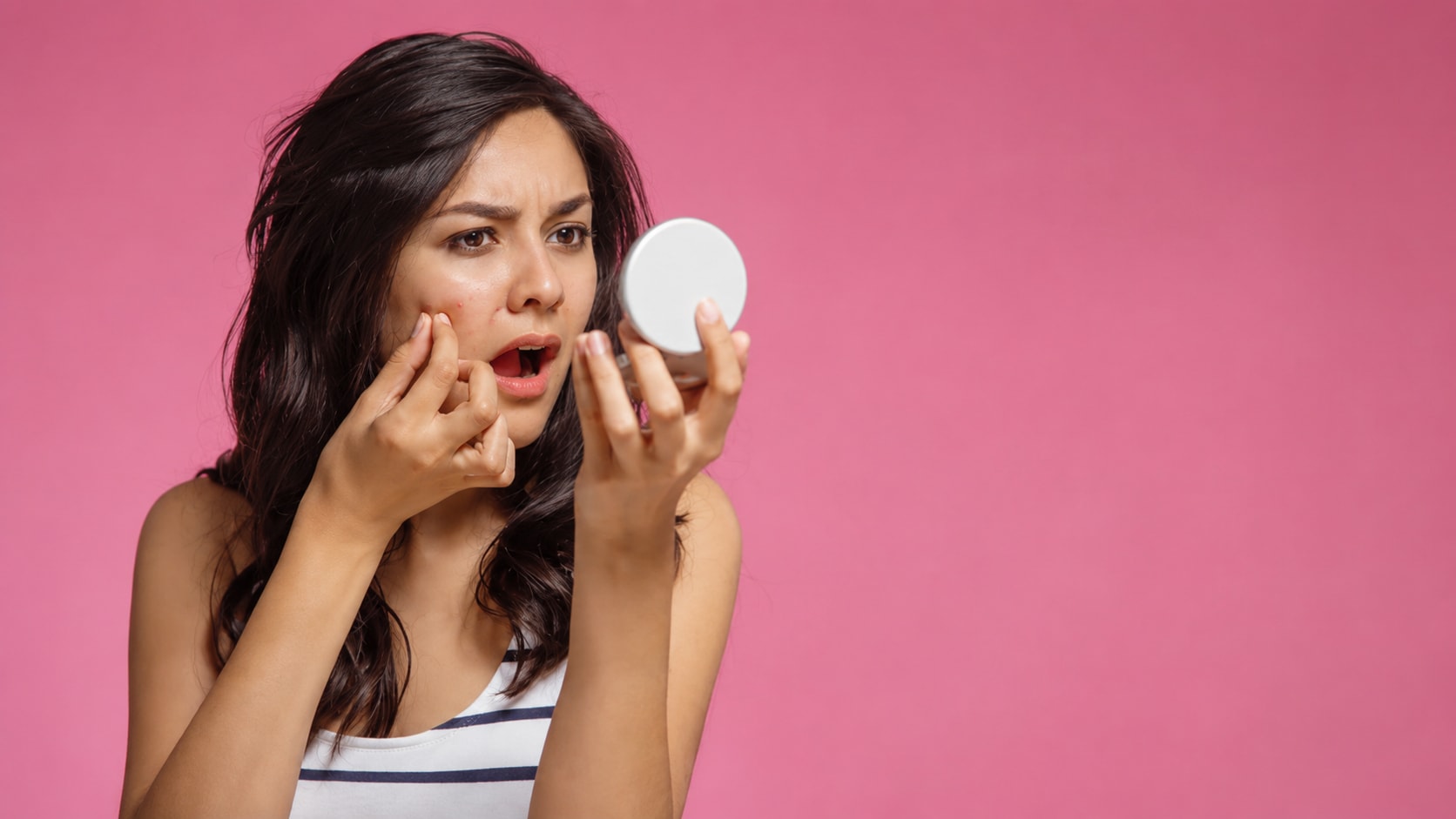
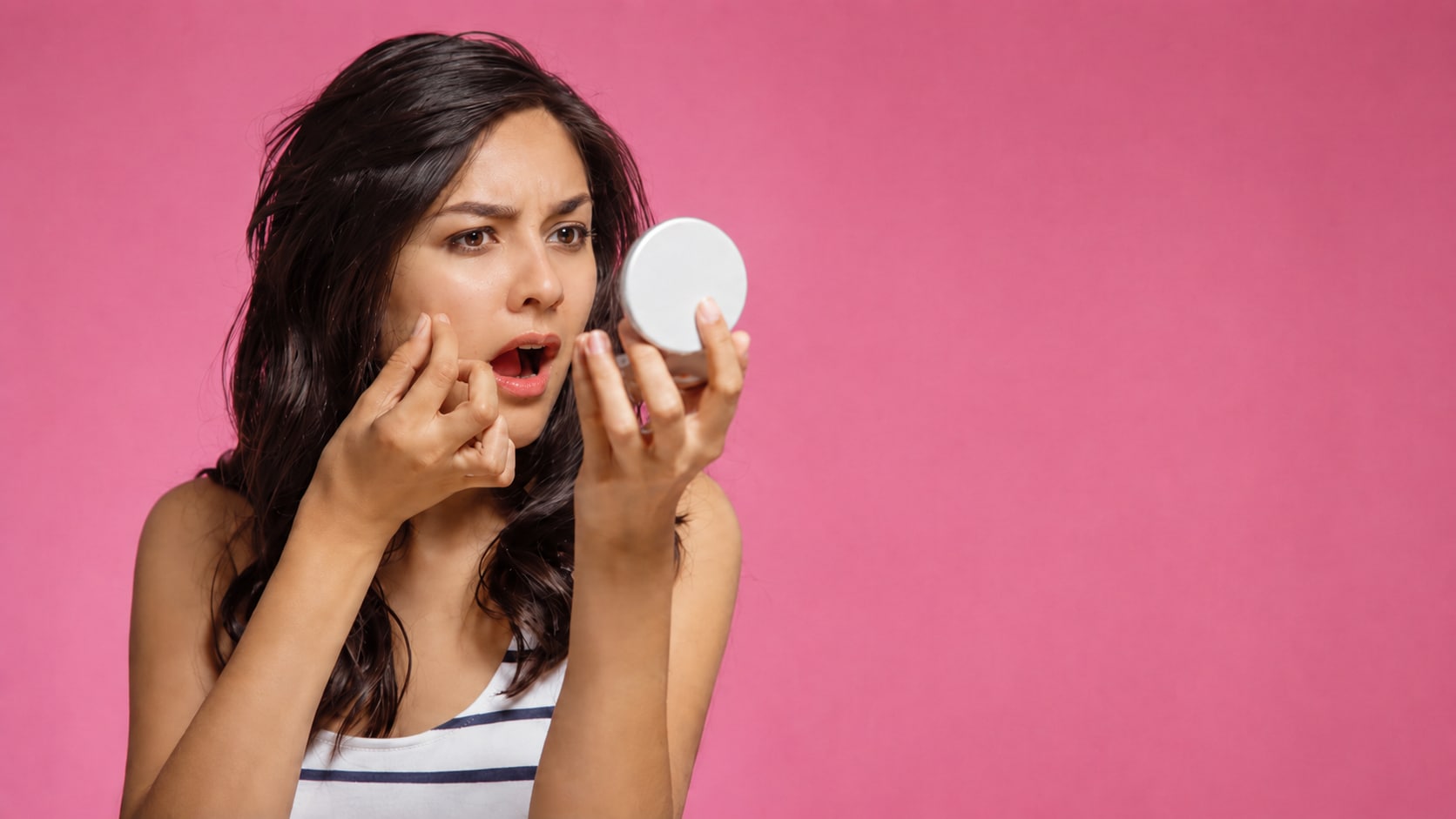




Remove Pimples from Selfies Before Posting
A selfie may capture the right expression, lighting, and angle, but one pimple or red spot can make users hesitate before posting it. Basic beauty filters may over smooth the entire face and make the result look fake.
Repairit helps users who want to remove pimple online by improving portrait quality and making small face distractions look less obvious in a natural way.
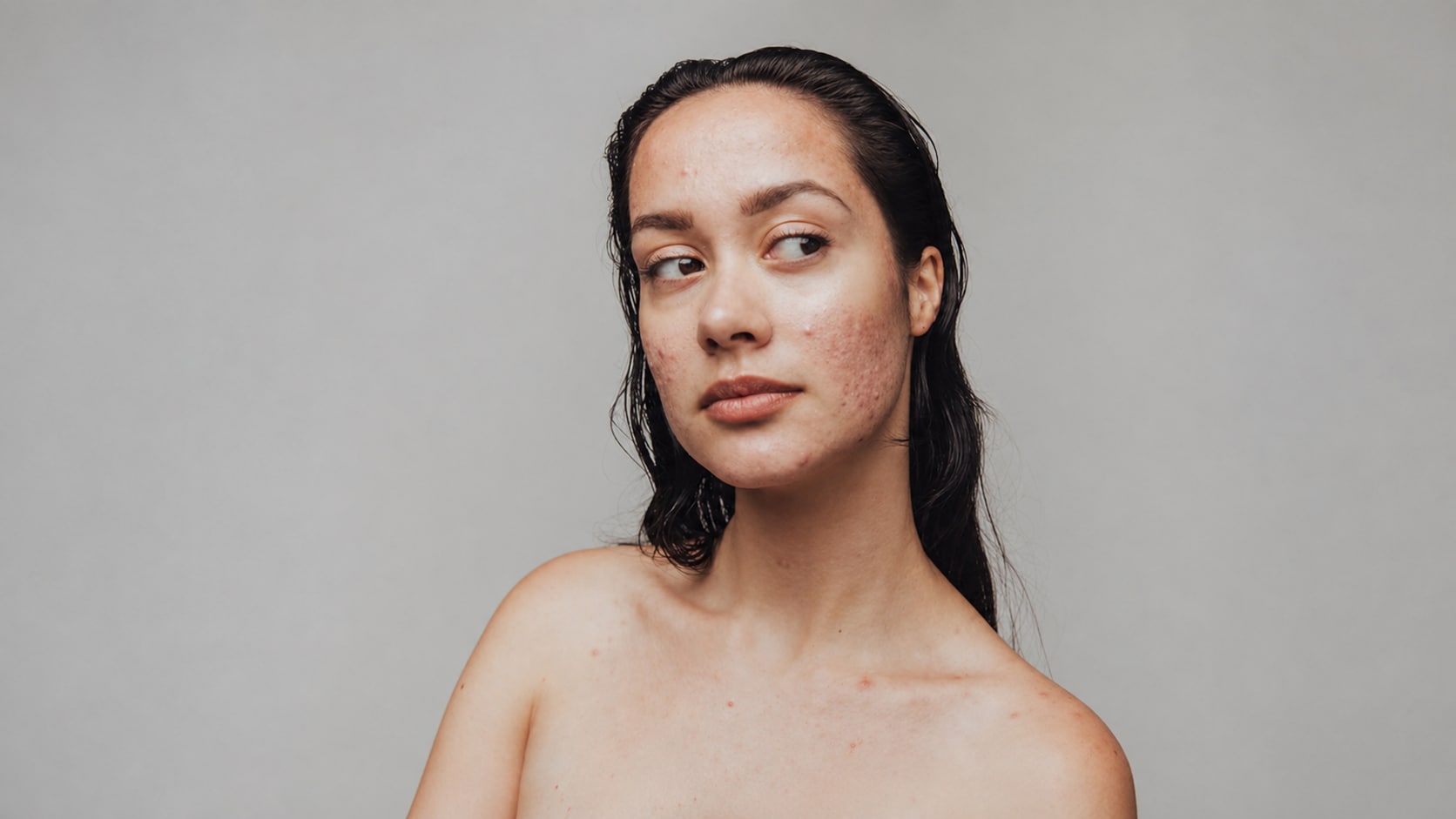
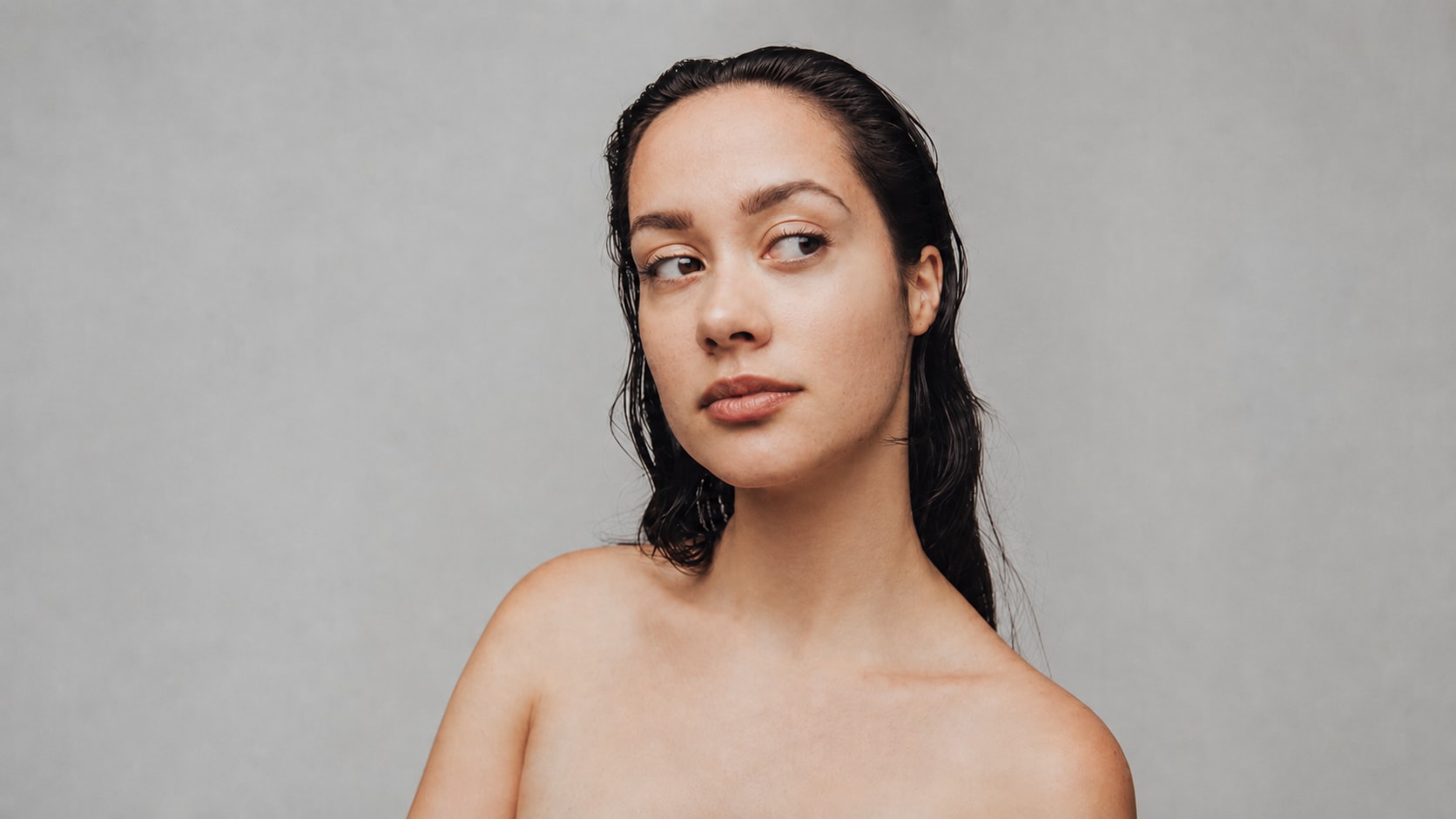
Clean Profile Photos Without Changing Your Face
Profile photos need to look clear and trustworthy. A temporary breakout, small blemish, or shiny red spot can distract from the face, especially on LinkedIn, resumes, school profiles, business bios, or personal websites.
Repairit works as a practical pimple remover from photo workflow when you want a cleaner portrait but still need to look natural and recognizable.


Fix Event Photos with Temporary Breakouts
Important moments do not wait for perfect skin. A graduation, birthday, wedding, party, or family gathering may be captured well, but a visible pimple or skin mark can pull attention away from the memory.
Repairit helps remove pimples in photo portraits by improving facial clarity and overall portrait quality, making event photos feel cleaner before saving, printing, or sharing.


Remove Pimples from Makeup, Skincare, and Beauty Photos
Beauty related photos often show the face in bright lighting and high detail, which makes small pimples, red spots, or acne marks more noticeable. A photo may be meant to show makeup, skincare progress, a product review, or a natural look, but one temporary blemish can distract from the purpose of the image.
Repairit Photo Enhancer helps remove pimple from photo portraits in a cleaner, more natural way. It can improve facial clarity, lighting balance, and small skin distractions without making the image look overly filtered.
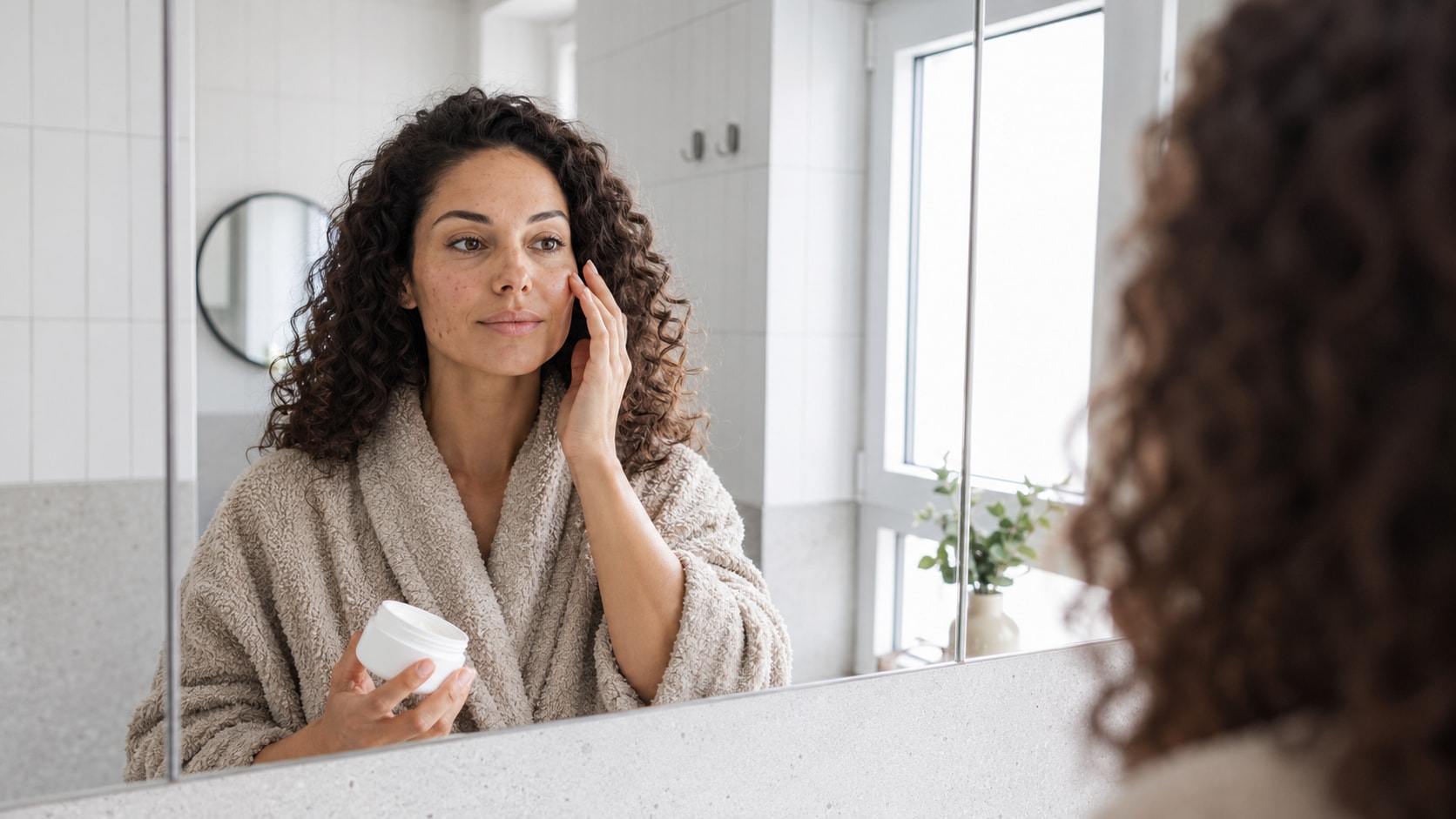
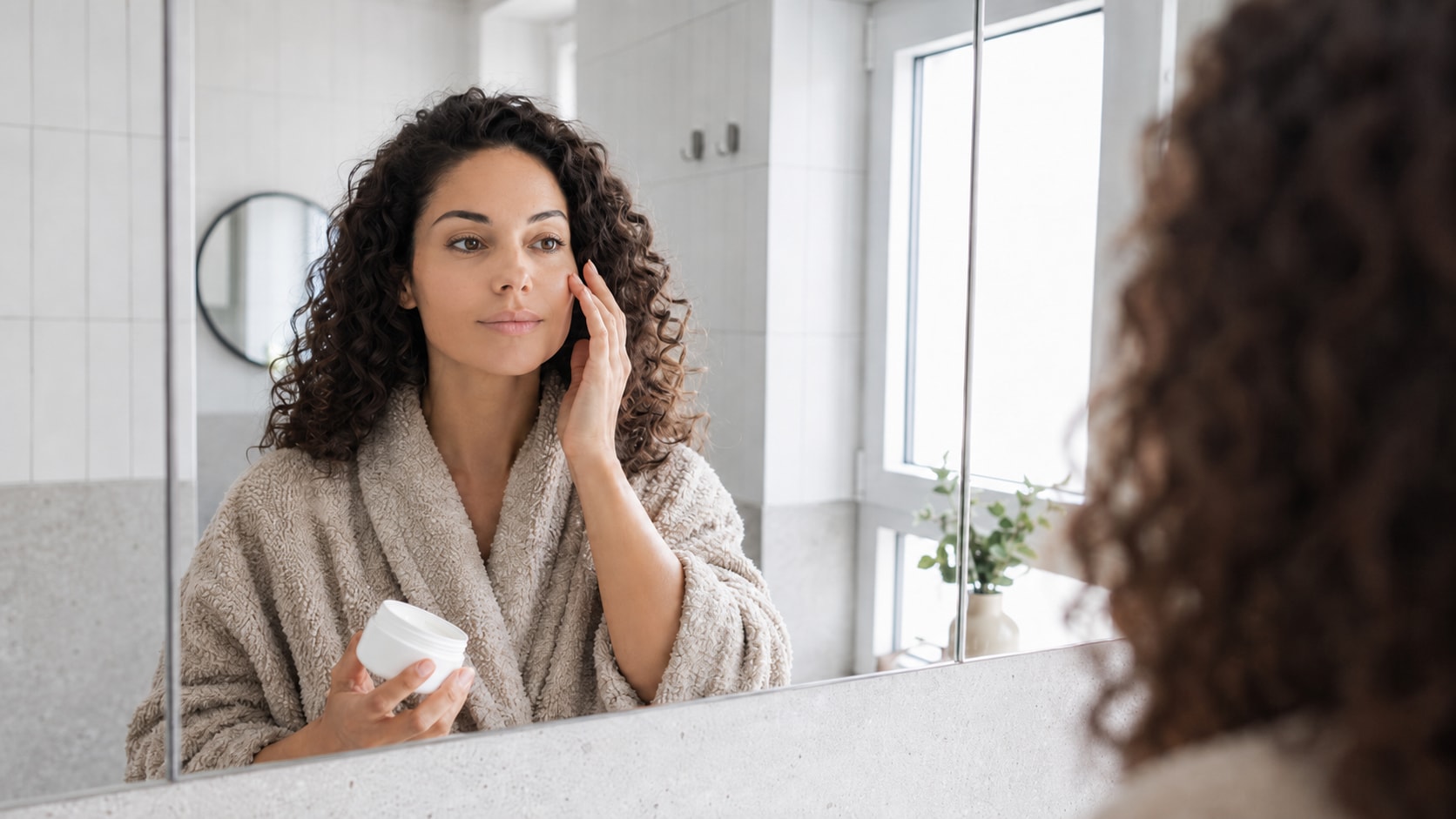
How to Remove Pimple from Photo with Repairit

Step 1
Upload Your Portrait
Open Repairit Photo Enhancer and upload the portrait or selfie you want to improve. You can use common formats such as JPG, JPEG, PNG, BMP, and WEBP.

Step 2
Start AI Portrait Enhancement
Let Repairit analyze the face, lighting, skin area, facial details, and overall image quality. Use portrait enhancement when the face is the main focus of the photo.

Step 3
Preview and Save the Cleaner Photo
Preview the improved result, compare the before and after version, and save the photo when the face looks cleaner, clearer, and still natural.
Why Choose Repairit for Pimple Photo Cleanup?
✨ Built for Natural Portrait Improvement
Repairit is useful when your portrait looks good overall, but small pimples, red spots, or face distractions make it feel less ready to share.
📷 AI Portrait and Face Detail Enhancement
Repairit Photo Enhancer can identify and enhance facial features, improve facial focus, sharpen soft portrait details, and balance light for a clearer portrait result.
⚡ Helpful for Selfies, Profiles, Events, and Beauty Photos
Repairit supports everyday portrait needs, including selfies, profile photos, event portraits, dating profile images, beauty content, skincare photos, and social media posts.
❤️ Cleaner Results Without Heavy Filters
No Photoshop, healing brush, skin masking, or manual retouching skills are required. Upload your photo, start AI enhancement, preview, and save.
Explore More Photo Retouching and Eraser Features
Remove pimples, clean up portraits, erase unwanted marks, and improve photo appearance with AI.
Frequently Asked Questions
Upload your portrait to Repairit Photo Enhancer, start AI portrait enhancement, preview the result, and save the version where the face looks cleaner and more natural.
Repairit Photo Enhancer is free to try, so you can upload a portrait and preview how AI improves facial detail, lighting, clarity, and small skin distractions.
Repairit Photo Enhancer is designed for AI portrait and image enhancement. It can help make small pimples, red spots, and face distractions less noticeable by improving portrait clarity, lighting, and overall quality.
Yes. You do not need Photoshop, healing brushes, layers, or manual retouching skills. Upload the image, start AI enhancement, preview, and save.
Repairit aims to improve portrait quality while keeping the face recognizable and natural. For best results, preview the output and avoid stacking multiple beauty filters.
Repairit can help improve the appearance of small acne marks, red spots, and uneven face details in selfies, especially when the image has enough visible quality for AI enhancement.
Not exactly. Pimple removal focuses on small temporary blemishes. Skin retouching can be broader and may include smoothing, tone adjustment, texture changes, and more advanced portrait editing.
Hot Topics
Comprehensive How-to Guides
Want to enhance your photo? Click to enter the Photo Enhancer Workbench and make it clearer in just a few clicks!


