Remove Items from Photos Online Free






Remove Background Items from Pet and Family Photos
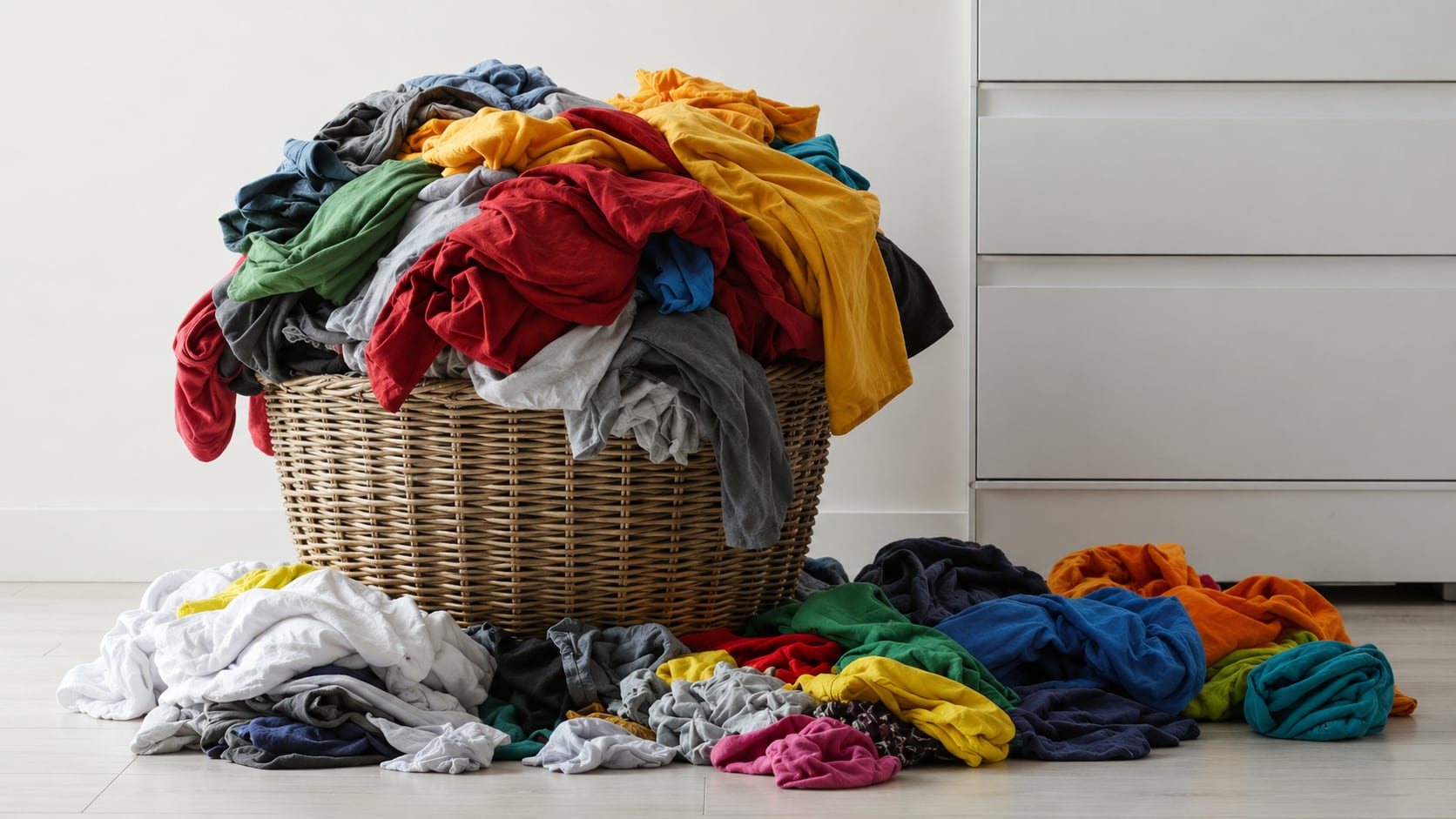
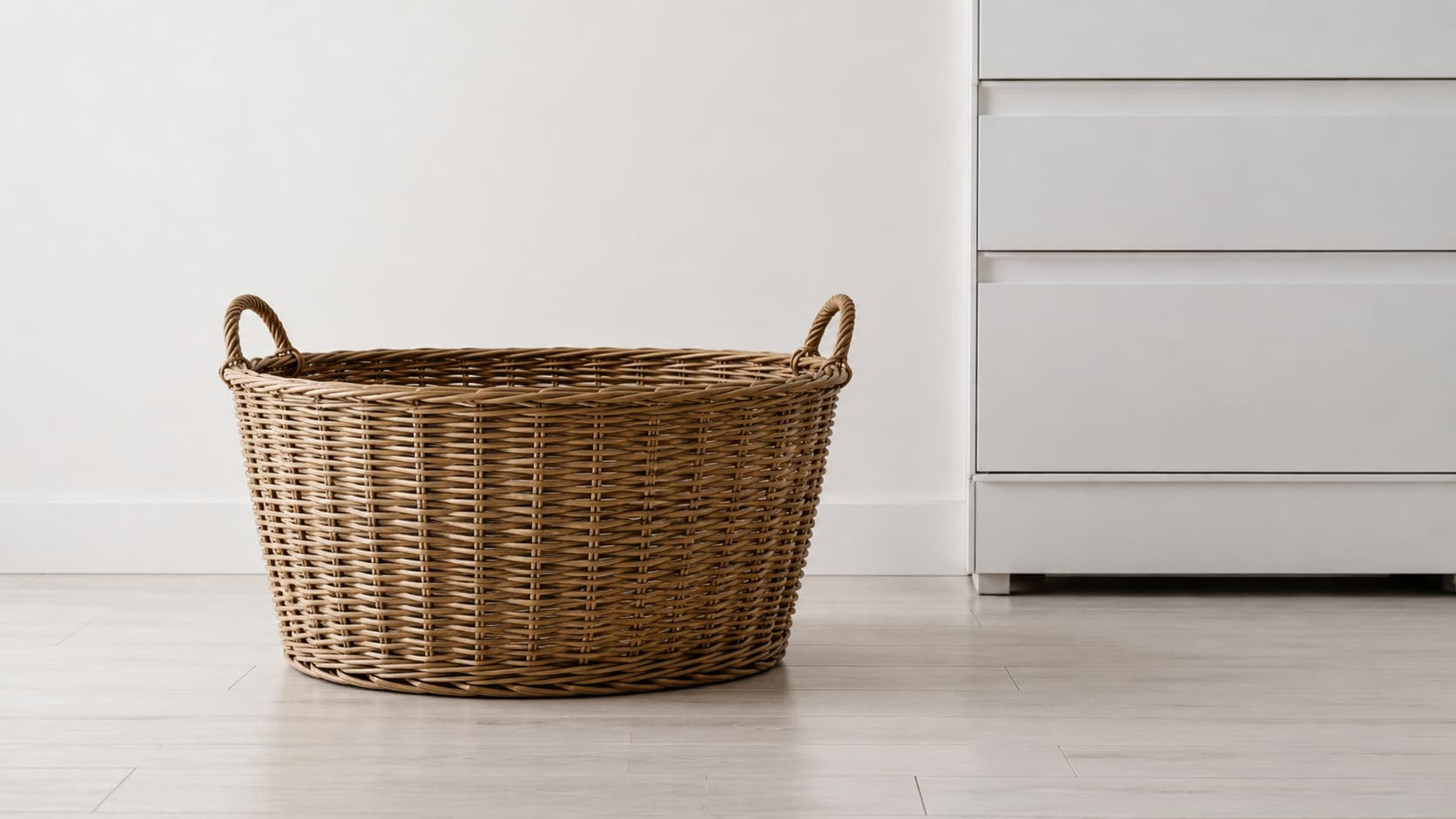
Pet and family photos are hard to recreate. A dog may finally look at the camera, a child may smile for one second, or a family moment may happen only once. But the background often has toys, leashes, food bowls, snack wrappers, laundry baskets, or stroller parts. Repairit helps remove unwanted items from photos while keeping the moment itself intact.


Remove Forgotten Items from Everyday Photos
A casual photo often captures more than the moment. Keys on the counter, a wallet on the table, a coffee cup in the frame, or a pile of clothes in the background can make the image feel messy. Repairit helps erase items from photo backgrounds while keeping the main subject and natural look of the picture.
Remove Small Items from Selling Photos
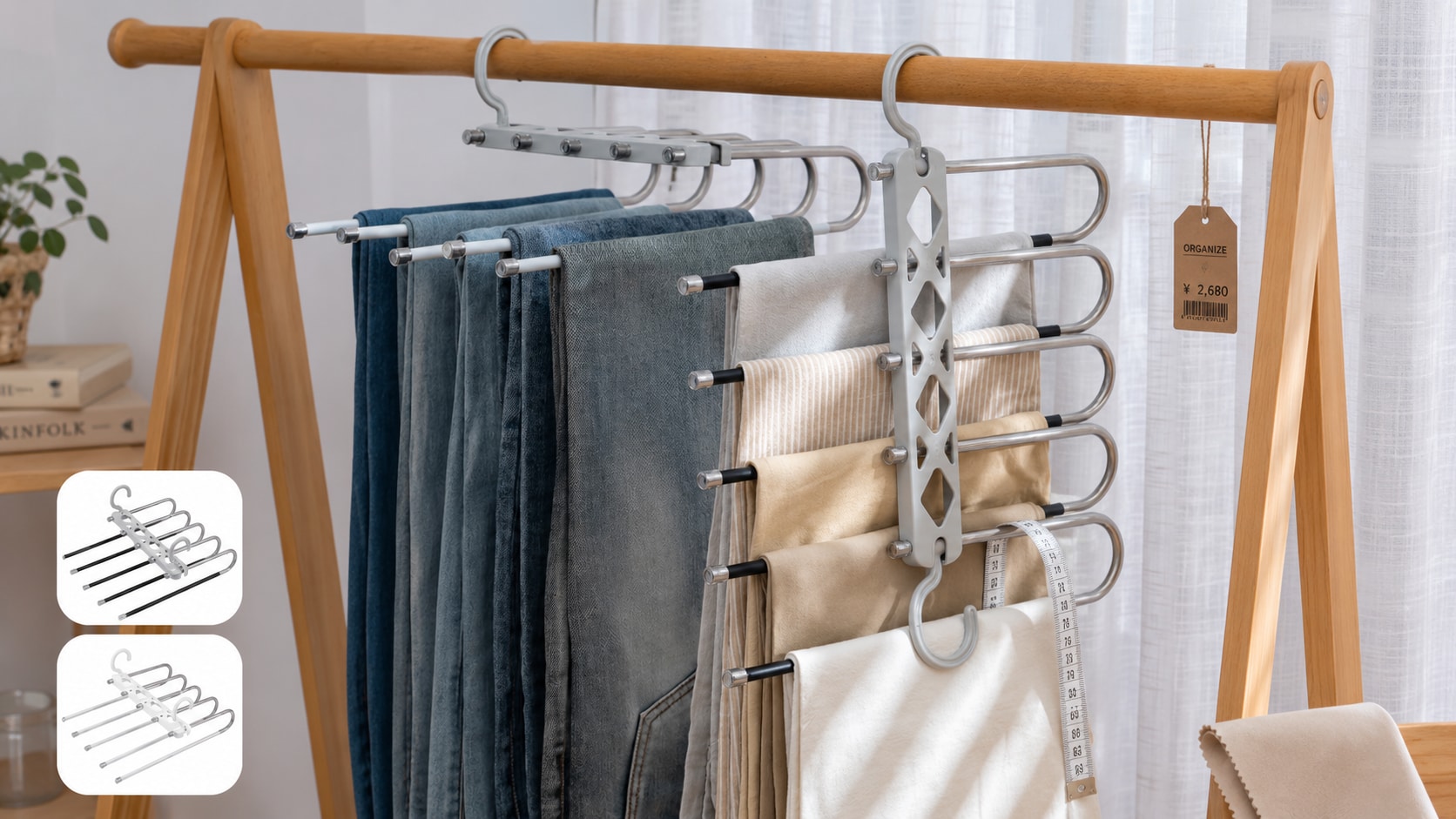
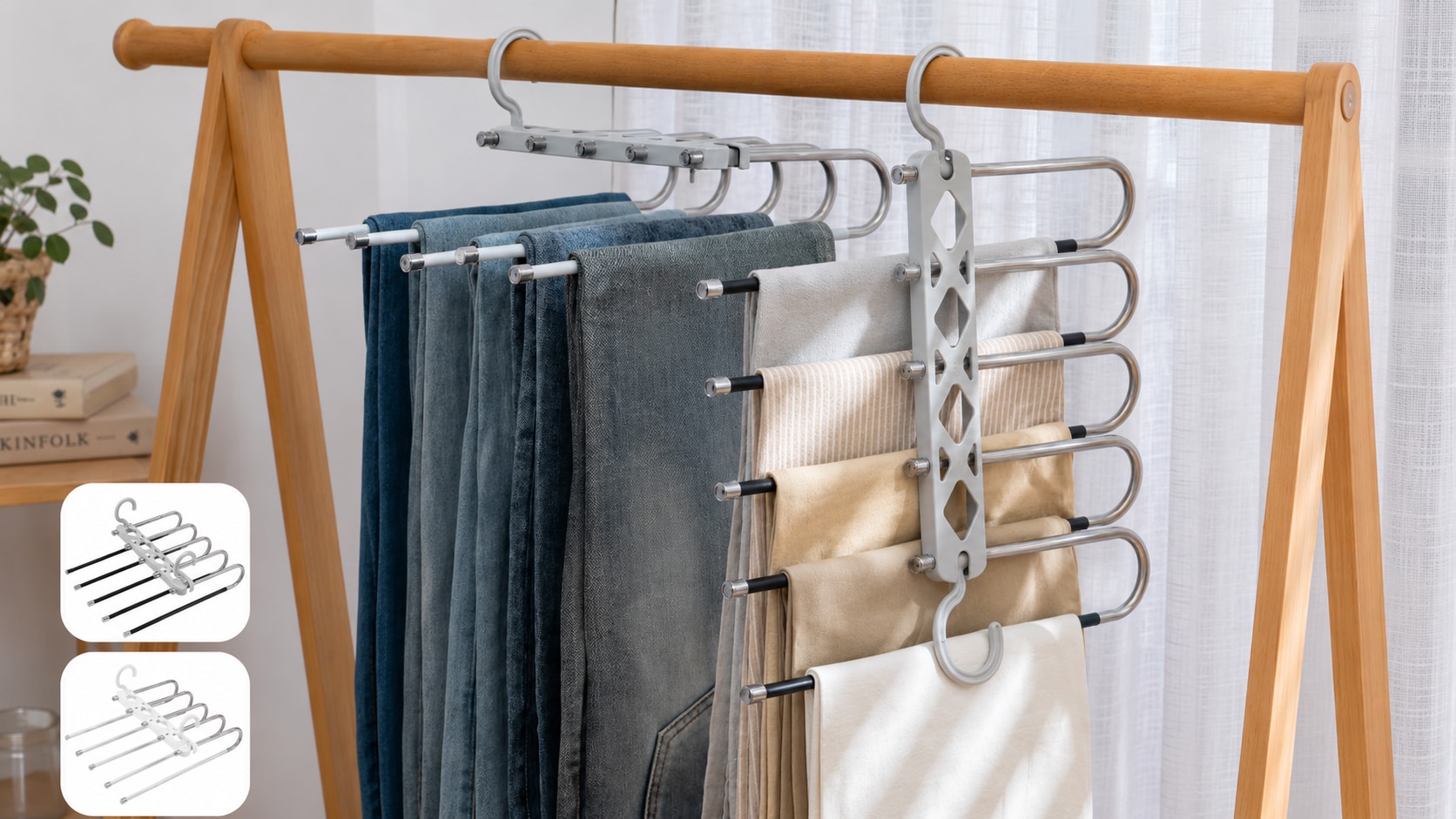
When you list something online, small items around the product can make the photo look less trustworthy. A price tag, hanger, box, dust cloth, measuring tape, cable, or hand in the frame may distract buyers from the item you are selling. With Repairit Photo Eraser, you can remove item from image online and make selling photos look cleaner without setting up a new shoot.
Remove Personal Items Before Sharing Photos
Some photos are fine visually but not safe or comfortable to share. A piece of mail, an address label, an ID badge, a license plate corner, a school name, or a private note can reveal more than you intended. Repairit helps remove items from pictures before you post or send them, so you can share the image with more confidence.


How to Remove Items from Photos with Repairit

Step 1
Upload Your Photo
Open Repairit Photo Eraser and upload the photo you want to clean. You can use common formats such as JPG, JPEG, PNG, BMP, and WEBP.

Step 2
Brush Over the Item You Want to Remove
Mark the unwanted item, such as a cup, cable, tag, toy, bag, label, or piece of clutter. For small items, zoom in and cover the full area carefully.

Step 3
Preview and Save the Clean Photo
Repairit AI removes the selected item and fills the area based on the surrounding image. Preview the result, then save the version that looks best.
Why Choose Repairit to Remove Items from Photos?
🎨 Built for Real Photo Cleanup
Repairit is useful when the photo is good, but one everyday item makes it feel messy, distracting, or unsafe to share. It helps clean real life photos without requiring a full reshoot.
🚀 AI Powered Background Reconstruction
Repairit does more than cover the selected area. It analyzes nearby textures, colors, and patterns to rebuild the missing space as naturally as possible.
✨ Easy for Non Designers
No Photoshop, no layers, no clone stamp, and no advanced editing skills. Just upload, brush, preview, and save.
❤️ Useful Before Posting, Selling, or Sharing
Repairit is especially helpful when you need a cleaner photo for social media, online listings, group chats, printed albums, or public posts.
Explore More Photo Eraser Features
Clean up your photos by removing unwanted items, objects, people, marks, and distractions in seconds with AI.
Frequently Asked Questions
It means removing everyday physical items that appear in a real photo, such as cups, bags, tags, cables, toys, mail, labels, or background clutter. It is different from removing abstract visual elements from screenshots or design images.
Upload your photo to Repairit Photo Eraser, brush over the item you want to erase, and let AI clean the selected area. You can preview the result before saving the final photo.
Repairit Photo Eraser is free to try. You can upload a photo, test the item removal feature, and preview how the cleaned image looks.
Yes. Repairit lets you erase items from photo backgrounds without professional editing skills. You only need to mark the unwanted item, and AI handles the cleanup.
You can remove many everyday items, including keys, cups, bags, toys, cables, price tags, hangers, mail, labels, wrappers, pet bowls, and small background clutter.
Yes. You can remove visible items such as address labels, private notes, ID badges, mail, or name tags from your own photos before posting or sharing them.
Hot Topics
Comprehensive How-to Guides
Want to remove unwanted object? Click to enter the Photo Eraser Workbench and make it happen easily!


