Remove Element from Image Online Free






Remove Edge Distractions Without Cropping the Image
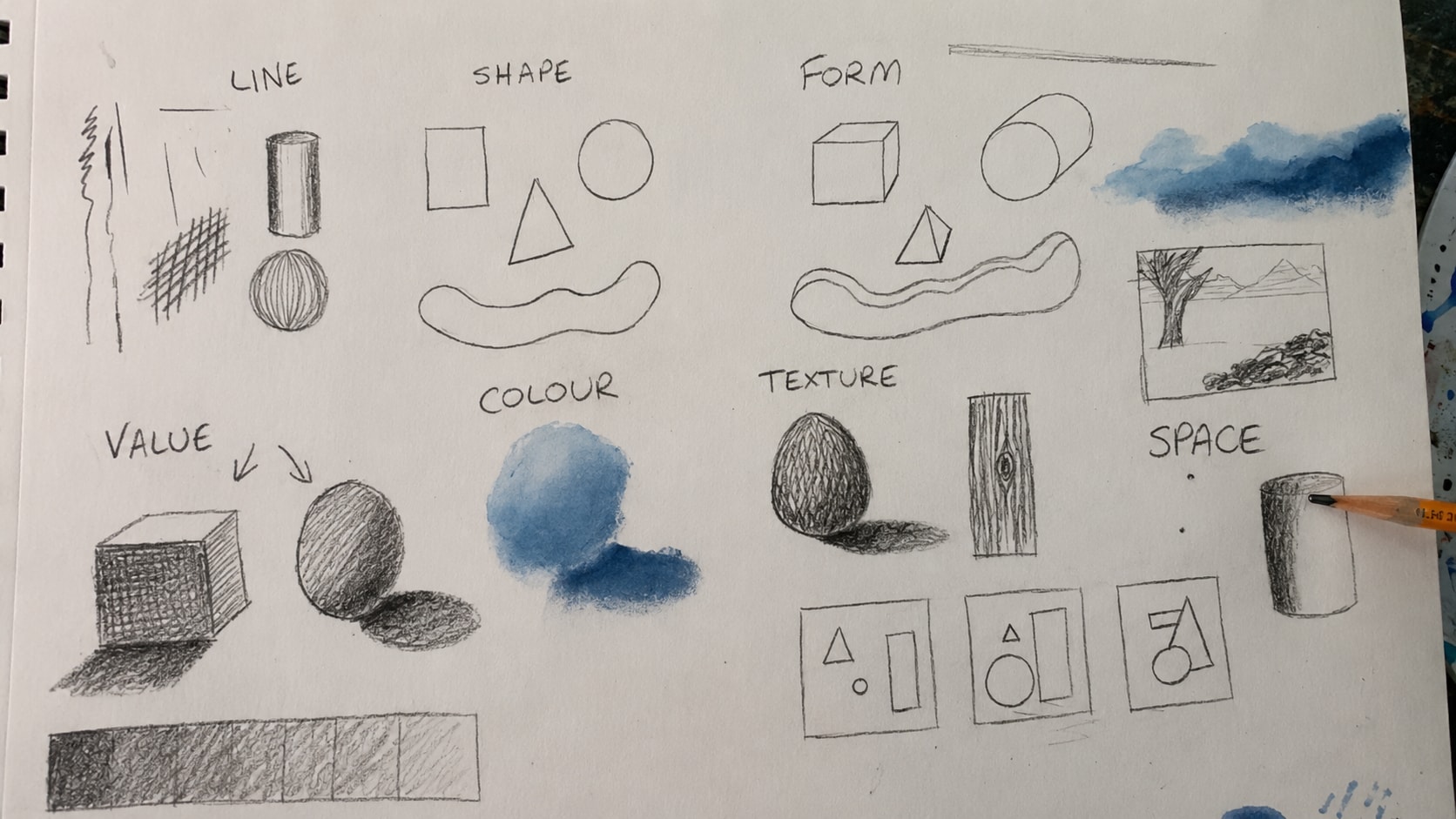
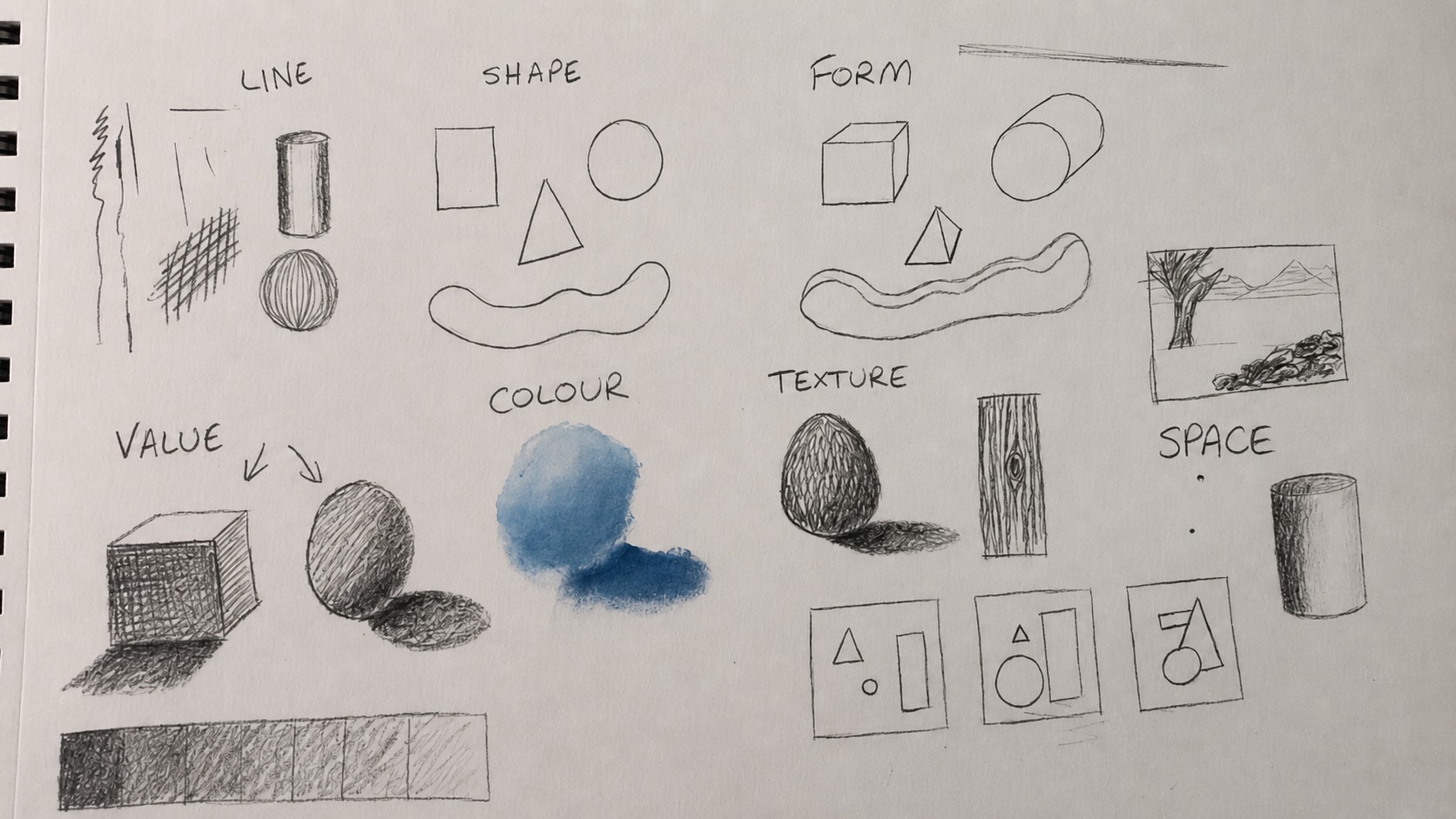
Sometimes the unwanted element is not in the center of the image. It sits near the edge, corner, or foreground and breaks the composition. It could be a bright spot, lens reflection, random shape, partial object, border mark, shadow edge, or small visual obstruction. Cropping may remove the problem, but it can also ruin the framing. Repairit helps erase element from photo compositions while keeping the original layout.
Remove UI Elements from Screenshots Before Sharing
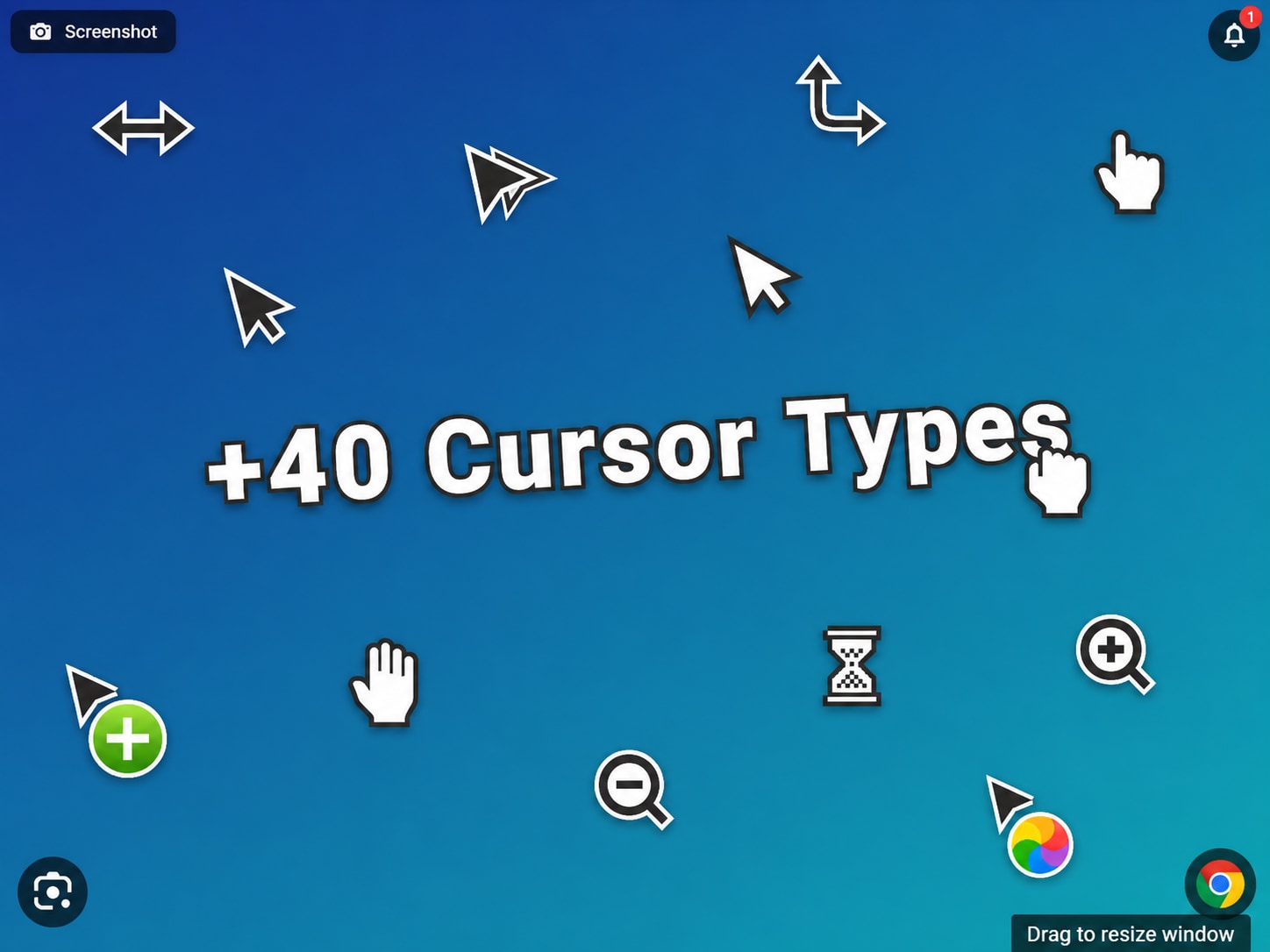
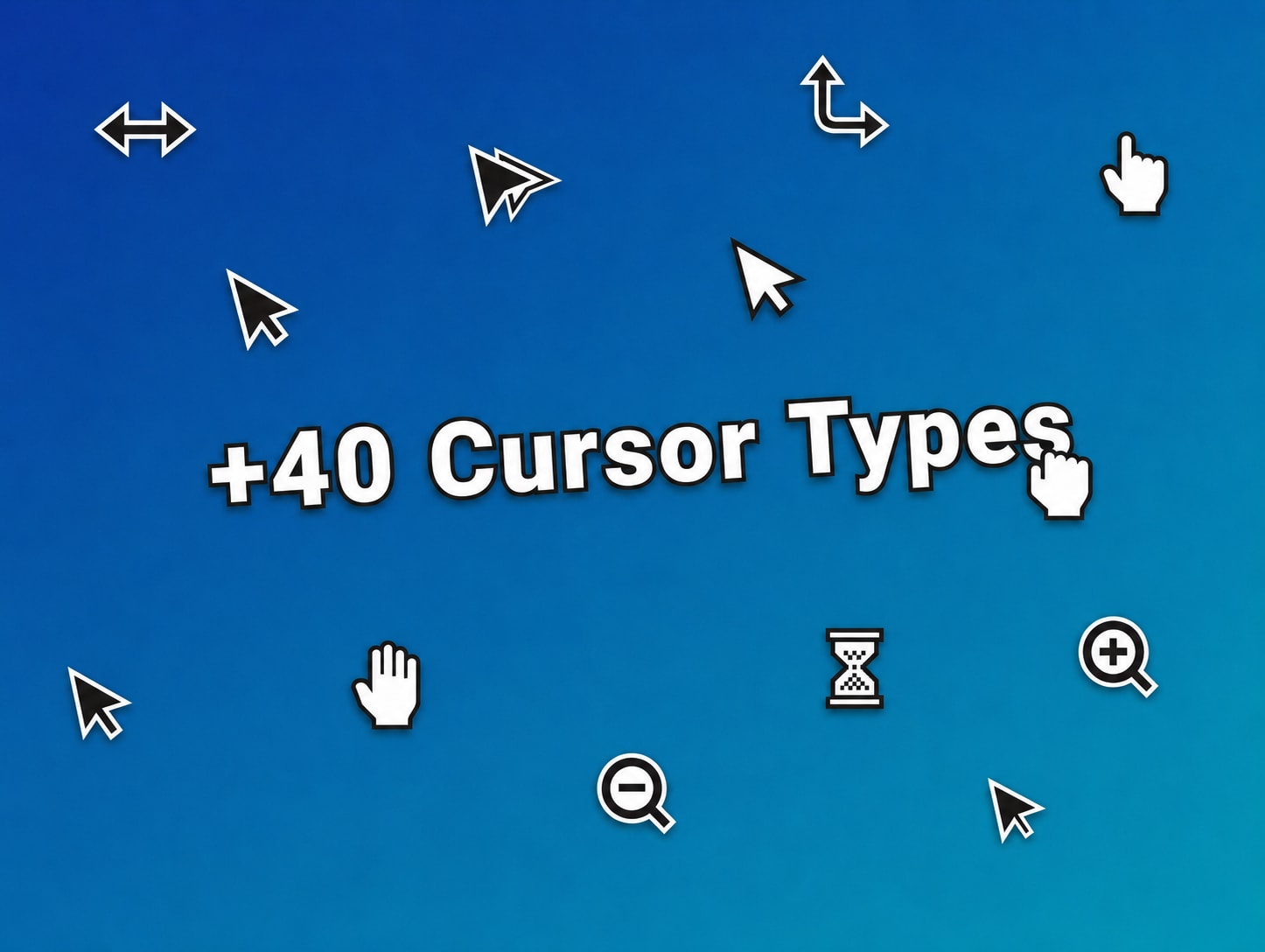
Screenshots often capture extra UI details by accident, such as a cursor, selection box, floating button, recording control, menu highlight, notification dot, or app overlay. Repairit works as an image element remover for screenshots, helping you clean these visual elements without retaking the screenshot or editing it manually.
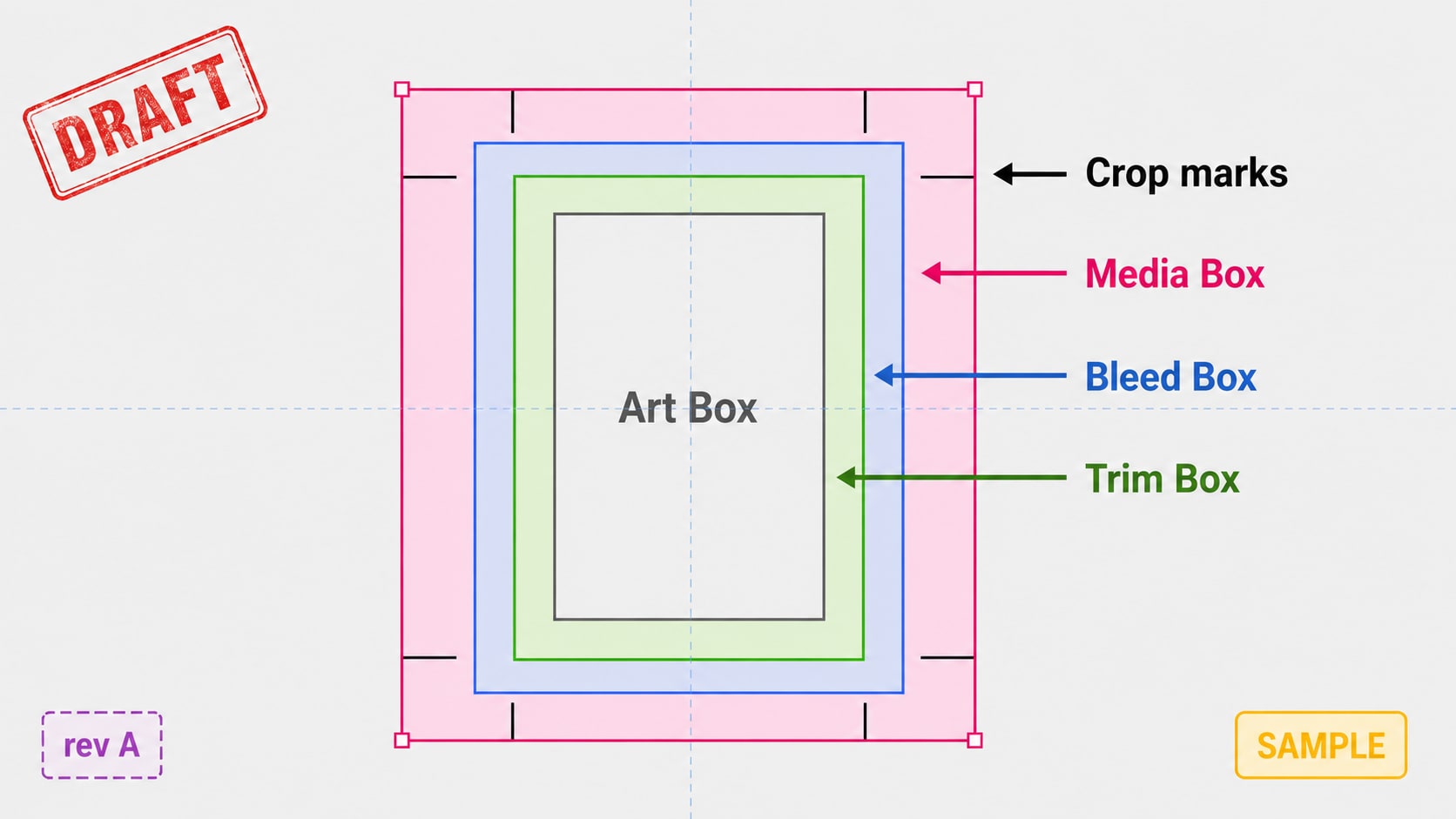
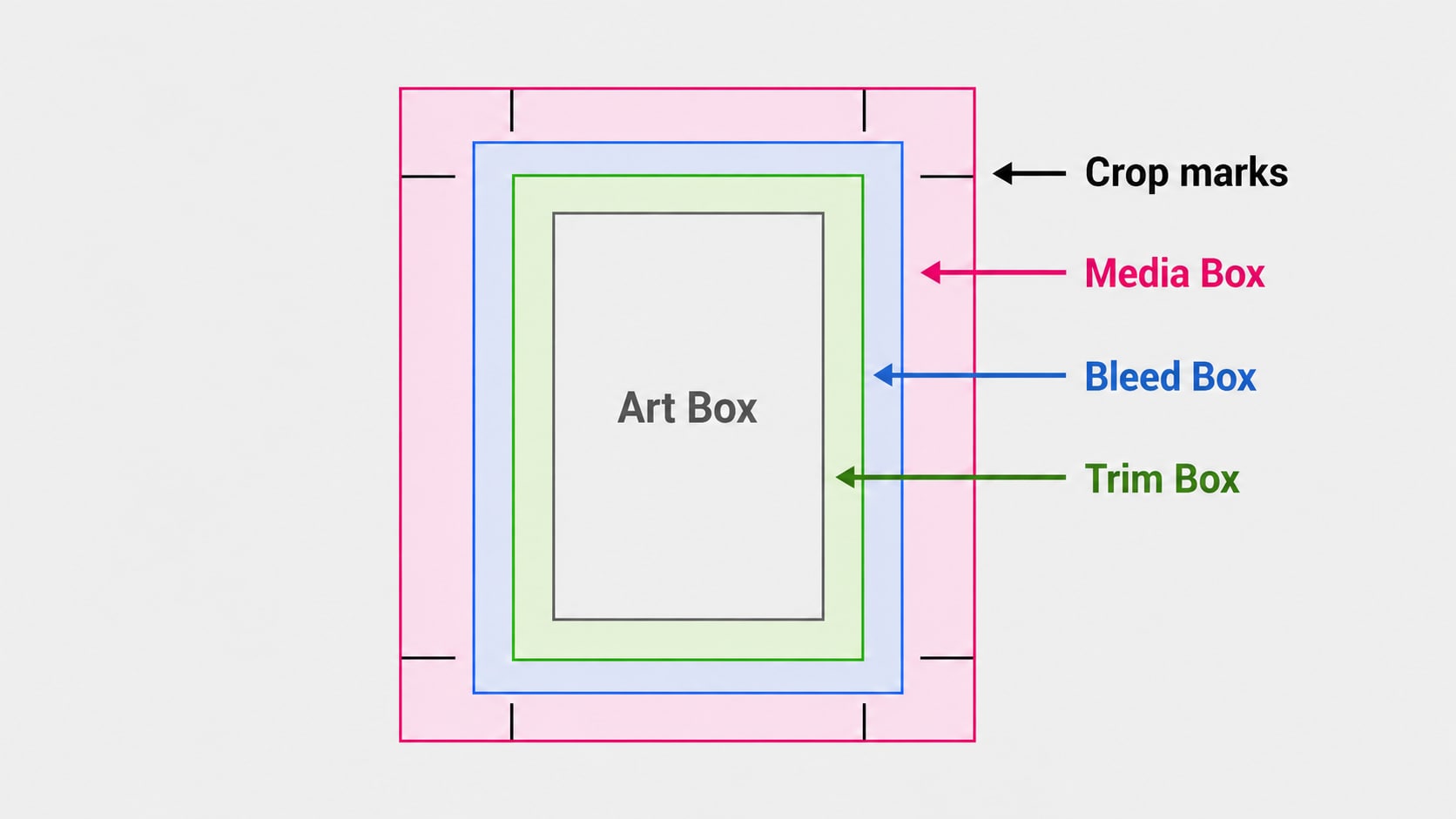
Remove Draft Elements from Design and Marketing Images
Design and marketing images may still contain temporary elements from earlier versions, such as placeholder text, sample badges, guide marks, mockup handles, crop hints, or review labels. These are not real objects in a photo. They are draft elements that make the image feel unfinished. Repairit helps remove elements from photo based designs so you can reuse a cleaner version without starting over.
Remove AI Generated Artifacts from Images
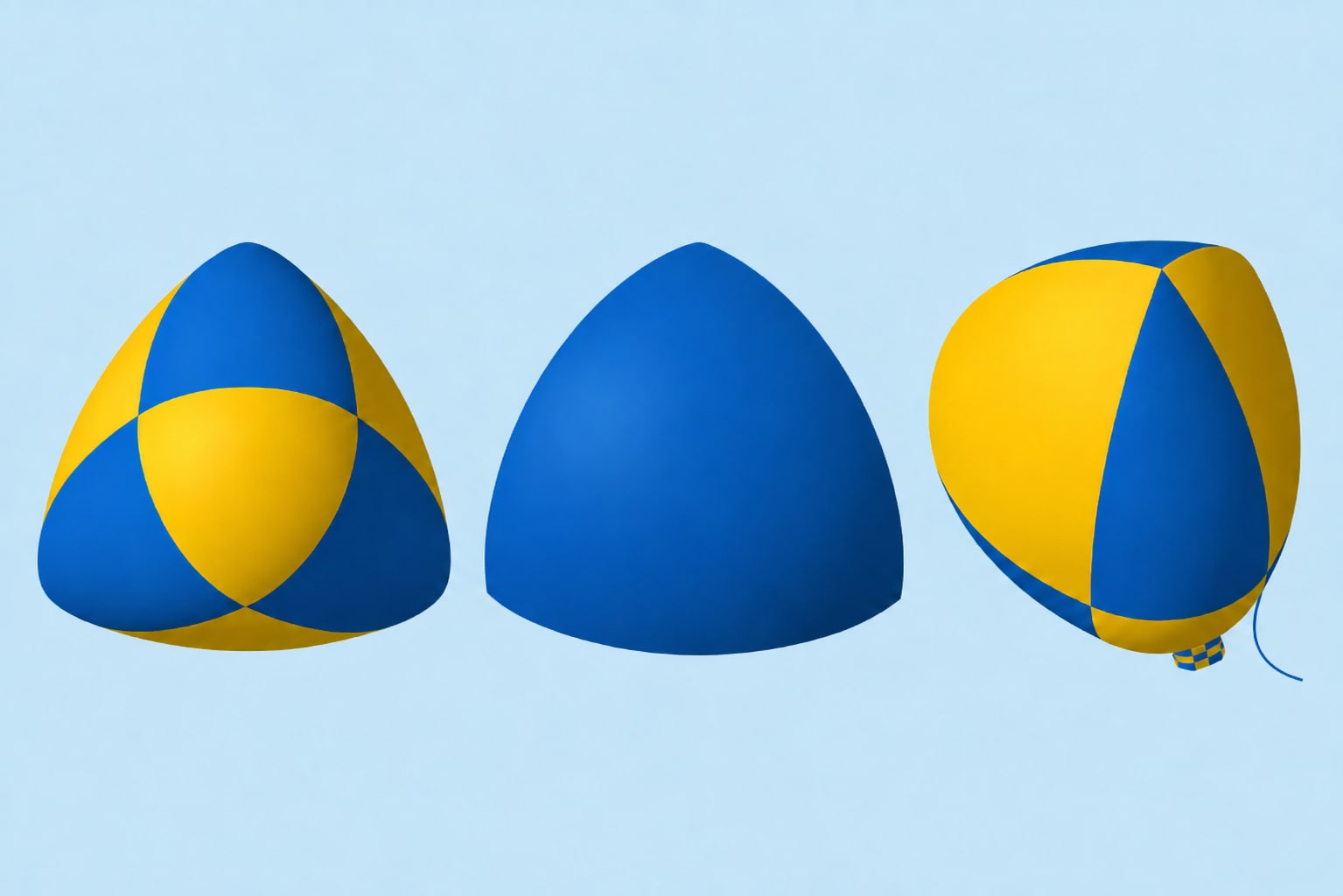
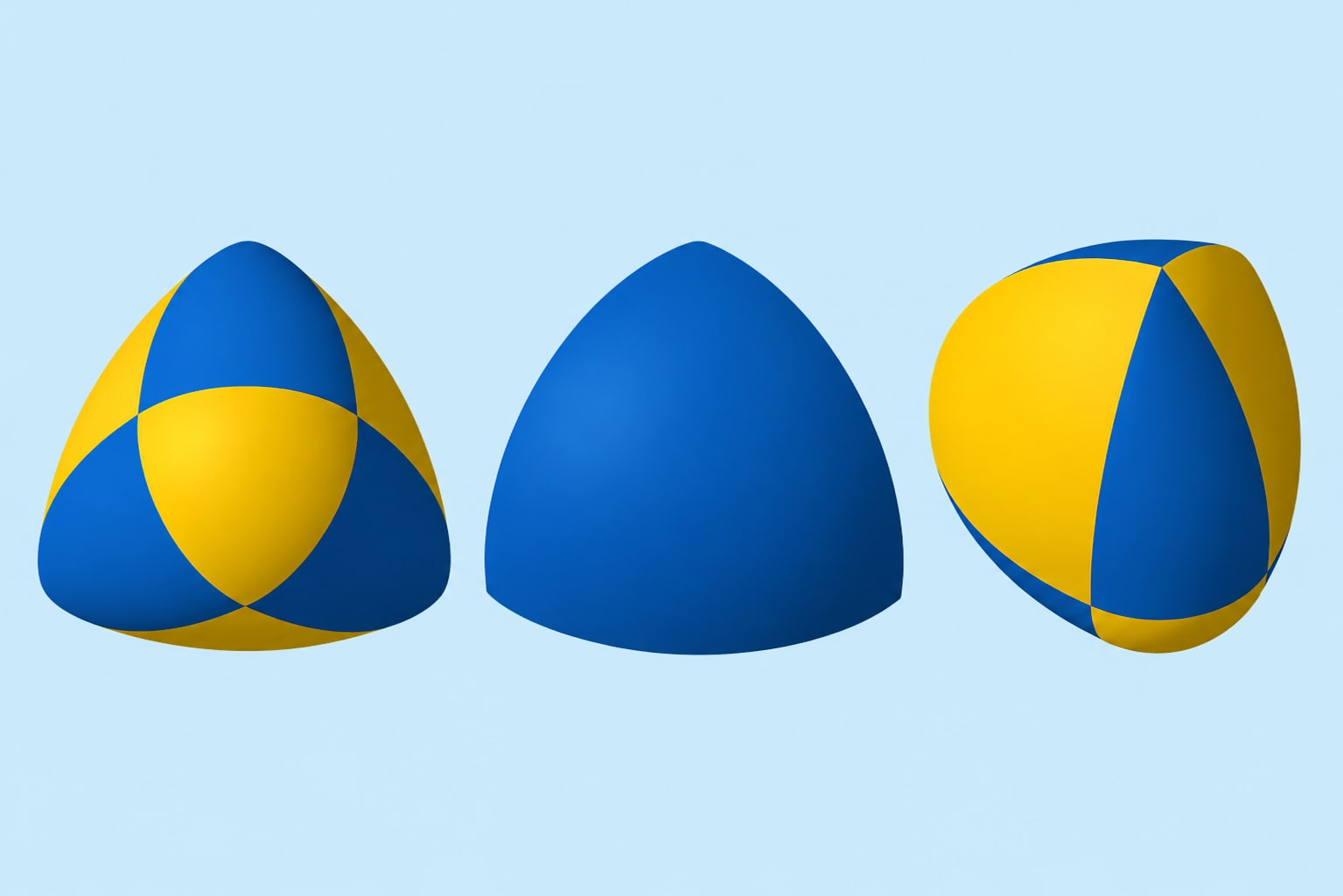
AI generated images can look great overall, but one strange element may ruin the final result. It could be an extra line, odd shape, wrong accessory, repeated texture patch, distorted detail, or unwanted generated fragment. Repairit can help AI remove elements from image outputs by erasing the artifact and filling the area based on nearby texture and color.
How to Remove Element from Image with Repairit

Step 1
Upload Your Image
Open Repairit Photo Eraser and upload the image you want to clean. You can use common formats such as JPG, JPEG, PNG, BMP, and WEBP.

Step 2
Brush Over the Element You Want to Remove
Mark the unwanted visual element, such as a cursor, overlay, draft mark, AI artifact, edge distraction, or temporary graphic detail. For small elements, zoom in and cover the full area carefully.

Step 3
Preview and Save the Clean Image
Repairit AI removes the selected element and fills the area based on the surrounding image. Preview the result, then save the cleaner version when it looks natural.
Why Choose Repairit as Your Image Element Remover?
🎨 Made for Visual Element Cleanup
Repairit is useful when the problem is not the whole image, but one unwanted element that makes the image hard to reuse. It helps clean screenshots, AI images, design drafts, saved visuals, and photo compositions.
🚀 AI Powered Area Reconstruction
Repairit does more than cover the selected area. It analyzes nearby textures, colors, and patterns to rebuild the missing space as naturally as possible.
✨ No Photoshop Skills Needed
You do not need layers, clone stamp tools, masks, or manual retouching experience. Just upload, brush, preview, and save.
❤️ Better for Reusing Existing Images
If you cannot retake a screenshot, regenerate an AI image, or access the original design file, Repairit gives you a practical way to clean the version you already have.
Explore More Photo Eraser Features
Remove unwanted elements, objects, people, text, and distractions from your photos in seconds with AI.
Frequently Asked Questions
It means removing a specific visual part of an image, such as a cursor, overlay, draft mark, AI artifact, edge distraction, text fragment, or unwanted graphic detail. It is different from general object removal because the element may be part of a screenshot, design, AI image, or visual layout.
Upload your image to Repairit Photo Eraser, brush over the element you want to erase, and let AI clean the selected area. You can preview the result before saving the final image.
Yes. Repairit can help remove cursors, floating buttons, selection boxes, menu highlights, recording controls, notification dots, and other screenshot elements.
Yes. You can remove placeholder text, sample badges, temporary labels, guide marks, mockup handles, and other draft elements from image based design files.
Yes. Repairit can help erase small AI generated artifacts, odd shapes, repeated texture patches, unwanted fragments, and visual noise from AI images.
Yes. Repairit can remove edge distractions, corner marks, bright spots, lens reflection dots, and partial foreground elements while keeping the original framing.
Hot Topics
Comprehensive How-to Guides
Want to remove unwanted object? Click to enter the Photo Eraser Workbench and make it happen easily!


