Fix Out of Focus Photo Online






Fix Out of Focus Portraits and Soft Faces
Portraits are one of the most frustrating out of focus cases. The pose, expression, and moment may be perfect, but the eyes, skin texture, hair, or facial features look soft because the camera focused slightly behind or in front of the face. Repairit helps improve an out of focus portrait by enhancing facial detail and sharpening the area that matters most while keeping the person recognizable.
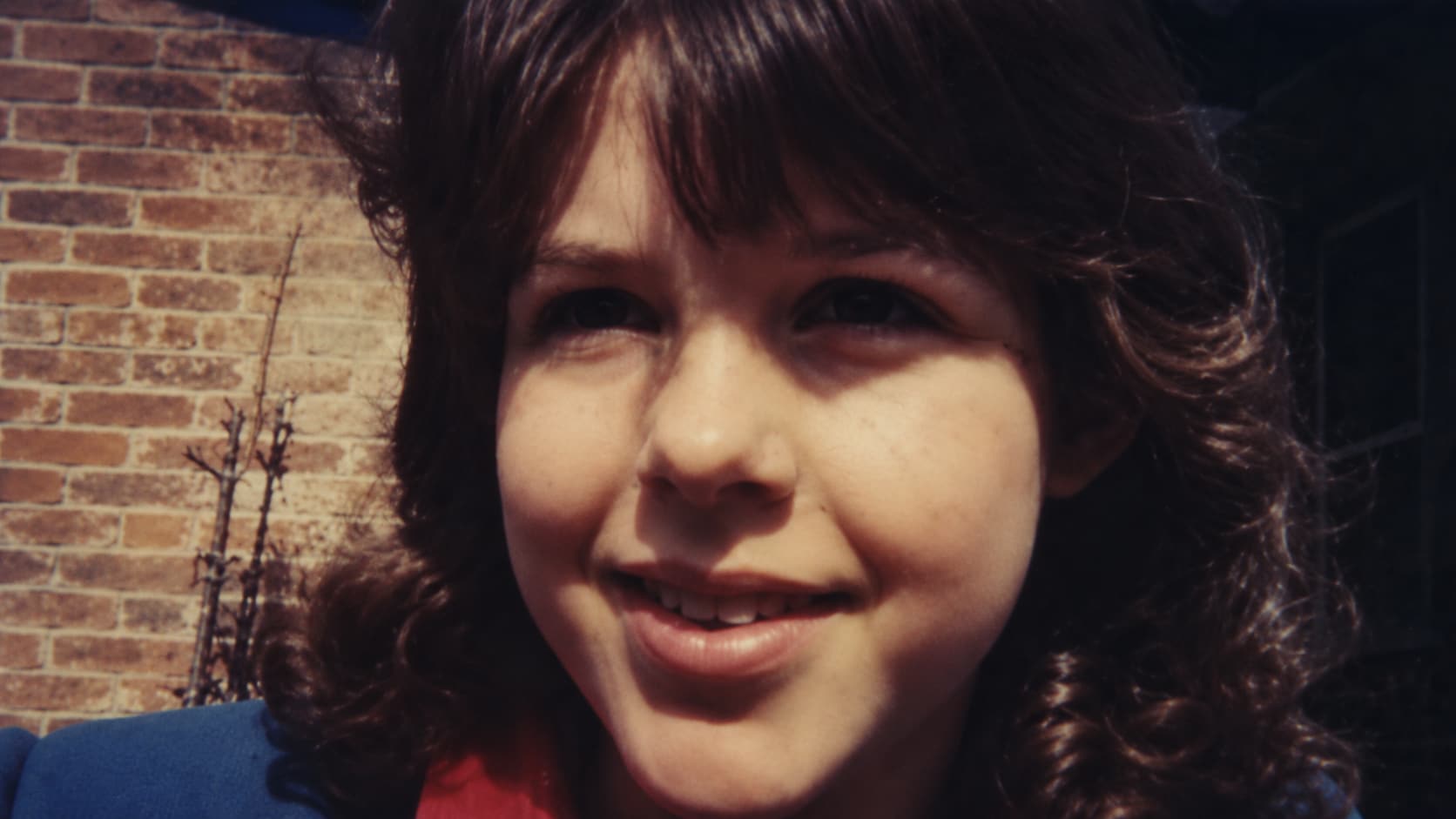
Improve Group Photos Where One Face Looks Unfocused
Group photos are hard to retake. One person may move, stand slightly behind the focus plane, or appear softer than everyone else. This happens often in family pictures, class photos, event shots, and party photos. Repairit can help fix unfocused photo details by improving face clarity and visible detail in group images, especially when the original still has enough information.


Fix Close Up Photos with the Wrong Focus Point
Close up photos often fail because the camera focuses on the background, clothing, hands, table, or a nearby object instead of the intended subject. The result is a photo that looks almost right, but the important detail feels soft. Repairit helps users who want to fix an out of focus photo by enhancing edges, texture, and subject clarity where focus was not captured perfectly.
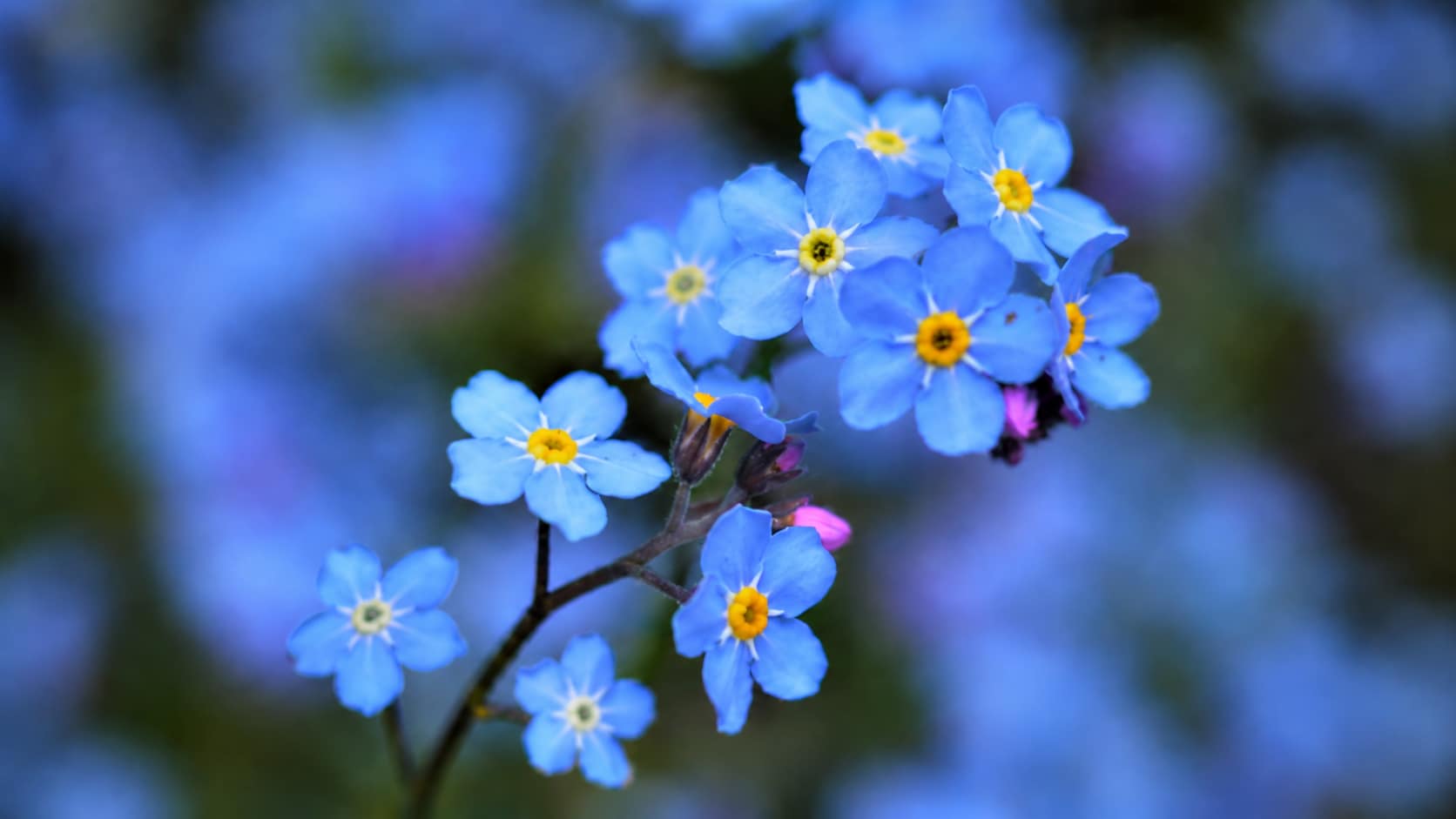
Save Important Moments That Are Slightly Out of Focus
Some photos cannot be retaken. A child’s smile, a pet expression, a wedding moment, a travel scene, or a once in a lifetime event may be slightly out of focus, but still worth saving. Repairit helps fix out of focus photos online free to try by improving visible clarity and reducing the soft look that makes meaningful photos harder to use.
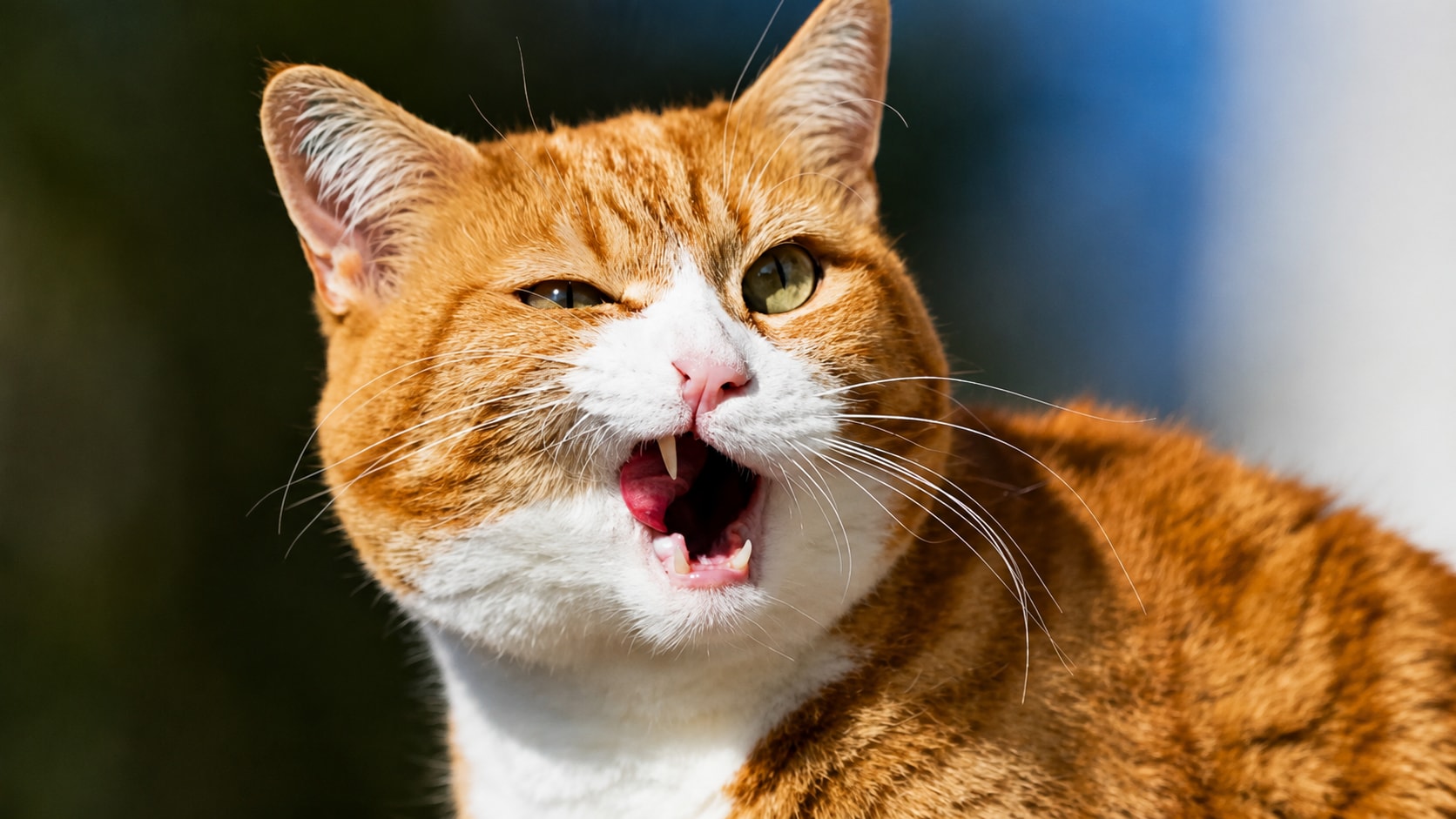
How to Fix Out of Focus Photo with Repairit

Step 1
Upload Your Out of Focus Photo
Open Repairit Photo Enhancer and upload the photo where the subject, face, or important detail looks soft or unfocused. You can use common formats such as JPG, JPEG, PNG, BMP, and WEBP.

Step 2
Start AI Photo Enhancement
Let Repairit analyze the image and improve focus related softness, facial detail, edge clarity, visible texture, and overall photo quality.

Step 3
Preview and Save the Clearer Photo
Preview the enhanced result, compare the before and after version, and save the photo when the subject looks clearer and more usable.
Why Choose Repairit to Fix Out of Focus Photos?
✨ Built for Missed Focus Problems
Repairit is useful when your photo opens normally, but the subject, face, or key detail looks soft because the camera focus missed the right area.
📷 AI Focus and Detail Enhancement
Repairit Photo Enhancer can sharpen blurry edges, uncover hidden details, improve facial features, and enhance photo quality with AI. It includes Accurate Face Focus and Facial Features Recognition for portrait focused enhancement.
⚡ Useful for Portraits, Groups, and Close Ups
Repairit supports common out of focus scenarios, including portraits, selfies, family group shots, pet photos, product details, and meaningful moments that are difficult to retake.
❤️ Easier Than Manual Sharpening
No Photoshop masks, selective sharpening, focus stacking, or advanced editing settings are required. Upload the image, start AI enhancement, preview the result, and save.
Explore More Photo Sharpness Enhancer Features
Fix out-of-focus photos, remove blur, sharpen image details, and make fuzzy pictures clearer with AI.
Frequently Asked Questions
An out of focus photo means the camera did not focus on the intended subject. The face, object, or key detail may look soft, while another part of the image may appear clearer.
Upload your photo to Repairit Photo Enhancer, start AI enhancement, preview the clearer result, and save the version that looks more usable.
Repairit Photo Enhancer is free to try, so you can upload an out of focus photo and preview how AI improves focus related softness, edges, and visible detail.
Yes. Repairit can help improve out of focus portraits by enhancing facial detail, soft edges, and visible clarity, especially when the original image still contains enough usable information.
Not exactly. Out of focus usually means the camera focused on the wrong area. Blurry image is broader and can include motion blur, hand shake, low light blur, compression softness, or general lack of sharpness.
AI can improve many mildly out of focus photos, but it cannot perfectly recreate detail that was never captured. Results depend on how severe the focus problem is.
Common reasons include autofocus choosing the background, shallow depth of field, subject movement, low light, camera shake, dirty lens, or focusing too close to the subject.
Hot Topics
Comprehensive How-to Guides
Want to enhance your photo? Click to enter the Photo Enhancer Workbench and make it clearer in just a few clicks!


