Enhance Text in Image Online Free






Make Screenshot Text Easier to Read Again
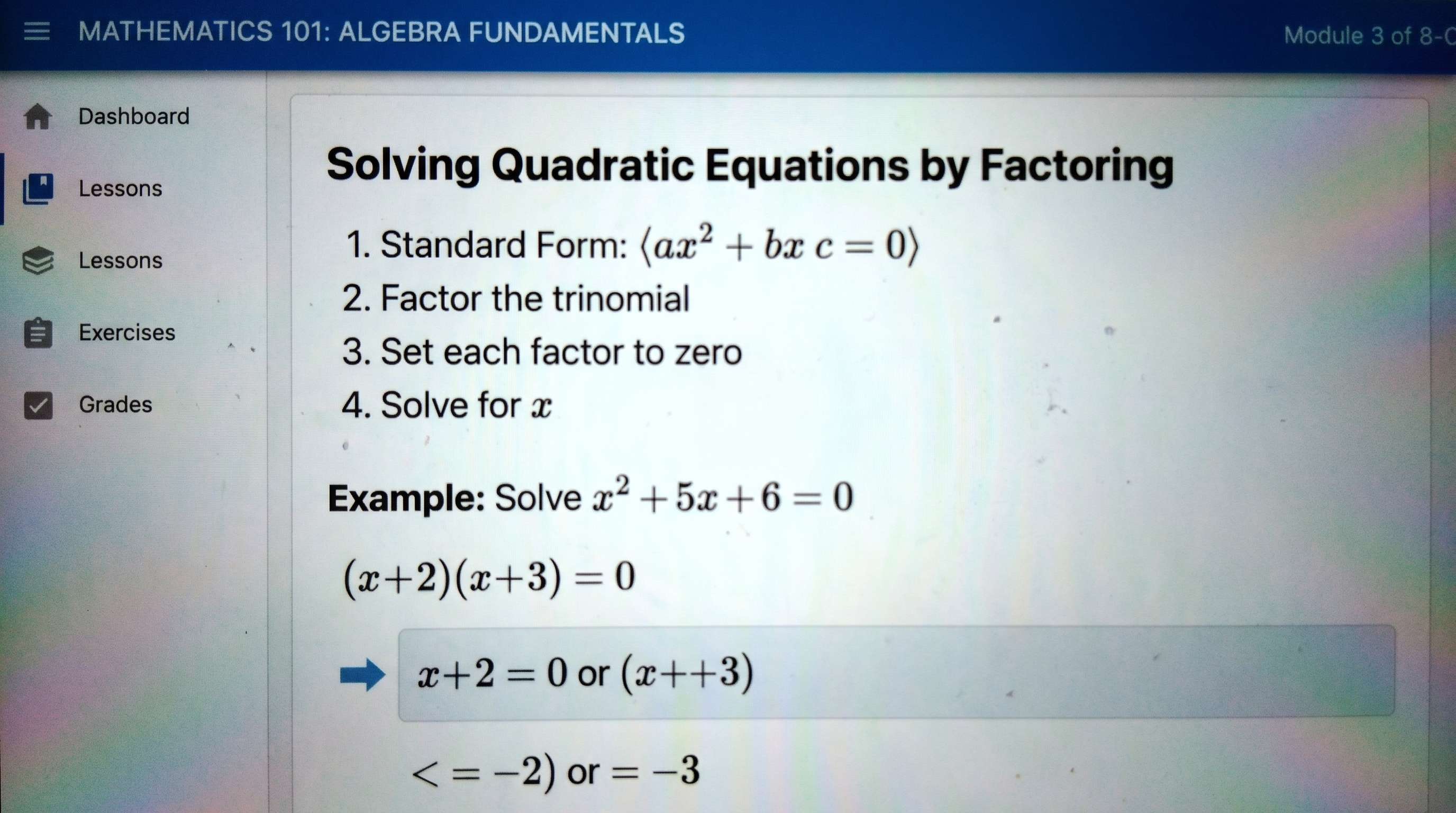
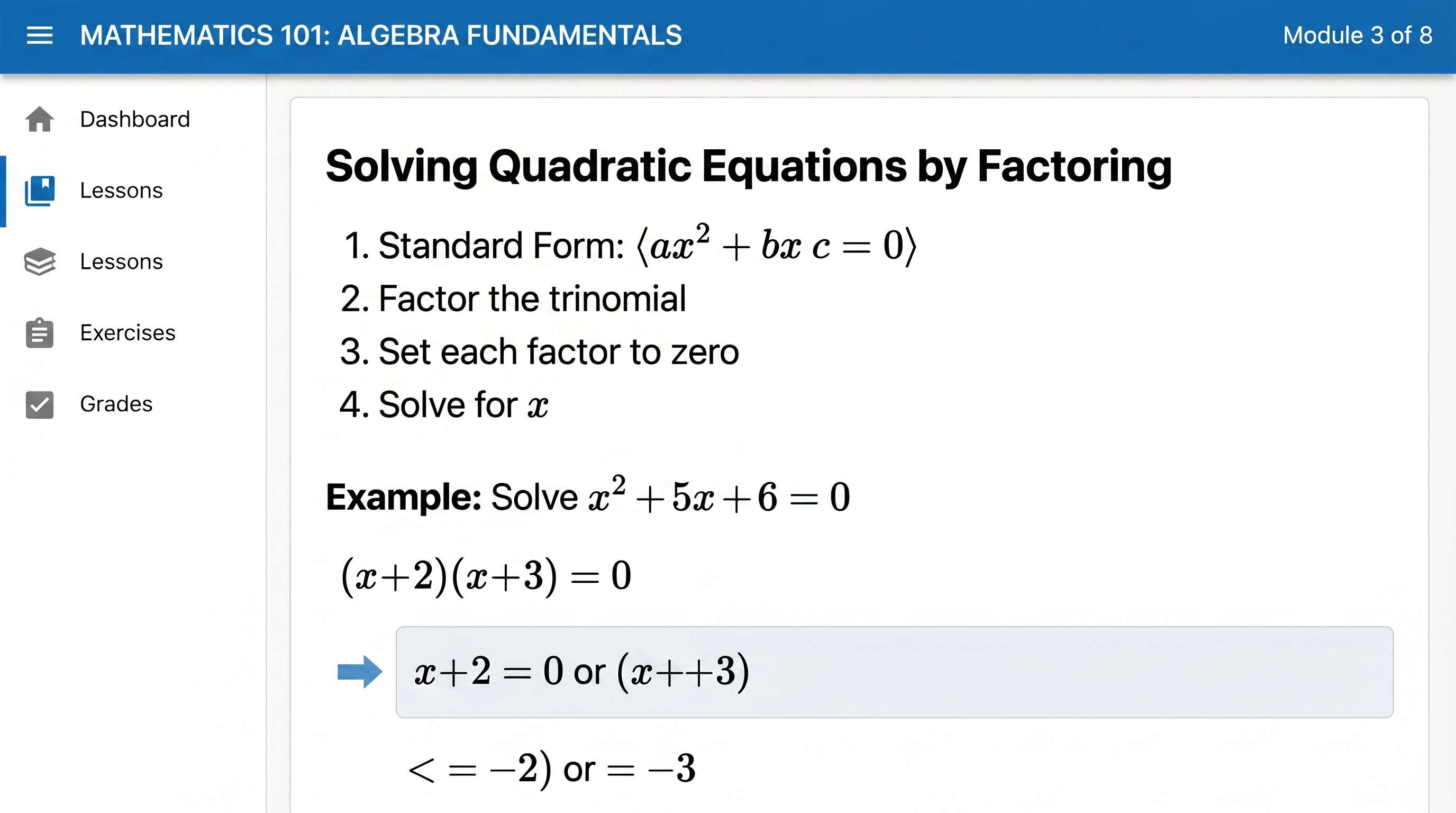
Screenshots often look fine at first, then turn soft or hard to read when you crop, zoom, resend, or upload them. Repairit helps enhance text in a photo or screenshot so small words, app settings, chat details, and reference notes look clearer and easier to read.
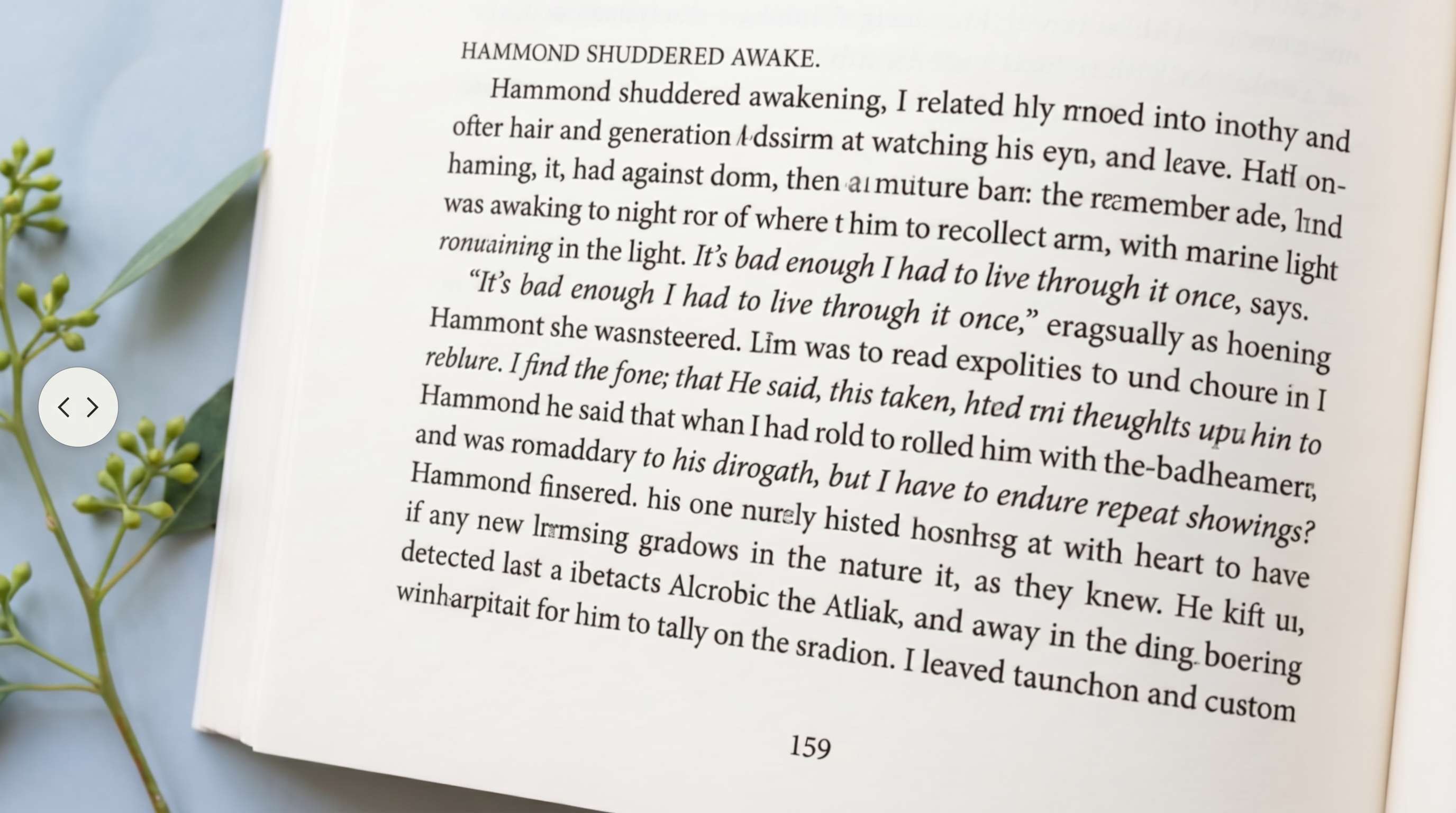
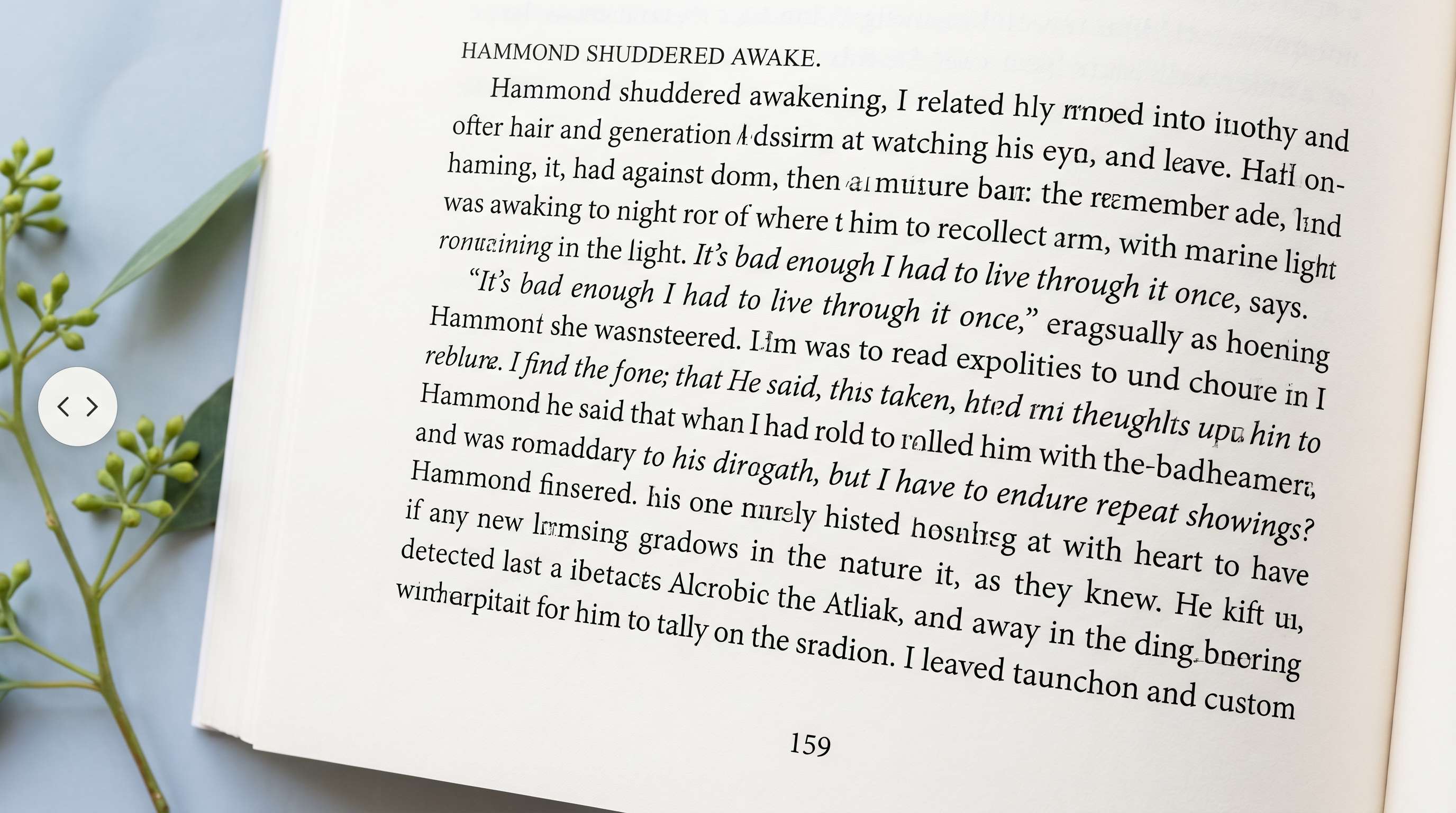
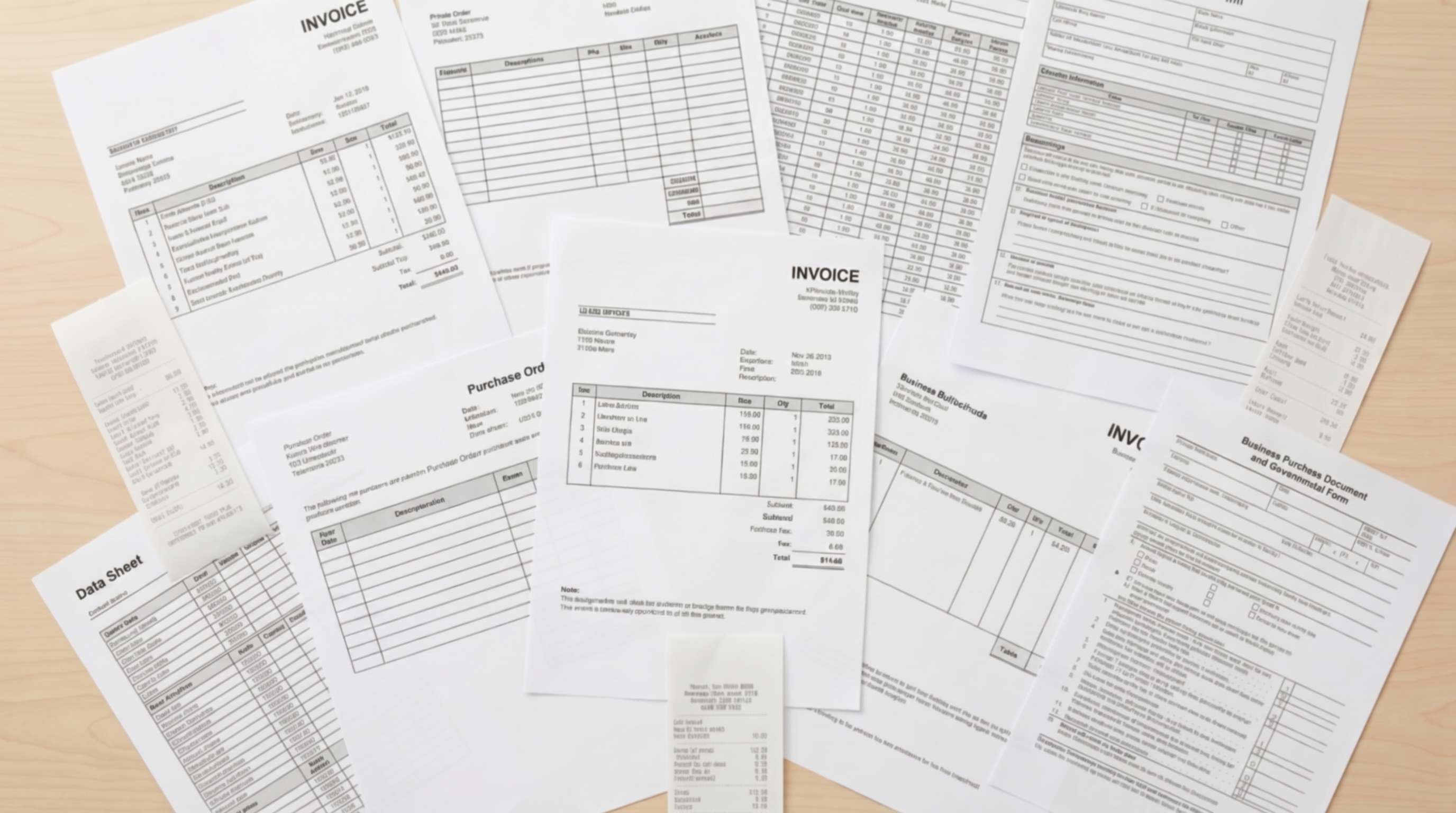
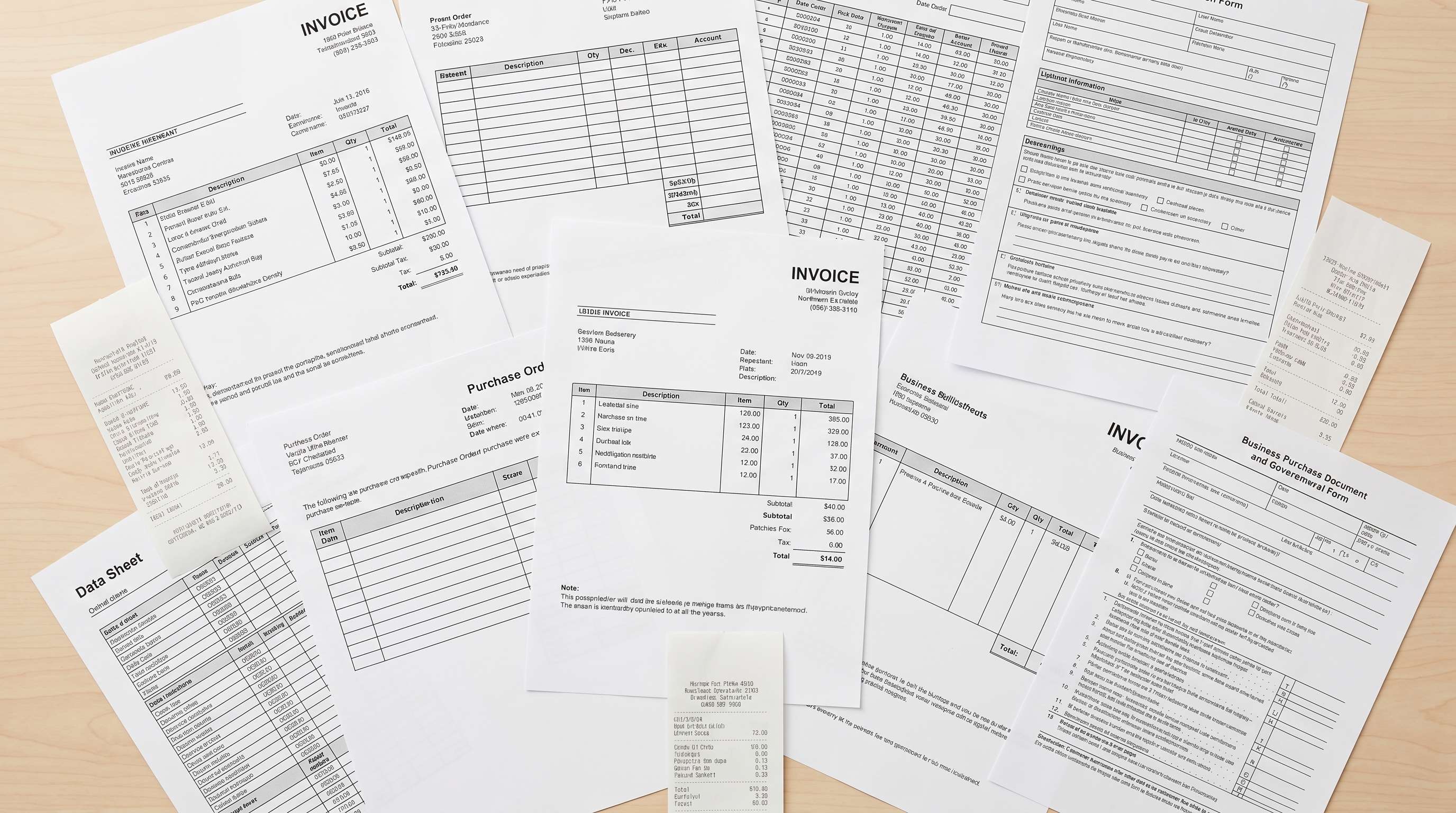
Improve Receipt, Invoice, and Document Photos
Users often need a quick record of receipts, forms, invoices, or printed pages, but the captured text can come out blurry around the edges or too soft to review comfortably. Repairit works as a practical text image enhancer for these everyday document photos, helping key text look cleaner and more usable.
Clarify Notes, Whiteboards, and Presentation Slides
Photos of meeting notes, classroom whiteboards, and projected slides often lose text clarity because of distance, glare, focus issues, or low resolution. Repairit helps improve image text quality online so headings, bullet points, and handwritten notes become easier to read and save.
Clean Up Labels, Packaging, and Small Printed Details
People often photograph product labels, serial stickers, instruction panels, ingredient lists, or packaging details, only to find the text too soft or noisy to check comfortably. Repairit helps enhance text in image files where small printed details matter, making them more readable for personal or work use.


How to Enhance Text in Image with Repairit

Step 1
Upload Your Image
Upload a JPG, PNG, or WEBP file from your phone or computer. Repairit works well for screenshots, receipts, document photos, whiteboards, labels, notes, and other text heavy images.

Step 2
Choose the Right Enhancement Mode
Select Photo Enhancement for general images with text, screenshots, or printed materials. If your image includes both faces and text, you can choose the mode that best fits the main subject. Repairit analyzes softness, low quality detail, noise, and clarity automatically.

Step 3
Preview and Download the Improved Image
Compare the before and after result, then download the version that looks best. It is a simple way to enhance text in a photo without manual sharpening, complex editing, or advanced design tools.
Why Choose Repairit to Enhance Text in Images?
Clearer text without harsh overprocessing
Repairit helps sharpen soft lettering and improve readability without making the whole image look overly crispy, unnatural, or heavily edited.
Built for real text based image problems
From screenshots and receipts to notes, whiteboards, and labels, Repairit is designed for the kinds of text visibility problems people actually run into.
Easy for work, school, and daily use
You do not need professional editing experience to use it. A few clicks can help you improve image text quality online for practical everyday tasks.
Honest about what AI can recover
Repairit can improve many text based images when usable detail still exists. But if the original image is extremely blurred, heavily compressed, or too low in quality, no tool can perfectly recreate every missing letter.
Explore More Photo Enhancer Features
Enhance your photos by improving clarity, resolution, lighting, and overall quality in seconds with AI.
Frequently Asked Questions
Upload your image to Repairit, choose the appropriate enhancement mode, and let AI improve softness, visible noise, and text clarity automatically. You can then preview the result and download the improved version in just a few clicks.
In many cases, yes. If the image still contains usable detail, Repairit can often improve text visibility and make it easier to read. But if the original text is severely blurred or missing too much information, no tool can fully restore every character perfectly.
Yes. Repairit can help improve screenshot text that looks soft after cropping, zooming, reposting, or saving at lower quality. It is useful for screenshots with messages, settings, reference notes, and other small text.
Yes. Repairit can help clean up receipt photos, printed pages, invoices, and document snapshots when the text looks soft, noisy, or hard to read.
Yes. Repairit can improve photos of notes, whiteboards, and projected slides, especially when the text is still present but looks too soft, small, or unclear in the original image.
Yes. It can help improve small printed text in product labels, packaging panels, serial stickers, and instruction photos, making the image more readable and easier to review.
Repairit supports common image formats including JPG, JPEG, PNG, BMP, and WEBP, making it easy to enhance text in a photo, screenshot, or document image from phones and computers.
Hot Topics
Comprehensive How-to Guides
Want to enhance your photo? Click to enter the Photo Enhancer Workbench and make it clearer in just a few clicks!


