Change Clothes in Photo Online Free






Change Outfits in Portraits and Selfies for Better Personal Photos
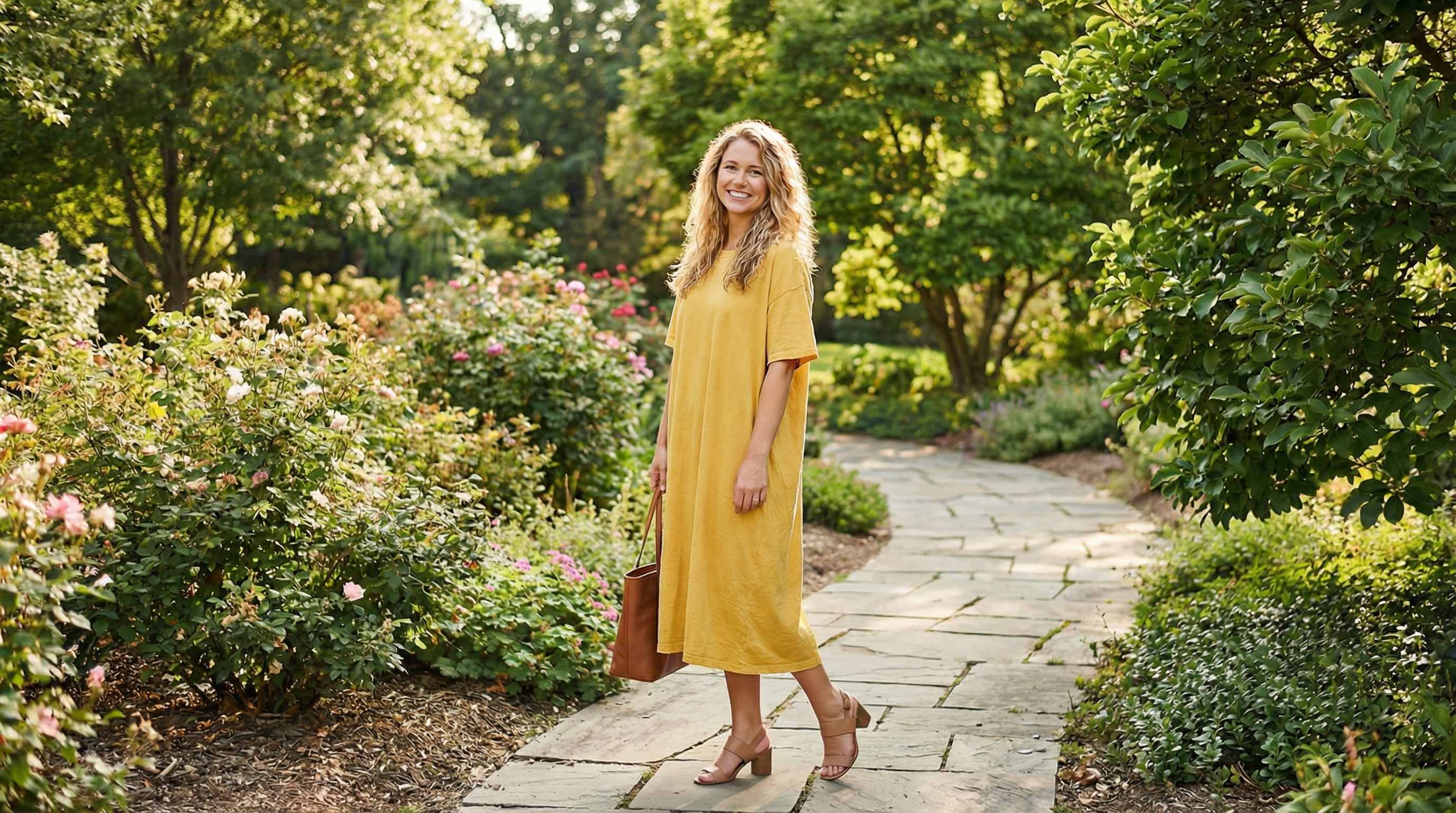
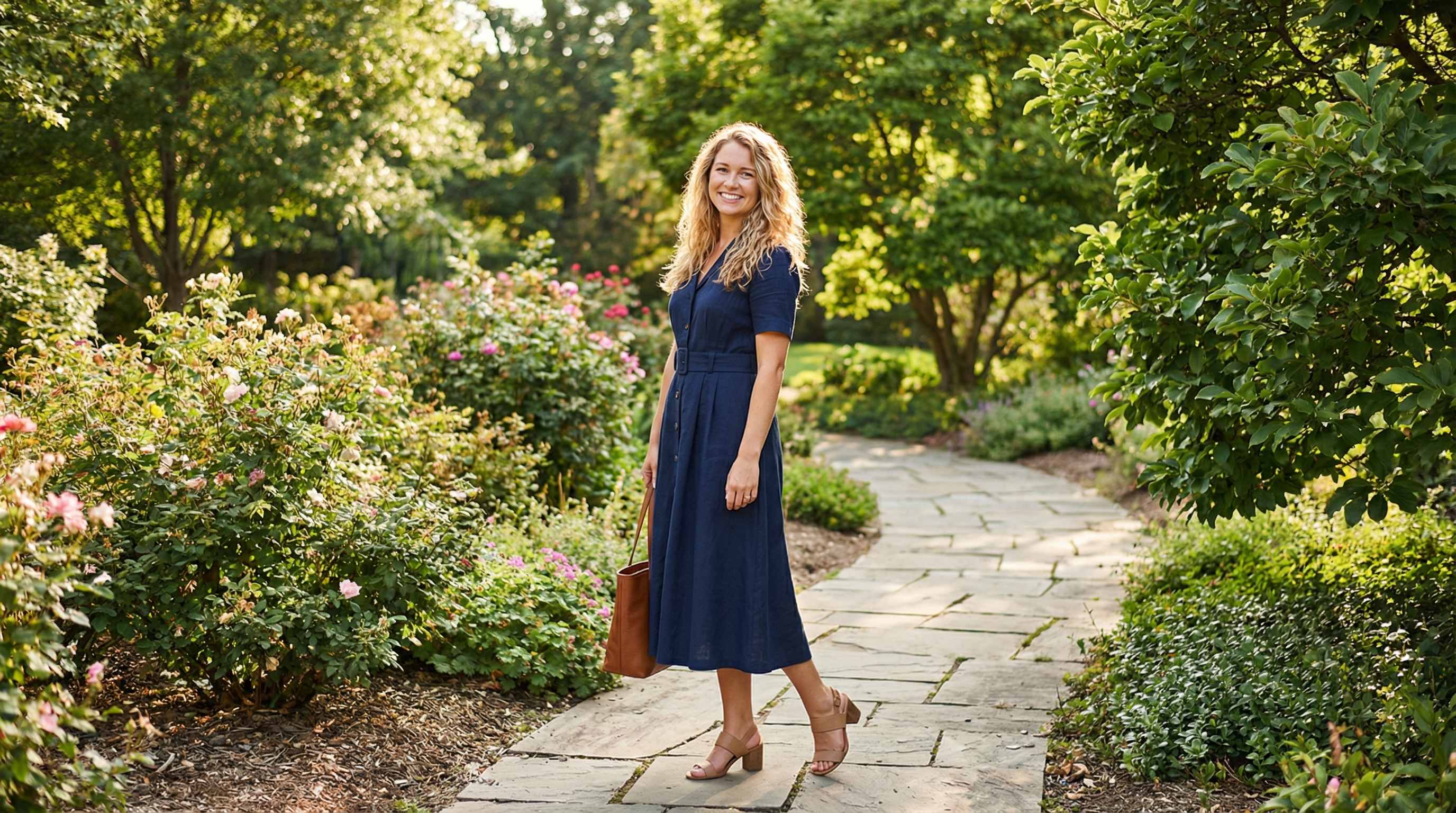
Sometimes the photo is great but the outfit is not. You may want to swap a casual T shirt for a blazer, replace a hoodie with a sweater, change a party dress into a more polished look, or fix a last minute wardrobe choice in a saved portrait. Repairit helps you change clothes in selfies, profile photos, dating pictures, graduation portraits, creator headshots, and personal branding photos, so you can match the mood of the image without retaking it.
Try On New Looks Before Buying Clothes Online
Online shopping is full of guesswork. You may save a product image, screenshot a dress, or find a jacket you like, but still have no idea whether the fit, vibe, color, or style will suit you. Repairit helps you change clothes in photos for virtual outfit previews, so you can test dresses, suits, denim jackets, cardigans, office wear, seasonal looks, and occasion outfits before spending money.
Change Clothing Colors for Fashion Mockups and Styling Tests
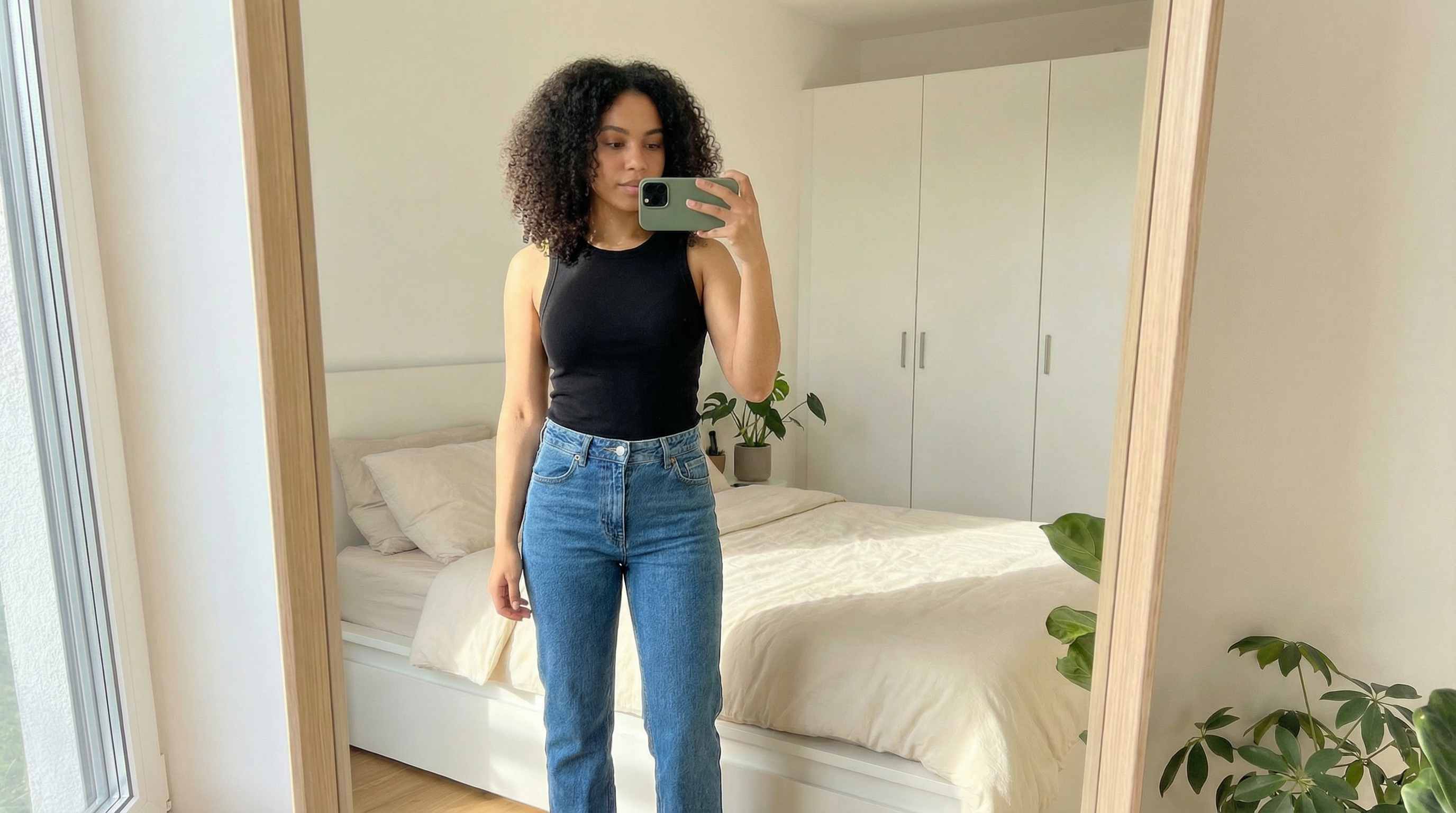
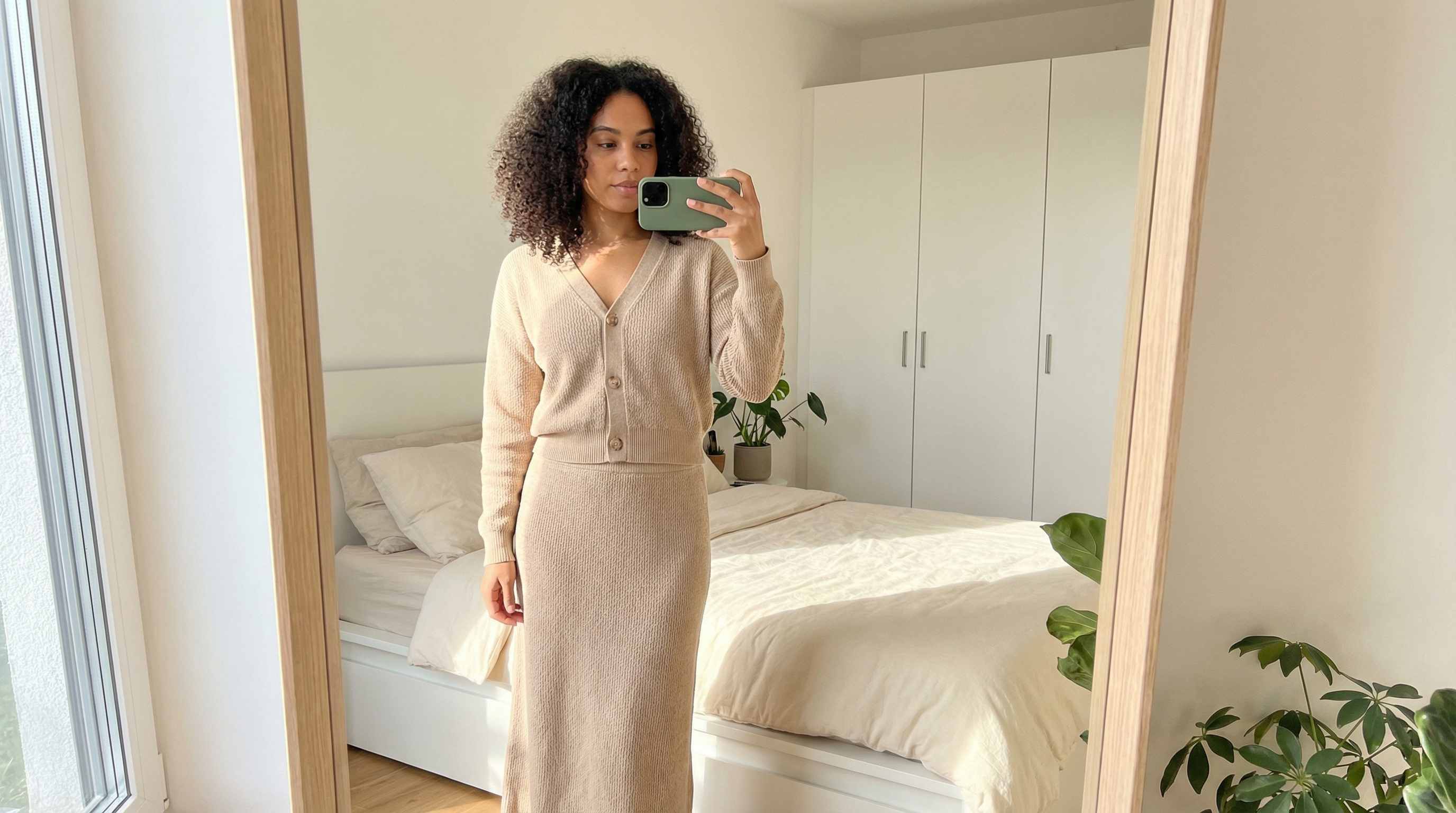
Sometimes the outfit itself works, but the color does not. You may want to turn a black suit into purple, test a white shirt in blue, compare beige and olive outerwear, or preview multiple colorways for brand content. Repairit helps you recolor clothing in photos while keeping folds, highlights, texture, and fabric depth looking more realistic across shirts, dresses, suits, skirts, knitwear, jackets, and uniforms.
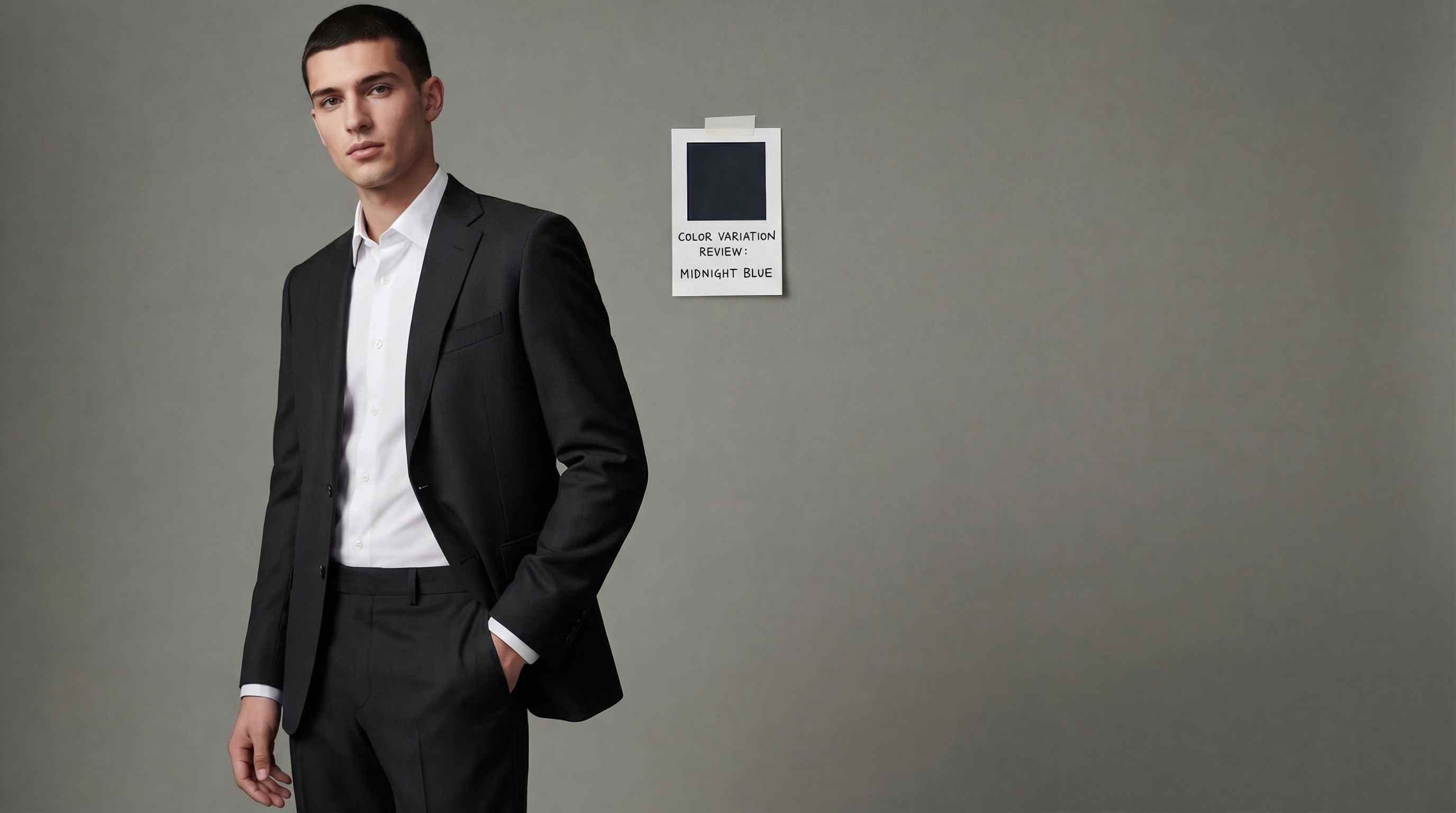
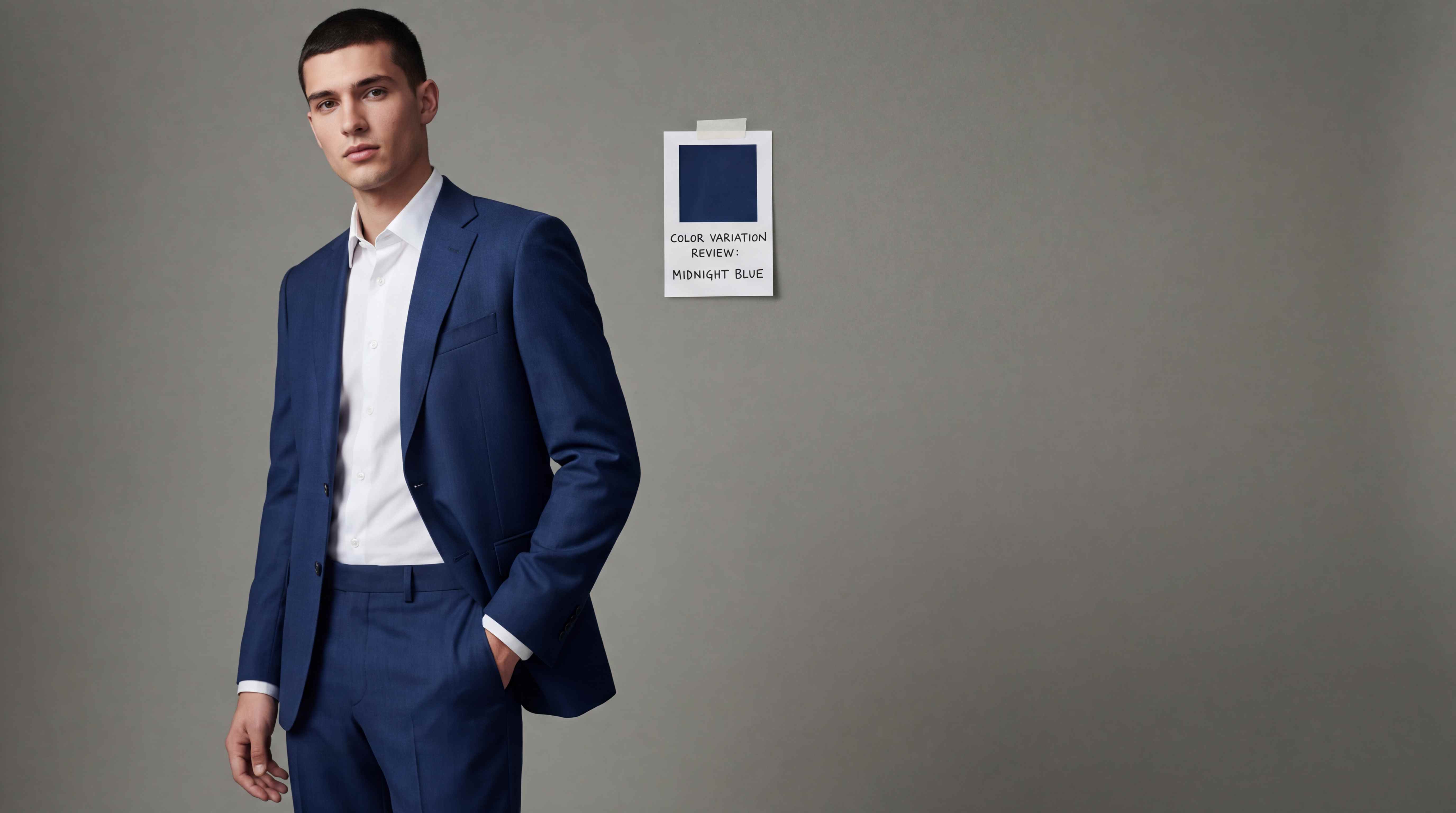
Create More Outfit Variations for Fashion, Ecommerce, and Social Content
Brands, resellers, photographers, and content creators often need more outfit variations without scheduling another shoot. Repairit helps you change clothes in model photos, lookbook images, campaign visuals, boutique listings, creator posts, and social media content, so you can test different outfit directions, seasonal styles, and styling concepts faster while saving production time and photo shoot costs.
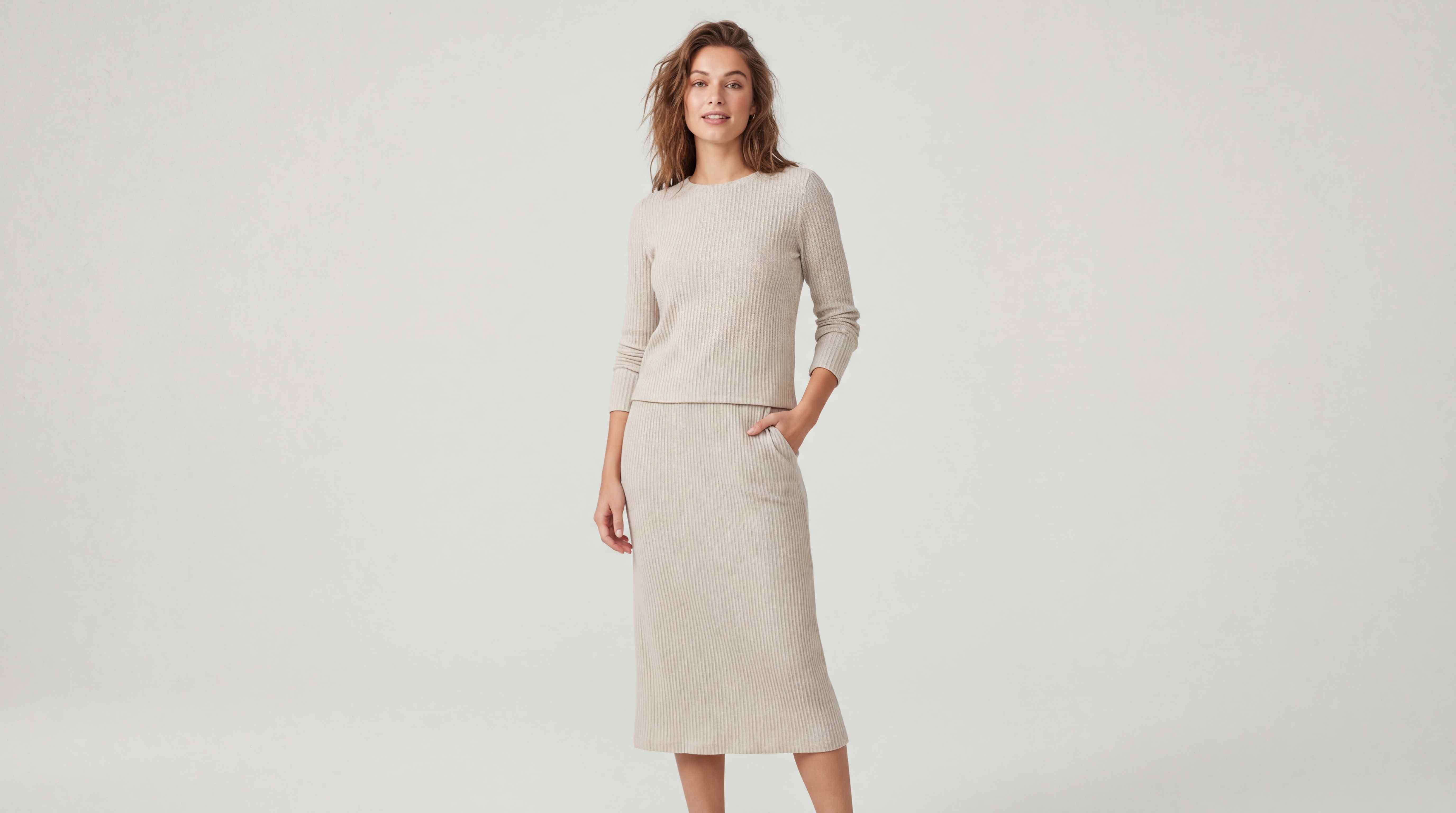
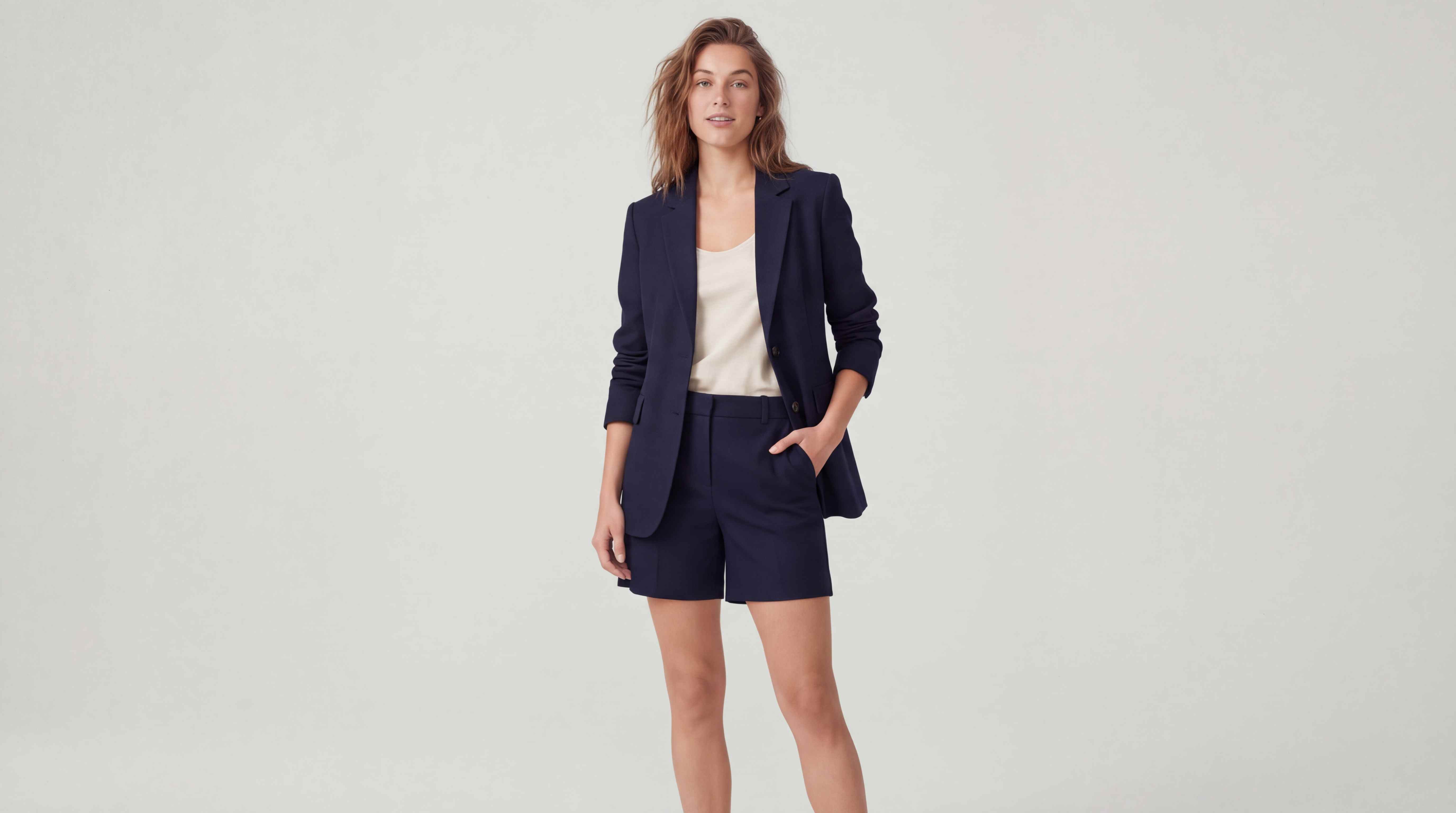
How to Change Clothes in Photo Online Free with Repairit

Step 1
Upload Your Photo
Upload a portrait, selfie, full body image, creator photo, or product style image in JPG, PNG, or WEBP format.

Step 2
Choose the Outfit Change You Want
Select the clothing area you want to edit, then describe the new outfit, style, or color you want. You can switch from casual to formal, try a new dress, replace a top, or test a different color palette.

Step 3
Download Your Edited Photo
Preview the result, make quick refinements if needed, and download your updated image with a cleaner, more polished outfit look.
Why Choose Repairit to Change Clothes in Photos?
🎨 Natural Outfit Blending
Repairit is designed to keep body shape, clothing edges, folds, shadows, and overall photo balance looking more natural after the outfit change.
🚀 Great for Real Life Style Decisions
From shopping previews and personal portraits to creator content and ecommerce images, Repairit fits the practical outfit editing situations people actually care about.
✨ No Photoshop Needed
You can change a shirt, dress, jacket, or full outfit without masking clothing by hand, adjusting layers, or learning advanced editing tools.
❤️ Faster Than Re Shoots and Manual Retouching
Instead of changing clothes, restyling the set, or editing every image manually, Repairit helps you create new looks from photos you already have.
Explore More Photo Eraser Features
Edit your photos by changing clothes, removing distractions, and refining unwanted visual elements in seconds with AI.
Frequently Asked Questions
Upload your photo to Repairit, select the clothing area you want to change, describe the new outfit or choose a new style, and let the AI generate the updated look automatically.
Yes. You can update only part of the outfit, such as a shirt, jacket, sweater, blazer, or dress section, depending on the photo and the edit you want.
Yes. Repairit can help you test different outfit colors such as changing a black suit to purple or trying a shirt in a new color without manual masking or advanced editing.
In many common cases, yes. Repairit aims to keep body shape, fabric texture, folds, and lighting looking more consistent so the changed outfit blends into the original image more naturally.
Yes. Many people use outfit changing tools to preview dresses, jackets, office wear, occasion outfits, and casual looks before placing an order online.
Yes. If you already know the look you want, you can describe the outfit style, clothing type, or color direction to create a more customized result.
Hot Topics
Comprehensive How-to Guides
Want to remove unwanted object? Click to enter the Photo Eraser Workbench and make it happen easily!


