YouTube Lag Fix for Choppy Videos




Fix YouTube Videos That Lag After Export
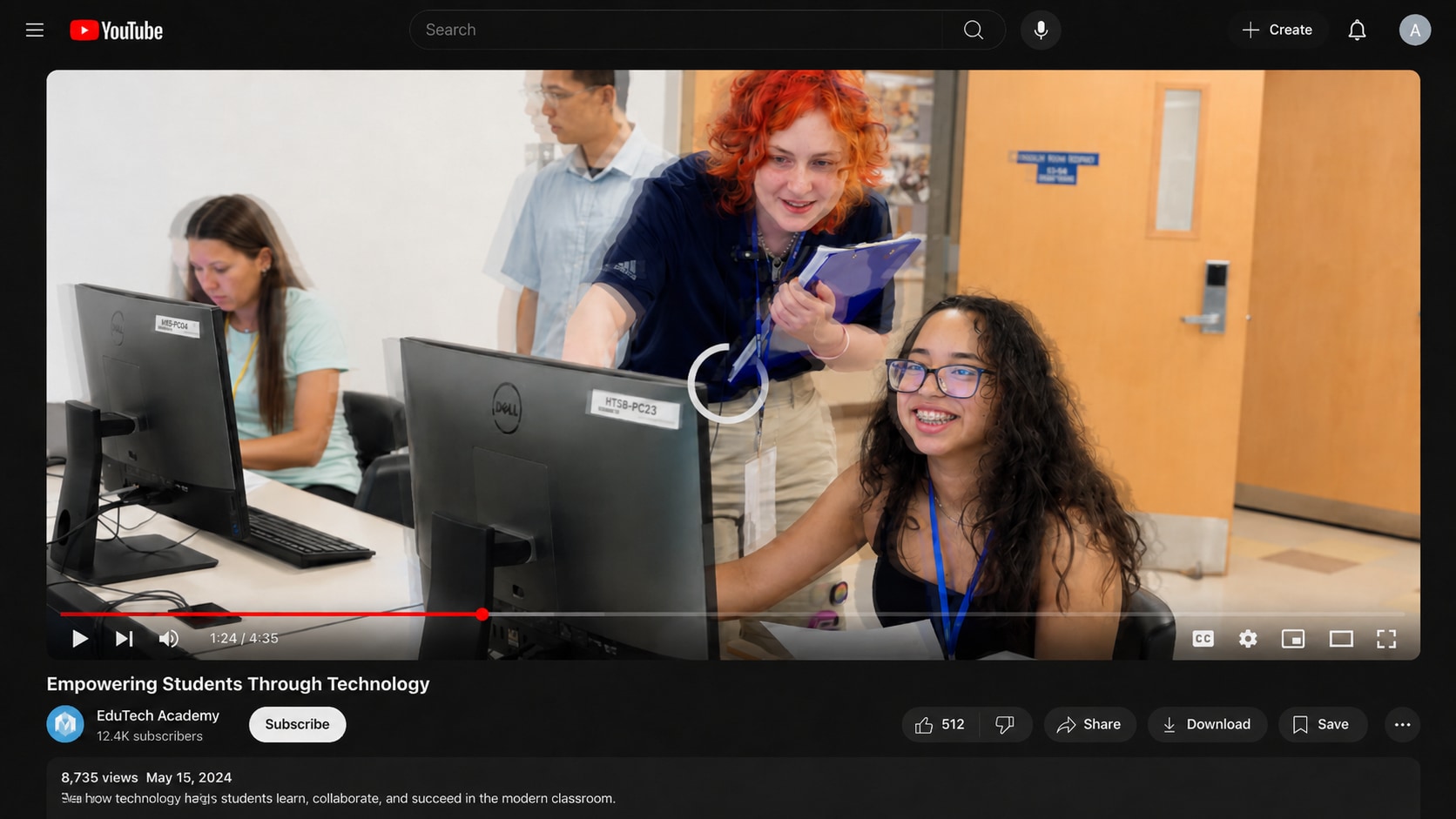
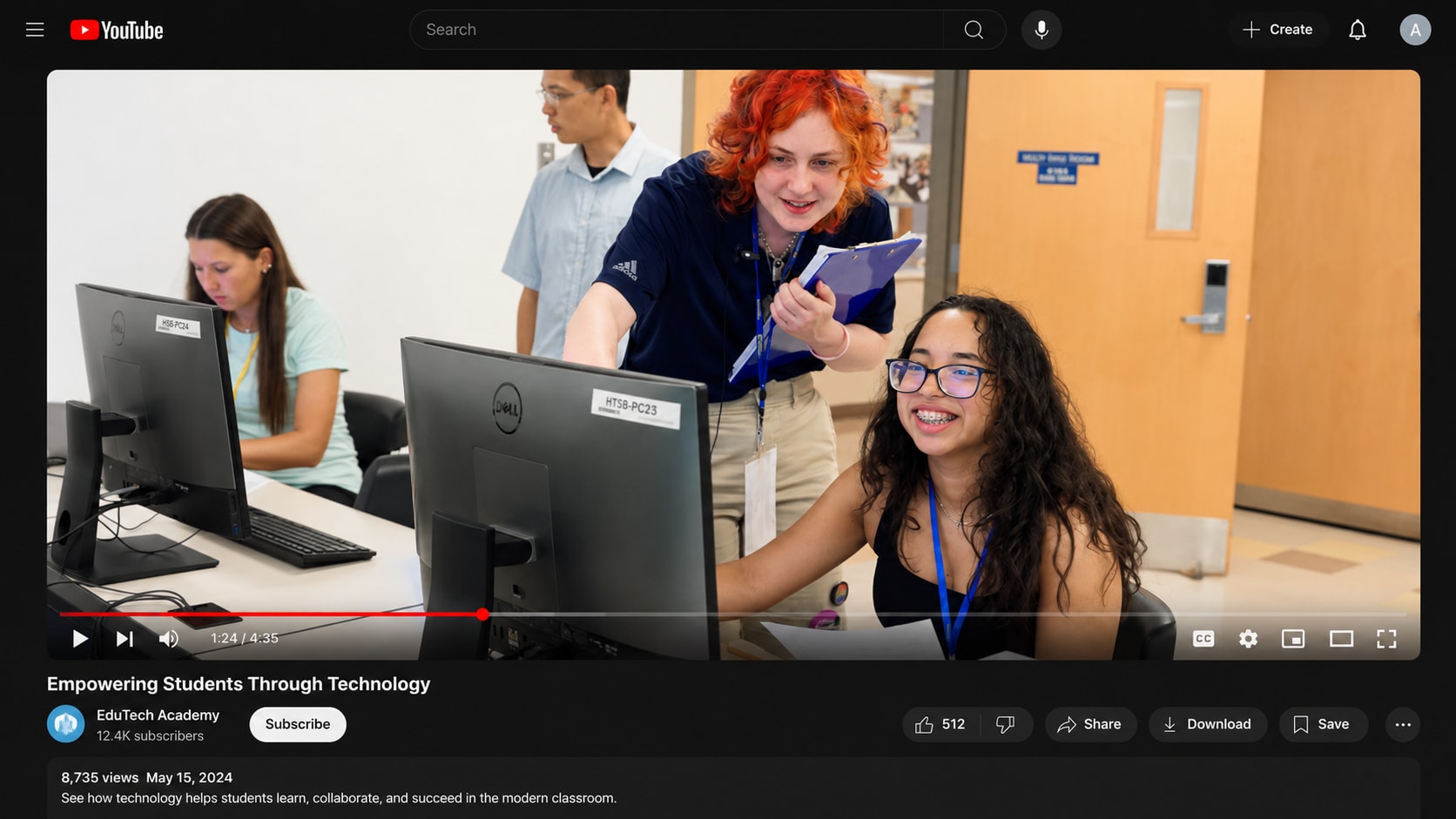
A video may look normal in your editor but lag after export. This often happens when rendering fails, the codec is not written correctly, metadata is incomplete, or the output file becomes partially corrupted.
Repairit helps when my YouTube videos are lagging because the local export file stutters, freezes, or plays unevenly before upload.


Repair YouTube Shorts Lagging After Mobile Editing
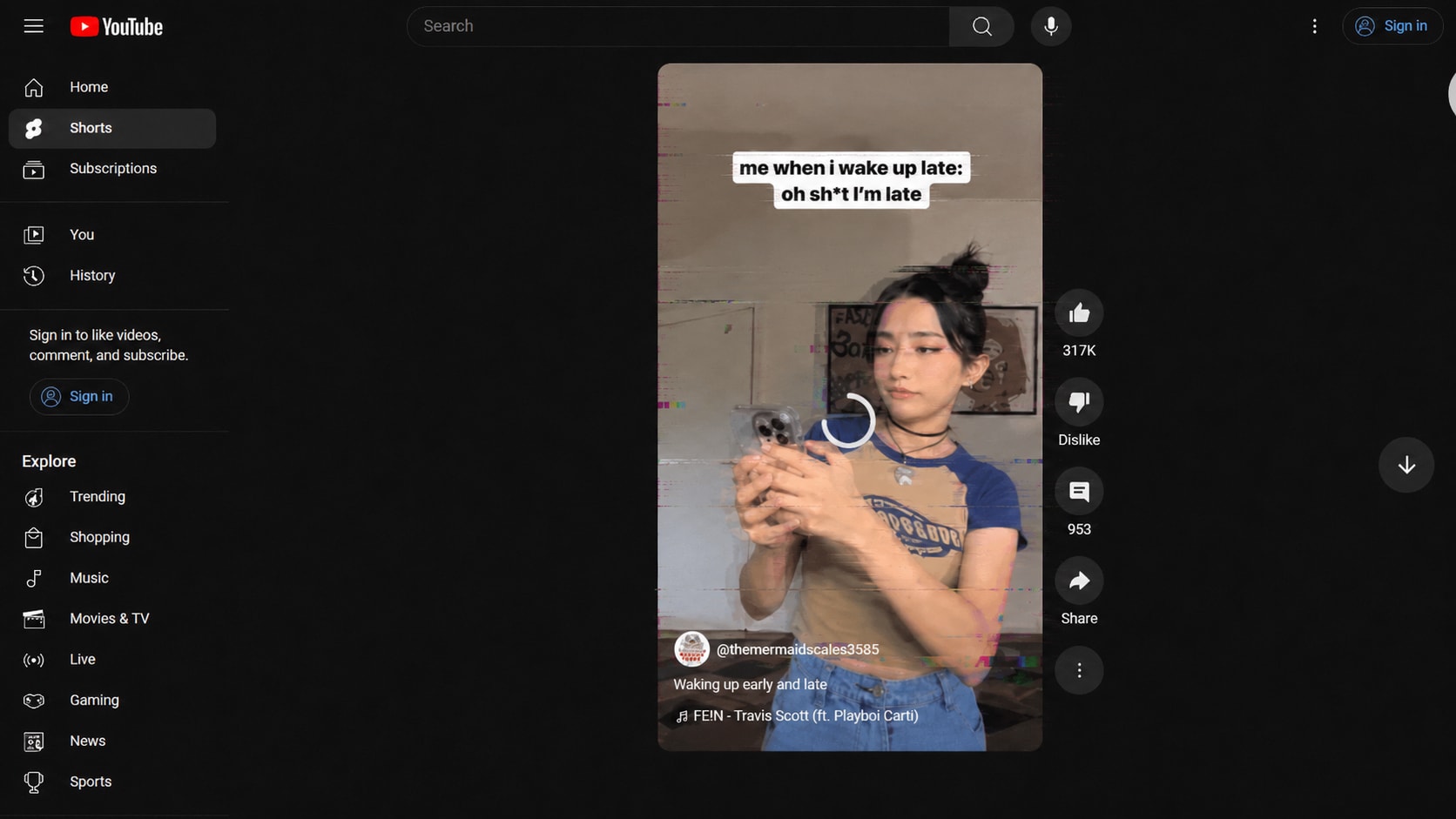
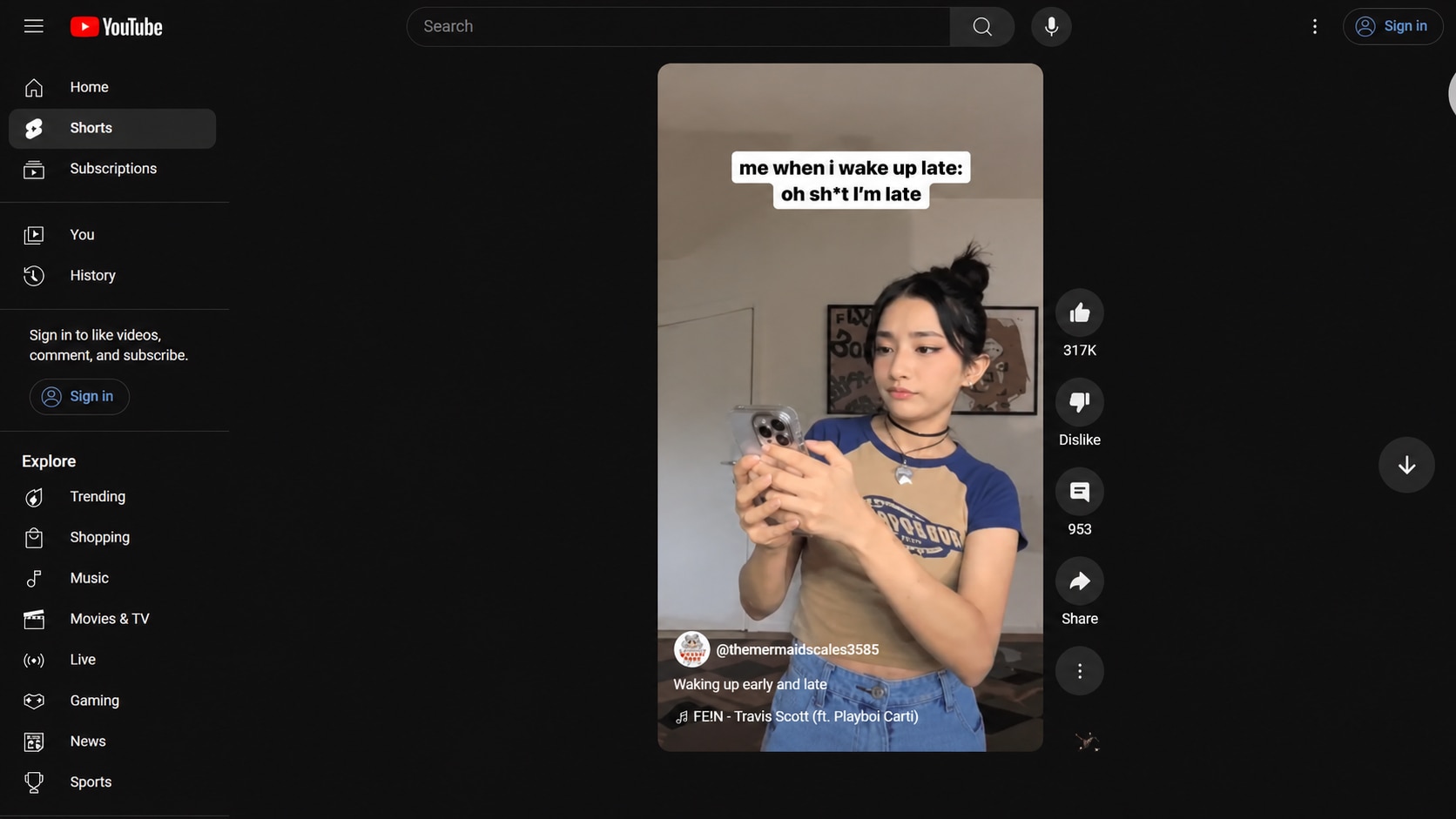
YouTube Shorts often pass through multiple apps before upload. A clip may be recorded on a phone, edited in a mobile app, exported vertically, compressed, transferred, and then uploaded. Any failed export or encoding problem can cause the short video to lag, stutter, or desync.
Repairit can help repair YouTube Shorts lagging when the saved short video file itself plays poorly or becomes damaged after export.
Fix YouTube Lagging on Phone or Android When One File Is the Problem
If the YouTube app is lagging on every video, the issue may be the phone, Android app cache, network, storage, or playback quality. But if only your uploaded or saved video lags on phone while other videos play normally, the video file may have an encoding or frame issue.
Repairit helps with youtube lagging on phone and youtube lagging Android cases when the problem follows one specific video file across devices.
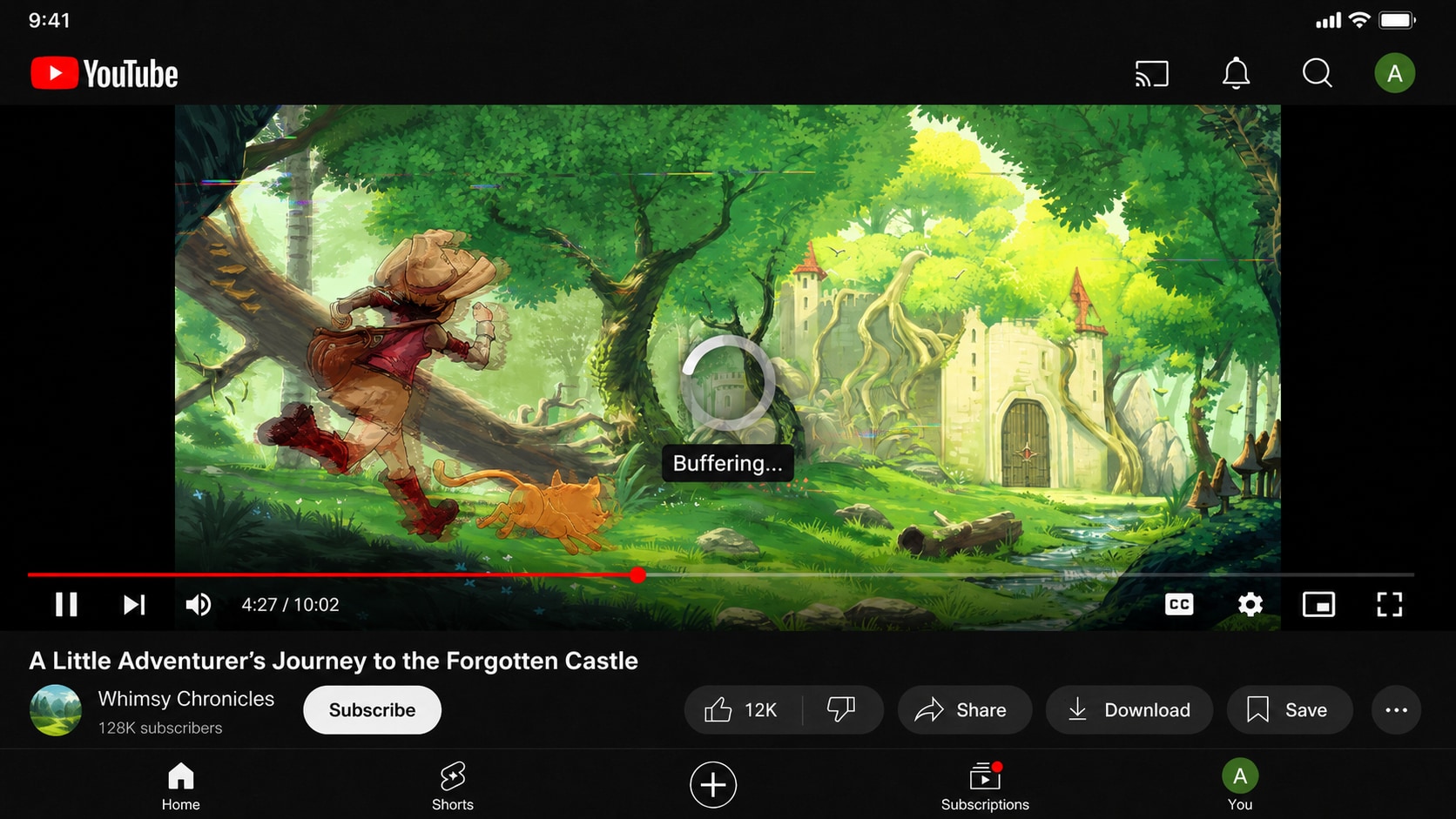
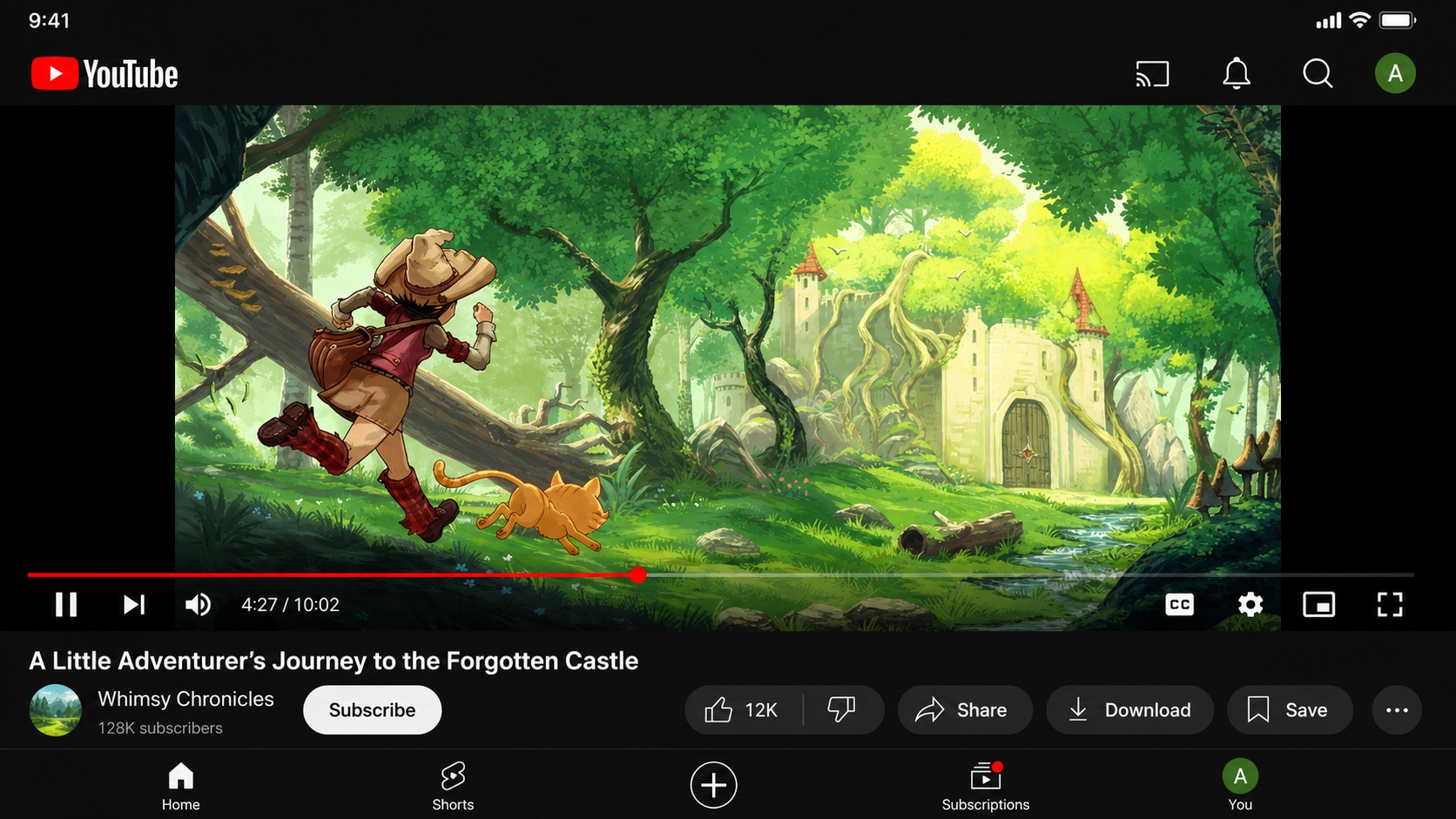
Repair YouTube Videos with Audio Delay or Frame Stutter
YouTube lag is not always about loading. Sometimes the video plays, but the frames stutter, audio drifts out of sync, or the picture falls behind the sound. This can happen after interrupted recording, transfer errors, editing crashes, or damaged timestamps.
Repairit Video Repair can help repair files affected by broken frames, damaged metadata, recording interruption, rendering failure, transcoding failure, and encoder incompatibility.
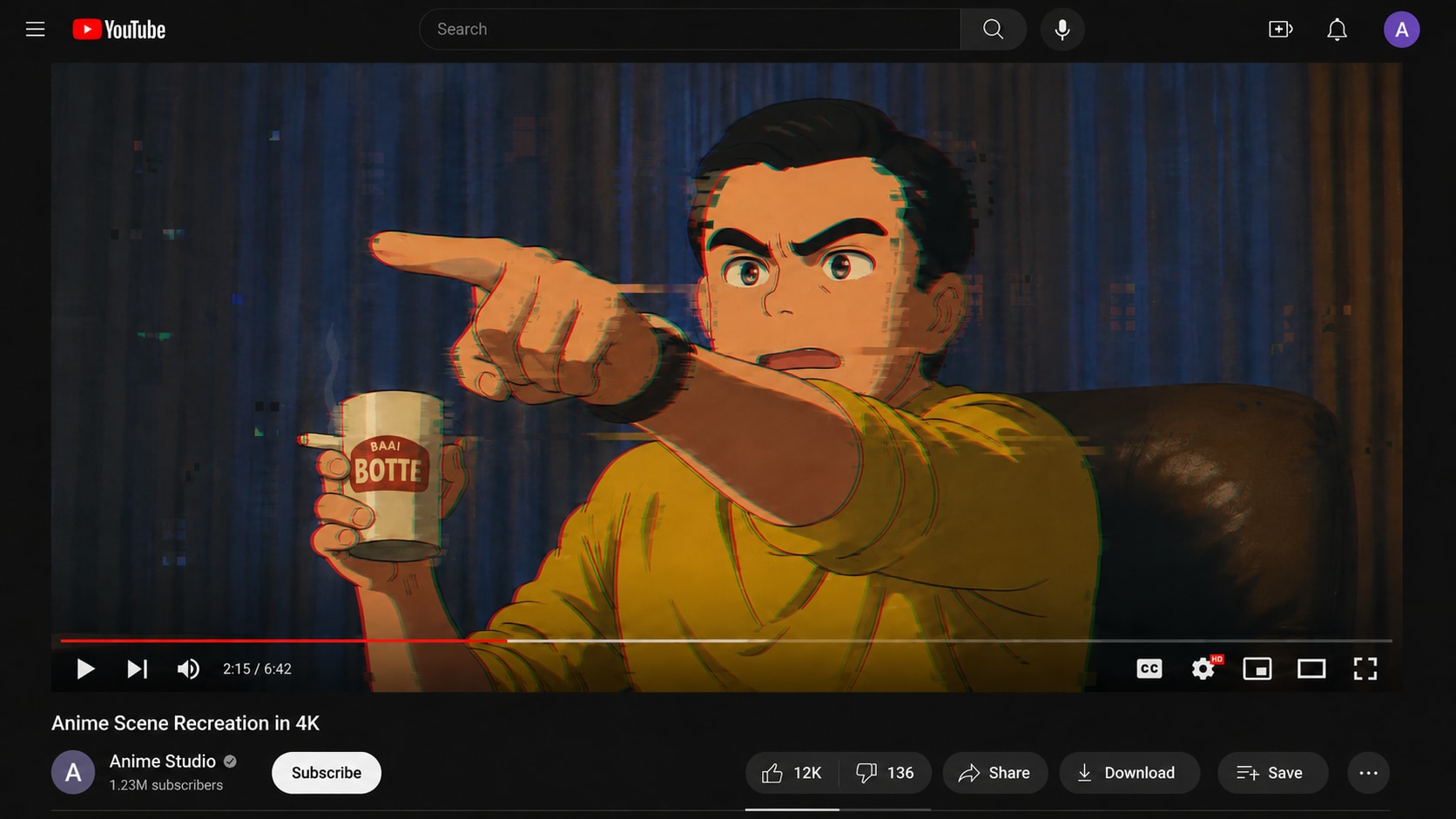
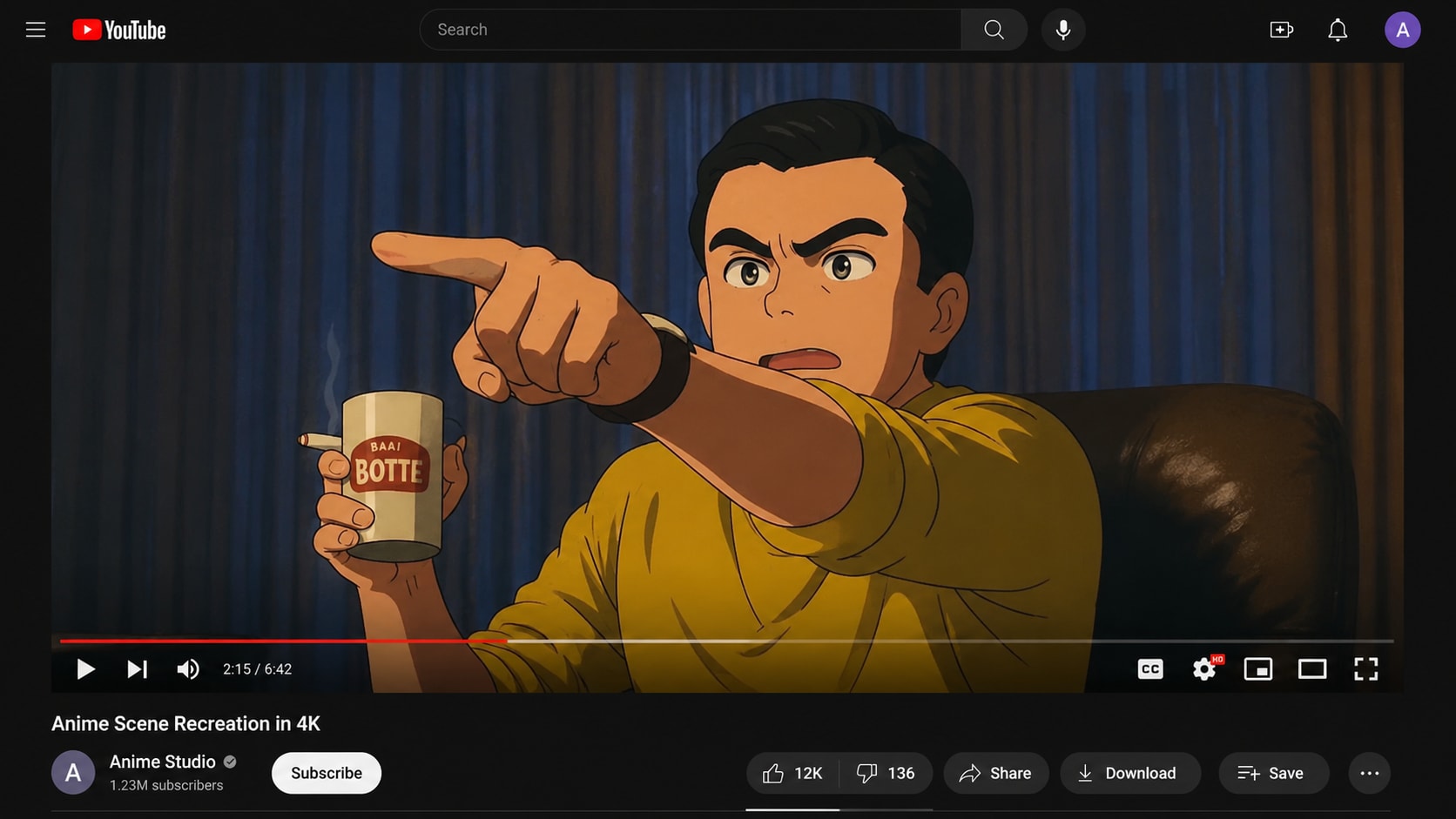
How to Fix YouTube Lag with Repairit

Step 1
Add Your Lagging YouTube Video
Open Repairit Video Repair and add the YouTube video file that plays choppy, stutters, lags, freezes, or has audio delay.

Step 2
Start Video Repair
Click Repair and let Repairit analyze the video frames, codec information, metadata, timestamps, and possible file corruption.

Step 3
Preview and Save the Repaired Video
Preview the repaired video to check whether playback is smoother. Save the repaired file, then upload it to YouTube again if the result looks correct.
Why Choose Repairit for YouTube Lag Repair?
✨ Built for File Based YouTube Lag
Repairit is useful when one YouTube related video file keeps lagging, stuttering, freezing, or going out of sync because the file itself is damaged.
📷 Supports YouTube Friendly Formats
Repairit supports many formats commonly used in YouTube workflows, including MP4, MOV, AVI, MTS, MKV, FLV, M4V, WMV, RSV, and more.
⚡ Works for Export, Transfer, and Recording Damage
Repairit can help when lag comes from editing software crashes, rendering failure, transfer interruption, recording interruption, storage failure, transcoding failure, encoder incompatibility, or metadata loss.
❤️ Preview Before You Upload Again
You can preview repaired videos before saving, so you can check whether the lag, stutter, or sync issue has improved before reuploading to YouTube.
Explore More Video Repair Features
Fix YouTube lag, buffering, freezing, black screen, flicker, playback errors, and damaged video files with practical video repair solutions.
Frequently Asked Questions
If every YouTube video lags, the issue is usually network, app, browser, device, or playback quality related. If only your own uploaded, exported, or saved video lags, the source file may be damaged, poorly encoded, or affected by frame or metadata errors.
Yes, if the lag is caused by video file damage. Repairit Video Repair can help repair files affected by broken frames, metadata loss, recording interruption, rendering failure, transfer errors, transcoding failure, or encoder incompatibility.
YouTube lagging on phone can come from weak network, app cache, outdated app version, low storage, background apps, or high playback quality. If only one video file lags across phone and desktop, the file itself may need repair.
Yes. If your YouTube Shorts file lags because of a failed mobile export, damaged MP4 data, broken frames, or encoding issues, Repairit can help repair the saved video file before upload.
No. YouTube lag usually means choppy playback, stutter, delay, frame drops, or audio sync issues. Buffering means the video is pausing to load data.
No. Lagging videos still show picture but play unevenly. Black screen videos show no visible image or appear blank, often while audio continues.
Repairit does not repair the YouTube app. If the app lags across many videos, try app and device troubleshooting first. Repairit is useful when a specific video file is damaged and plays poorly.
Not always. Repair works best when the file still contains usable video data. If frames are completely missing or overwritten, no tool can guarantee perfect recovery.
Hot Topics
Comprehensive How-to Guides
Want to repair your videos? Click to enter the Video Repair Workbench and make it useful in just a few clicks!


