Flicker in Video Fix Online
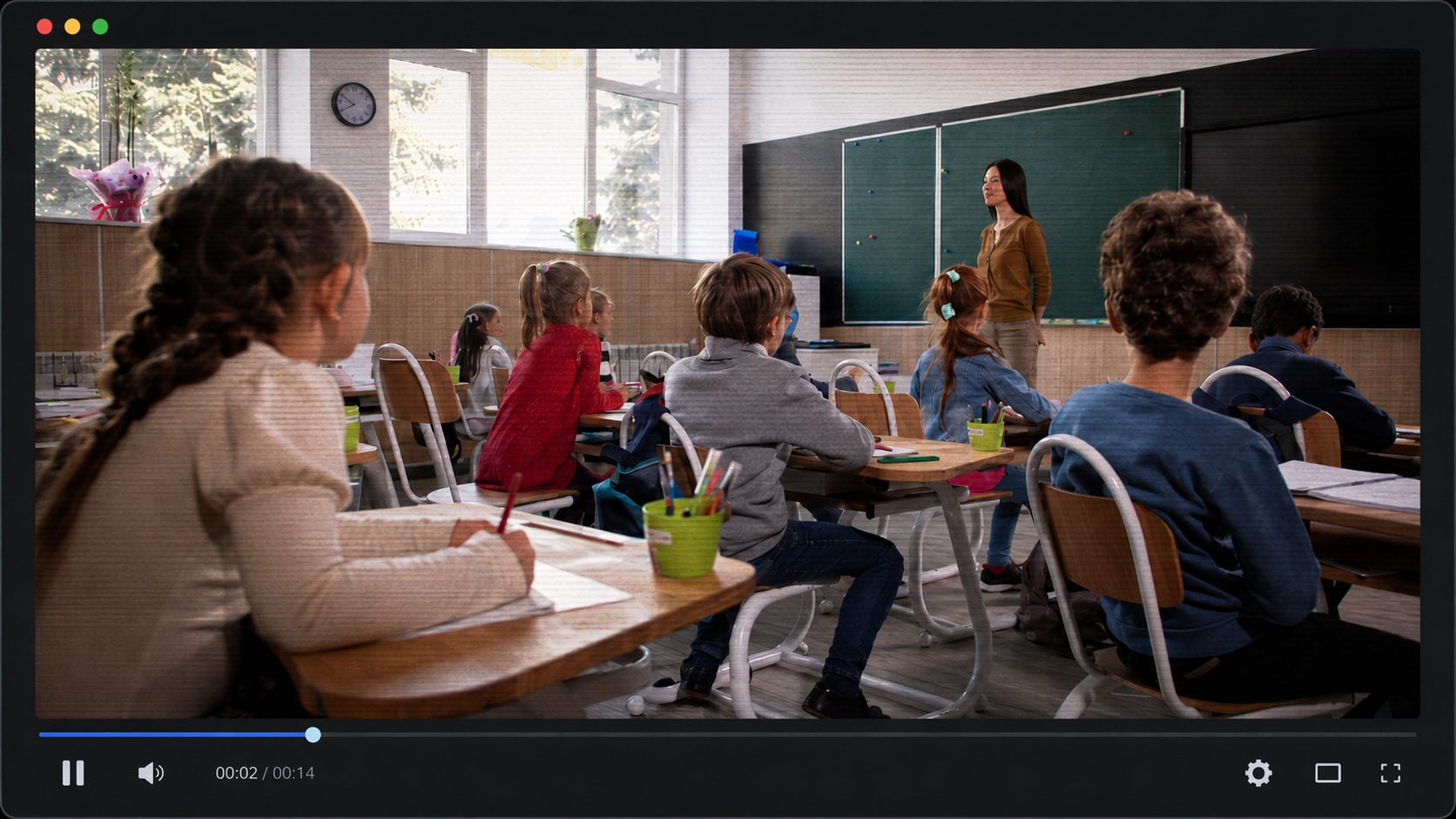
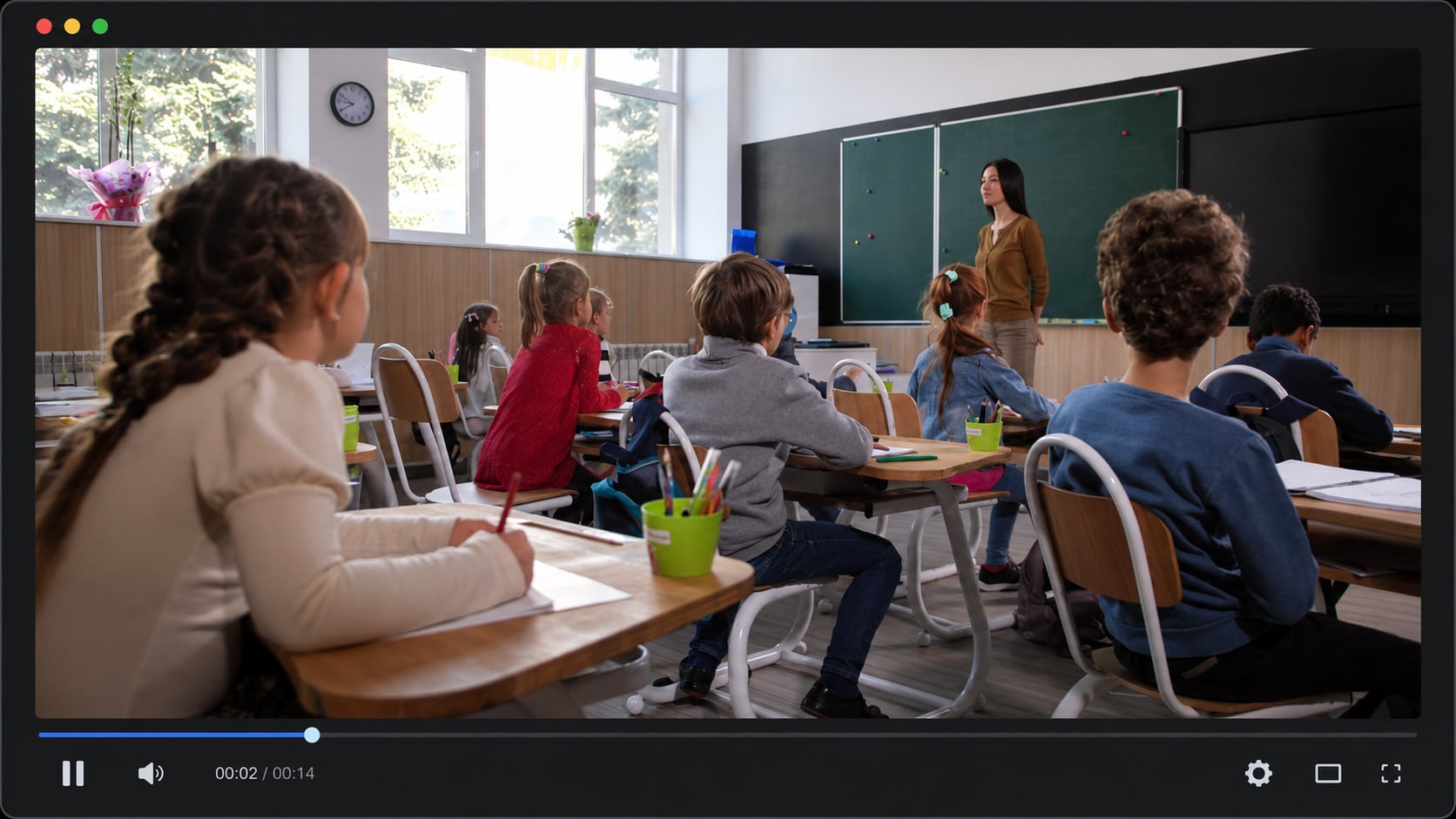




Repair Flicker After Video Transfer or Download
A video may start flickering after being downloaded, copied from a phone, moved from an SD card, transferred through chat, or saved from cloud storage. If the original looked normal but the transferred file flashes or jumps during playback, the file may have been damaged during transfer.
Repairit helps with video flicker problems by analyzing the video structure and repairing damaged frames or playback data where possible.
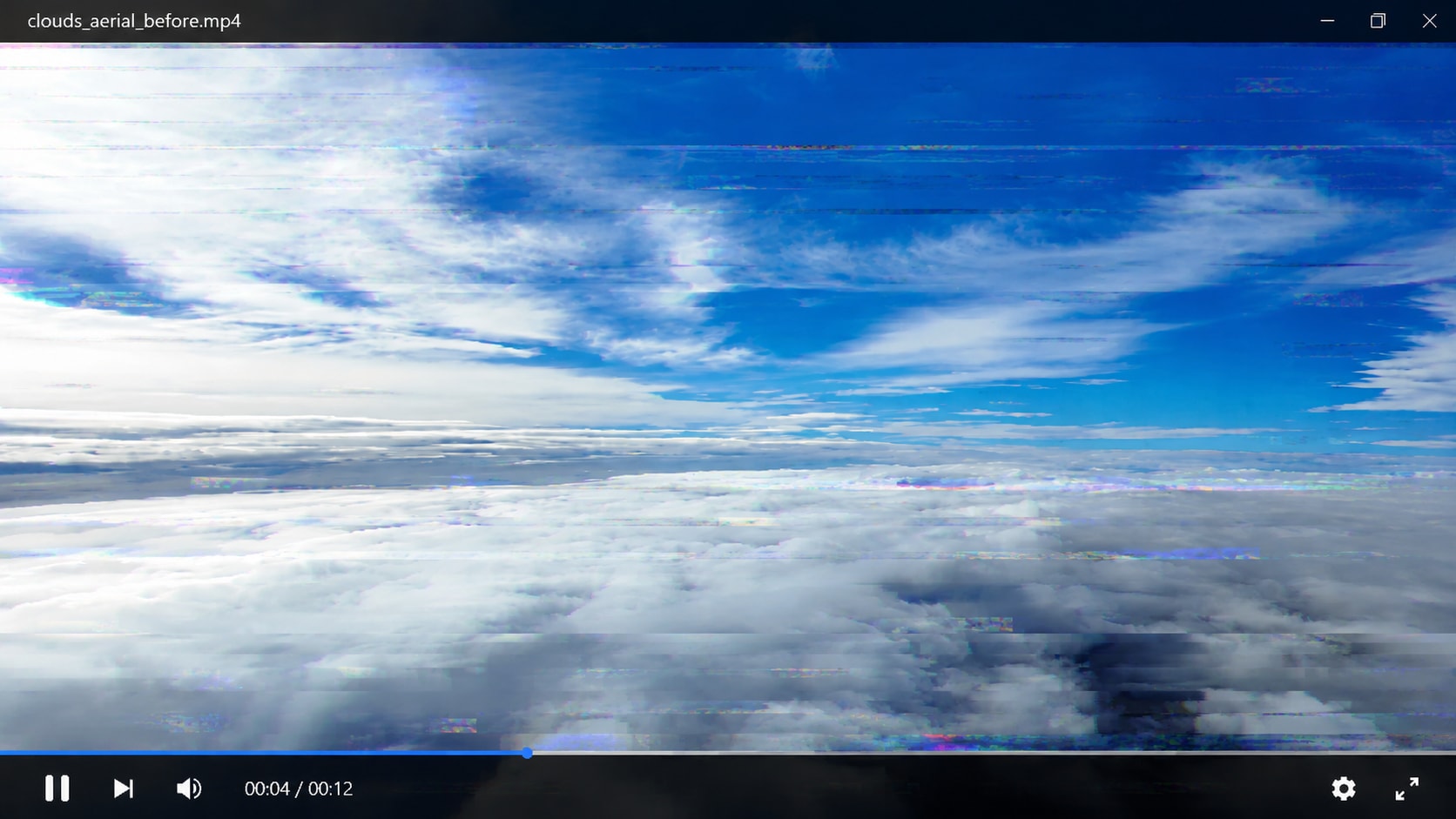
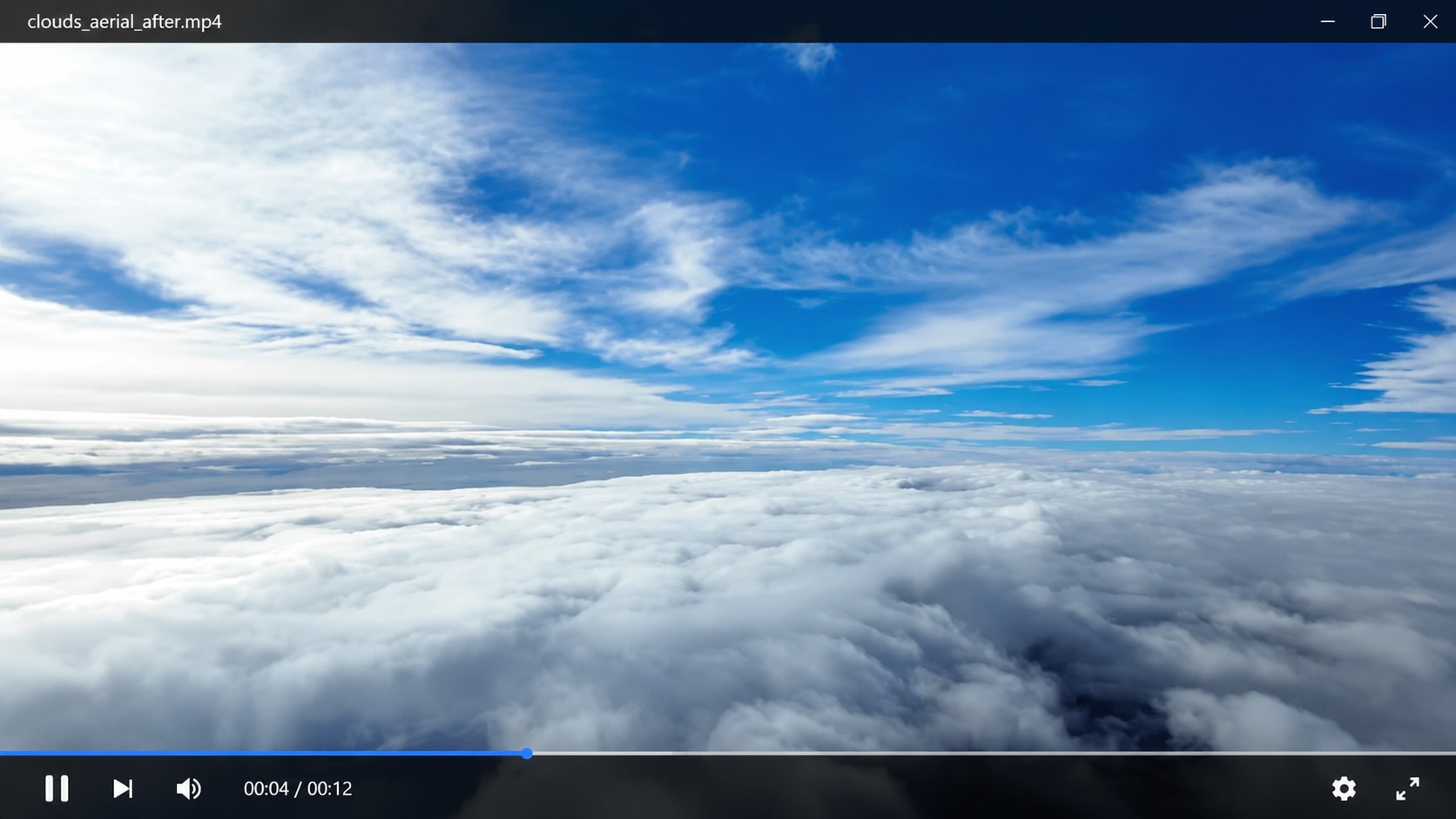
Remove Flicker from Edited or Exported Videos
A video can look normal inside an editor but flicker after export. This may happen because of rendering failure, codec mismatch, frame rate conflict, encoding error, or corrupted output metadata.
Repairit helps when you need to remove flicker from video files that start flashing only after editing or exporting.
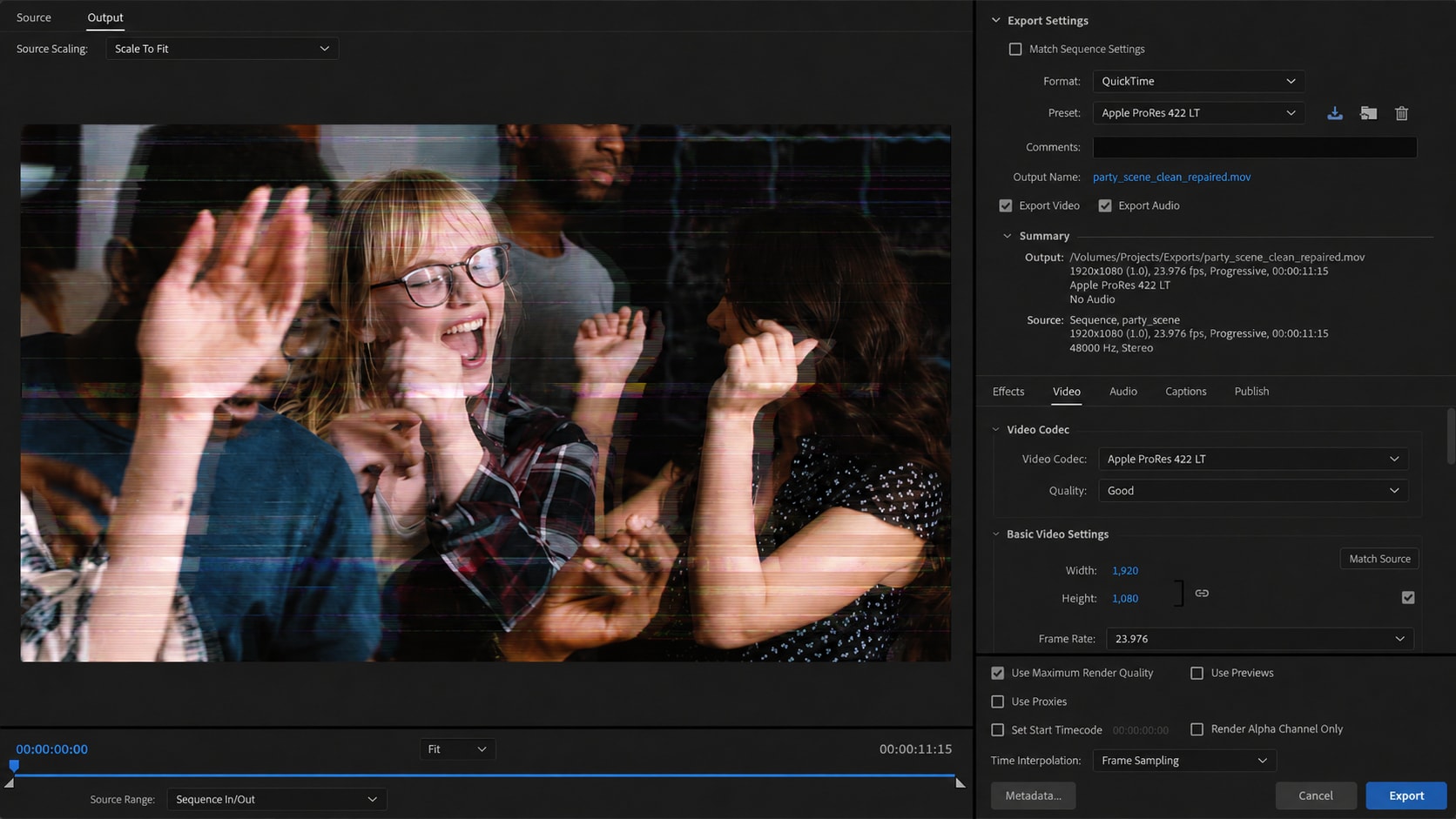
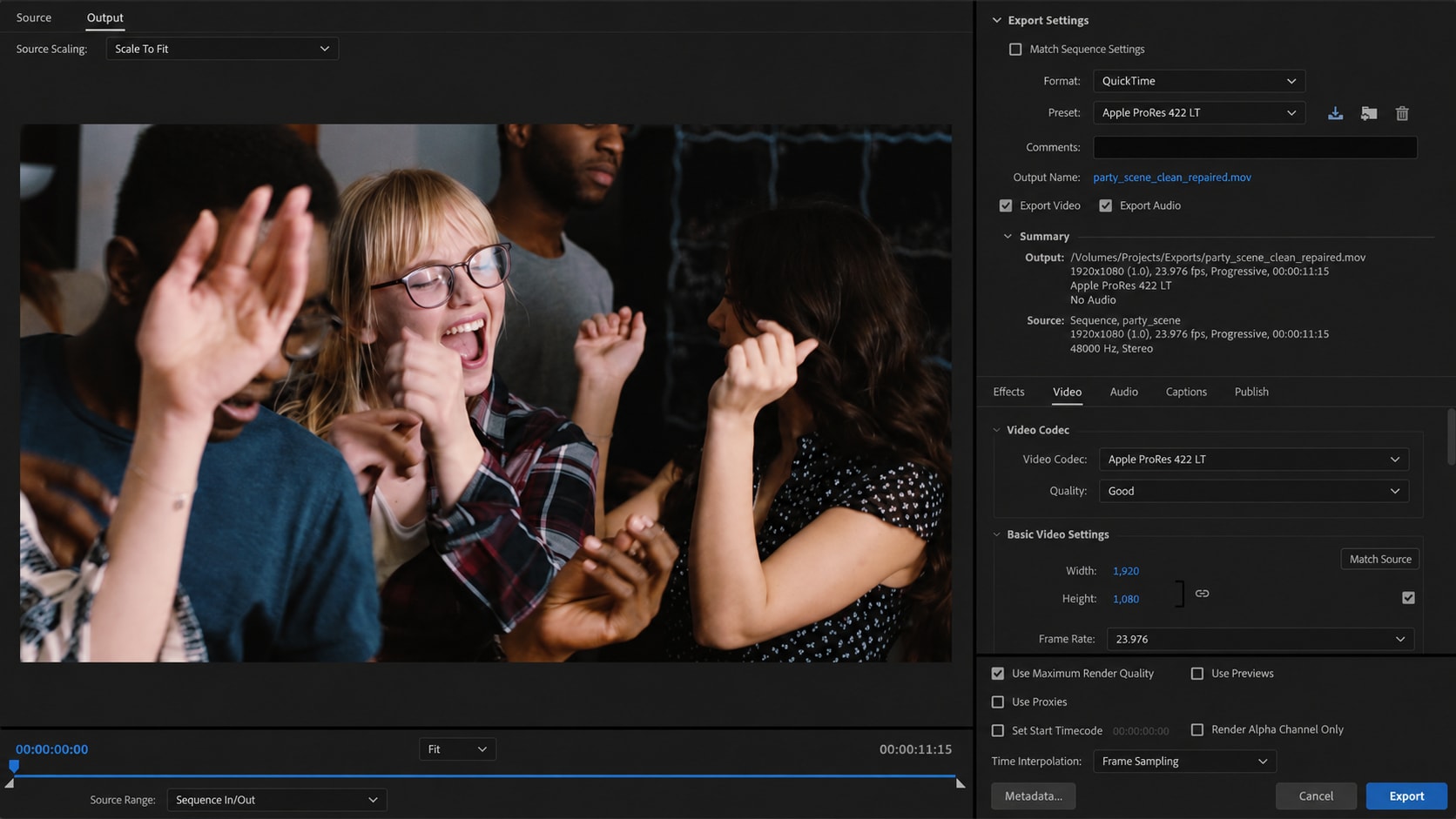
Fix Light Flicker in Indoor and Event Videos
Indoor videos often flicker when recorded under LED lights, fluorescent lamps, stage lighting, screens, or mixed light sources. Sometimes the issue comes from camera shutter settings, but the saved file may also become unstable after compression, transfer, or export.
Repairit can help remove light flicker from video when the file has playback damage, frame instability, or corruption that makes the flicker worse.
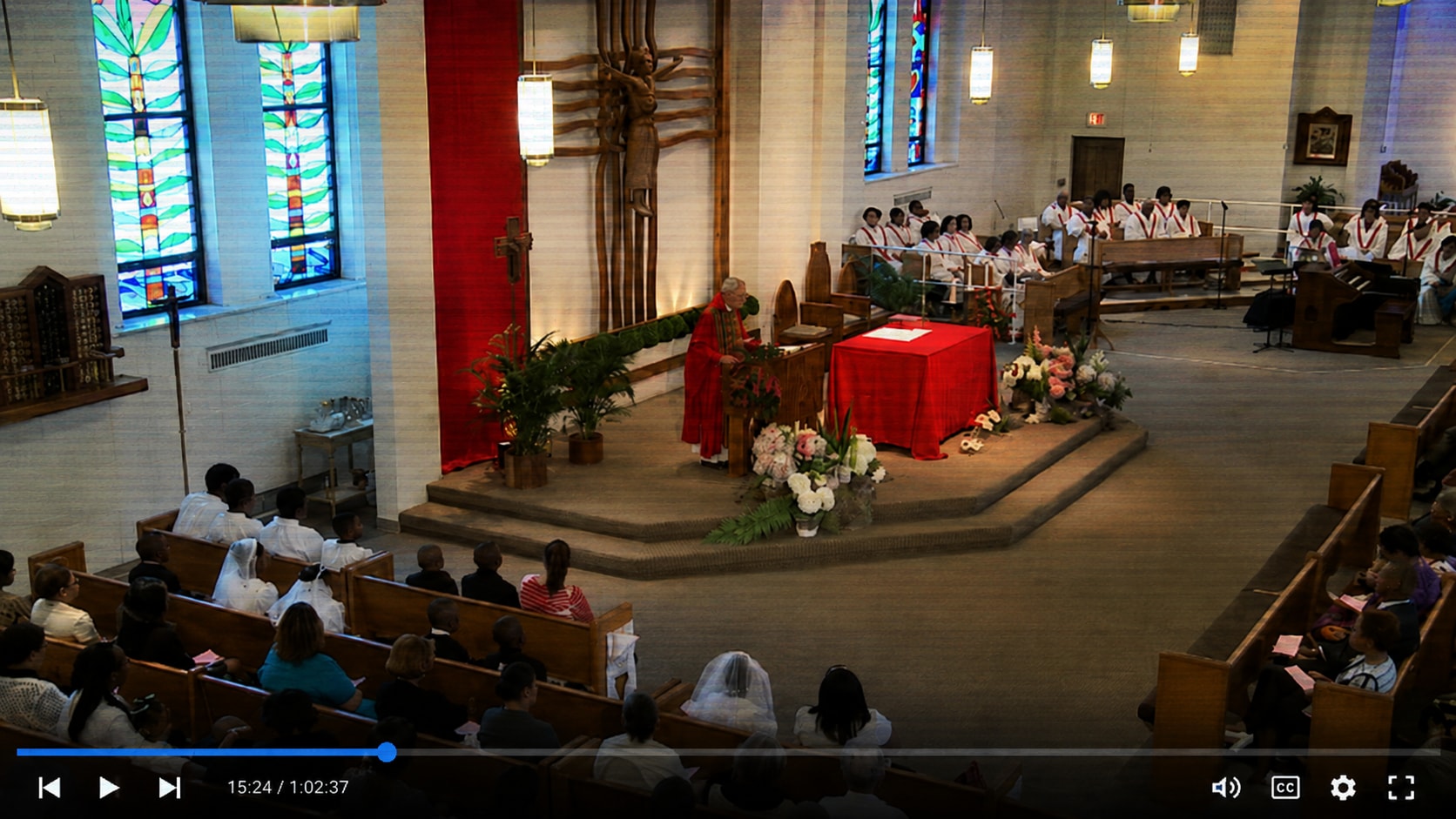
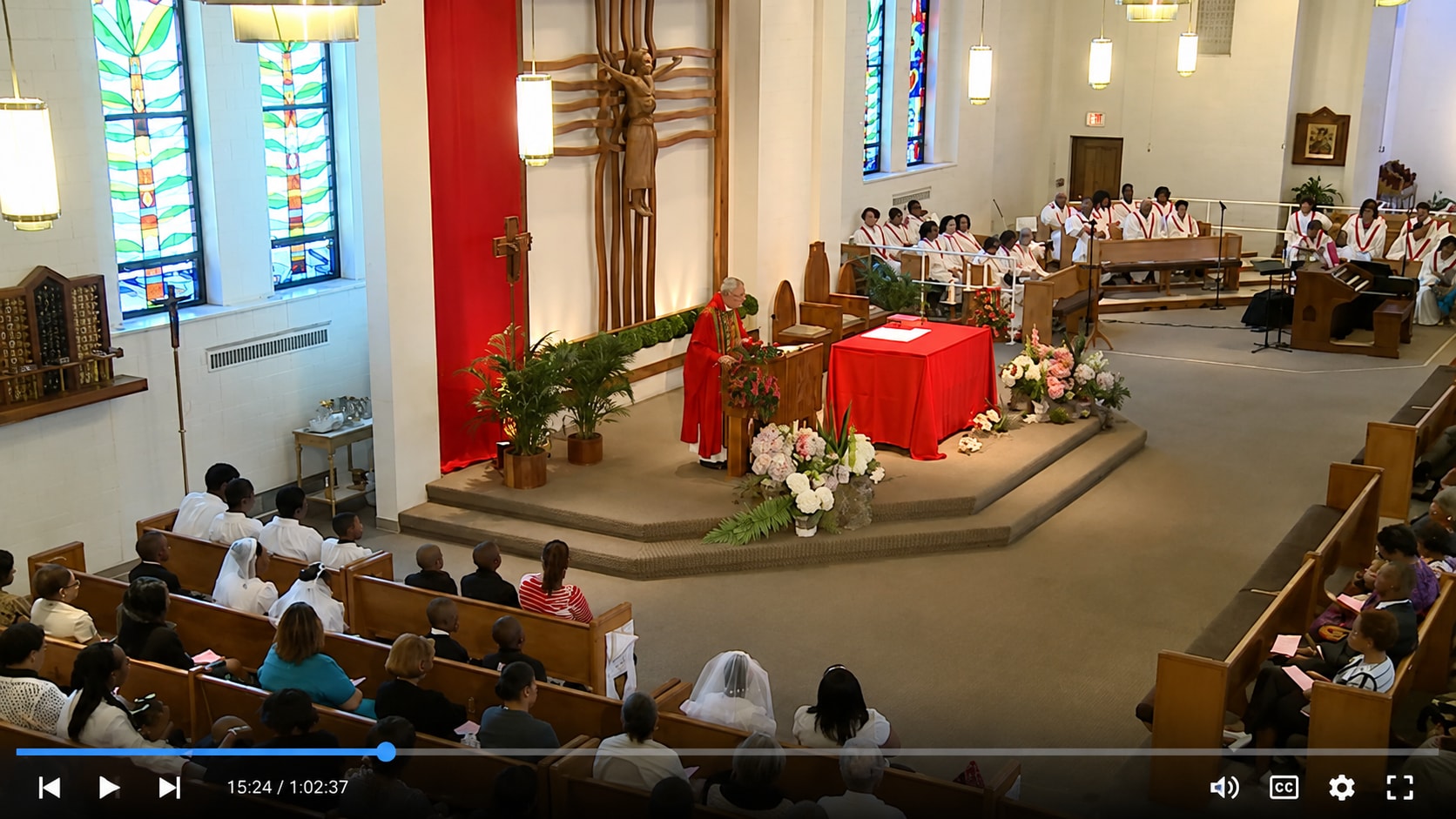
Repair Flickering Camera, Drone, and Screen Recordings
Camera footage, drone clips, dash cam files, phone videos, webcam recordings, and screen recordings can flicker after recording interruption, power loss, storage failure, software crash, or damaged media. The video may open, but parts of the picture flash, jump, or fail to render smoothly.
Repairit Video Repair helps with video flicker removal online workflows when the saved file itself has corrupted frames or damaged playback data.
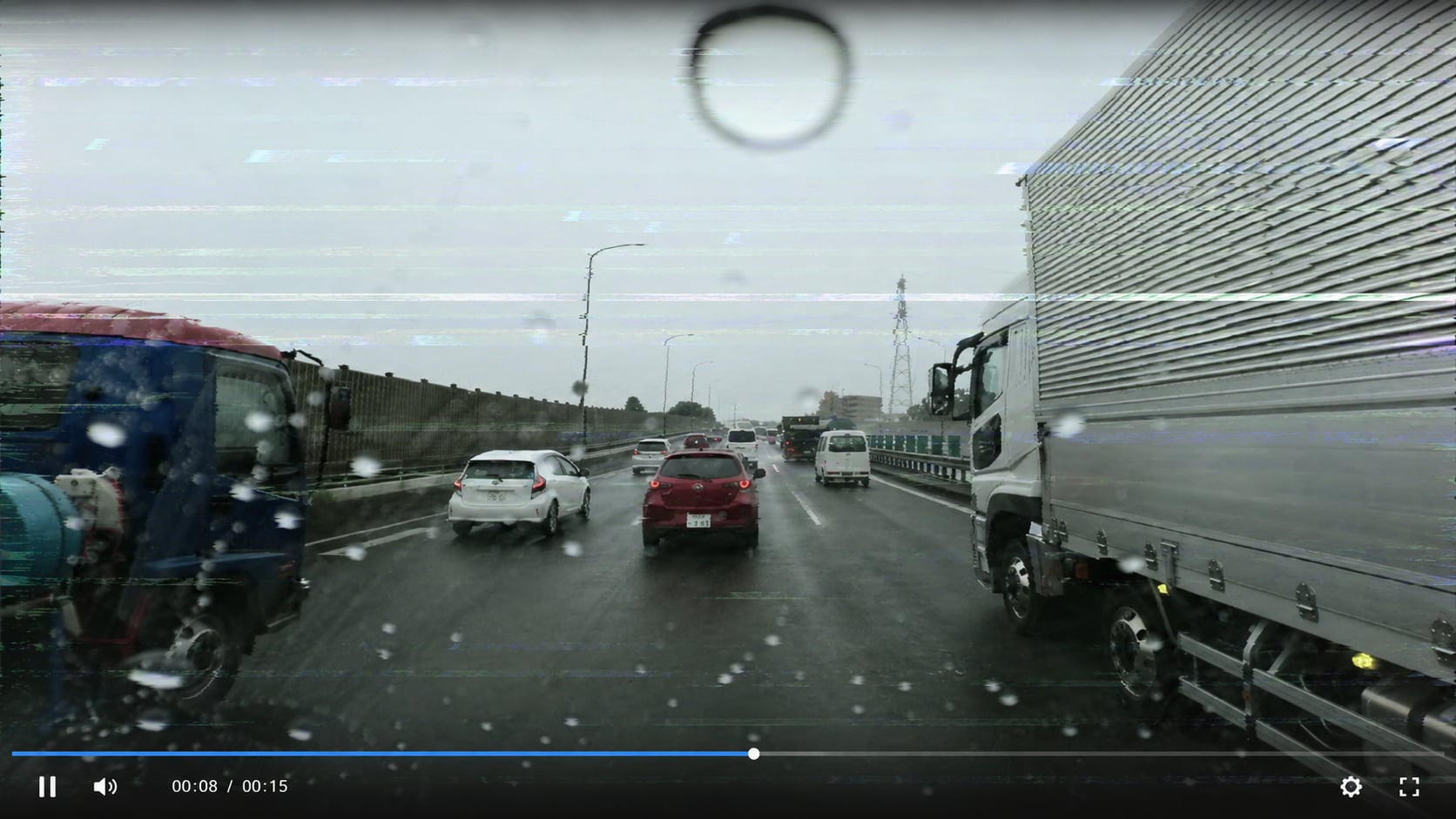
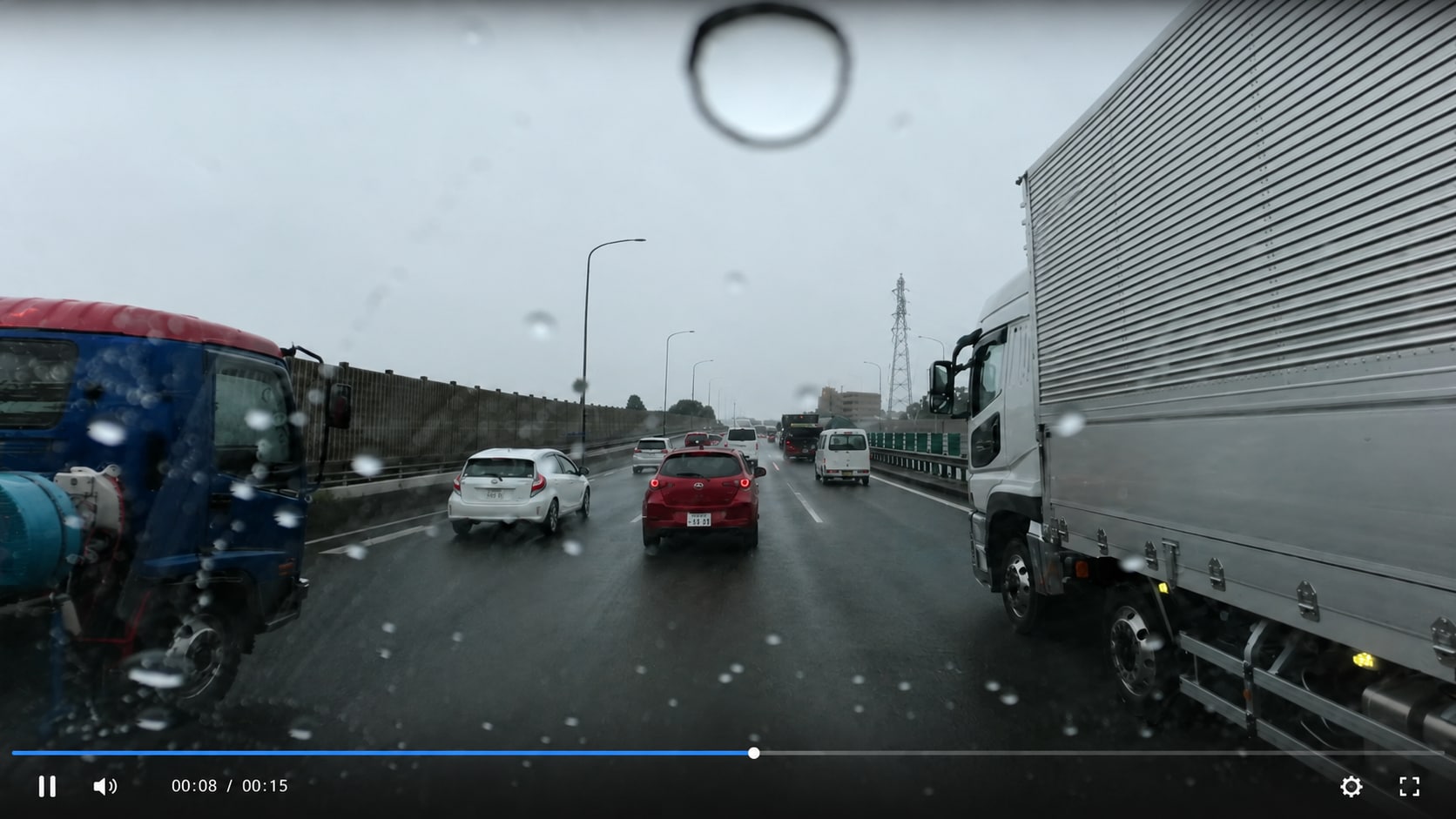
How to Fix Flicker in Video with Repairit

Step 1
Add Your Flickering Video
Open Repairit Video Repair and add the video file that flashes, flickers, jumps in brightness, or shows unstable frames during playback.

Step 2
Start Video Repair
Click Repair and let Repairit analyze the video frames, file structure, metadata, codec information, and possible corruption.

Step 3
Preview and Save the Repaired Video
Preview the repaired result to check whether the flicker has improved. Save the repaired video when it looks smoother and more stable.
Why Choose Repairit for Video Flicker Repair?
✨ Built for Flickering Video Problems
Repairit is useful when a saved video file plays but shows flashing frames, brightness jumps, visual instability, or flickering caused by file damage.
📷 Supports Common Video Formats
Repairit supports many popular video formats, including MP4, MOV, M2TS, MKV, MTS, 3GP, AVI, FLV, MXF, M4V, WMV, MPEG, ASF, and more.
⚡ Works for Transfer, Export, and Recording Damage
Repairit can help when flicker appears after interrupted transfer, failed rendering, damaged export, storage failure, recording interruption, missing codec, or corrupted frames.
❤️ Preview Before Saving
You can preview the repaired video before saving, so you can check whether the flicker, flashing, or unstable playback issue has improved.
Explore More Video Repair Features
Fix video flickering, grainy footage, black screen, buffering, freezing, lag, playback errors, and damaged video files with practical repair solutions.
Frequently Asked Questions
Video flicker can come from LED or fluorescent lighting, shutter speed mismatch, screen refresh rates, damaged frames, encoding errors, corrupted metadata, failed exports, or transfer damage.
Upload your flickering video to Repairit Video Repair, start the repair process, preview the repaired result, and save the version that plays more smoothly.
Yes, if the flicker is related to video corruption, damaged frames, playback errors, metadata problems, codec issues, failed exports, or transfer damage. Repairit supports flickering video repair as part of its video repair workflow.
Not always. Light flicker may happen during recording under LED or fluorescent lights. Video corruption happens when the file data, frames, metadata, or codec information is damaged. Some videos may have both issues.
It depends on the cause. If the flicker is from file damage, repair may help. If the flicker was captured from lighting frequency during filming, the result may depend on how severe the original flicker is.
Export flicker may happen because of rendering failure, codec mismatch, frame rate issues, encoder problems, corrupted output data, or damaged metadata.
Yes. Repairit supports MP4 and many other video formats. It can help repair flickering MP4 files caused by corruption, damaged frames, failed transfers, or export problems.
Not always. Repair works best when the file still contains usable video data. If the flicker is severe, baked into the original recording, or caused by missing frames, full recovery may be limited.
Hot Topics
Comprehensive How-to Guides
Want to repair your videos? Click to enter the Video Repair Workbench and make it useful in just a few clicks!


