Video of Black Screen Fix Online




Fix Black Screen MP4 Files After Transfer or Download
MP4 files can become black screen videos after an interrupted download, failed transfer, incomplete export, or storage problem. The file may still have a normal name and size, but the picture does not appear when played.
Repairit helps repair black screen MP4 files by analyzing the damaged video structure and restoring playable visual data where possible.


Repair Black Screen Reels, Social Clips, and Short Videos
A short video for Reels, TikTok, Shorts, or social posting can turn black after exporting, uploading, saving from an app, or editing on a phone. This is especially frustrating when the clip took time to record or edit.
Repairit can help with black screen for Reels and other short video files when the video becomes blank, unreadable, or visually corrupted after export or transfer.

Fix Black Screen Recordings from Screen Capture or Cameras
Screen recordings, webcam recordings, dash cam clips, drone videos, and camera footage can show black screen problems after recording interruption, power loss, SD card issues, or software crashes. Repairit supports videos from screen recording tools, cameras, mobile phones, dash cams, drones, SD cards, USB drives, and external drives.
Repairit Video Repair is helpful when the footage should contain visible frames, but playback shows only a black or blank screen.
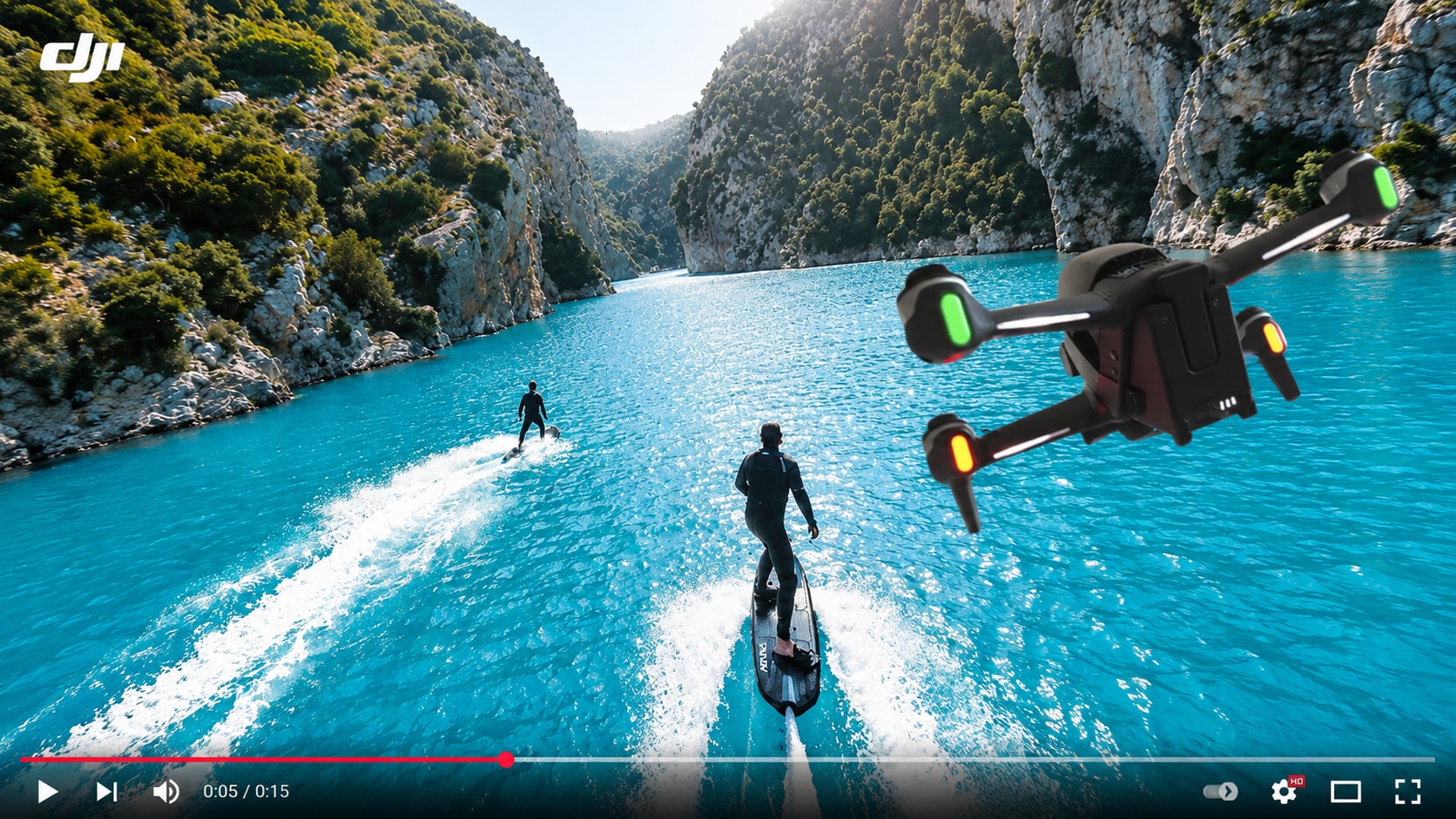
Repair Black Screen Videos After Editing or Export
A video can look normal in an editor but export as a black screen because of rendering failure, codec issues, editing software crashes, unsupported encoding, or incomplete output. Repairit’s official page lists editing software crashes, rendering failure, transcoding failure, encoder incompatibility, and metadata loss among supported corruption scenarios.
Repairit helps repair blank screen video files so you do not have to rebuild the entire project from scratch.
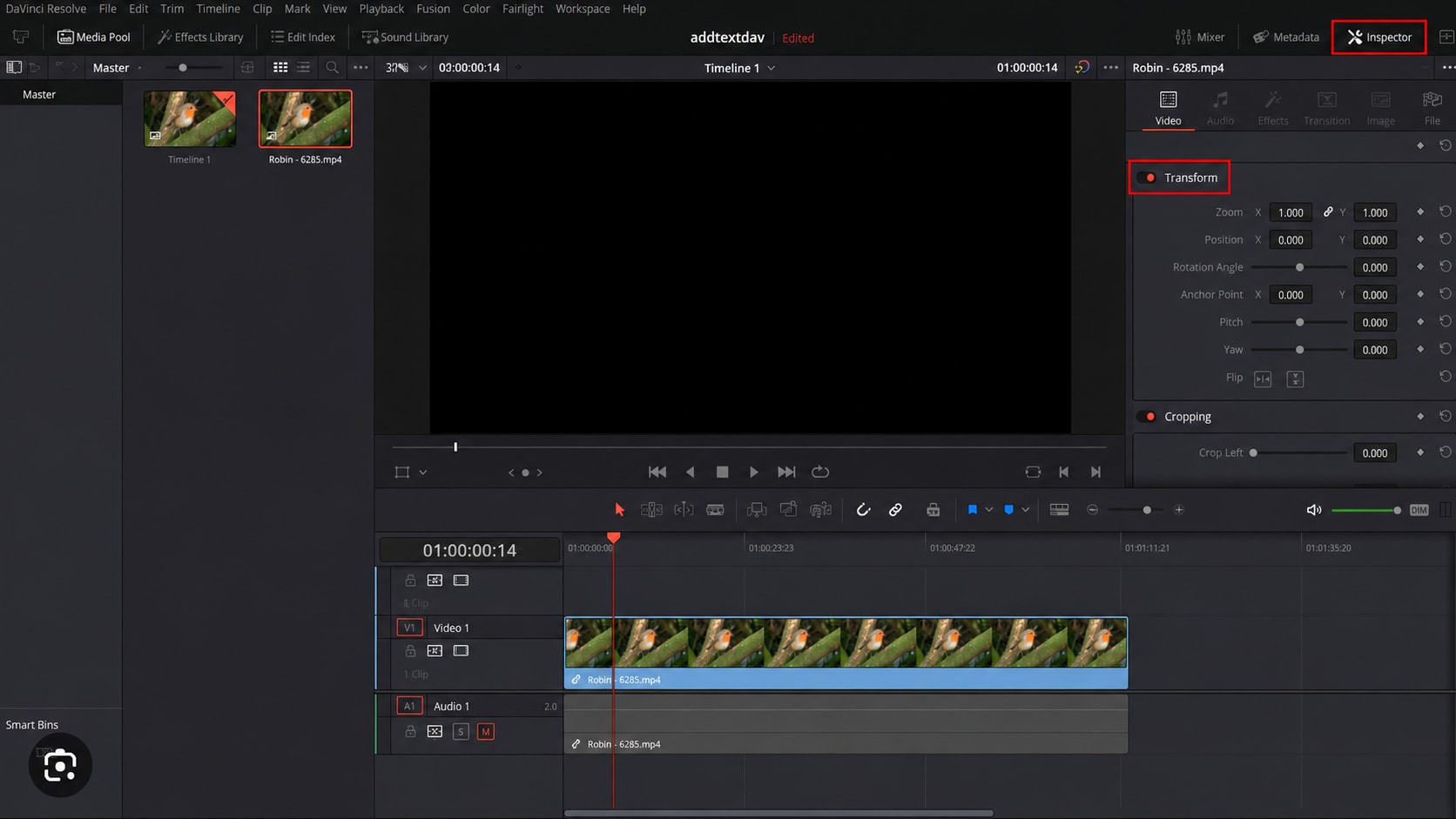
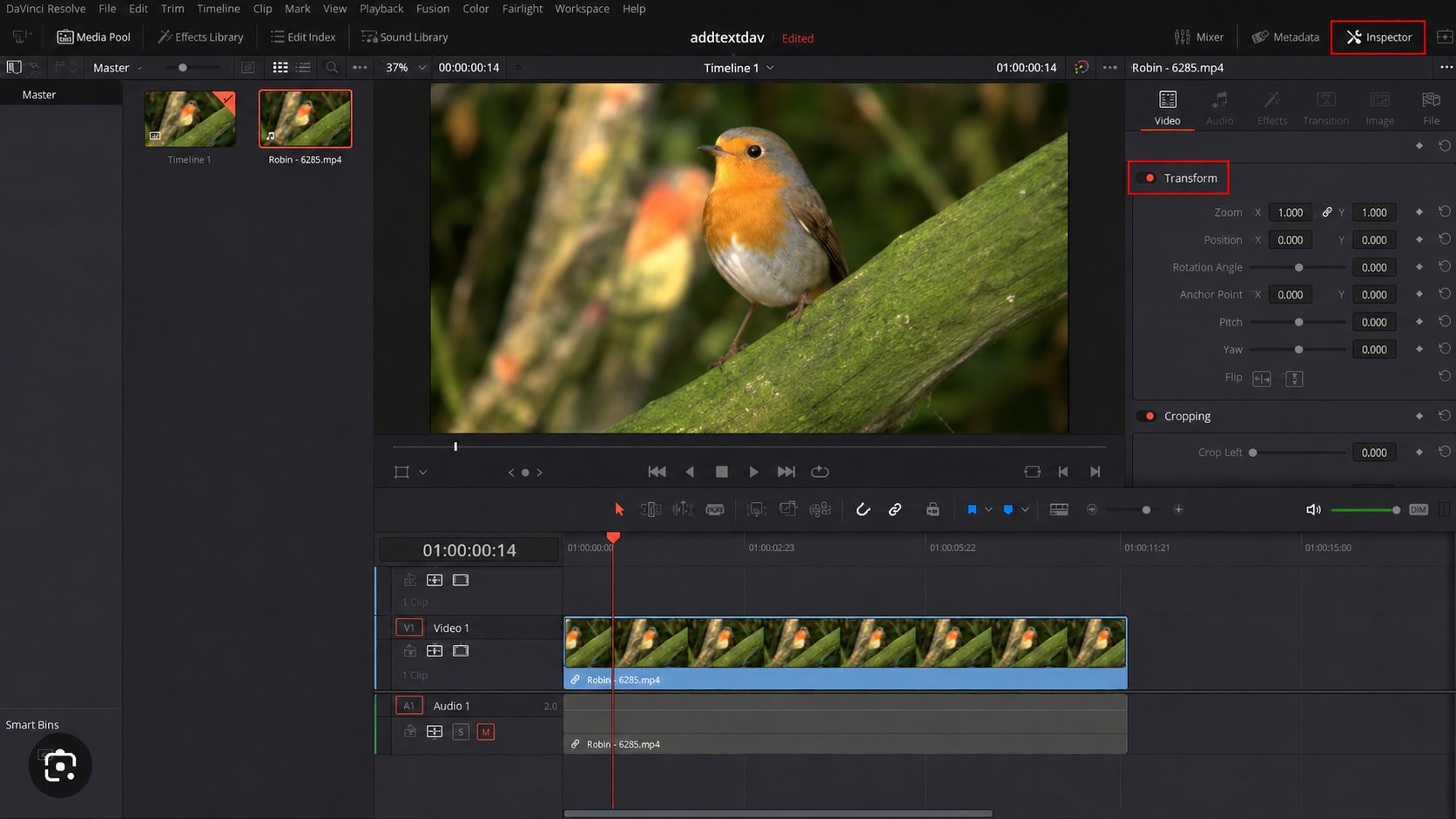
How to Fix a Video of Black Screen with Repairit

Step 1
Add Your Black Screen Video
Open Repairit Video Repair and add the video that plays as a black screen, blank screen, or audio only file.

Step 2
Start Video Repair
Click Repair and let Repairit analyze the damaged video data, visual stream, frames, metadata, and decoding issues.

Step 3
Preview and Save the Repaired Video
Preview the repaired result, check whether the picture returns, and save the playable video to your device.
Why Choose Repairit for Black Screen Video Repair?
✨ Built for Black Screen Video Problems
Repairit is useful when your video file opens but shows a black or blank screen, especially when audio continues or the timeline still moves.
📷 Supports Common and Pro Video Formats
Repairit supports mainstream and pro grade video formats, including MP4, MOV, 3GP, MTS, AVI, M2TS, MKV, FLV, MXF, M4V, INSV, WMV, ASF, MPEG, MPG, KLV, TS, RSV, DAT, MDT, BRAW, R3D, CRM, 3GPP, and LRV.
⚡ Works Across Devices and Sources
Repairit can repair videos from mobile phones, cameras, action cams, drones, dash cams, CCTV cameras, SD cards, USB drives, external hard drives, NAS devices, and screen recording software.
❤️ Preview Before Saving
You can preview repaired clips before saving, which helps confirm whether the black screen problem is fixed before exporting the final file.
Explore More Video Repair Features
Fix black screen videos, playback errors, buffering, freezing, lag, flicker, and damaged video files with practical video repair solutions.
Frequently Asked Questions
It usually means a video file opens, but the picture stays black or blank during playback. In some cases, the audio still plays while the visual track does not appear.
This can happen when the audio track is still readable but the visual data, frames, codec, or metadata are damaged. Repairit describes black screen videos as cases where the screen stays black while audio continues, often due to missing visual data or decoding failure.
Yes. Repairit Video Repair supports MP4 and many other video formats. It can help repair black screen MP4 files caused by corruption, transfer failure, export problems, or decoding errors.
Yes. If the Reel, short video, or social clip is a saved video file and the black screen is caused by corruption or export failure, Repairit can help repair the file before you upload or reuse it.
Often, yes. If a video should contain visible footage but only shows a blank or black screen, it may be corrupted, missing visual data, or affected by a decoding problem.
Repairit offers online and desktop video repair options. The online option is convenient for quick repairs, while the desktop version is better for larger files, severe corruption, batch repair, and professional workflows.
That is a different intent. A black screen rain video is usually a relaxing or ambient video with a black visual background. This page is for repairing videos that unexpectedly show a black screen.
Not always. If the file still contains usable visual data, repair has a better chance. If the visual stream is completely missing or overwritten, no tool can guarantee full recovery of the original footage.
Hot Topics
Comprehensive How-to Guides
Want to repair your videos? Click to enter the Video Repair Workbench and make it useful in just a few clicks!


