Prime Video Black Screen Fix
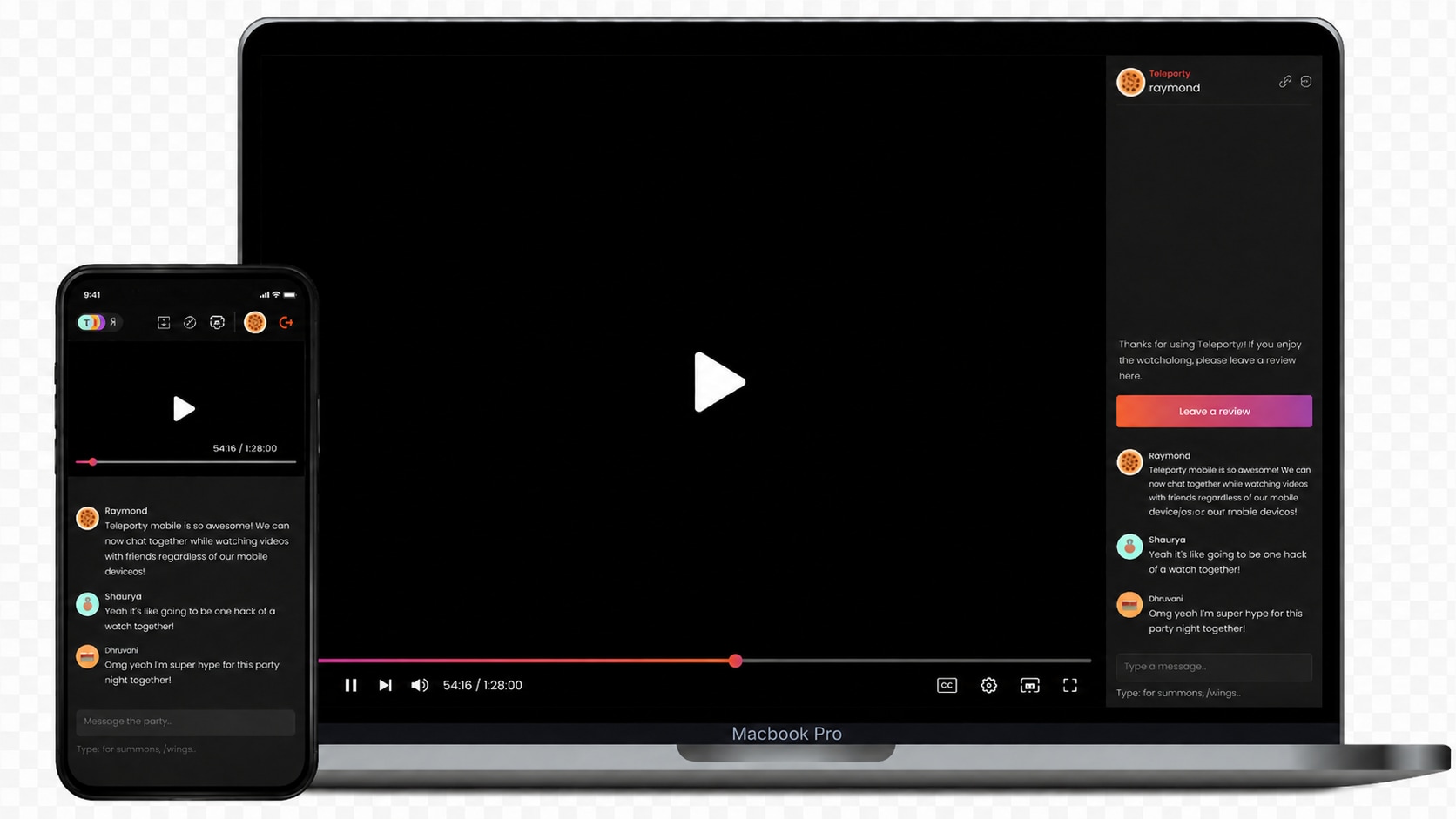
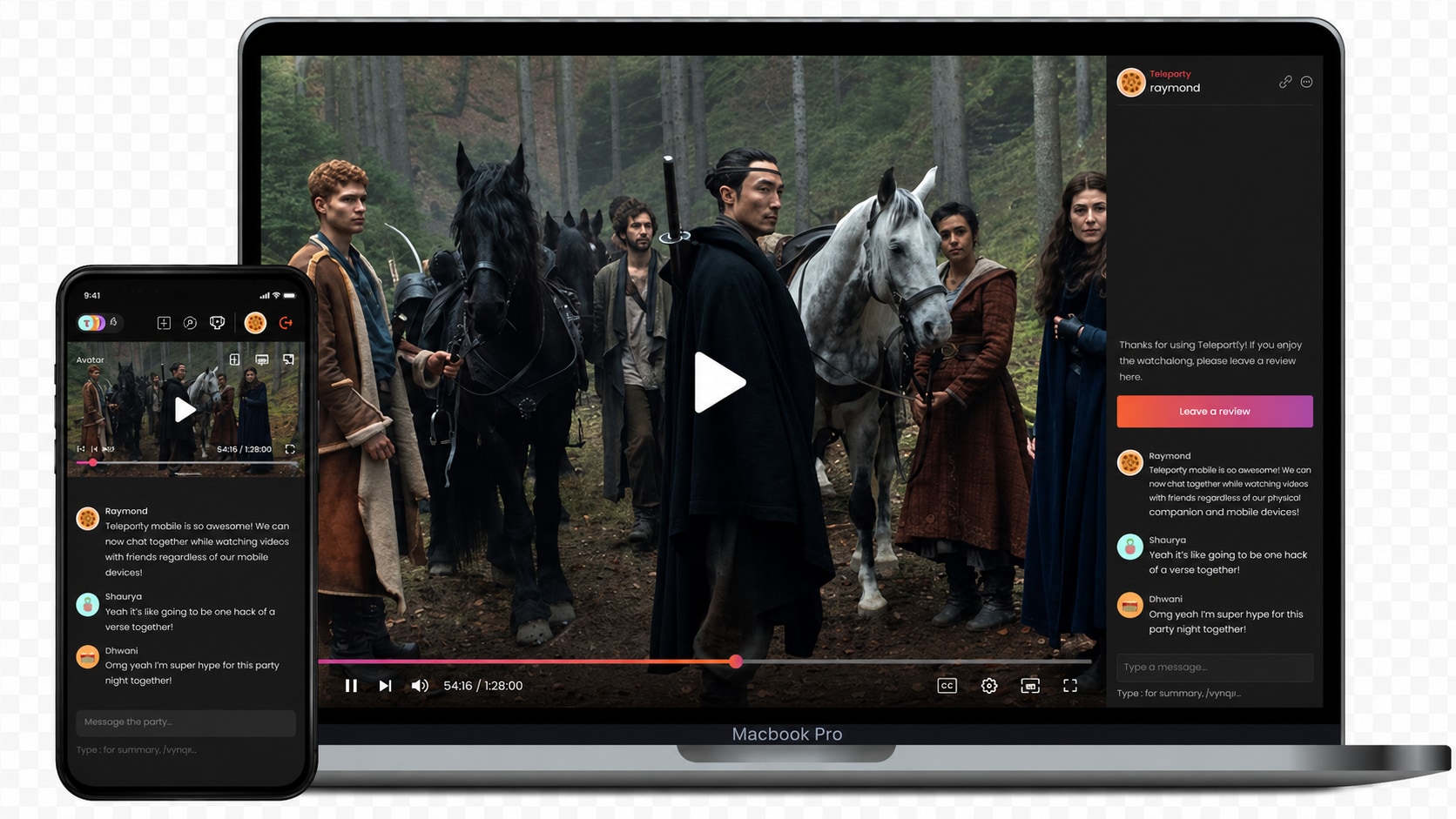




Fix Prime Video Black Screen with Sound in Local Files
When a video plays with audio but no visible picture, the audio track may still be readable while the visual stream is damaged, missing, or unable to decode. This can look similar to a prime video black screen with sound issue, but the cause may be inside the file itself.
Repairit helps repair black screen video files when your saved video has audio, a moving timeline, or file size, but no picture.
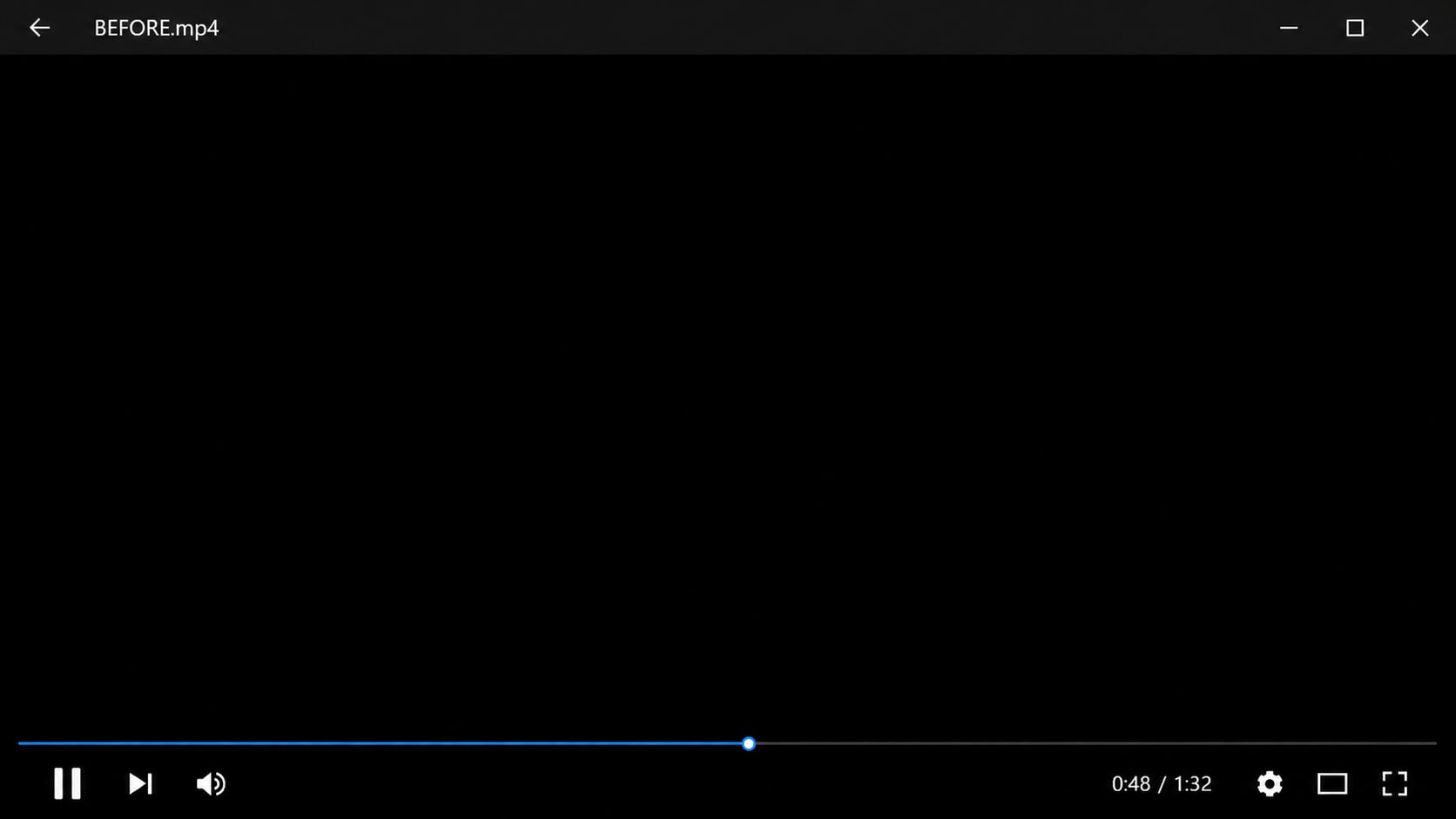
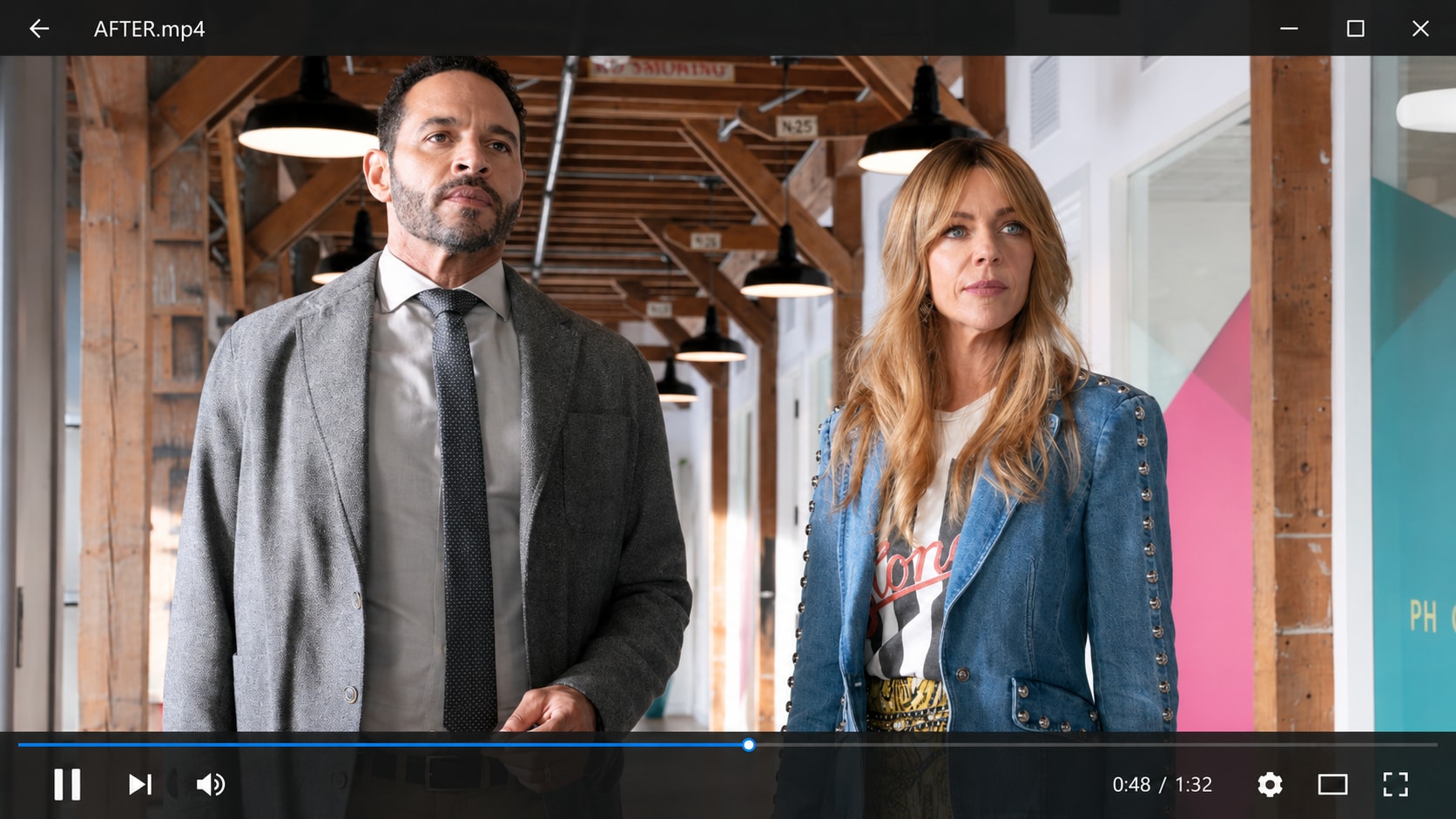
Repair Amazon Video Black Screen After Download or Transfer
A video file can turn black after being downloaded, copied from a phone, moved from a drive, transferred through chat, or restored from storage. If the file looked normal before but now opens as a black screen, the transfer or storage process may have damaged the video data.
Repairit can help when an amazon video black screen style issue is actually caused by a local file that was interrupted, incomplete, or corrupted.
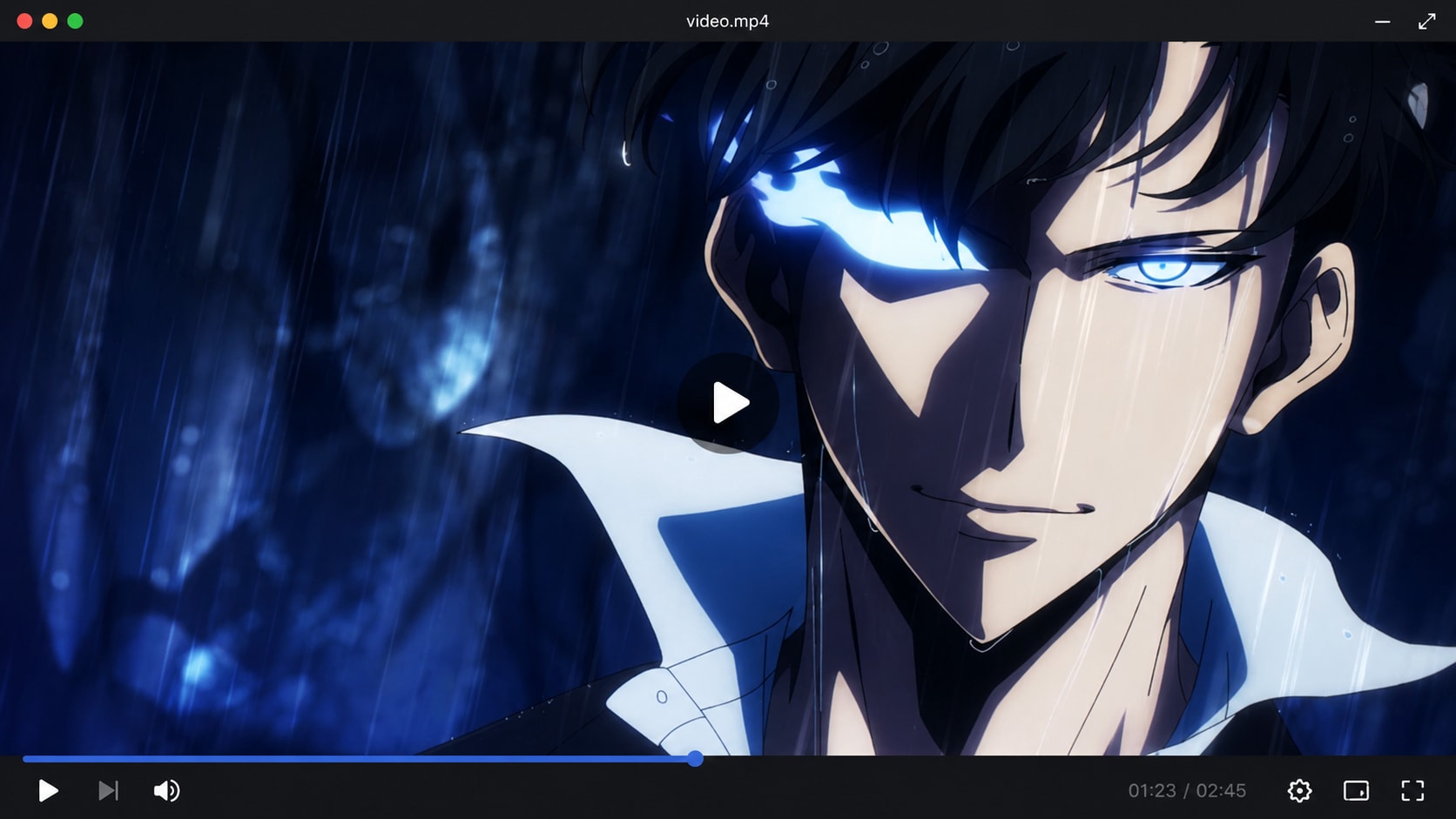
Fix Prime Video Black Screen Android Style Playback Issues
If Prime Video shows a black screen on Android across many titles, the issue is usually App cache, network, device storage, display settings, outdated software, or playback restrictions. But if one saved video file stays black on Android and also fails on desktop or another player, the file itself may be damaged.
Repairit helps with prime video black screen Android style cases when the black screen follows one specific video file across devices.
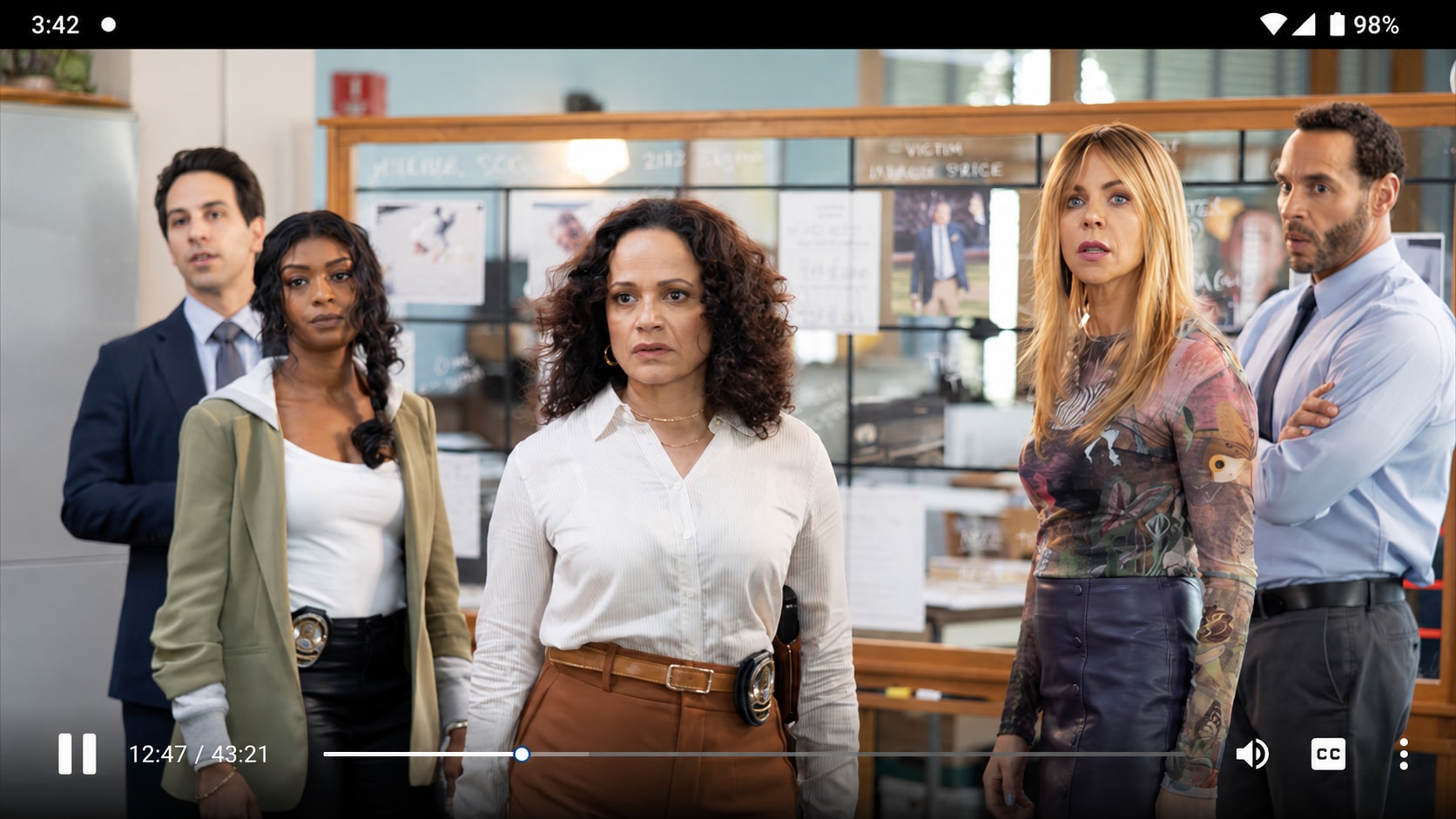
Repair Personal Screen Recordings That Play as a Black Screen
Prime Video may show a black screen during screen mirroring, recording, or external display playback because of DRM or display restrictions. Repairit cannot bypass these limits. But if your own personal screen recording or non protected video file turns black after saving, transfer, or playback, the file may be damaged. Repairit Video Repair can help fix black screen recordings caused by damaged frames, corrupted metadata, or decoding errors.
How to Fix Prime Video Black Screen Related Files with Repairit

Step 1
Add Your Black Screen Video File
Open Repairit Video Repair and add the saved video file that shows a black screen, blank screen, or audio only playback.

Step 2
Start Video Repair
Click Repair and let Repairit analyze the file structure, visual stream, frames, codec information, metadata, and possible corruption.

Step 3
Preview and Save the Repaired Video
Preview the repaired result to check whether the picture returns. Save the playable version when the video looks correct.
Why Choose Repairit for Black Screen Video Repair?
✨ Built for File Based Black Screen Problems
Repairit is useful when a saved video file opens but shows a black or blank screen, especially when audio continues or the timeline still moves.
📷 Supports Common Video Formats
Repairit supports mainstream and professional video formats, including MP4, MOV, AVI, MTS, MKV, FLV, M4V, WMV, RSV, and more.
⚡ Works for Transfer, Recording, and Playback Damage
Repairit can help when black screen problems come from recording interruption, storage failure, file transfer interruption, damaged frames, decoding issues, corrupted metadata, or broken visual data.
❤️ Preview Before Saving
You can preview repaired clips before saving, so you can check whether the black screen issue is fixed before exporting or reusing the final file.
Explore More Video Repair Features
Fix video flickering, grainy footage, black screen, buffering, freezing, lag, playback errors, and damaged video files with practical repair solutions.
Frequently Asked Questions
If Amazon Prime Video shows a black screen across many titles, the cause may be App cache, browser settings, extensions, HDMI or HDCP issues, TV firmware, Android settings, network problems, display mirroring limits, or protected playback restrictions.
Repairit can repair your own damaged video files that show a black screen. It does not repair the Prime Video App, bypass DRM, unlock streaming content, or fix protected playback restrictions.
If streaming content has sound but no picture, check the Prime Video App, browser, display, HDMI, or device settings first. If a saved video file has sound but no picture, the visual stream may be damaged and Repairit may help.
Repairit can help only when the issue is a damaged local video file that you own. It cannot repair protected Prime Video streams, bypass DRM, or remove platform playback restrictions.
Update the Prime Video App, clear cache, restart the phone, check storage, disable conflicting display settings, and test another title. If only one saved video file is black on Android and other devices, repair the file with Repairit.
The issue may be related to the TV App, firmware, HDMI, HDCP, network, display settings, or playback restrictions. Repairit is only relevant if your own local video file is black when played across devices.
Yes, if the screen recording is your own non protected video file and the black screen comes from file corruption, damaged frames, corrupted metadata, or decoding errors. Repairit cannot restore protected streaming content blocked by DRM.
Not always. Prime Video black screen is often an App, browser, device, HDMI, DRM, or playback issue. A corrupted video is more likely when one specific local file shows black screen across different players.
Hot Topics
Comprehensive How-to Guides
Want to repair your videos? Click to enter the Video Repair Workbench and make it usable in just a few clicks!


