Repair MKV File Online






Repair MKV Files That Will Not Open
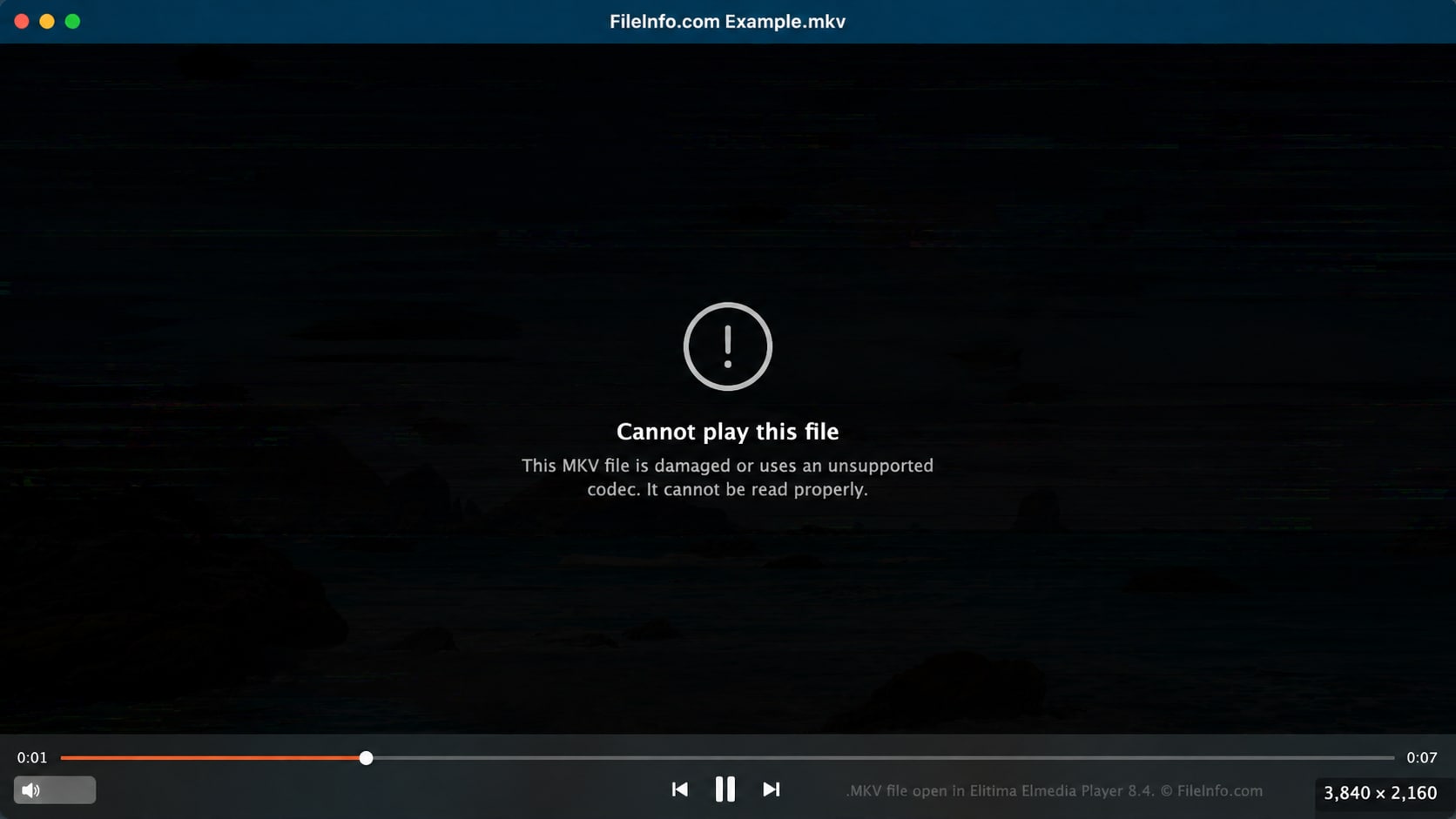
An MKV file may refuse to open after an incomplete download, failed save, interrupted copy, storage error, or damaged header. The file name and size may still look normal, but the media player cannot read the video correctly.
Repairit helps with mkv repair when normal players cannot open the file because the MKV container or playback data is damaged.

Fix MKV Files with Audio, Subtitle, or Track Problems
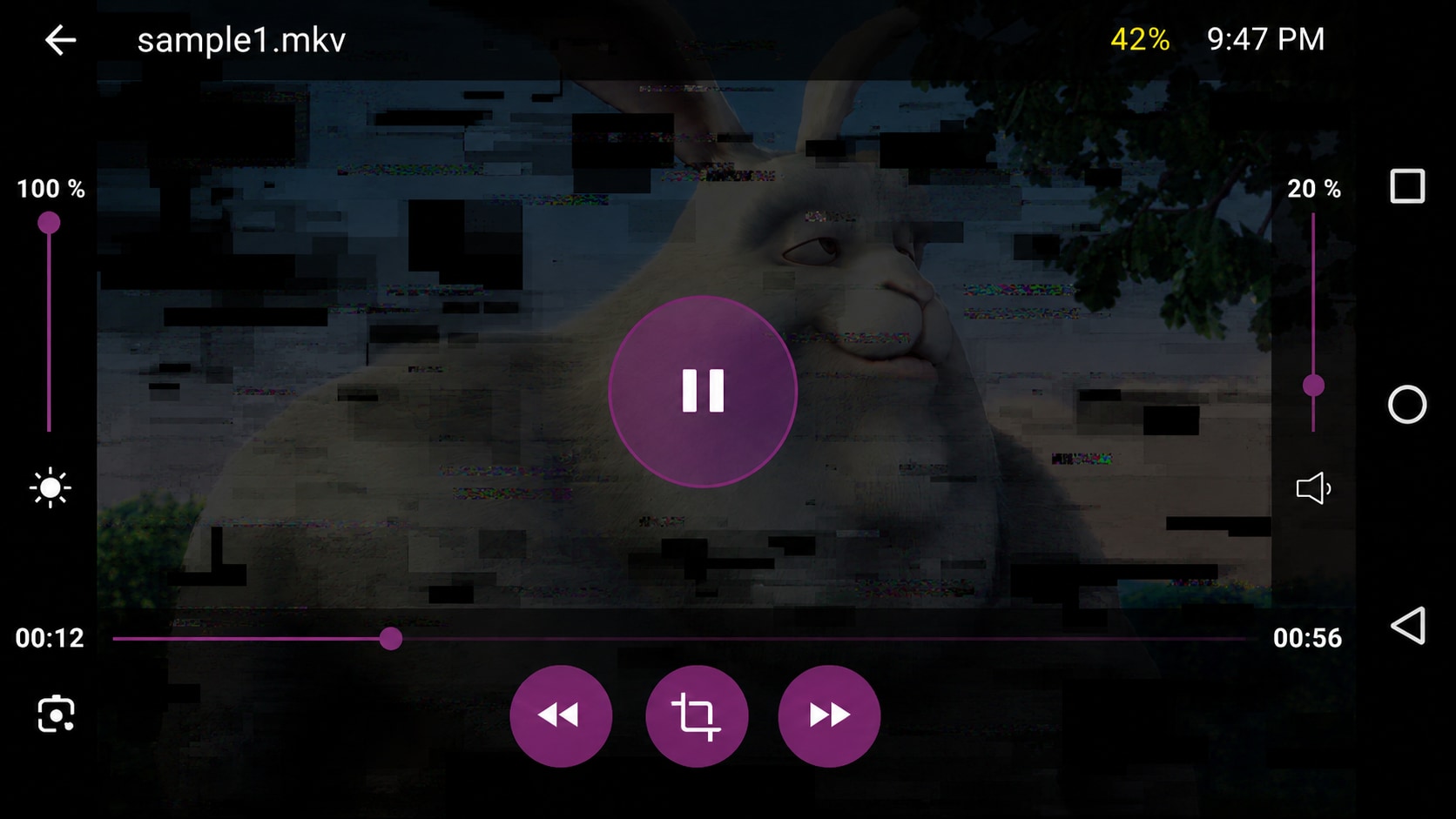
MKV files often contain multiple audio tracks, subtitle tracks, or chapters. When the container data is damaged, the video may open but lose audio, show no subtitles, play the wrong track, or fall out of sync.
Repairit can help fix MKV file issues when audio, video frames, timestamps, or track data are affected by corruption.


Fix Corrupted MKV Files After Download or Transfer
MKV files can become corrupted after an interrupted download, failed cloud sync, unsafe eject, bad sector, SD card issue, USB transfer error, or incomplete copy. The video may stop halfway, freeze at a timestamp, or show a playback error.
Repairit helps fix MKV problems when the damage starts after downloading, moving, restoring, or saving the video.

Repair MKV Files After Conversion, Editing, or Encoding Errors
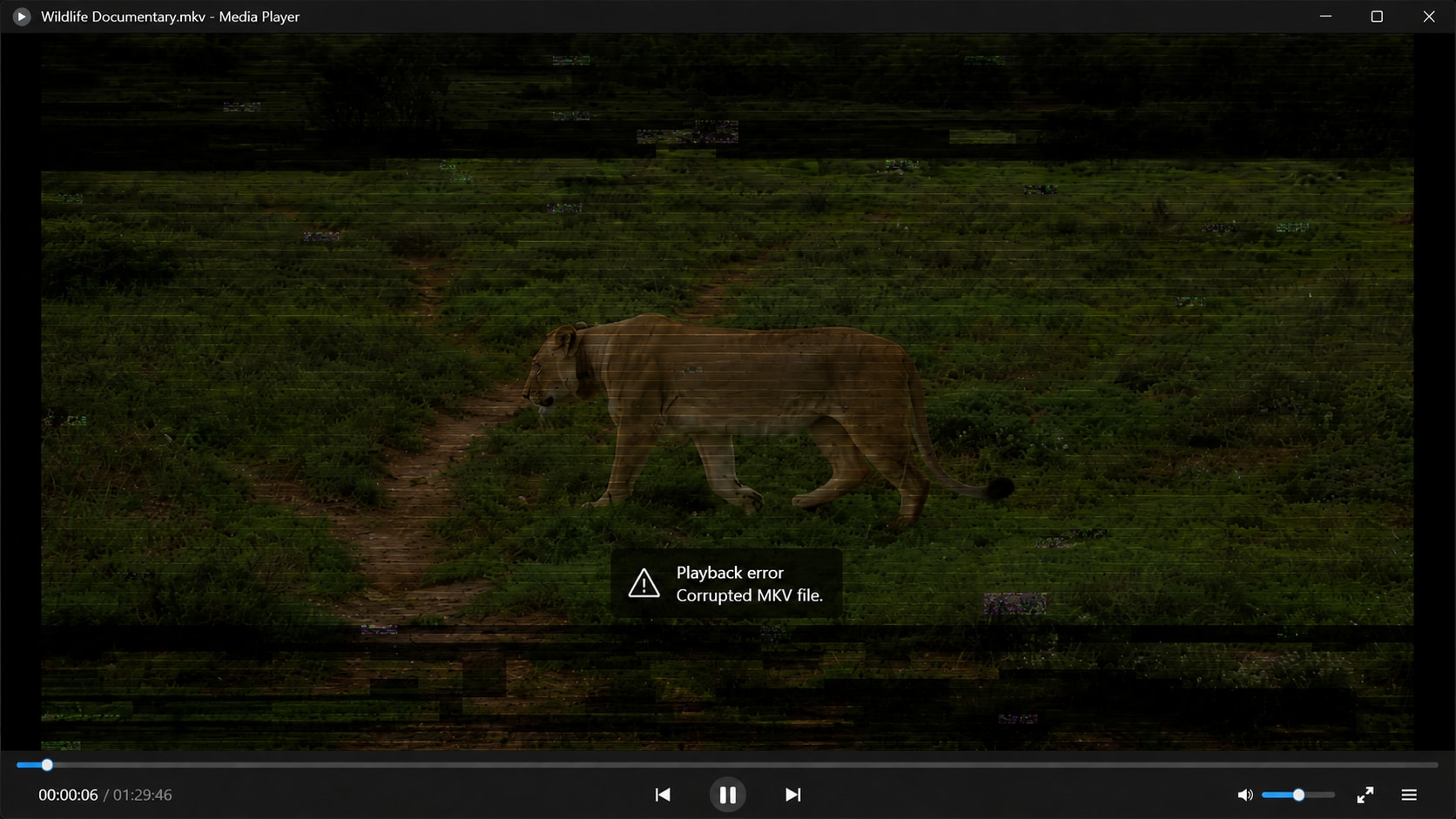
MKV files may become unstable after being converted, compressed, remuxed, edited, or exported from older software. A codec mismatch, broken timestamp, incomplete output, or damaged metadata can make the file unreadable or hard to play.
Repairit works as an MKV repair tool for files affected by encoding, conversion, rendering, or metadata problems.

How to Repair MKV File with Repairit

Step 1
Add Your Damaged MKV File
Open Repairit Video Repair and add the MKV file that will not open, fails to play, freezes, loses audio, has subtitle issues, or shows playback errors.

Step 2
Start MKV Video Repair
Click Repair and let Repairit analyze the MKV file structure, frames, metadata, codec information, timestamps, tracks, and possible corruption.

Step 3
Preview and Save the Repaired MKV Video
Preview the repaired video to check whether it plays correctly. Save the repaired version when the result looks usable.
Why Choose Repairit for MKV Repair?
✨ Built for Corrupted MKV Files
Repairit is useful when one MKV file is damaged, unreadable, incomplete, frozen, out of sync, missing audio, missing subtitles, or showing playback errors because the file itself has corruption.
📷 Supports MKV and Other Video Formats
Repairit supports MKV along with mainstream and professional formats such as MP4, MOV, AVI, MTS, FLV, M4V, WMV, RSV, and more.
⚡ Works for Download, Transfer, Storage, and Encoding Damage
Repairit can help when MKV damage comes from recording interruption, storage failure, unsafe transfer, editing software crash, rendering failure, transcoding failure, encoder incompatibility, metadata loss, or recovery failure.
❤️ Preview Before Saving
You can preview the repaired video before saving, so you can check whether the MKV repair result is usable before exporting the final file.
Explore More Video Repair Features
Repair MKV, AVI, black screen, grainy, flickering, buffering, freezing, lagging, and unplayable video files with practical video repair solutions.
Frequently Asked Questions
Repair MKV file means fixing an MKV video that is corrupted, unreadable, incomplete, frozen, out of sync, missing audio, missing subtitles, or unable to play correctly because the file structure, frames, metadata, tracks, or codec information is damaged.
Upload the damaged MKV video to Repairit Video Repair, start the repair process, preview the repaired result, and save the playable version when it looks correct.
Yes. Repairit Video Repair supports MKV files and can help repair corrupted MKV videos affected by broken frames, metadata loss, transfer errors, storage failure, encoding issues, incomplete downloads, or incomplete saves.
An MKV file may not open because of damaged container data, broken metadata, unsupported codec, incomplete download, incomplete transfer, storage failure, file corruption, or missing track information.
Yes. If the audio or subtitle issue comes from damaged track data, broken timestamps, corrupted metadata, or file structure problems, Repairit may help repair the MKV file.
No. MKV repair fixes a damaged MKV file. MKV conversion changes the format of a healthy file. If the MKV file is corrupted, repair it before converting it.
Yes. Repairit can help repair downloaded MKV videos when the file is incomplete, damaged, corrupted, or affected by metadata, codec, frame, or transfer problems.
Not always. Repair works best when the file still contains usable video data. If key video data, tracks, metadata, or frames are fully missing, overwritten, or never saved properly, full recovery may not be possible.
Hot Topics
Comprehensive How-to Guides
Want to repair your videos? Click to enter the Video Repair Workbench and make it usable in just a few clicks!


