
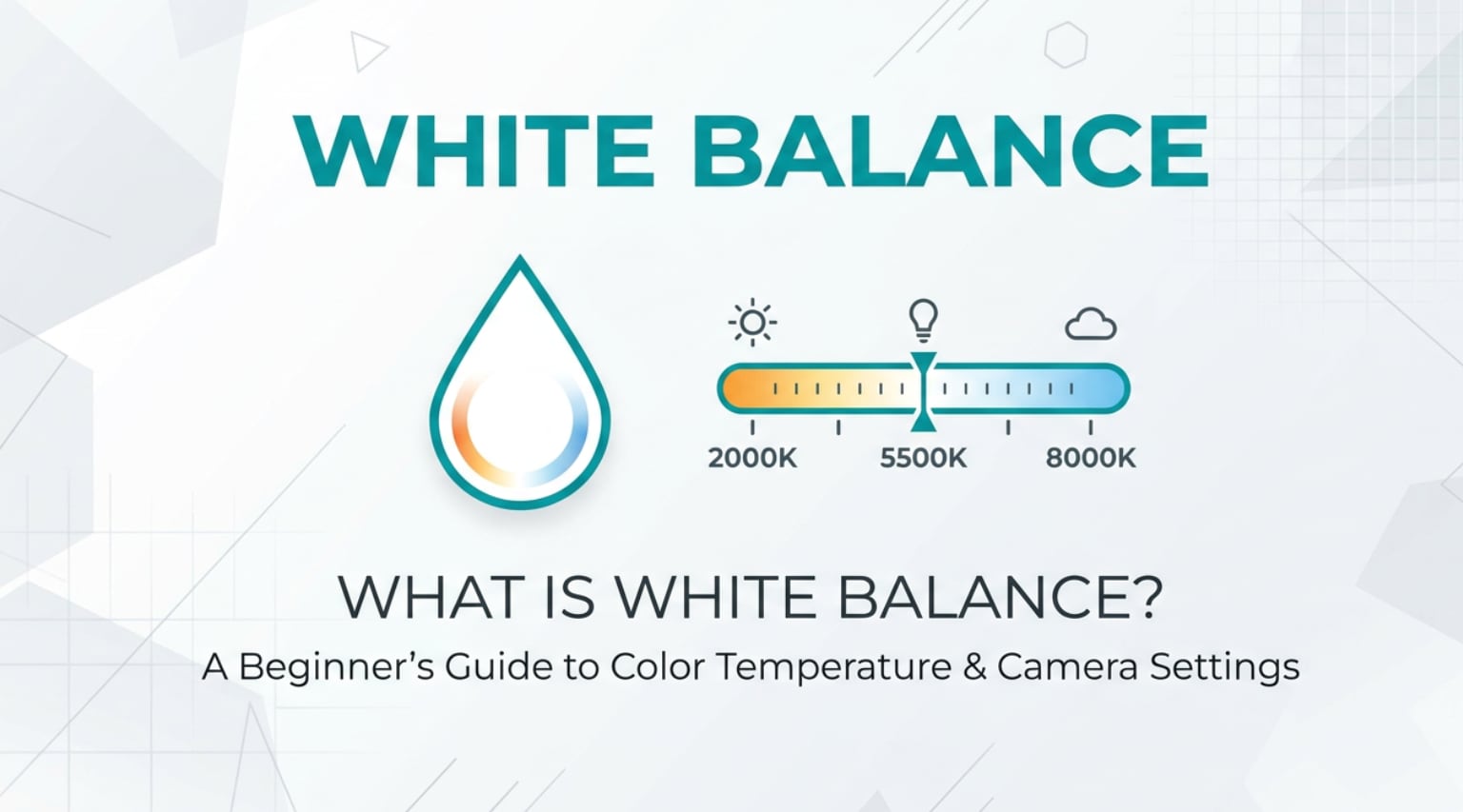
White balance is a camera control you will see on phones, mirrorless and DSLR cameras, editing software, and even live-streaming tools. It tells your device how to interpret the color of light so whites look neutral and skin tones look natural. Understanding white balance photography and white balance video settings helps you avoid strange blue, yellow, or green color casts and keeps your images, exports, and streams looking consistent across different screens and platforms.
Repair Corrupted Files To Save Your Data
 Security Verified. Over 7,302,189 people have downloaded it.
In this article
What Is White Balance?
White balance is a color-control setting that tells your camera or software what the color of the light source is so that white objects appear neutral white. It is a core color balance concept in both photography and video, used in shooting, editing, encoding, and even live streaming.
Different light sources have different color temperatures measured on the Kelvin scale. For example, household tungsten bulbs look warm and orange, while shade on a cloudy day looks cool and blue. When you choose a white balance preset (Daylight, Tungsten, Shade), use auto white balance (AWB), or dial in a Kelvin number, the camera shifts the colors in the opposite direction to cancel out the tint and keep the image looking natural.
On phones, mirrorless cameras, and cinema cameras, white balance video settings work the same way. They affect what is recorded into the file, which then influences how clips look when you edit, export, stream, or play them back on different platforms and screens.
How Does White Balance Affect Your Image or Footage?
Color cast and accuracy
The most obvious result of correct or incorrect white balance photography is the overall color cast of your image.
- If white balance is set too warm (too low Kelvin), the whole frame looks orange or yellow, and skin tones can appear sunburned.
- If it is set too cool (too high Kelvin), everything shifts towards blue, making people look pale and scenes feel cold or clinical.
- Mixed lighting (for example, window daylight plus tungsten lamps) can create patches of different color in the same frame if white balance is not handled carefully.
Good white balance makes whites look white, blacks look neutral, and colors like skin, grass, and sky look believable. This is crucial for product photography, portraits, and any commercial work where accurate color is required.
Editing, exporting, and playback
White balance also affects how easily you can color-correct and grade later during editing and encoding.
- With a consistent white balance across clips, color correction is faster and more precise, and it is easier to match shots in a sequence.
- If white balance shifts from clip to clip, you will spend more time in post trying to hide jumps in color between cuts.
- On platforms like YouTube, TikTok, or streaming services, content is recompressed and viewed on many displays. A neutral starting white balance helps your footage remain natural-looking despite these differences.
For RAW photos, you can change white balance non-destructively in editing. For compressed JPEGs and most video formats, big corrections may introduce noise or banding, so getting white balance close in-camera protects quality from shooting through to final playback.
How Does White Balance Work in Real Shooting?
In real-world shooting, you will encounter white balance in several places: camera menus, quick-control dials, mobile camera apps, external monitors, and live streaming or capture software.
- Camera presets: Most cameras offer presets such as Auto (AWB), Daylight, Cloudy, Shade, Tungsten, Fluorescent, and Flash. Choosing the one that matches your light source gives a fast, reasonably accurate result.
- Kelvin setting: Many cameras allow manual Kelvin input (for example, 3200K for tungsten, 5600K for daylight, 6500K for cloudy). This gives you fine control and repeatable results when lighting is consistent.
- Custom or manual white balance: You can photograph a neutral gray/white card and tell the camera to use that shot as a reference. This is common in studio photography, interviews, and multi-camera setups where matching color is essential.
- Monitoring and live capture: External monitors and live-stream encoders often have white balance or color temperature controls so you can correct the signal before broadcasting or recording.
- Mobile and apps: In many phone camera and video apps, you can lock white balance or set the color temperature manually so that it does not drift during a clip.
Example: filming an interview indoors with LED panels set to 5600K. You would set the camera white balance to 5600K instead of AWB. That keeps skin tones consistent, simplifies grading, and ensures exported files look the same across editing software, viewing platforms, and client screens.
Best Uses, Common Mistakes, and Quick Tips
When white balance matters most
- Portraits and events where accurate skin tones are critical.
- Product photography, food, fashion, and artwork where color must match reality.
- Multi-camera shoots, live streams, or webinars where several angles must match.
- Scenes with tricky lighting such as concerts, stage lighting, or mixed daylight and artificial light.
Common mistakes
- Leaving everything on auto white balance in changing light, causing color to shift mid-shot or between clips.
- Ignoring mixed color temperatures (for example, daylight through a window plus tungsten lamps) and expecting one white balance setting to fix all areas.
- Using extreme creative white balance looks in-camera, then struggling to correct them later for other platforms or clients.
- Not checking white balance when recording log or flat video profiles, leading to color issues that are harder to fix in grading.
Quick tips
- Use AWB for fast-moving, unpredictable situations, but lock or set Kelvin when the light is stable.
- Carry a simple gray card or white card and capture a reference frame whenever possible.
- In mixed lighting, decide which light is most important (often the main light on the subject) and set your white balance for that, then adjust other lights or gels if needed.
- For video, avoid changing white balance mid-take; instead, cut and reset if the light changes.
- For RAW stills, aim to get close in-camera, then fine-tune during editing to match final output needs.
The takeaway: treat white balance as a foundation for clean, consistent color from capture through editing, exporting, and playback. The better it is at the start, the easier everything else becomes.
How to Use Repairit to Fix a Corrupted Photo File
Repairit overview
Even when your white balance and color balance are perfect, a corrupted file can make a great shot impossible to open or edit. Wondershare Repairit is designed to rescue damaged or unreadable photos so you can continue color-correcting, exporting, or sharing your work. Visit the Repairit official website to download the desktop app for Windows or Mac and repair broken image files with a guided, beginner-friendly process.
Key features
- Fixes corrupted or unreadable photo files from cameras, phones, memory cards, and other storage devices so you can keep editing and correcting white balance as usual.
- Uses an automatic repair engine with clear progress feedback, reducing the risk of data loss after transfer errors or unexpected shutdowns.
- Lets you preview the repaired images before saving, so you can confirm that details, sharpness, and color rendering look correct.
Step-by-step guide
- Add corrupted photo files
Install and open Wondershare Repairit, then go to the Photo Repair section. Click the option to add files and browse to the folder, memory card, or drive that contains your damaged photos. Select all problem files you want to fix and load them into the repair list.

- Repair photo files
Once your photos are listed, start the repair process with a single click. Repairit scans the selected files, analyzes the corruption, and reconstructs the damaged data structures in the background. You can watch the status indicators to see which images have been successfully repaired and which are still processing.

- Save the repaired photo files
After Repairit finishes, preview each repaired photo to make sure composition, detail, and color look normal again. When you are satisfied, choose a safe output folder on your computer or external drive and save the repaired images. You can now open them in your usual editor to adjust white balance, perform color correction, and export them for web, print, or video timelines.

Conclusion
White balance is the control that keeps color in your photos and videos looking natural, no matter what light you are shooting in. By understanding how the Kelvin scale, presets, and custom settings work, you can avoid unwanted blue, orange, or green tints and maintain consistent results across different cameras, edits, and platforms.
Get your white balance photography and white balance video settings close in-camera, then fine-tune during editing for the specific export or streaming platform you use. If a card error or interruption leaves your best images corrupted, tools like Wondershare Repairit help you recover the files so your carefully balanced colors are not lost.
Next: Color Temperature In Photography And Video
FAQ
-
1. What is white balance in simple terms?
White balance tells your camera or software what color the light is so that white objects look neutral white, and all other colors appear natural instead of too blue or too orange. -
2. Is auto white balance good enough for most situations?
Auto white balance (AWB) works well outdoors and in simple lighting, but it can struggle in mixed or extreme lighting and may change during a shot. For consistent results, especially in video, use presets or set a manual Kelvin value. -
3. Should I fix white balance in-camera or in editing?
It is best to get white balance close in-camera, particularly for video and JPEG images. If you shoot RAW photos you can adjust white balance later with minimal quality loss, but starting with a good in-camera setting still makes editing and exporting easier. -
4. What is the Kelvin scale in white balance?
The Kelvin scale measures the color temperature of light. Lower values like 2800K look warm and orange (tungsten bulbs), while higher values like 6500K look cool and blue (shade or overcast daylight). Many cameras let you choose a Kelvin number to control white balance precisely. -
5. Can I fix white balance on corrupted photo files?
If a file is corrupted and will not open, you first need to repair it with a tool like Wondershare Repairit. After the image is successfully recovered, you can open it in your usual editing software and correct the white balance as you normally would.




