
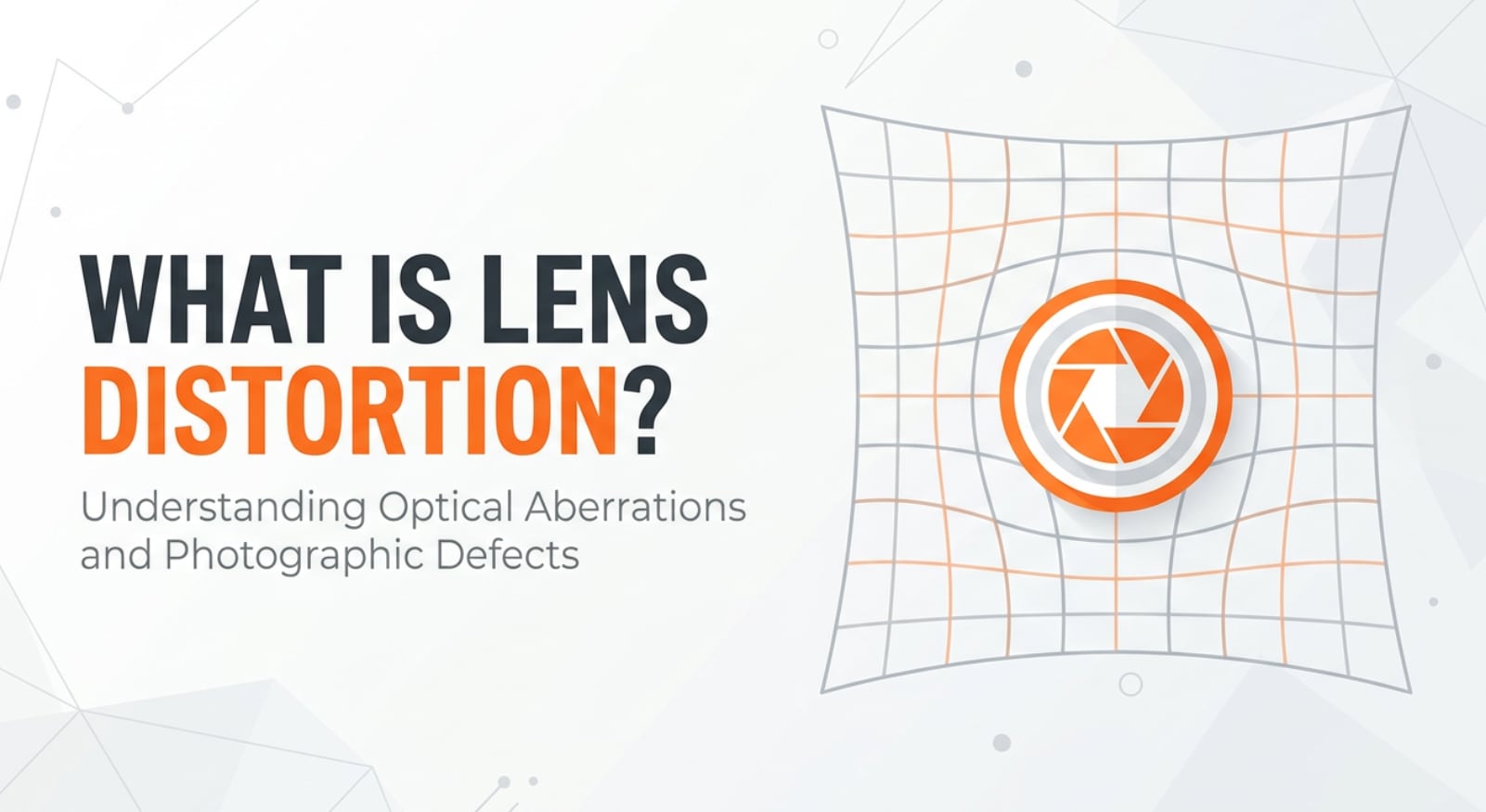
Lens distortion shows up any time you photograph a building, record video with a wide angle lens, or notice faces stretching near the frame edges. It is the optical warping that makes straight lines bend or subjects look squeezed or inflated. Understanding it helps you shoot more natural-looking images, avoid odd-looking portraits, and correct warped footage when exporting or sharing to platforms like YouTube, Instagram, or TikTok.
Repair Corrupted Files To Save Your Data
 Security Verified. Over 7,302,189 people have downloaded it.
In this article
What Is Lens Distortion?
Lens distortion is an optical effect where straight lines or natural shapes appear curved, stretched, or compressed in a photo or video because of the design of the lens. It is a core photography basics concept and shows up in both stills and motion, from DSLR and mirrorless cameras to smartphones and action cams.
In technical terms, distortion is a change in how a lens projects the three-dimensional world onto a flat sensor. Instead of recording lines exactly as they are, the lens bends them outward (barrel) or inward (pincushion), or warps them more complexly toward the edges of the frame. This has nothing to do with exposure or focus; it is about geometry and how your scene is mapped to the image.
In shooting, distortion plays a basic role in how scenes feel: wide angle lenses can exaggerate space and make rooms look larger, while telephoto lenses can make distant objects appear closer together. Knowing how wide angle lens choices change perspective and straight lines helps you frame architecture, interiors, group shots, and talking heads more intentionally.
How Does Lens Distortion Affect Your Image or Footage?
Types of lens distortion you will see most
The main forms of lens distortion that affect everyday shooting are:
- Barrel distortion: Straight lines bulge outward from the center, like the sides of a barrel. Common with wide and ultra-wide lenses, cheap kit zooms at their widest setting, and action cameras.
- Pincushion distortion: Straight lines bend inward toward the center, like the corners are pulled in with pins. This often appears on telephoto lenses or zoom lenses at their longest focal lengths.
- Complex or "mustache" distortion: A mix of barrel and pincushion distortion in different parts of the frame, often seen in some zooms and ultra-wide lenses. It is trickier to correct manually.
- Perspective distortion (often confused with lens distortion): This is not caused by faulty optics but by camera position and focal length choice. Getting very close with a wide lens exaggerates noses and makes backgrounds recede, while standing far back with a long lens creates apparent lens compression, making distant objects look packed together.
How distortion looks in photos and videos
In real-world images and footage, distortion changes visual geometry more than brightness, color, or sharpness:
- Straight lines bend: Building edges, door frames, horizons, and tiled floors can curve, which is highly visible in architecture, real estate, and product photography.
- Faces and bodies change shape: Wide angle distortion at close range can make noses or foreheads look larger, or stretch faces and limbs near the edges of the frame. This is critical in beauty, fashion, and talking-head video work.
- Space feels bigger or smaller: Barrel distortion combined with a wide field of view can make rooms appear larger and deeper, while telephoto pincushion distortion and compression can make mountains or city skylines feel stacked and dramatic.
- Edges look stretched or squashed: Objects near the corners can appear unnaturally stretched, impacting framing decisions for titles, logos, and UI elements in tutorials or screen recordings.
- Platform playback differences: When you export or stream, platforms like YouTube, Instagram, or TikTok do not add distortion themselves, but cropping to vertical or square formats can exaggerate what is already there, especially if key lines fall near the crop edges.
Distortion does not usually introduce motion blur or noise, but it can make handheld footage feel more "wobbly" at the edges because any movement is magnified by the curved perspective.
How Does Lens Distortion Work in Real Shooting?
In practice, lens distortion is something you feel from the moment you choose a focal length and position the camera. You encounter or control it in several ways during recording, editing, encoding, exporting, and playback.
In-camera and on-lens factors
- Focal length choice: Ultra-wide and wide zoom settings show more barrel distortion; long telephoto settings are more likely to show pincushion distortion. Zooming slightly in from the extremes often reduces visible distortion.
- Distance to subject: Standing very close with a wide angle accentuates perspective distortion and makes barrel distortion more obvious in portraits or vlogs.
- Lens correction options in-camera: Many modern cameras and smartphones have "lens correction" or "distortion control" settings. When enabled, they apply a software fix to JPEGs or video in real time to straighten lines. RAW stills may keep the original distortion but store a profile tag that compatible editors can read.
- On-screen framing guides: Grid overlays, horizon levels, and framing lines on monitors help you see curved horizons or bowed door frames before pressing record.
During monitoring, editing, and encoding
- External monitors and viewfinders: When shooting architecture, product demos, or interviews, checking a larger monitor makes curved lines and stretched faces easier to catch and adjust on set.
- Editing software lens profiles: Programs like Lightroom, Photoshop, Premiere Pro, DaVinci Resolve, and many mobile apps include lens profiles that can automatically correct barrel distortion and pincushion distortion. These corrections are applied before sharpening, noise reduction, or color work.
- Manual correction controls: If an automatic profile is missing or not perfect, manual "Distortion," "Lens Distortion," or "Geometry" sliders let you drag lines straighter by eye. Some tools add "vertical" and "horizontal" perspective controls so you can straighten buildings as well.
- Export and platform formats: When encoding for 16:9, 9:16, or 1:1, cropping can cut off the least distorted center or, if done poorly, keep only warped corners. Creators often place important lines and faces nearer the central safe area to survive reformatting for different platforms.
Typical shooting scenarios
- Real estate and interiors: You may use an ultra-wide lens to show more of a room, then rely on in-camera or software correction so walls look straight in MLS listings and rental apps.
- Talking-head YouTube videos: Sitting too close to a wide webcam or phone camera can enlarge your nose and distort facial proportions. Backing the camera up and using a slightly longer focal length creates a more flattering look.
- Action cameras and vlogs: GoPros and similar cameras often ship with fisheye-style distortion. Many offer a "Linear" mode or post-processing filters to reduce the curved look before posting to social media.
Best Uses, Common Mistakes, and Quick Tips
When lens distortion matters most
- Critical accuracy work: Architecture, interiors, product shots, catalogs, and scientific imaging demand straight lines and true shapes. Here, you usually want minimal distortion and precise correction.
- Portraits and commercial video: For faces and bodies, visible distortion can look unflattering or unprofessional, especially in beauty, fashion, and corporate content.
- Cinematic storytelling: Creative use of distortion can add energy, tension, or scale. Wide lenses used close to actors can make scenes feel immersive and dynamic.
Common mistakes and misunderstandings
- Confusing lens distortion with perspective distortion: Swapping to a different focal length without changing your camera position changes field of view, but perspective depends mainly on where you stand.
- Relying only on "fix it in post": Severe distortion from ultra-wide lenses can be hard to correct without cropping heavily and losing resolution.
- Ignoring distortion when framing for social media: Putting faces or text near the corners can make them look warped, especially after vertical cropping for Reels, Shorts, or Stories.
- Assuming an expensive lens has zero distortion: High-end glass often reduces distortion but rarely eliminates it completely, especially at extreme focal lengths.
Quick practical tips
- Keep important straight lines (building edges, horizons) closer to the center of the frame where distortion is weakest.
- Avoid shooting portraits at the very widest settings; step back and zoom in slightly for more natural proportions and less video distortion in talking-head content.
- Turn on lens correction in-camera if you deliver JPEGs or straight-out-of-camera video quickly.
- In editing, start your workflow with lens correction and cropping before sharpening and color grading.
- Test your lenses: photograph a brick wall or grid to learn how each focal length distorts and how much you need to correct it in post.
Takeaway: understand how your lenses bend reality, decide when you want that look, and use in-camera settings plus software tools to keep shapes and lines under your control.
How to Use Repairit to Fix a Corrupted Photo File
Repairit introduction
Even when your framing and lens distortion are exactly how you want them, photo files can still become damaged during shooting, transfer, editing, or export. Wondershare Repairit is a dedicated media repair solution that helps you restore corrupted or unreadable images without complex manual work. With a clear interface and guided workflow, you can repair multiple photos and preview the results before saving. Visit the Repairit official website to access both desktop and online versions.
Key features of Repairit for distorted or corrupted images
- Image correction support that repairs corrupted or unreadable photo files in batches, helping you salvage entire shoots in one pass.
- Wide format compatibility for popular still image types, alongside videos and other media, so your main photo and backup exports can be repaired together.
- Simple, step-driven workflow suitable for beginners, social creators, and professionals who need reliable recovery without learning complex recovery tools.
Step-by-step: repair corrupted photo files with Repairit
- Add corrupted photo files
Launch Wondershare Repairit and choose the Photo Repair module on the main screen. Click the "Add" button, then browse to the folder that contains your corrupted or distorted-looking images, or simply drag and drop them into the window. The selected files will appear in a list, where you can confirm names, formats, and sizes before starting the repair.

- Repair photo files
After loading your images, press the "Repair" button to begin the automatic process. Repairit analyzes each file, reconstructs damaged headers and data where possible, and restores viewable image content. When the repair completes, click any file in the list to open a preview so you can check that details, colors, and framing look correct before saving.

- Save the repaired photo files
If the previews look good, select all or only the images you want to keep, then click "Save." Choose a secure output folder that is different from the original source location so you do not overwrite your damaged files. Repairit will export clean copies of your repaired photos, ready for further editing, encoding, or uploading to your preferred platforms.

Conclusion
Lens distortion is not a technical defect you must always avoid; it is an inherent part of how lenses map the real world to a flat sensor. By recognizing barrel, pincushion, and perspective-related effects, you can predict how your gear will shape architecture, landscapes, faces, and spaces across both photos and videos.
Once you understand how distortion works and how it is handled in-camera and in post, you can choose when to correct it for clean, accurate visuals and when to exploit it for dramatic impact. Combined with careful framing, lens choice, and reliable tools like Repairit for protecting your files, you gain far more control over how your images and footage appear on any screen or platform.
Next: Lens Compression
FAQ
-
1. What is lens distortion in simple terms?
Lens distortion is when straight lines or natural shapes in a scene appear curved, stretched, or compressed in your photo or video because of how a lens projects the image onto the sensor. It is an optical effect, separate from focus or exposure. -
2. Is lens distortion always bad for photos and videos?
No. Distortion is a problem when you need accuracy, such as in architecture, product photos, or technical documentation. But it can be used creatively in landscapes, action scenes, or stylized portraits to add drama, a sense of speed, or an immersive feel. -
3. Which lenses usually show the most distortion?
Ultra-wide and very wide angle lenses generally show the strongest barrel distortion, especially toward the edges of the frame. Cheaper zoom lenses at their widest or longest settings can also show strong barrel or pincushion distortion compared with high-quality prime lenses. -
4. How can I reduce lens distortion while shooting?
Use higher-quality lenses when possible, avoid shooting at the extreme ends of a zoom range, keep important straight lines closer to the center, and step back instead of getting extremely close with a very wide angle. Enabling in-camera lens correction for JPEGs and video also helps. -
5. Can I fix lens distortion in post-processing?
Yes. Most modern photo and video editors offer built-in lens profiles and manual distortion sliders. Applying the correct profile for your camera and lens, then fine-tuning with geometry and perspective controls, can significantly reduce or completely correct visible distortion before export or streaming.




