
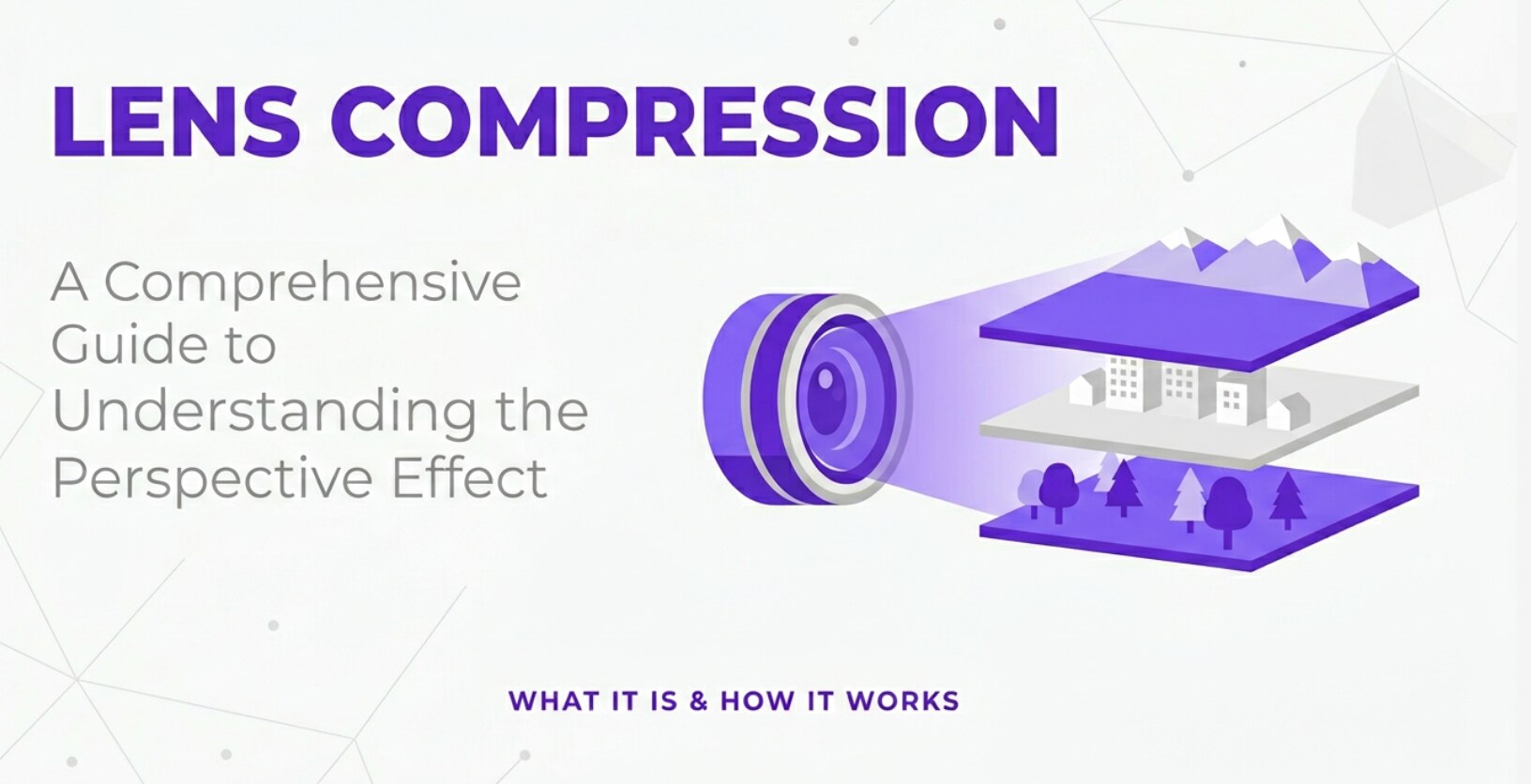
When you switch between wide and telephoto lenses, faces, buildings, and mountains can suddenly look flatter or more dramatic. That visual shift is often called lens compression, and you will hear it discussed in portrait sessions, landscape shoots, and video production. Understanding it helps you control how close backgrounds appear, how deep a scene feels, and how your footage looks on different screens, from phone playback to streaming platforms.
Repair Corrupted Files To Save Your Data
 Security Verified. Over 7,302,189 people have downloaded it.
In this article
What Is Lens Compression?
Lens compression, often called perspective compression, is the apparent flattening of space in an image when you shoot from farther away with a longer focal length. It is a visual effect where background objects look larger and closer to the subject, while distances between elements seem reduced.
Technically, lens compression is not a built-in power of a telephoto lens. It is a perspective effect created by the camera-to-subject distance combined with the field of view of your lens. In photography and videography, it is a composition and perspective concept that influences how people, objects, and backgrounds relate to each other in the frame.
During shooting, you usually notice lens compression when you switch from a wide lens (such as 24 mm) to a telephoto (such as 85 mm or 135 mm), step back to keep the same framing, and suddenly the background looks much bigger and closer to your subject. This affects how your images and clips feel on print, social media, and large-screen playback.
How Does Lens Compression Affect Your Image or Footage?
Visual changes in photos
In still photography, lens compression influences how viewers read depth and scale, even though it does not literally move objects in the scene. Here is what changes:
- Apparent distance between subject and background: With strong compression, mountains, buildings, or city lights seem much closer behind your subject.
- Perceived depth of the scene: Compressed shots feel flatter and more stacked, while wide-angle shots feel more spacious and three-dimensional.
- Relative size of objects: Distant objects appear larger compared with your foreground subject, which can make skylines or landscapes look more dramatic.
- Facial rendering in portraits: Shooting from farther back with a longer focal length avoids the exaggerated nose or forehead you get when a wide lens is very close. This is why telephoto portrait lenses are often considered more flattering.
- Background detail and blur: Longer lenses at the same framing often show more background detail in a smaller angle of view, but because you are farther away and typically using a wider aperture, you also get stronger background blur and separation.
In editing, these perspective decisions show up when you crop or reframe images for different aspect ratios or platforms. A compressed frame usually survives tighter cropping well because key elements are already grouped together.
Visual changes in video and playback
In video, lens compression has a direct impact on how motion and space translate across encoding, export, and streaming:
- Movement speed across the frame: With a long lens and strong compression, a character walking toward or away from camera seems to cover less distance on screen, which can feel slower and more controlled.
- Background movement: Panning with a telephoto lens makes backgrounds slide quickly behind the subject, a common telephoto effect in sports and wildlife footage.
- Stability and shake visibility: Any camera shake is magnified at long focal lengths. In compressed footage, micro-jitters are more noticeable, which may require in-body stabilization, a gimbal, or stabilization during editing and export.
- Platform compatibility: On small mobile screens, compression can help keep subject and background visually tight and legible. On big TVs or projectors, over-compressed scenes may feel too flat or crowded.
- Encoding and bitrate choices: Telephoto, compressed shots often contain fine detail in hair, foliage, or textures layered close together. This can demand slightly higher bitrates during export or streaming to avoid blocky artifacts or muddy backgrounds.
Whether you are creating short-form content for social platforms or narrative work for streaming services, managing compression shapes how immersive or intimate your video feels.
How Does Lens Compression Work in Real Shooting?
Where you control compression on set
On a real shoot, you control lens compression in two main ways: where you place the camera and what focal length you choose. These decisions happen at the camera, lens, and monitoring stage.
- Lenses and zoom rings: Switching from a wide lens (such as 24–35 mm) to a longer one (such as 70–200 mm) or zooming in on a zoom lens increases compression as you step back to maintain framing.
- Camera position markers: On professional sets, it is common to mark spots on the floor for different camera distances. Moving the tripod or dolly farther back and adjusting focal length changes the compression for the same subject size.
- Monitoring on set: External monitors and viewfinders show how the background behaves as you change distance and zoom. Directors and DPs often watch the background size, overlap of objects, and subject separation in real time.
- Depth of field tools: Even though compression itself is separate from depth of field, focus tools and aperture settings affect how sharply you see that compressed background, which changes the overall look.
In hybrid mirrorless cameras, you will see lens focal length in the display, and you can review test shots or clips to decide whether the current perspective feels too flat or too wide for your story.
Practical shooting examples
Here are some common real-world scenarios where lens compression guides your shooting choices:
- Portrait session in a busy street: You stand several meters away with an 85 mm or 135 mm lens. The background buildings and lights appear bigger and closer to your subject, giving that popular "city backdrop" look, while perspective on the face remains natural.
- Landscape mountains at sunset: Using a telephoto lens from far away, you stack multiple mountain ridges together so they appear layered and dramatic, rather than distant and tiny.
- Sports on a long field: With a 200 mm or 300 mm lens, compressed shots make players on different parts of the field seem closer together, intensifying the sense of action.
- Cinematic video walk-and-talk: You back up with a telephoto lens, tracking the actors while the background buildings loom large behind them. On playback, this looks more cinematic and focused than a wide lens held close.
- Product close-up: Instead of putting a wide lens inches from a product, you step back with a longer focal length to avoid distortion, keeping shapes and lines true while still filling the frame.
Later, in post-production, you will notice that compressed footage is easier to intercut with close-ups and inserts without jarring perspective changes, which helps continuity in your final export.
Best Uses, Common Mistakes, and Quick Tips
Best uses of lens compression
Lens compression is especially powerful in these situations:
- Portrait photography: Focal lengths around 70–135 mm on full-frame cameras are popular because they combine natural perspective with a gently compressed background that looks flattering and professional.
- Landscape and travel: Telephoto compression lets you make distant landmarks, mountains, or city skylines appear larger and more impressive behind a foreground subject.
- Cinematic video scenes: Directors often use compressed shots for emotional close-ups and dialogue scenes, tightening the world around characters and drawing attention to expressions.
- Wildlife and sports: Telephoto lenses are required for reach, and compression is a built-in part of that look, visually stacking players or animals with their environment.
Common mistakes and myths
There are several misunderstandings around lens compression that can lead to poor choices on set:
- Myth: the lens itself "compresses" space: In reality, perspective only depends on where the camera is placed. Telephoto lenses encourage you to stand farther away, and that greater distance creates the compressed look.
- Shooting portraits too close with wide lenses: This causes exaggerated facial features and warped backgrounds. Many beginners blame the lens instead of recognizing this is a distance and perspective issue.
- Over-compressing every shot: Using long lenses for everything can make your project feel visually flat and repetitive. Mixing wide and compressed shots keeps sequences dynamic.
- Ignoring stabilization: At strong compression, slight camera shake becomes very visible, especially after encoding and streaming. Not using stabilization or fast enough shutter speeds can ruin otherwise great shots.
Quick tips and takeaways
- Think "camera distance first, focal length second" when planning perspective.
- For flattering portraits, stand farther back and use a longer focal length instead of moving in with a wide lens.
- Use compression when you want the background to feel close and meaningful; use wider lenses when you want spacious, immersive scenes.
- Check compression on a monitor at the final aspect ratio you will use (16:9, vertical, etc.) to be sure it plays well on the target platform.
The key takeaway: lens compression is a predictable tool, not a mystery. Once you understand how distance and focal length interact, you can design exactly how your images and footage feel.
How to Use Repairit to Fix a Corrupted Photo File
Repairit introduction
When you experiment with different focal lengths and lens compression for portraits, landscapes, or cinematic video stills, losing your best shots to corruption is the last thing you want. Wondershare Repairit is a dedicated media repair tool that helps you restore damaged or unreadable photo files with just a few clicks. You can explore all capabilities and supported formats on the Repairit official website.
Key features
- Repairs corrupted or unreadable photos from various cameras and storage devices.
- Simple, guided interface with an automatic repair engine for damaged image files.
- Allows you to preview repaired photos before saving them safely to your computer.
Step-by-step: repair corrupted photos
- Add corrupted photo files
Open Wondershare Repairit on your computer and choose the Photo Repair feature from the main interface. Click the option to add files, then navigate to the folder containing your corrupted or unreadable photos. Select all the images you want to fix and confirm to load them into the repair list.

- Repair photo files
After the photos are imported, start the repair process with a single click. Repairit automatically analyzes each file, detects typical damage such as header errors or data corruption, and applies an appropriate repair strategy. You do not need to adjust complex technical settings; just wait while the progress bar completes.

- Save the repaired photo files
When Repairit finishes, review the repaired photos in the preview window to be sure they look correct. Choose a secure destination folder that is different from the original corrupted file location, then click to export and save the fixed images. Your recovered shots are now ready for editing, grading, and sharing across any platform.

Conclusion
Lens compression is not a hidden trick inside telephoto lenses but the natural result of changing camera distance and focal length. When you step back and zoom in, you flatten perspective and make distant backgrounds appear larger and closer to your subject.
By understanding this relationship, you can choose lenses and positions deliberately, whether you are shaping flattering portraits, dramatic landscapes, or cinematic video scenes. Combine thoughtful perspective control with solid backup and repair tools like Wondershare Repairit, and your best compressed shots will be both visually powerful and safely preserved.
Next: Hyperfocal Distance
FAQ
-
1. Is lens compression caused by the lens itself?
No. Lens compression comes from your camera position and field of view. Telephoto lenses encourage you to stand farther away, and that increased distance flattens perspective and makes backgrounds appear closer. -
2. Does lens compression change a subject's facial features?
It changes how the face is recorded in the frame. Standing farther away with a longer focal length reduces distortion from shooting too close, which usually gives more natural, flattering proportions for portraits. -
3. Can I get lens compression with a zoom lens?
Yes. Any zoom lens can produce lens compression when you zoom in and step back. As long as you use the longer end of the zoom and increase your shooting distance, you will see a more compressed look. -
4. Is lens compression the same in photos and video?
The principle is identical. In both photos and video, perspective is determined by camera position. Longer focal lengths combined with greater subject distance create stronger compression in either medium. -
5. Which focal lengths work best for a compressed portrait background?
Many portrait photographers prefer roughly 70–135 mm on full-frame cameras. This range gives natural perspective on faces while providing noticeable lens compression and a pleasing, enlarged background.




