
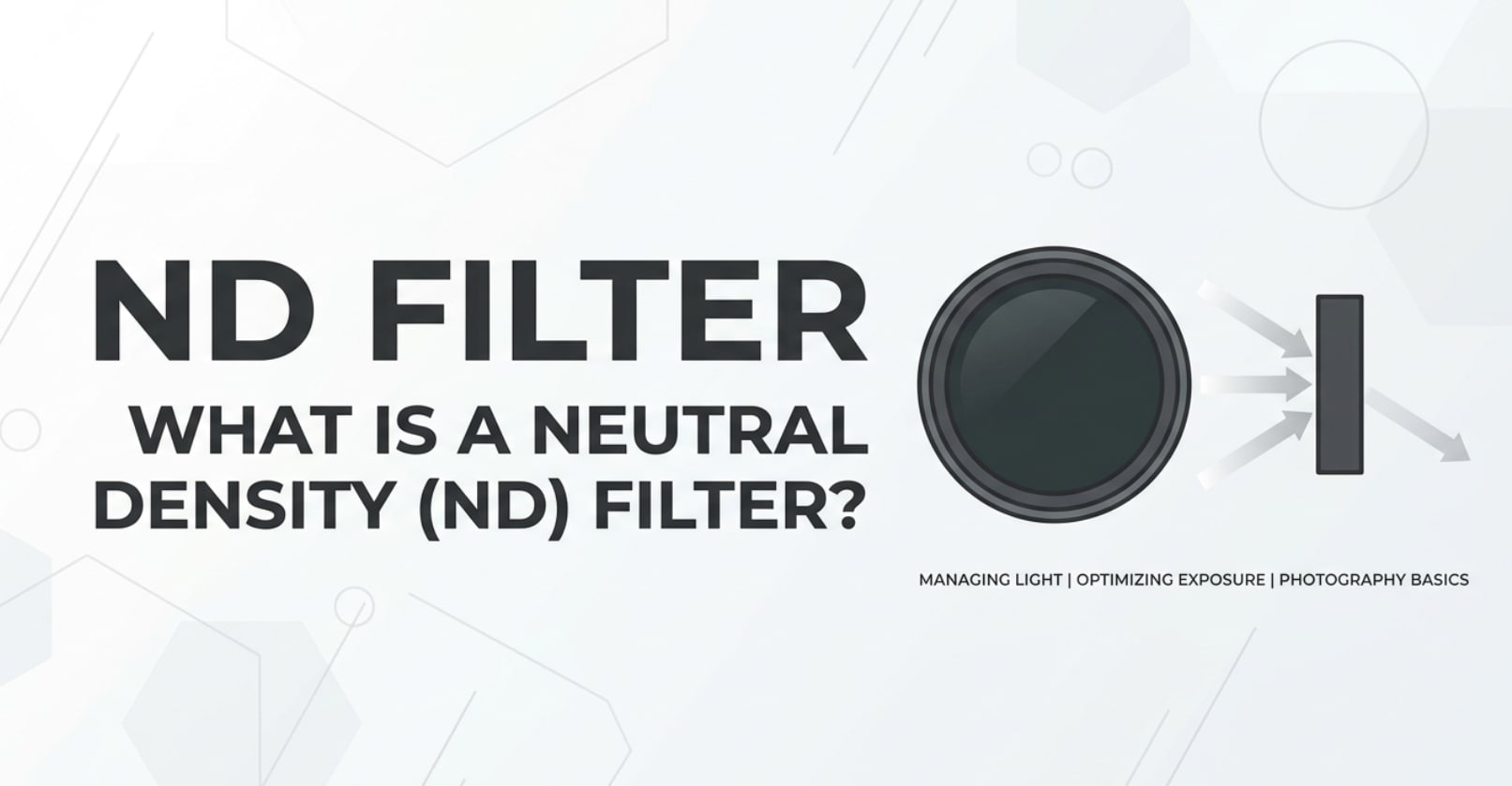
A neutral density filter, or ND filter, is a simple piece of darkened glass you screw or snap onto your lens, yet it has a huge impact on how your photos and videos look. You will see it mentioned in camera menus, lens kits, gimbal setups, and YouTube tutorials about cinematic video. Understanding what an ND filter does helps you keep creative control over exposure, motion blur, and depth of field when shooting, editing, exporting, and sharing your work on any platform.
Repair Corrupted Files To Save Your Data
 Security Verified. Over 7,302,189 people have downloaded it.
In this article
Introduction
When you try to follow the 180-degree shutter rule for video, shoot portraits at f/1.4 in midday sun, or film smooth motion for social platforms, you quickly run into a problem: too much light. This is where a neutral density filter comes in. It works like sunglasses for your lens, blocking light without changing color, so you can keep your preferred settings and get consistent, cinematic footage from capture through editing, encoding, and playback.
What Is Neutral Density (ND) Filter?
A neutral density filter is an optical filter that reduces the amount of light entering the lens while remaining as color-neutral as possible. In other words, it darkens the image evenly without adding a strong tint.
In photography and video, an ND filter is a creative exposure-control tool. It belongs to the same family as polarizers and diffusion filters, but its main job is simple: cut light so you can keep a specific combination of shutter speed, aperture, and ISO.
For photography, ND filter photography helps with long exposures (like silky waterfalls or blurred car trails) in daylight. For nd filter video, it lets you shoot at a consistent shutter angle (for example, 1/50 s when filming 25 fps) to get natural motion blur and a cinematic feel, even on bright days or under studio lights.
There are two main types:
- Fixed neutral density filter: offers a single strength (e.g., ND8, ND64) for predictable, high-quality light reduction.
- Variable ND filter: lets you dial in different strengths by rotating the filter, useful when light is changing quickly on set.
How Does Neutral Density (ND) Filter Affect Your Image or Footage?
Exposure and motion blur
The main effect of an nd filter is exposure control. By reducing light, it allows you to use:
- Slower shutter speeds for stills, to create smooth motion trails or soft water.
- Shutter speeds that match the 180-degree shutter rule for video (roughly 1 / (2 × frame rate)).
Without an ND, bright scenes force you to use very fast shutters (like 1/2000 s) or very narrow apertures (like f/16), which can produce choppy motion or deep depth of field when you actually want blur and separation.
With an appropriate neutral density filter in front of the lens:
- Video motion blur looks natural instead of staccato, which is critical for cinematic rendering on TVs, phones, and streaming platforms.
- Long-exposure photos look cleaner, because you are not pushing ISO or relying heavily on digital noise reduction later in editing.
Depth of field, color, and noise
ND filters also influence the look of your footage by letting you pick the aperture you actually want.
- Depth of field control: Instead of stopping down to f/11 to avoid overexposure, you can add an nd filter and keep shooting at f/1.8 or f/2.8 for shallow depth of field and strong subject separation.
- Cleaner ISO: Because the neutral density filter solves overexposure optically, you can stay at base ISO instead of raising it to compensate for too-fast shutter speeds, helping reduce noise in the final file.
- Color and contrast: High-quality ND filters are designed to be color-neutral, but cheap options or extreme densities may introduce color casts (green, magenta) or lower contrast, which you will notice in grading and during playback.
When your clips go through editing, encoding, and exporting for YouTube, TikTok, or broadcast, these exposure and color choices carry through every stage. Getting them right in-camera using a good neutral density filter means less time fixing problems later and more consistent output across devices and platforms.
How Does Neutral Density (ND) Filter Work in Real Shooting?
In practice, an nd filter is a physical accessory that mounts directly on your lens. You will encounter it as screw-on circular filters, square filters in a holder system, or snap-on sets for drones and action cameras.
Here is how it fits into common workflows:
- On mirrorless or DSLR cameras: You screw a fixed or variable nd filter onto the lens. In manual or shutter-priority mode, you set your desired shutter speed and aperture, then adjust ND strength (or ISO) until the exposure meter is centered.
- On cinema cameras: Many cine cameras include built-in electronic or mechanical ND filters in the body. You choose ND levels in the menu or via dedicated buttons, which is faster when shooting log, RAW, or multi-camera productions.
- On drones and action cameras: ND kits clip onto the tiny lens. They are essential if you want cinematic motion in bright outdoor scenes instead of sharp, hyper-real movement.
Example video workflow with nd filter video use:
- Shoot at 25 fps and lock the shutter around 1/50 s.
- Pick your creative aperture, such as f/2.8 for a talking-head shot.
- Add a neutral density filter (for instance, ND8, ND16, or ND64) until your exposure looks correct on the histogram or waveform.
- Record in a log profile for grading later; the ND helps avoid clipping highlights that cannot be recovered in post when editing and exporting.
Example stills workflow with nd filter photography:
- You want 2-second shutter speed to blur a waterfall in bright daylight.
- Without ND, your meter might require 1/250 s at f/11, ISO 100 – no motion blur.
- By adding a 10-stop neutral density filter, you can extend the shutter speed long enough to create smooth, flowing water while keeping ISO low and image quality high.
Best Uses, Common Mistakes, and Quick Tips
Best uses for a neutral density filter
- Outdoor interviews and vlogs where you want shallow depth of field and cinematic motion blur.
- Landscape long exposures to soften water, clouds, or crowds moving through a scene.
- Time-lapse sequences shot at slower shutter speeds to avoid jittery movement when played back quickly.
- Matching cameras on multi-cam shoots, where ND helps keep exposure and motion blur consistent across angles.
Common mistakes with ND filters
- Using an ultra-cheap variable nd filter and getting uneven dark areas (the "X" pattern) or color shifts across the frame.
- Stacking many filters, which can cause vignetting and loss of sharpness, especially on wide lenses.
- Forgetting the ND is attached when moving into low light, leading to very noisy images or shaky footage as you raise ISO or drop shutter speed too far.
- Relying only on the camera preview, instead of checking waveform, histogram, or zebras for more accurate exposure.
Quick tips for using ND filters correctly
- Invest in a good-quality neutral density filter to avoid unwanted color casts and softness.
- For fast-paced video work, use a mid-strength variable nd filter (e.g., 2–5 stops) for flexibility, and avoid the maximum end of its range where artifacts appear.
- Label your filters (ND8, ND16, ND64, etc.) and keep a simple chart so you know how many stops each adds and how it affects shutter speed.
- Always clean ND filters carefully; dust and smudges are more visible in backlit scenes and will show up after encoding and streaming.
- Back up your footage immediately after shooting; ND filters will not cause file corruption, but media issues can, and you want to be prepared.
The takeaway: use an nd filter whenever you want creative control over motion blur and depth of field in bright conditions. It is one of the simplest ways to make your footage look cinematic and consistent across all the platforms where it will be viewed.
How to Use Repairit to Fix a Corrupted Photo File
Even with perfect exposure and the ideal neutral density filter, your work is still vulnerable to file corruption from bad cards, power loss, or interrupted transfers. Wondershare Repairit is designed to rescue damaged media so you do not lose your best shots. You can learn more on the Repairit official website and repair corrupted photos, videos, and documents with a guided, beginner-friendly workflow.
Repairit key features
- Repairs corrupted photos, videos, and other popular file types in a single, streamlined tool.
- Provides a clear, step-by-step interface with visual progress indicators and repair results.
- Supports batch repair so you can restore multiple damaged files from a shoot at the same time.
Step-by-step: repair a corrupted photo file
- Add corrupted photo files
Download and launch Wondershare Repairit on your computer, then choose the Photo Repair option from the home screen. Click to add files and browse to the folder that contains the images that will not open or look broken. Select one or many corrupted photos and load them into the repair list so they are queued for processing.

- Repair photo files
Once your damaged photos appear in the list, start the repair with a single click. Repairit scans each file, analyzes the internal structure, and reconstructs the image data wherever possible. When the process finishes, you can preview the repaired results inside the program to confirm that details, colors, and framing look as expected.

- Save the repaired photo files
After checking the previews, select the photos you want to keep and click to save them. Choose a secure destination folder that is different from the original memory card or problem location. Repairit writes out new, healthy copies of your images so you have a clean version to edit, export, and share without risking the underlying corruption coming back.

Conclusion
A neutral density filter is a straightforward but powerful tool for any creator who wants consistent, cinematic results. By cutting light without altering color, an nd filter lets you keep the shutter speed, aperture, and ISO that best support your creative vision, from smooth motion blur in video to long-exposure effects in still photography.
Used wisely, ND filters help you avoid blown highlights, jittery footage, and technical compromises that are hard to fix later in editing, encoding, and playback. Combine smart use of neutral density filter setups with solid backup habits and a reliable repair solution like Repairit, and you will be better equipped to protect both the look and the integrity of your images and videos from capture to final delivery.
Next: Log Profile
FAQ
-
1. What does a Neutral Density (ND) filter do?
A Neutral Density (ND) filter reduces the amount of light entering your lens without changing color. This lets you use slower shutter speeds or wider apertures in bright conditions, which is crucial for natural motion blur in video and long-exposure effects in photography. -
2. Do I need an ND filter for video?
An ND filter is strongly recommended for video, especially outdoors. It helps you follow the 180-degree shutter rule (shutter speed about twice the frame rate), which keeps motion looking smooth and cinematic instead of harsh or jittery. -
3. What is the difference between fixed ND and variable ND filters?
Fixed ND filters have a single strength, such as ND8 or ND64, and usually provide the best optical quality. Variable ND filters let you rotate the ring to change strength, which is more flexible but can introduce issues like uneven darkening and color shifts at extreme settings. -
4. Can an ND filter reduce image quality?
Yes, low-quality or very strong ND filters may cause softness, color casts, vignetting, or flare. To maintain image quality, choose reputable brands, avoid stacking too many filters, and do not push cheap variable ND filters to their maximum range. -
5. Can an ND filter cause corrupted video or photo files?
No, an ND filter is purely an optical accessory and does not interact with your memory card or file system. File corruption is usually caused by faulty cards, sudden power loss, or interrupted transfers. If your media files are damaged, you can often repair them using a tool like Wondershare Repairit.




