
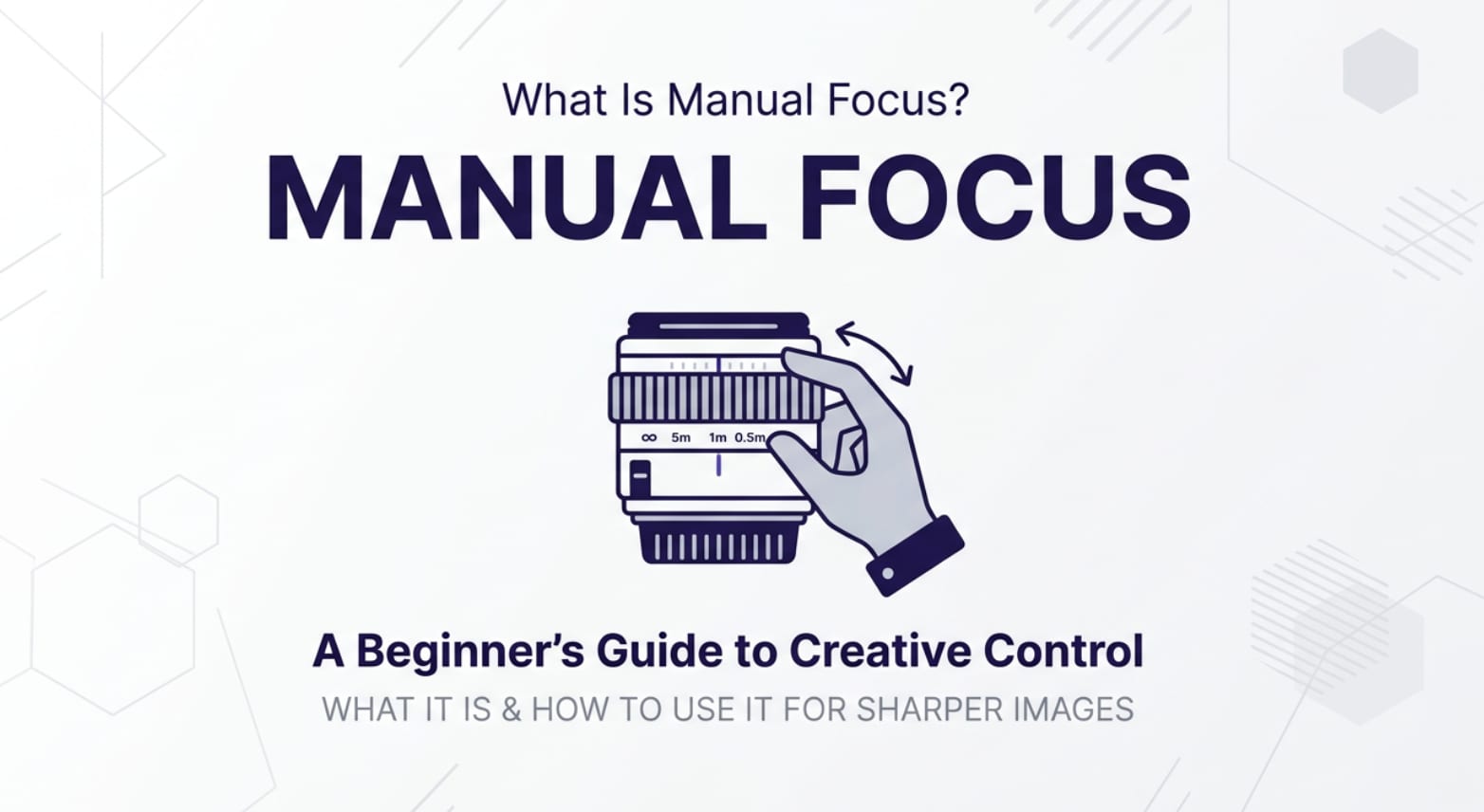
Manual focus is a classic camera control you will see on DSLRs, mirrorless bodies, cinema cameras, and even some phone apps. Any time autofocus struggles in low light, during close-ups, or in complex scenes, understanding manual focusing helps you keep your photos and videos sharp, clean, and ready for editing, exporting, and playback on any platform.
Repair Corrupted Files To Save Your Data
 Security Verified. Over 7,302,189 people have downloaded it.
In this article
What Is Manual Focus?
Manual focus is a focusing mode where you, not the camera, decide exactly what appears sharp in the frame. Instead of using autofocus sensors and algorithms, you turn the lens focus ring (or use on-screen controls) to set the focus distance yourself.
It is a core photography focus and video focus concept used in stills, filmmaking, live streaming, and content creation. In any workflow from recording to editing and exporting, focus control determines whether eyes, products, or key details look crisp on all devices and platforms.
On most cameras you can switch between manual vs autofocus with a body or lens switch labeled "AF/MF" or a menu setting. Once manual is enabled, tiny movements of the focus ring shift sharpness from foreground to background, letting you "pull focus" creatively or lock focus where autofocus struggles.
How Does Manual Focus Affect Your Image or Footage?
Choosing manual focusing changes how reliably and precisely you place sharpness in your image or clip. It has a direct impact on perceived quality in final files viewed on phones, monitors, TVs, and streamed online.
Impact on sharpness and depth of field
With manual focus, you can decide exactly which plane in the scene is sharp. This affects:
- Sharpness of the subject: You can lock focus on a subject's eye, a product logo, or a critical detail that autofocus might miss, improving the clarity of exported stills and videos.
- Depth of field control: Combined with aperture, manual focusing lets you decide how much of the scene is in focus. You can create shallow background blur for portraits or keep more of the scene sharp for landscapes.
- Consistency in difficult conditions: In low light or high-contrast scenes, autofocus can "hunt" or misfocus. Manual focus stays exactly where you set it, avoiding soft, unusable frames.
- Noise and exposure interactions: Accurate focus means you can use slightly lower ISO or narrower apertures without worrying about missed focus. That helps reduce noise and maintain image quality.
Influence on video look, encoding, and playback
In video and streaming, manual focus changes how motion and subject emphasis feel:
- Smoother focus transitions: Instead of autofocus "breathing" or jumping between subjects, you can pull focus smoothly, frame by frame, which looks cleaner once the video is encoded and uploaded.
- Reduced focus hunting: Focus pumping during recording can be distracting on playback, especially on large screens. Manual control prevents the camera from constantly re-evaluating the scene.
- Better compression and clarity: When the subject stays consistently sharp, video encoders can preserve more detail around faces or text, so streams and exports look clearer on social platforms.
- Stable look across platforms: Solid, intentional focus techniques transfer well whether your footage is viewed locally, in a video editor, or compressed by platforms like YouTube or Instagram.
How Does Manual Focus Work in Real Shooting?
In practice, manual focusing is a simple but precise part of your shooting routine. It shows up in physical controls, on-screen aids, and monitoring tools on both still and video cameras.
Where to find and control manual focus
You typically control manual focus in these places:
- Lens focus ring: On most interchangeable lenses, rotating the focus ring moves the focus plane from close-up to infinity. Some lenses have distance scales to help you pre-focus.
- AF/MF switch: Lenses or camera bodies often have a small switch labeled "AF" and "MF." Set it to "MF" to enable manual focusing.
- Camera menus and touch screens: Many mirrorless cameras and smartphones let you tap a "MF" icon on-screen, then slide a virtual focus control.
- Focus aids: Tools like focus peaking, magnified view, and distance indicators appear in the viewfinder, LCD, or external monitor to help you judge sharpness.
Real-world shooting scenarios
Here is how manual focus fits into actual workflows:
- Low-light concert or event: Autofocus may struggle with moving lights and contrast. You pre-focus on a mic stand or performer and leave focus locked while recording continuously, keeping key moments sharp for editing later.
- Macro photography: At very close distances, depth of field is razor thin. You set manual focus, move the camera slightly forward and back, and capture the exact plane of detail you want to be crisp.
- Cinematic interview or narrative video: You mark the actor's positions, then pull focus manually between foreground and background marks to create controlled, storytelling focus shifts.
- Through glass or fences: Autofocus often jumps to the barrier. With focus control on manual, you intentionally set focus past the glass so the subject appears clear while the barrier blurs out.
- Static product b-roll: You dial in focus once on a logo or texture, verify with magnified live view, and then record multiple takes knowing focus will not change between shots.
Best Uses, Common Mistakes, and Quick Tips
Understanding when to rely on manual focus can save shoots and keep footage looking professional across recording, exporting, and playback.
Best situations for manual focus
- Scenes with low contrast or low light where autofocus hesitates.
- Macro, close-up, and product work where tiny shifts can ruin sharpness.
- Backlit subjects, stage lighting, or flickering screens.
- Shooting through glass, mesh, or foliage that can trick autofocus.
- Planned focus pulls in narrative or documentary video.
Common mistakes to avoid
- Forgetting to zoom in to check focus: Relying only on a small screen can lead to slightly soft results visible later on 4K monitors or TVs.
- Not compensating for subject movement: If the subject moves closer or farther, your manual focusing position must change too.
- Using too wide an aperture without care: Extremely shallow depth of field makes tiny focus errors obvious in final files.
- Accidental bumps: Touching the focus ring or lens during recording can shift focus unintentionally.
Quick tips for sharp, consistent results
- Enable focus peaking and magnification when available.
- Use a tripod or stabilizer so you can fine-tune focus without shaking the camera.
- Pair manual focus with a slightly smaller aperture if you want a margin for focus error.
- Practice on static subjects, then move to slow-moving people before fast action.
- After recording, always review critical shots at 100% zoom before wrapping a shoot.
Takeaway: Use manual focus whenever autofocus is unreliable or when you want full creative control over what appears sharp in your final photos and videos.
How to Use Repairit to Fix a Corrupted Photo File
Repairit introduction and key features
Even if you nail manual focusing, a corrupted file can still ruin your work at the editing or playback stage. Repairit official website offers Wondershare Repairit, a dedicated media repair tool that helps you recover photos and videos that refuse to open, appear distorted, or will not play properly. It is designed to fit smoothly into your shooting-to-editing workflow so your carefully focused images stay usable.
- Fix corrupted video files and photos from cameras, memory cards, phones, and other storage in many popular formats.
- Guided, step-based workflow that suits both beginners and advanced creators who need quick results.
- Batch repair support with preview options, so you can verify quality before saving the repaired media.
Step-by-step: Repair corrupted photos
- Add corrupted photo files
Install and launch Repairit on your computer, then go to the Photo Repair section. Click the "Add" button to browse your folders and select the corrupted images that show errors or refuse to open. Once added, you will see them listed in the interface so you know exactly which files will be processed.

- Repair photo files
Check the imported items in the list and click the "Repair" button to start the automatic fix. Repairit analyzes each file, identifies structural problems, and repairs them in the background. You can follow the on-screen progress bar to see how much time is left and which photos have finished processing.

- Save the repaired photo files
When the repair completes, use the preview feature to confirm that details, colors, and clarity look correct. If you are satisfied, click "Save" and choose a safe output folder that is different from your damaged source location. Repairit will export all the fixed images, ready for editing, archiving, or sharing online.

Conclusion
manual focus hands you direct control over what appears sharp in your photos and videos, especially in low light, close-ups, and complex scenes where autofocus struggles. By learning when and how to use it, you capture cleaner, more intentional images that hold up through editing, exporting, and playback on any screen.
Combine good focus techniques with a reliable repair tool like Wondershare Repairit and you are protected from both missed focus and file corruption. Your work stays sharp, viewable, and ready to share, no matter what happens to your memory cards or drives.
Next: Autofocus In Video
FAQ
-
1. What is manual focus on a camera?
Manual focus is a mode where you rotate the lens focus ring or use on-screen controls to set the focus distance yourself, instead of letting the camera's autofocus system choose the subject.
-
2. When should I use manual focus instead of autofocus?
Use manual focus in low light, for macro or product shots, when shooting through glass or fences, in strong backlight, or any time autofocus hunts, misfocuses, or keeps locking onto the wrong subject.
-
3. Is manual focus better for video?
For many scenes, yes. Manual control helps you create smooth, predictable focus pulls and avoids autofocus hunting that looks distracting in encoded and streamed footage. It does require practice to adjust focus accurately while recording.
-
4. How can I make manual focusing easier?
Enable focus peaking and magnified live view, use a tripod or rig to stabilize your camera, and work with lenses that have a smooth, well-damped focus ring. Practice on static subjects first before filming fast action.
-
5. Can I repair a file that will not open after a shoot?
Yes. If photo or video files become corrupted and will not open or play, you can use Wondershare Repairit to scan and repair the damaged structure so your carefully focused shots are accessible again.




