
Introduction
Focus breathing is a term you will hear in photography tutorials, lens reviews, and filmmaking forums, especially when people discuss smooth focus pulls or cinematic framing. It describes a subtle zoom-like change that happens when you refocus your lens. Understanding it helps you plan shots, choose lenses that match your style, and keep your photos and videos looking stable from capture through editing, encoding, and playback on any platform.
Repair Corrupted Files To Save Your Data
 Security Verified. Over 7,302,189 people have downloaded it.
In this article
What Is Focus Breathing?
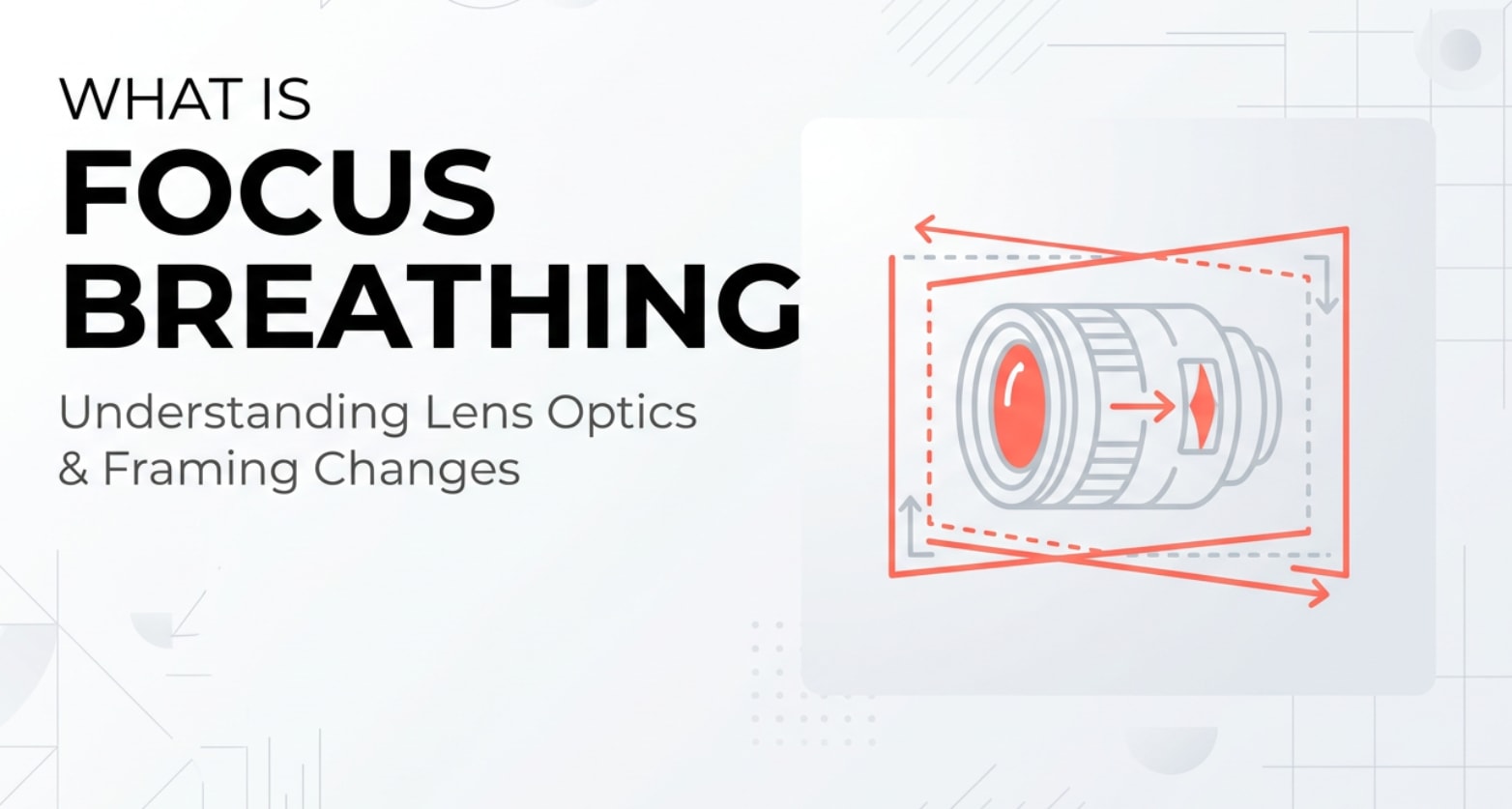
Focus breathing, sometimes called lens breathing, is the small change in framing that happens when you adjust a lens’s focus distance. Instead of only shifting what is sharp, the lens also slightly changes its angle of view, so your subject looks a bit larger or smaller, as if you nudged the zoom ring.
It is a lens behavior that matters in both photography and videography. During capture it affects how stable your composition looks whenever you rack focus or refocus between shots. In editing, encoding, and exporting, that subtle zooming can become more noticeable when you cut between clips or stabilize footage for streaming and playback.
How Does Focus Breathing Affect Your Image or Footage?
The main impact of focus breathing is on framing and perceived stability rather than exposure or color. Still, the effect can ripple through your whole workflow, from recording to final playback.
Focus breathing in photos
In photography, breathing shows up as a tiny shift in composition when you refocus, especially at closer distances.
- It can change the size of a face or object when you refocus between the eyes and background.
- In macro work, breathing may noticeably alter magnification when you tweak focus, making framing less predictable.
- For stitched panoramas, focus stacking, or product shots, breathing can cause slight misalignment between frames that you must fix in post.
While it does not directly affect brightness, noise, or color, it can influence how precisely you place subjects in the frame and how cleanly images align when composited or animated in slideshows and social reels.
Focus breathing in video
In video, focus breathing is more obvious because the change happens over time.
- During a focus pull or rack focus, the frame seems to zoom in or out slightly as focus moves between subjects.
- On static tripod shots, breathing makes a locked-off frame feel like it is creeping forward or backward.
- In cuts between takes with different focus distances, breathing can cause a distracting "jump" in framing even when the camera does not move.
- After stabilization or cropping for different aspect ratios (YouTube, TikTok, broadcast), the breathing can appear stronger because you are using a tighter part of the frame.
When you encode and compress footage for online platforms, these subtle zoom-like movements remain baked into the pixels. On large TVs or projectors, the effect is easier to spot than on a phone screen, so planning for breathing during capture helps ensure more consistent results across all playback devices.
How Does Focus Breathing Work in Real Shooting?
In real shooting, you encounter focus breathing whenever you change focus distance on a breathing-prone lens, whether you are filming on a mirrorless camera, DSLR, cinema body, or even some smartphones.
Most stills lenses are designed to prioritize sharpness, autofocus speed, and compact size, not minimal breathing. Their internal optical groups move in ways that slightly alter focal length as focus changes. In contrast, many cinema and video-oriented lenses use more complex designs to keep angle of view consistent across focus distances.
You will notice breathing in these situations:
- Manual focus pulls on a tripod: As you turn the focus ring from foreground to background, the subject subtly grows or shrinks.
- Talking-head interviews: If autofocus "hunts" between eyes and background, the framing pulses slightly along with the focus.
- Gimbals and sliders: The combination of camera movement and breathing can create a layered motion that feels less intentional.
- Macro and close-up shots: Small focus tweaks drastically change magnification, making smooth animations or repeatable moves harder.
You will not find a menu item to turn breathing on or off; it is built into the lens. However, certain camera systems offer breathing compensation, which digitally crops and scales the image in real time to counteract the zoom-like effect for compatible lenses. External monitors or recorders may help you see breathing more clearly when judging takes on set.
Best Uses, Common Mistakes, and Quick Tips
When focus breathing matters most
- Cinematic focus pulls where you want only focus, not framing, to change.
- Dialog scenes with locked-off cameras and multiple angles that must cut together cleanly.
- Macro, product, and tabletop shots requiring precise framing and repeatable movements.
- Content destined for large screens, where subtle changes are more visible.
Common mistakes and misunderstandings
- Assuming breathing is a lens defect instead of a design trade-off.
- Blaming codec or export settings for a "pulsing zoom" that actually comes from the lens.
- Planning complex rack-focus moves with lenses known for strong video focus issues.
- Ignoring how breathing will look after cropping vertically for social platforms.
Quick tips to manage focus breathing
- Choose lenses marketed for video, cinema, or "minimal focus breathing" when you rely heavily on rack focus.
- Keep focus pulls shorter or slower so the effect is less distracting.
- Use camera movement (dolly or gimbal) to make the breathing feel like part of an intentional move.
- Hide larger focus shifts behind cuts, reaction shots, or B-roll when editing.
- Frame a little wider when possible so mild breathing is less noticeable after cropping and stabilization.
The key takeaway: you rarely eliminate focus breathing completely, but with smart lens choices, shot planning, and editing, you can keep it from pulling attention away from your story.
How to Use Repairit to Fix a Corrupted Photo File
Repairit introduction
Even when your framing and cinematic focus are perfect, corrupted files can ruin a shoot. Wondershare Repairit is a dedicated media repair tool that helps you rescue damaged photos, videos, and other files so your carefully planned shots remain usable. You can download it from the Repairit official website and quickly repair files that were broken during recording, transfer, editing, or export.
Key features
- Supports a wide range of photo formats and popular video codecs so you can fix media from DSLRs, mirrorless cameras, action cams, and phones.
- Offers an intuitive, guided workflow that walks beginners and professionals through the repair process step by step.
- Lets you preview repaired images before saving, so you only export the results that meet your quality standards.
Step-by-step guide
- Add corrupted photo files
Launch Wondershare Repairit on your computer and switch to the Photo Repair mode. Click the button to add files, then browse to the corrupted or unreadable images on your local drive, memory card, or external storage. Select the photos you want to restore and import them into the repair queue.

- Repair photo files
After loading your images, start the repair process. Repairit will automatically scan the files, analyze common damage such as header issues or broken data, and attempt to rebuild each photo. You can watch the progress in the interface while the software works in the background.

- Save the repaired photo files
When the repair finishes, preview the recovered photos to confirm that details and colors look correct. Choose a safe output folder that is different from the original location, then save the repaired files. They are now ready to bring into your editing software, share online, or archive along with the rest of your shoot.

Conclusion
Focus breathing is a natural byproduct of many lens designs, but it becomes noticeable when you pull focus or cut between shots with different focus distances. By understanding how it shifts your framing in real-world shooting, you can make better choices about lenses, blocking, and editing so your footage feels stable and intentional.
You might not be able to remove lens breathing completely, yet thoughtful technique and smart gear selection can reduce its impact across capture, encoding, and final playback. Combine that with a reliable repair workflow using tools like Repairit, and your images and videos will look cleaner, more consistent, and more cinematic on every platform.
Next: Rack Focus
FAQ
-
1. Is focus breathing a defect in a lens?
No. Focus breathing is usually a design trade-off rather than a flaw. Many still-photo lenses are optimized for sharpness, speed, and size, not for minimizing breathing, so some change in angle of view while refocusing is expected.
-
2. How can I reduce focus breathing in my videos?
Use lenses designed for video or cinema work, avoid very large focus pulls in a single shot, and plan to hide big focus changes with cuts or motivated camera moves. Some cameras also offer breathing compensation, and you can crop slightly in post to make the effect less visible.
-
3. Does focus breathing matter for photography?
For most single images it is minor. It becomes important in macro work, tight portraits, and focus stacking, where even small framing shifts can affect composition or alignment between frames.
-
4. Is focus breathing the same as rack focus?
No. A rack focus (or focus pull) is the technique of shifting focus from one subject to another in a shot. Lens breathing is the unwanted framing change that may appear while performing that move.
-
5. Can editing or encoding fix focus breathing?
Editing cannot remove video focus issues caused by breathing, but you can reduce how noticeable they are. Careful cutting, reframing, and mild digital zooms or keyframed crops can mask small breathing artifacts in the final export.




