
 TL;DR:
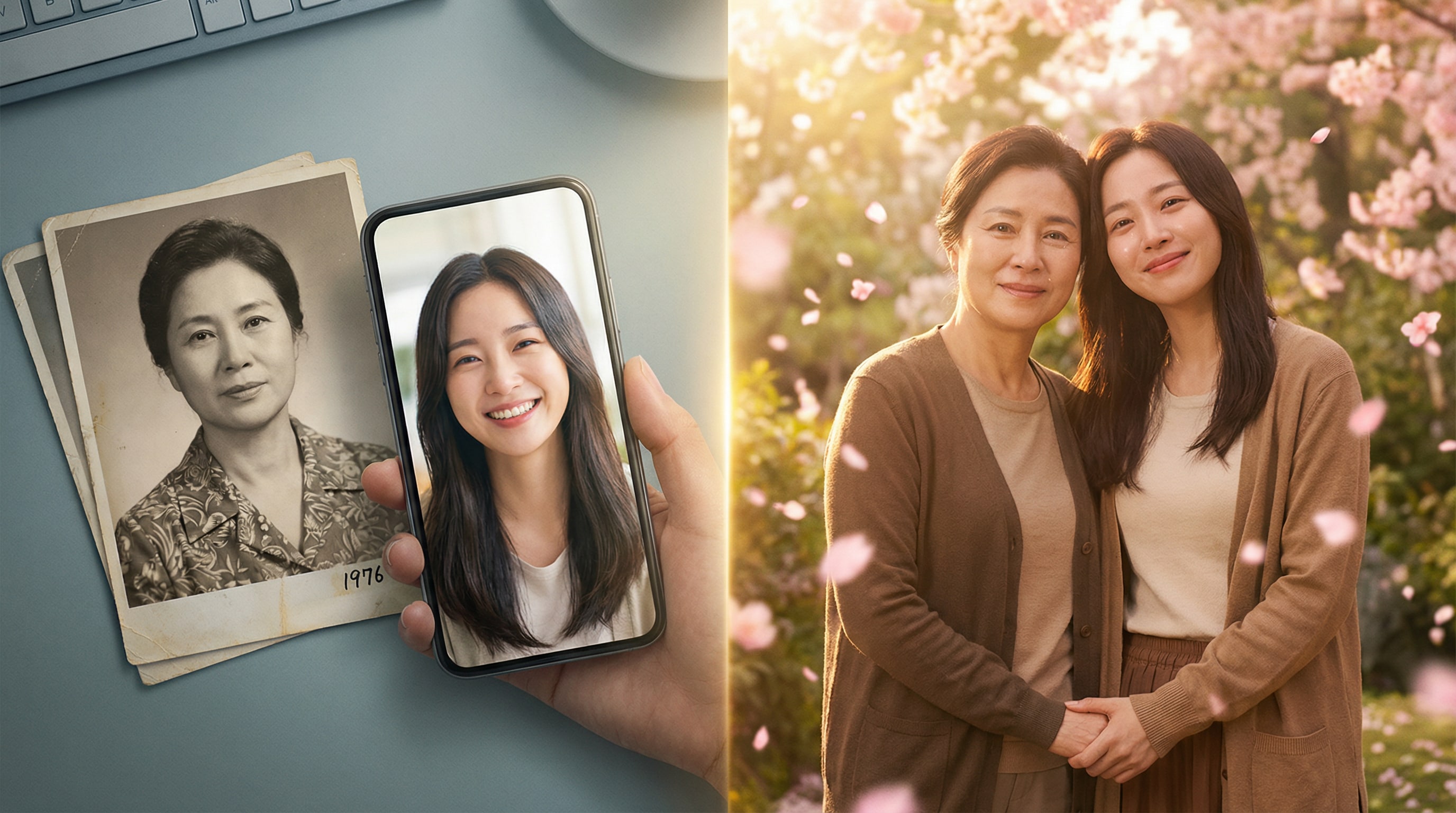
Relumi Combine Photo uses AI to merge multiple separate images into a single, realistic photograph with a unified background and consistent lighting generated from text prompts.
● Unlike traditional side-by-side collages, the tool preserves exact facial identities while automatically adjusting scale, proportions, and lighting to seamlessly integrate subjects from different environments.
● For optimal blending, users must upload source photos where faces are clearly visible and looking in similar directions, and apply classic background prompts when combining cross-era or black-and-white pictures.
● The feature allows full-resolution exports on the free tier, but requires a premium plan to access higher-resolution outputs and increased generation credits for professional or high-volume use.
Ask AI for a summary
 ChatGPT
 Perplexity
 Gemini
 Claude
 Grok
Grok
Some of the most important women in your life will never be in the same room at the same time. Your mom lives in a different city. Your college best friend moved abroad. Your grandmother passed away years ago, and the only photos you have are faded pictures from a different era entirely.
What if you could put them all in the same photo anyway?
That's exactly what Relumi Combine Photo does. It takes multiple photos — taken at different times, in different places, by different cameras — and weaves them into one image that feels like they were always standing together. Not a collage. Not a side-by-side. A single, unified, natural-looking photo where everyone shares the same light, the same background, the same moment.
This Women's Day, Combine Photo is the feature that brings the people you love into the same frame — no matter how far apart they actually are.
In this article
Part 1: What Is Combine Photo — And What Makes It Different from a Collage?
A collage puts two photos next to each other. Combine Photo does something different. It uses AI to analyze multiple source photos and merge them into a single unified image — with consistent lighting, a shared background, and a composition that makes it look like everyone was actually there together when the photo was taken.
Here's what Relumi Combine Photo actually handles:
- Lighting unification — each source photo has its own lighting; Relumi reads them all and creates one consistent light that makes the combined image feel real and coherent.
- Background replacement — you describe the scene you want, and the AI places everyone in it: a cherry blossom park, a warm garden, a studio backdrop, a city rooftop at night.
- Scale and proportion matching — figures from different photos are resized and positioned naturally so the result looks like an actual photograph, not a digital cut-and-paste.
- Cross-era compatibility — works on photos from different decades, different cameras, even black-and-white and color photos combined together.
- Identity preservation — every person in the combined photo looks like themselves. Relumi blends the scene, not the faces.
The result isn't a graphic. It's a photo — one that happens to contain people who were never actually in the same place at the same time.
Part 2: 4 Women's Day Ways to Use Combine Photo
Here are four specific ways to use Combine Photo this Women's Day — each one built around a different relationship, a different type of memory, and a different kind of gift.
👩👧 Use 1: Mom & Daughter — A Portrait Across Time
What to type: "Blend these two photos into one warm portrait — mother and daughter side by side, soft floral garden background, same gentle golden lighting across both faces"
Find an old photo of your mom — even a black-and-white one from decades ago. Take a selfie in a similar pose and angle. Upload both to Combine Photo. What Relumi gives back is something that might make you a little emotional: two faces from different decades, placed in the same moment together.
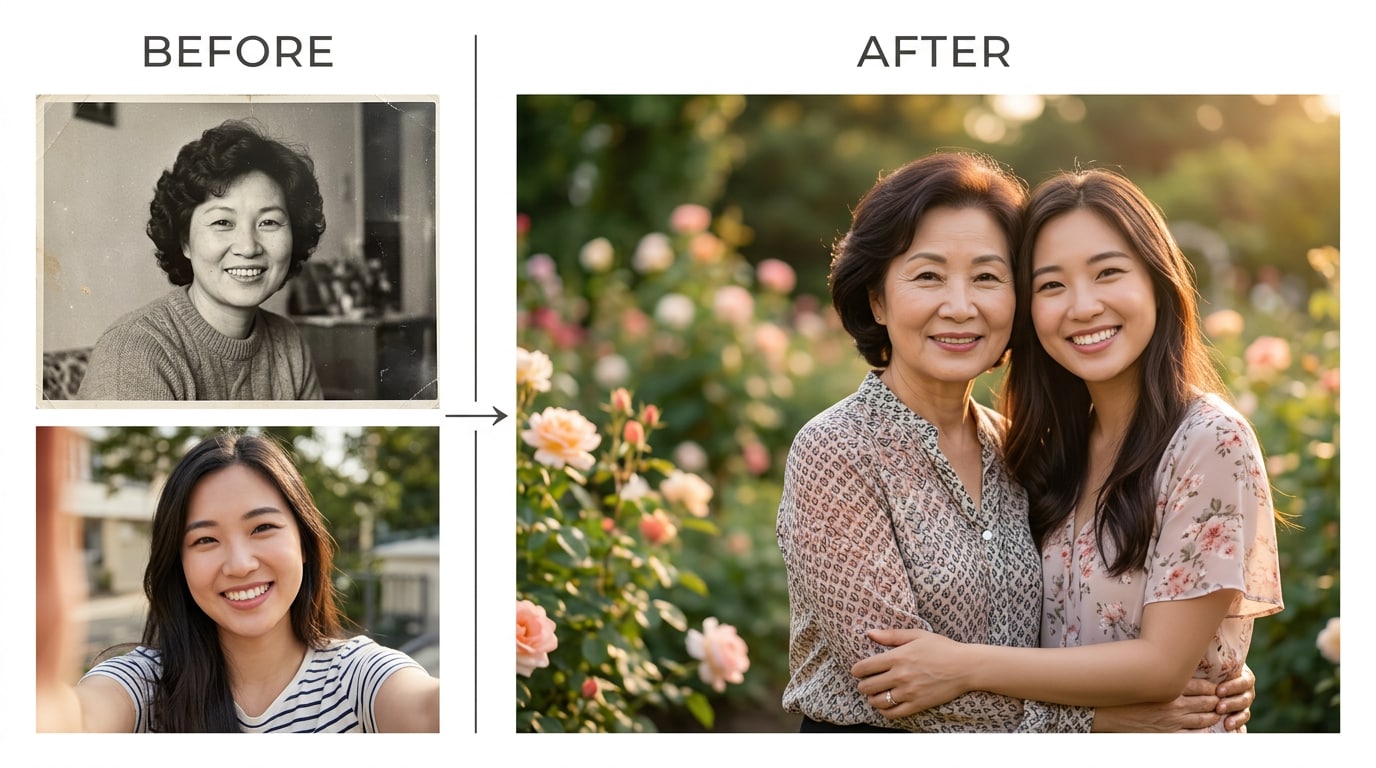
The family resemblance becomes undeniable. The years between you disappear. And for the first time, you can see in one image exactly where your face comes from.
What to do with it: Print this photo and give it to your mom. Frame it. It's the kind of gift that doesn't have a price tag — it has a story. There's no Women's Day present that says "I see where I came from" more clearly than a portrait of the two of you standing together across time.
👯 Use 2: Best Friends, Different Cities — You're Still Together
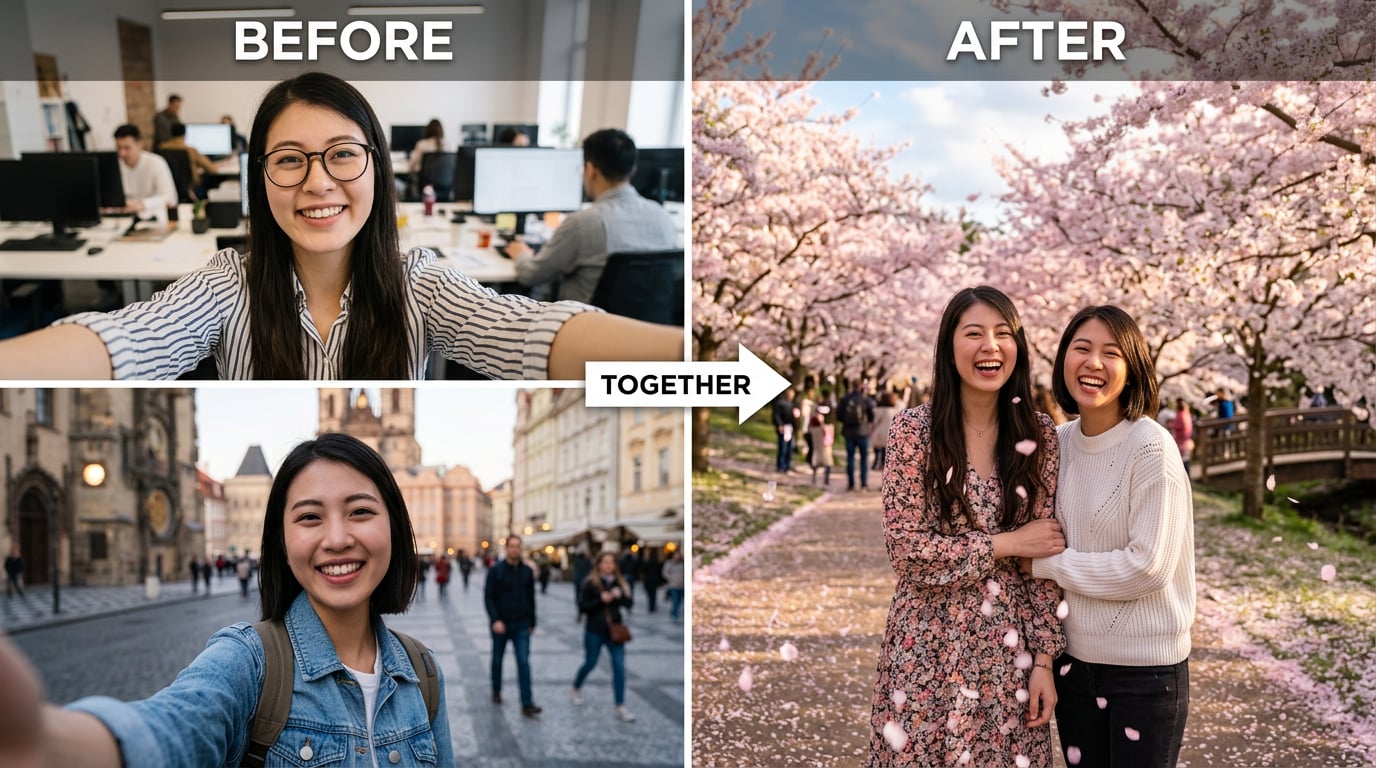
What to type: "Combine these two photos into one scene — both of us standing under cherry blossoms, warm spring afternoon light, happy and natural, like we're really there together"
Growing up means your closest friends end up scattered across the map. Distance doesn't make the friendship smaller — it just makes the photos harder. With Relumi, two selfies from two different cities become one photo of two friends in the same place.
Here's the playbook that works every time:
- Both of you take a selfie — similar angle, looking forward, natural smile
- Share the photos with each other
- One person opens Relumi Combine Photo, uploads both, and describes the scene
- Share the result in your group chat
You end up with a photo of two best friends under cherry blossoms — even though one of you was in one city and the other was somewhere completely different when you took the shot.
Caption that always lands: "Different cities, same heart. Happy Women's Day, always."
👩👩👧 Use 3: Three Generations — A Portrait Your Family Will Keep Forever
What to type: "Blend these three photos into one elegant family portrait — grandmother, mother, and granddaughter together, warm studio lighting, timeless and dignified"
This one is the most meaningful — and the one that's simply impossible in real life for most families. Your grandmother's photo from the 1960s. Your mother's from the 1990s. Yours from this week. Three women. Three eras. One family.

Relumi unifies the lighting, the tones, and the composition so all three women feel present in the same room. You'll see the faces travel across generations — the same eyes, the same jaw, the same quiet strength passed down through the years.
What to do with it:
- Share it in your family group chat on Women's Day morning — watch what happens
- Print it large and hang it somewhere in your home
- Save it as a digital archive for the next generation
Some photos are worth keeping forever. This is one of them.
🤝 Use 4: Team & Friend Group — One Great Photo, Zero Coordination
What to type: "Combine these four photos into one professional group portrait — unified warm background, consistent soft studio lighting, everyone looking confident and friendly"
Trying to get four people together, in the same place, at the same time, for a group photo? Basically impossible. With Combine Photo, everyone just sends a selfie. Relumi does the rest.

Upload all the selfies, describe the look — unified background, consistent lighting, professional or casual depending on the group — and Relumi produces a group photo that looks like you actually took it together. Same background, same lighting, same feel. The kind of photo that works perfectly on a company page, a class reunion post, or a Women's Day tribute to your crew.
Best formats for this use:
- Office team Women's Day tribute post on LinkedIn or Instagram
- University dorm roommate reunion throwback
- Mothers' group chat collective photo — every mom in the same beautiful scene
- Friend group annual "still together" post, even when everyone's scattered
Part 3: How to Use Relumi Combine Photo — 4 Steps
No design skills needed. Here's the complete process from open to share:


Relumi AI Photo Editor
Combine Photo — Put Everyone Together, No Matter Where They Are

 Multi-Photo Blending: Merge 2 or more photos into one unified, natural-looking image with consistent lighting and background.
-
Cross-Era Compatibility: Works with photos from different decades, cameras, and even black-and-white originals.
-
Scene Control: Describe the background and lighting you want — the AI places everyone in that scene.
-
Identity Preservation: Every person looks like themselves in the final combined photo. Faces are never distorted or blended together.
Step 1. Open Relumi and Select Combine Photo
Open the Relumi app and tap "+" to start a new project. From the AI Tools panel, select "Combine Photo." This opens the multi-photo upload interface.

Step 2. Upload Your Photos
Upload two or more photos — from your camera roll, cloud storage, or shared directly from a friend's message. There's no requirement that the photos match in resolution, era, or color style. Relumi handles the differences. For best results, make sure faces are clearly visible in each photo and that people are roughly facing the same direction.
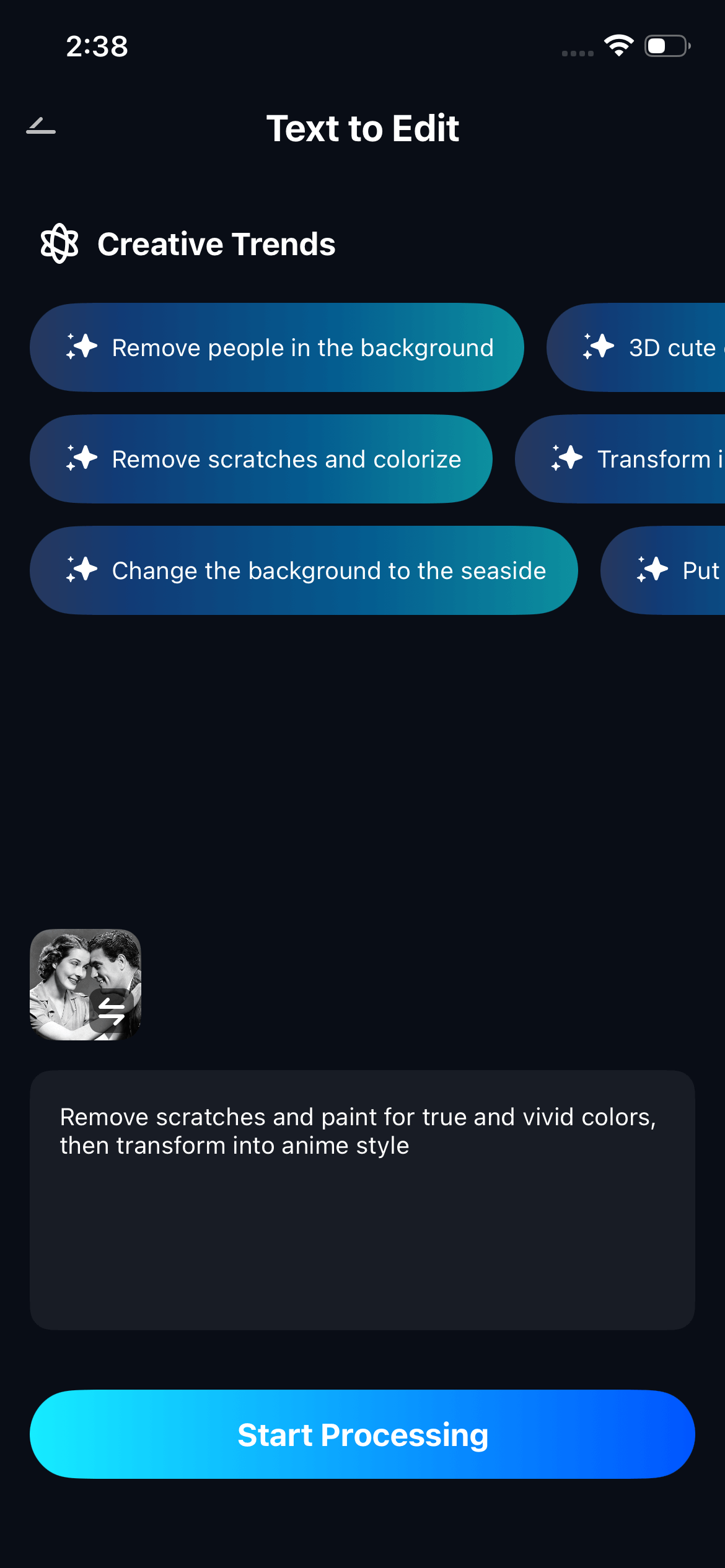
Step 3. Describe the Scene You Want
Type a description of the combined image you're going for. Include: who's in it, where they are, what kind of lighting you want, and the overall mood. Example: "Two best friends standing together in a sunlit cherry blossom park, spring afternoon, warm natural light, joyful and relaxed." The more you describe the atmosphere and setting, the more natural the result will feel.
Step 4. Generate, Review, and Save
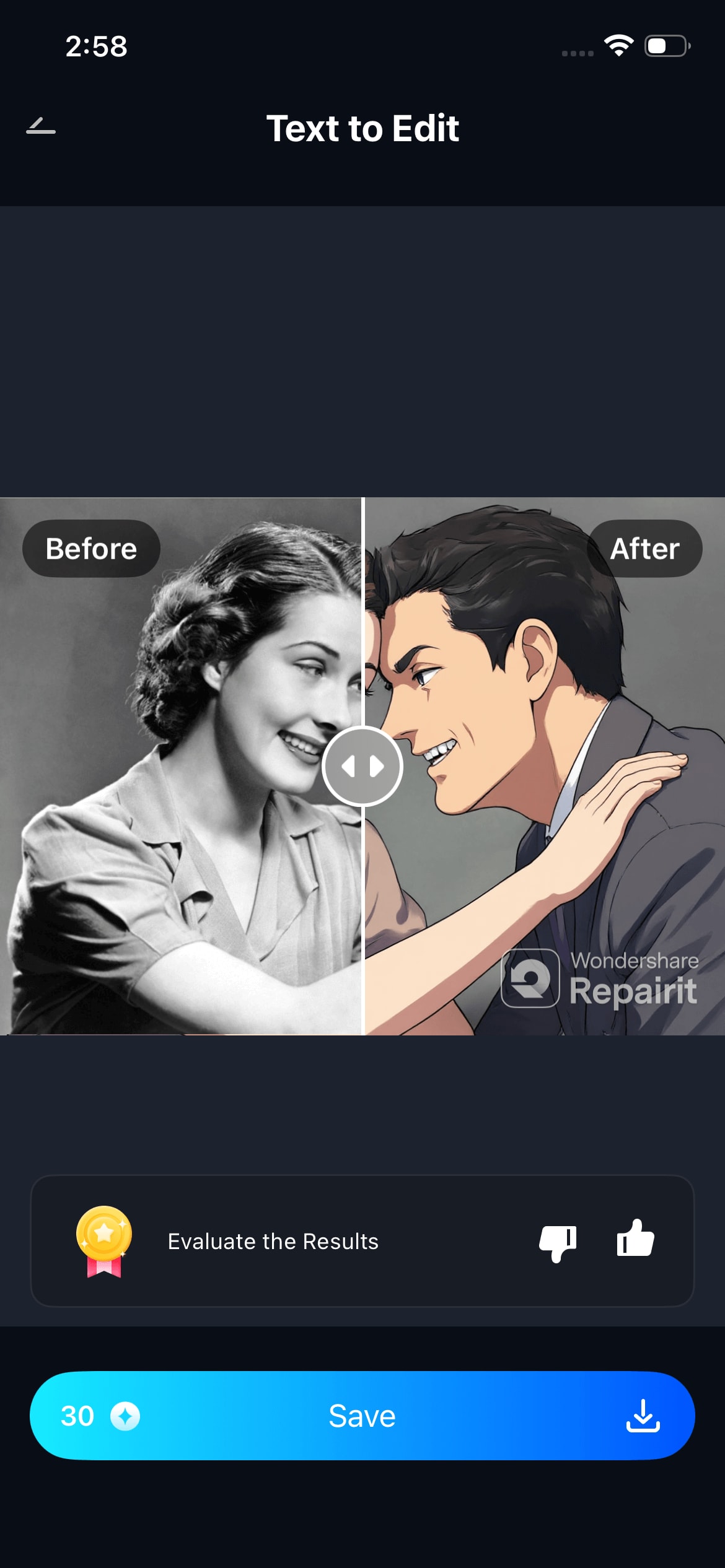
Tap Generate and review the combined photo. Swipe to compare with the originals. If you want to adjust — different background, different lighting, tighter composition — edit your description and regenerate. When it's right, tap "Save" to export in full resolution. The original photos are always kept untouched.
💡 Tips for better results:
- Photos where faces are looking forward or at similar angles combine most naturally
- Describe the lighting style you want (warm golden, soft studio, bright spring daylight) — it helps Relumi make everything feel consistent across people
- For cross-era combinations (like old and new photos together), describe a timeless or classic setting — it tends to bridge the visual gap between eras more smoothly
Part 4: More Ways to Use Combine Photo Beyond Women's Day
Combine Photo is useful well past March 8th. Here are five more situations where this feature becomes the most practical tool on your phone.
📸 Play 1 — Fix the Group Photo Where Someone's Eyes Were Closed
Every group event produces this problem: the best shot of the group has one person looking away or blinking. With Combine Photo, take the best group shot and a photo where that one person looks good, and let Relumi merge them. The group shot you wish you'd taken — made from the shots you actually have.
🌍 Play 2 — Build a Virtual Travel Photo With a Friend
You visited Paris. Your friend visited Tokyo. Neither of you has ever been to the same place at the same time. Use Combine Photo to put both of you in the same location — the Eiffel Tower, Santorini, the Amalfi Coast — and create the travel photo from the trip you'll take together someday.
🎓 Play 3 — Reunite a Graduation Group That's Now Scattered
Graduations produce great group energy and terrible group logistics. If half your class is now in different time zones, use Combine Photo to create the reunion photo before the reunion happens — or as a tribute for a milestone anniversary. Each person sends a photo. Relumi brings everyone back together.
🎂 Play 4 — Add Someone Who Couldn't Make the Party
A family member missed the birthday. A friend was sick during the trip. A colleague was on parental leave during the team event. Use Combine Photo to add them into the group shot after the fact. It's a small gesture that says: you were missed, and you belong in this photo.
🖼️ Play 5 — Create a Family History Portrait
Collect photos of the women in your family going back as far as you have pictures. Use Combine Photo across multiple generations to create a visual family tree — one image that shows the lineage, the resemblance, and the story. Frame it. Keep it. Pass it on.
Conclusion
Women's Day isn't just about celebrating one woman. It's about celebrating the women who shaped you, who stand beside you, and who are always with you — even when they can't be in the room. Relumi Combine Photo makes that visible.
A mother and daughter portrait that crosses decades. Two best friends in the same cherry blossom park from opposite sides of the world. Three generations in a single frame. A team photo where no one had to coordinate a time or a place. These aren't graphics or collages — they're real-looking photos that carry real emotional weight.
This Women's Day, put the people who matter most into the same picture. Send it to them. Watch what it does. The before-and-after isn't just about the photos — it's about what the photos say.
FAQ
-
Does Combine Photo work with photos from very different time periods?
Yes. Relumi Combine Photo is built to handle photos from different eras, cameras, and even different color formats — including black-and-white originals. The AI reads the visual qualities of each source photo and creates a unified result with consistent lighting and tone. For best results with cross-era combinations, describe a timeless or classic setting in your prompt, which tends to bridge the visual gap between different decades more naturally. -
How many photos can I combine at once?
Relumi Combine Photo supports combining two or more photos in a single project. For group photos — like a team or friend group — you can upload multiple individual selfies and combine them into one unified portrait. The feature works best when faces are clearly visible in each source photo and when people are roughly facing the same direction. -
Will the people in the combined photo still look like themselves?
Yes. Relumi's AI is specifically designed to preserve each person's appearance — their face, features, and expression stay intact. What the AI changes is the surrounding context: the background, the lighting, and the scene everyone is placed in. Each person in the combined photo will be recognizably themselves. -
What if the photos I want to combine have very different lighting or quality?
This is one of the core things Combine Photo handles well. The AI reads the lighting conditions in each source photo and creates a unified light that works for the combined scene. Describe the lighting style you want in your text prompt — for example, "warm soft studio light" or "bright natural spring daylight" — and the AI will work toward that consistent look across all the people in the final image. -
Is Combine Photo free to use in Relumi?
Yes, Combine Photo is included in Relumi's free tier. You can combine photos and export the result in full resolution. Premium plans unlock higher resolution exports and additional generation credits for users who want to combine photos at higher volume or for professional use.



