
 TL;DR:
You can instantly apply realistic snow effects and winter color grading to your photos without losing original image resolution using the AI-powered Repairit App.
● To execute the transformation, navigate to the AI Filters tab, import your image, select the Snow Filter template, and tap Start Processing to generate results in seconds.
● The filter works on virtually any photo but produces the most dramatic outcomes on outdoor scenes, portraits, and landscapes while utilizing HDR enhancement to improve contrast and clarity.
● The AI automatically generates falling snowflakes of varying sizes and densities alongside frosted textures and cool blue tones to create natural depth.
Ask AI for a summary
 ChatGPT
 Perplexity
 Gemini
 Claude
 Grok
Grok
Many people are captivated by the serene beauty and magical atmosphere of winter scenes. Photo enthusiasts and social media users often want to recreate that enchanting snowy look in their pictures. Using a snow filter makes it simple to add winter wonderland effects to any photo, regardless of when or where it was taken.
These filters bring out pristine white snowflakes, frosty atmospheres, and cool blue tones. Anyone can easily transform their photos into stunning winter scenes. Therefore, this comprehensive guide explains how to create breathtaking snow filter effects using the right tools and techniques.
Table of Contents
Part 1: What is a Snow Filter?
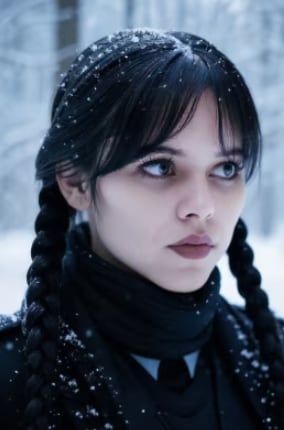
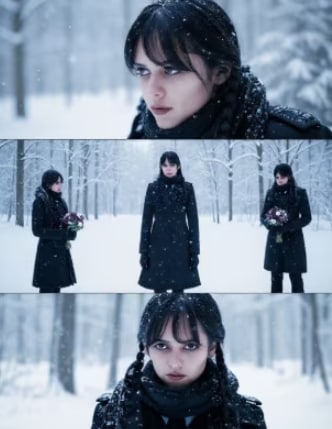
A snow filter is an AI-powered photo editing effect that transforms ordinary images into magical winter scenes. These filters use advanced technology to add realistic snowfall, winter atmospheres, and cool color tones to any photo instantly.
Key Features of Snow Filters:
- Realistic Snow Particles: Generate authentic falling snowflakes with varying sizes and densities that create natural depth and movement in your photos.
- Winter Color Grading: Automatically adjust color temperature with cool blue and white tones to replicate that crisp, fresh winter atmosphere.
- Atmospheric Effects: Add frosted textures, soft winter lighting, and snow-covered backgrounds that blend seamlessly with your original subject.
For Your Pets:
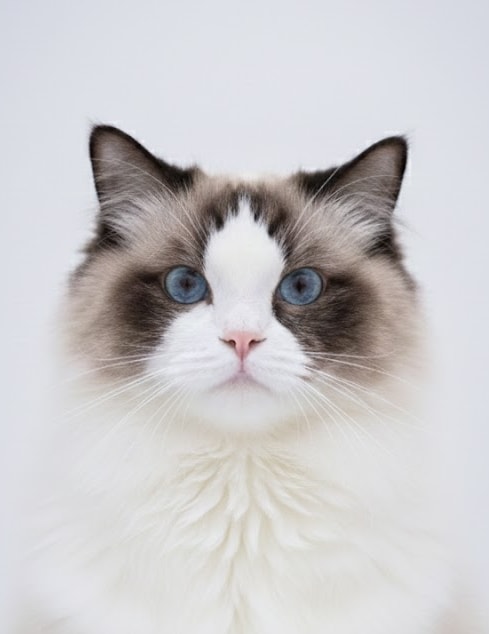
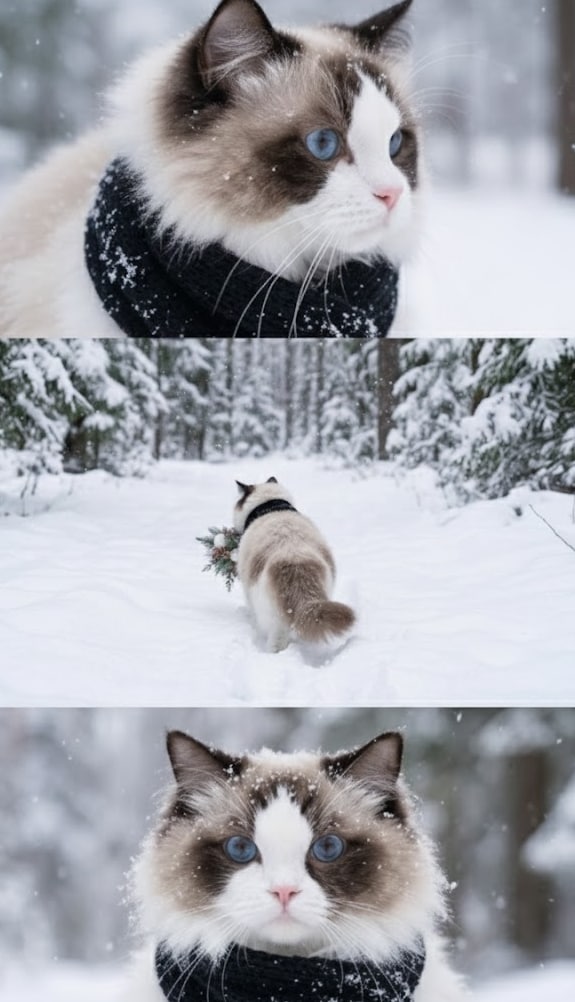
For Your Portraits:

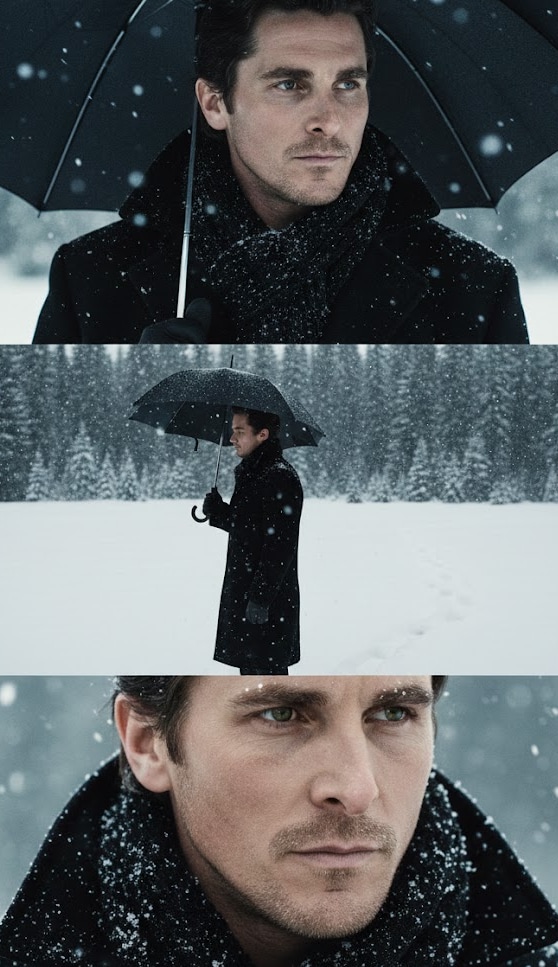

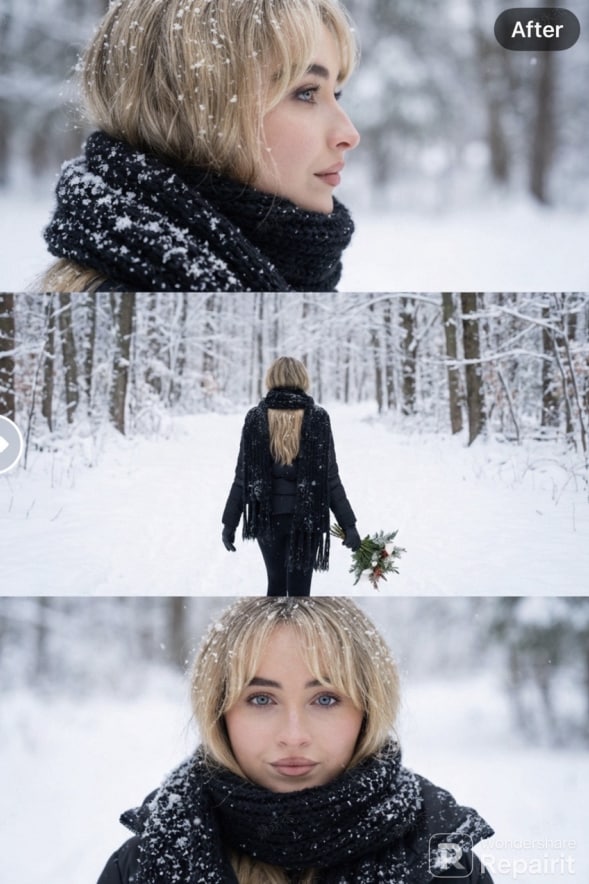
Part 2: Create Perfect Snow Filter Effects with Repairit App
The Repairit App offers the most advanced solution for creating stunning snow filter effects. With its powerful AI Text-to-Edit technology, you can transform any photo into a winter wonderland with just one click.
Why Choose Repairit for Snow Filters?


Repairit Al Photo Enhancer
Edit Photos with Words, Create Magic with Al

 Text-to-Edit: Describe it, AI repairs, enhances & colorizes instantly.
-
Memory Revival: Restore old photos, fix scratches & blur, relive details.
-
Creative Freedom: Remove objects & turn ordinary shots into unique stories.
-
Universal Recovery: Rescue corrupted photos from 2,000+ devices & RAW formats, all securely processed.
Step-by-Step Guide: One-Click Snow Filter with Repairit
Step 1. Access the App’s Snow Filter
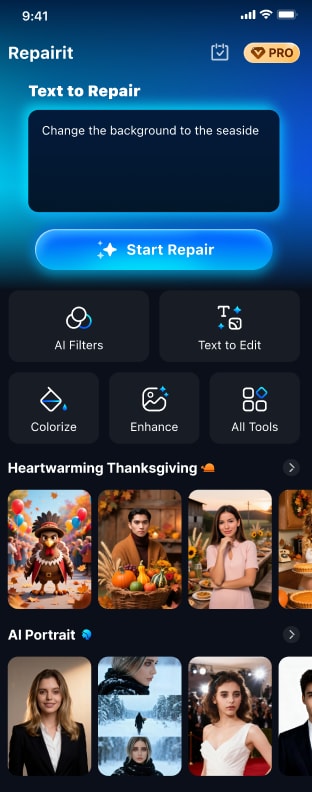
Navigate to the “AI Filters” tab and import your desired photo. Afterward, choose the “Snow Filter” from the available templates and hit the “Start Processing” button.
Step 2. Export Your Snow Filter Photo
Once you are satisfied with the outcome, tap the “Save” button to export the photo.
Conclusion
Creating magical winter atmosphere in your photos has never been easier. The snow filter powered by AI technology allows anyone to transform ordinary images into breathtaking snowy scenes instantly - no technical skills required.
The Repairit App makes professional snow filter effects accessible to everyone. With its one-click AI Text-to-Edit technology, you can generate stunning winter wonderland imagery in seconds. Simply describe your vision, and watch as advanced AI transforms your photos into magical snowy scenes.
FAQs
-
Q1. Can I apply snow filters to any photo?
Yes! Repairit’s AI-powered snow filter works on virtually any photo type. Outdoor scenes, portraits, and landscape photography yield the most dramatic results, but the intelligent algorithms can adapt snow effects to different compositions. -
Q2. Will the snow filter reduce my photo quality?
No. Repairit maintains your original photo’s resolution and quality while adding snow effects. The HDR enhancement feature actually improves visual quality, making winter scenes more vivid with proper contrast and clarity. -
Q3. How long does it take to generate a snow filter effect?
Repairit’s AI technology works incredibly fast. Most snow filter effects are generated within seconds after you hit "Start Processing."



