

 TL;DR:
Use the Repairit App's AI Text-to-Edit feature and thematic filters like Cornucopia or Farmhouse to quickly generate, enhance, or restore standout Thanksgiving images.
● To create customized designs, select the Text to Edit tool in the app, import a base photo, type a descriptive prompt, and preview the AI-generated results before saving.
● The software supports batch processing and recovers corrupted files from over 2,000 devices, handling specific formats including PNG, TIF, ARW, HEIC, and RAW.
● For optimal file storage, use PNG or TIFF to retain maximum image detail, RAW for extensive pre-save editing, and JPEG solely for quick online sharing.
Ask AI for a summary
 ChatGPT
 Perplexity
 Gemini
 Claude
 Grok
Grok
Many people want to create Happy Thanksgiving images that feel warm and joyful. These pictures help share festive feelings with friends and family. Finding easy and creative ideas can make your photographs special and unique. Yet, not everyone knows how to make images that truly stand out during Thanksgiving.
At this point, you should use the right tool to save time and improve your results. This article shows simple ways to make Thanksgiving pictures stand out with creativity. You’ll also learn about the most powerful AI app to make the best Thanksgiving pictures fast and fun to create.
Table of Contents
Part 1. Four Creative Thanksgiving Filters You Can Use Today for Your Images
Thanksgiving pictures are a fun way to show your festive spirit creatively online. Below are some ideas that will help your images look joyful and full of warmth:

1. Turkey Filter
This filter adds playful turkey costume overlays and falling leaf effects, instantly infusing your photos with the lively, festive energy of Thanksgiving parades.


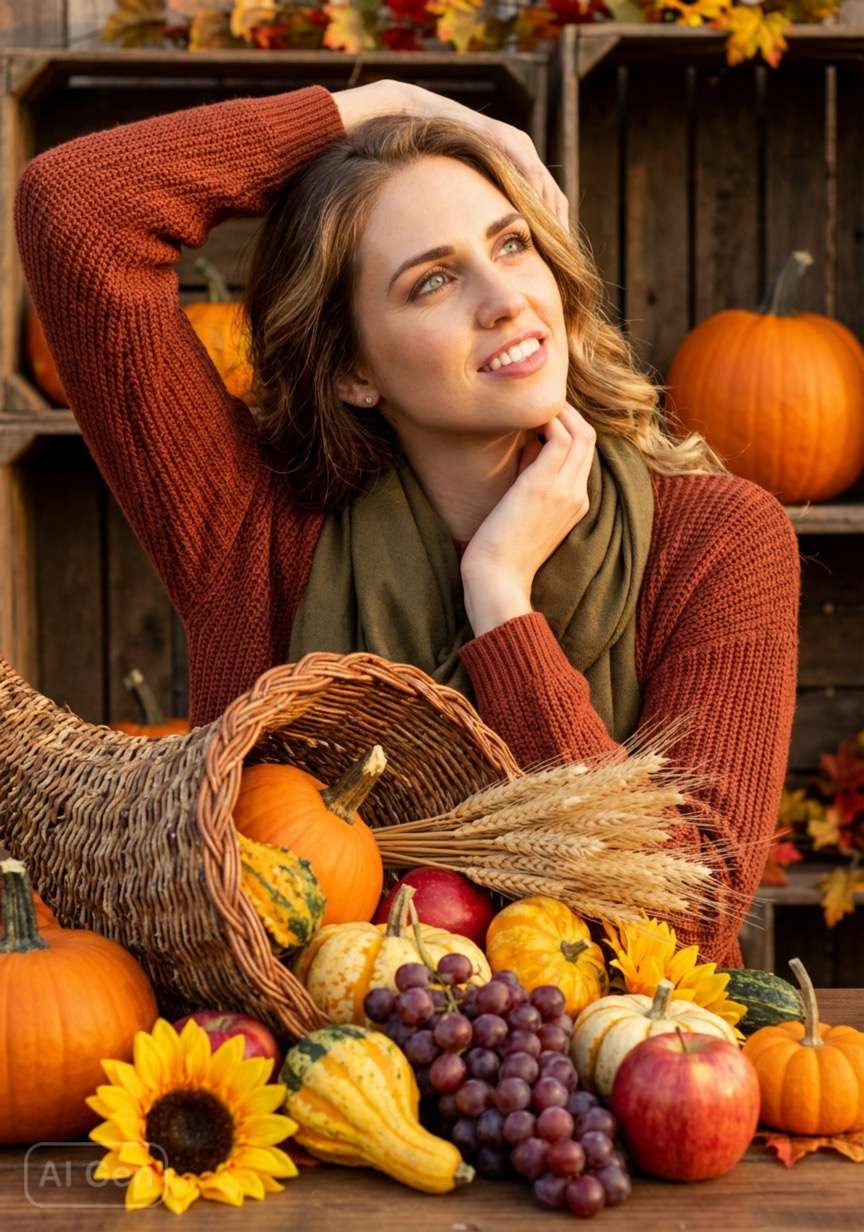
2. Cornucopia Filter
Focused on the iconic Thanksgiving "cornucopia" (horn of plenty), this filter blends abundant harvest elements (pumpkins, fruits, grains) with soft warm tones, wrapping your shots in a rich, grateful harvest vibe.

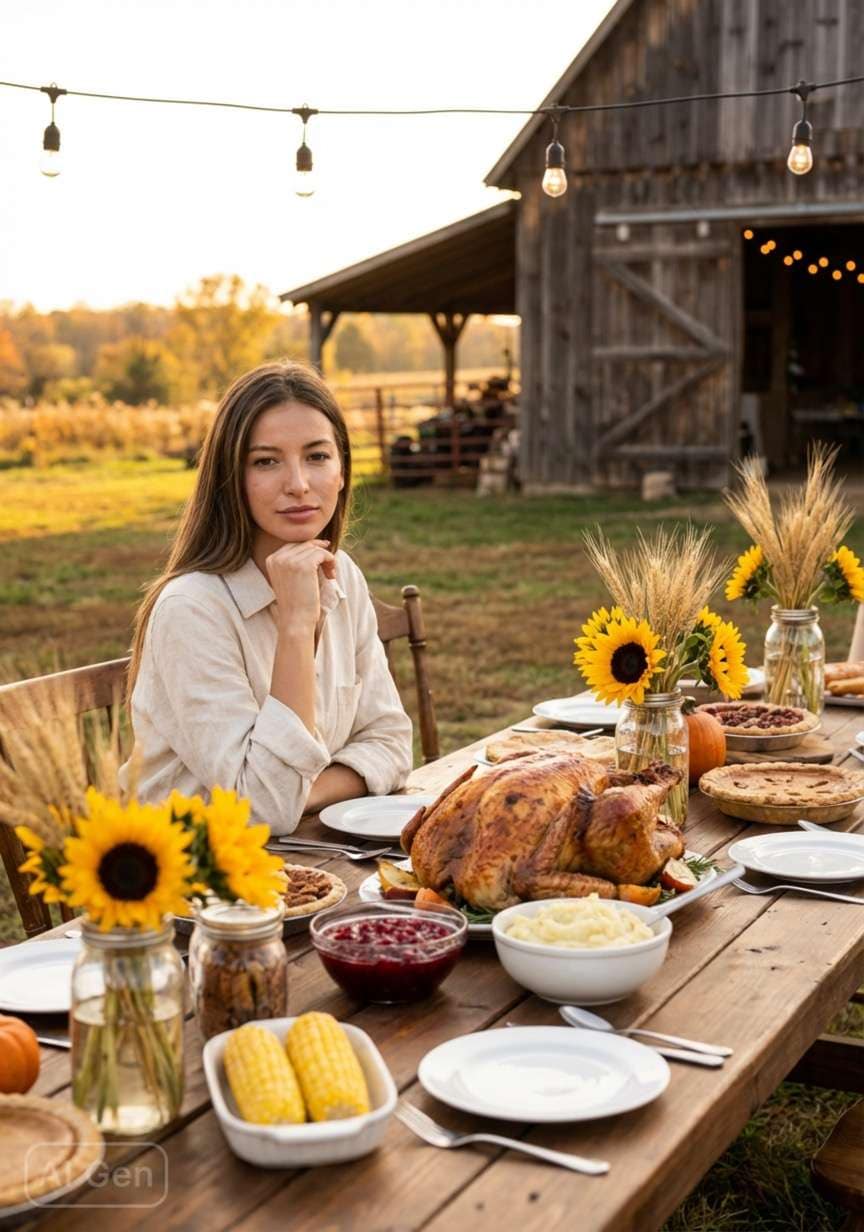
3. Farmhouse Filter
With a cozy rural farm aesthetic, this filter uses gentle warm lighting and rustic dining setups to capture the intimate, heartwarming feel of a Thanksgiving family feast.

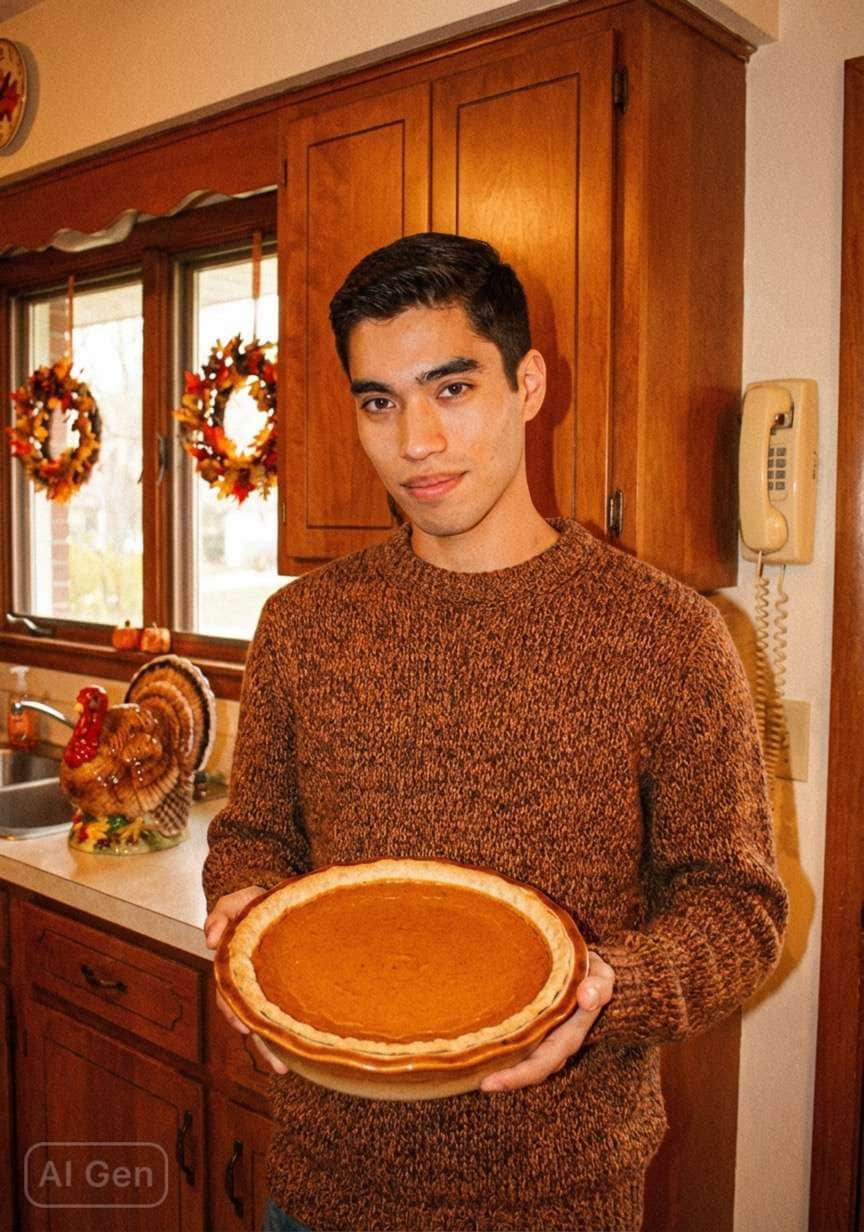
4. Baking Filter
This filter leans into the cozy charm of Thanksgiving baking: it layers warm kitchen backdrops, festive harvest decor, and iconic treats like pumpkin pie, capturing the inviting, homemade joy of holiday dessert prep.

Part 2. Discover the Most Powerful AI App to Make the Best Thanksgiving Pictures
A lot of people want to make or restore happy Thanksgiving images effortlessly, and Repairit App is the best option. This is an enhanced application that allows you to create a picture about Thanksgiving by typing into it using the Text-to-Edit option. Moreover, it can be used with photo files of 2,000+ devices, including smartphones and DSLRs. You can also view the original and converted Thanksgiving pictures to compare the outcomes.
Besides, it adjusts underexposed or overexposed Thanksgiving pictures to restore balance. The app also applies creative AI filters to Thanksgiving pictures for fun and style. Plus, it works with many Thanksgiving picture formats like PNG, TIF, ARW, and HEIC. You can even make or fix dozens of Thanksgiving pictures together without repeating steps manually. It also removes unwanted objects like people or text with AI while keeping the backgrounds natural.
Key Features


Repairit App
Edit Photos with Words, Create Magic with Al

 Text-to-Edit: Describe it, AI repairs, enhances & colorizes instantly.
-
Memory Revival: Restore old photos, fix scratches & blur, relive details.
-
Creative Freedom: Remove objects & turn ordinary shots into unique stories.
-
Universal Recovery: Rescue corrupted photos from 2,000+ devices & RAW formats, all securely processed.
Guide to Make the Best Thanksgiving Pictures via Repairit App
You need to go through the following steps to create a stunning Thanksgiving picture using the powerful AI algorithms of the Repairit App:
Step 1. Access the App to Create a Thanksgiving Image
As you access the app, tap the “Text to Edit” feature and import your desired image. Following this, type a prompt to create a Thanksgiving image and hit the “Start Processing” button.

Step 2. Download the Thanksgiving Image
When the app creates your image, you can preview the before and after results. Once satisfied, press the “Save” button to export the Thanksgiving image.

Conclusion
To sum up, you can create happy Thanksgiving pictures and make people happy. In addition, applying innovative concepts makes your photographs look cozy and attractive. Many AI tools will help in making the design of Thanksgiving pictures quick and easy for everybody. Good photos create lasting memories and successfully boost holiday festivals. Therefore, the Repairit App can be used to develop Thanksgiving pictures in a beautiful way.
FAQs
-
1. How can I make Thanksgiving images look brighter?
Thanksgiving photos can be made bright and inviting with the help of sunlight or warm lights. To make the images of Thanksgiving shine, add such colors as orange and yellow in the fall. In addition, add pumpkins or decorations to make the images of Thanksgiving seem fun and festive. -
2. What is the best format to save Thanksgiving images?
PNG or TIFF keeps Thanksgiving pictures clear and full of details for later use. JPEG is easy for sharing, but it may reduce the quality of Thanksgiving images online. Besides, RAW is ideal if you want to edit Thanksgiving images carefully before final saving. -
3. Can I fix broken Thanksgiving pictures?
Yes, specialized software can quickly repair broken Thanksgiving images without losing essential details. The Repairit App can fix damaged Thanksgiving pictures while keeping colors natural. After repairing, you can compare the result to ensure everything looks correct and complete.





