
 TL;DR:
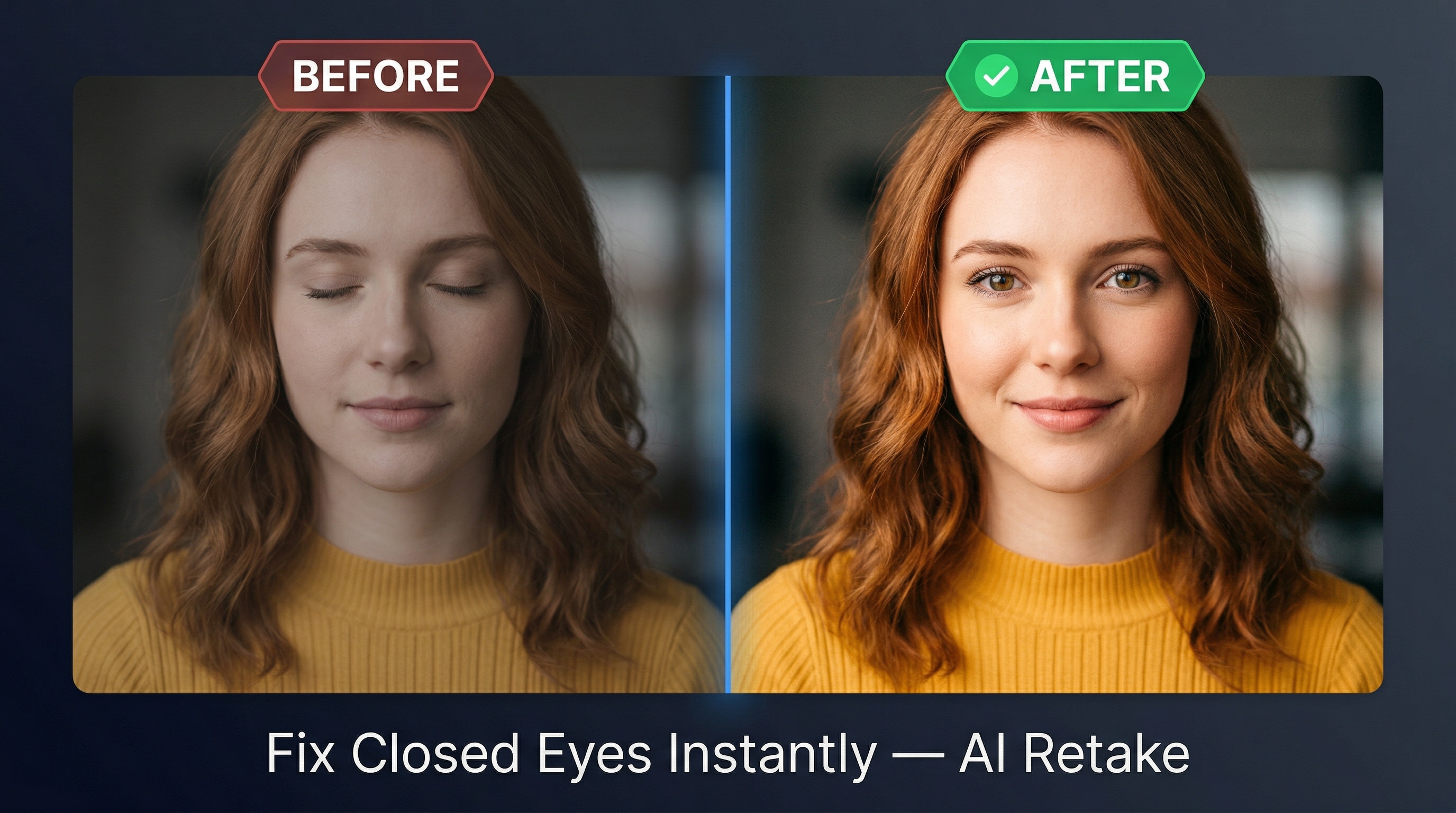
Relumi AI Retake is an iOS and Android app that automatically fixes closed eyes in photos by reconstructing eyes that match the subject's specific facial geometry, gaze direction, and the original lighting conditions.
● The application supports JPG, PNG, and HEIC formats, processing multi-person group shots by isolating faces to correct only the closed eyes while leaving open-eyed subjects completely untouched.
● The free version allows users to apply the one-tap fix and export watermark-free photos, but a premium plan is required for higher export resolutions and unlimited usage.
● The automated correction process completes in under 30 seconds without manual marking, and it utilizes AI upscaling to perform clean facial reconstructions on lower-resolution images.
Ask AI for a summary
 ChatGPT
 Perplexity
 Gemini
 Claude
 Grok
Grok
You finally got the perfect group shot — everyone's in frame, the lighting is just right, the background is gorgeous. Then you zoom in and notice it: one person has their eyes closed. Again. That split-second blink just ruined an otherwise flawless photo.
It happens to everyone. Whether it's a casual snapshot or a carefully planned portrait session, closed eyes in photos are one of the most frustrating and most common photography problems people deal with every day. In the past, your only options were to reshoot (not always possible) or learn Photoshop (way too complicated for most people). But now, a smarter solution exists.
Meet Relumi AI Retake — the best app to open eyes in photos without any technical skills required. With just one tap, Relumi's AI analyzes your photo, detects closed eyes, and naturally reconstructs open eyes that match the person's real look. The result feels genuine, not edited.
This article walks you through how Relumi AI Retake works, which real-world scenarios it handles best, and how to use it step by step — completely free to get started.
Part 1: Why Closed Eyes Ruin Photos (And Why It's So Hard to Fix)
Before we talk about the solution, let's understand the problem. The human eye blinks roughly 15 to 20 times per minute. That's once every three to four seconds. When a camera shutter fires, there's a real chance someone is mid-blink — and you'd never know until you review the photo later.
The challenge goes beyond just "opening" the eyes. A truly convincing fix needs to:
- Match the eye shape and color of the specific person
- Respect the direction of their gaze so the eyes look natural, not stiff
- Fit the lighting and shadow of the original photo
- Blend seamlessly with skin tone, makeup, and surrounding facial features
That's why traditional editing tools often fall short. Clone-stamping, manual retouching, or even copying eyes from another photo tend to produce results that look uncanny or obviously altered. What people actually want is an app to fix closed eyes in a way that looks like the blink simply never happened.
That's exactly what Relumi AI Retake was built to do.
Part 2: Real Scenarios Where AI Retake Makes a Difference
The true power of Relumi AI Retake becomes clear when you see it in action across different photography situations. Here are three common real-world scenarios where this feature saves the day.
For portrait photographers and content creators, having this kind of tool in your editing workflow is a genuine game-changer.
Scenario 1: The Studio Portrait Ruined by a Blink

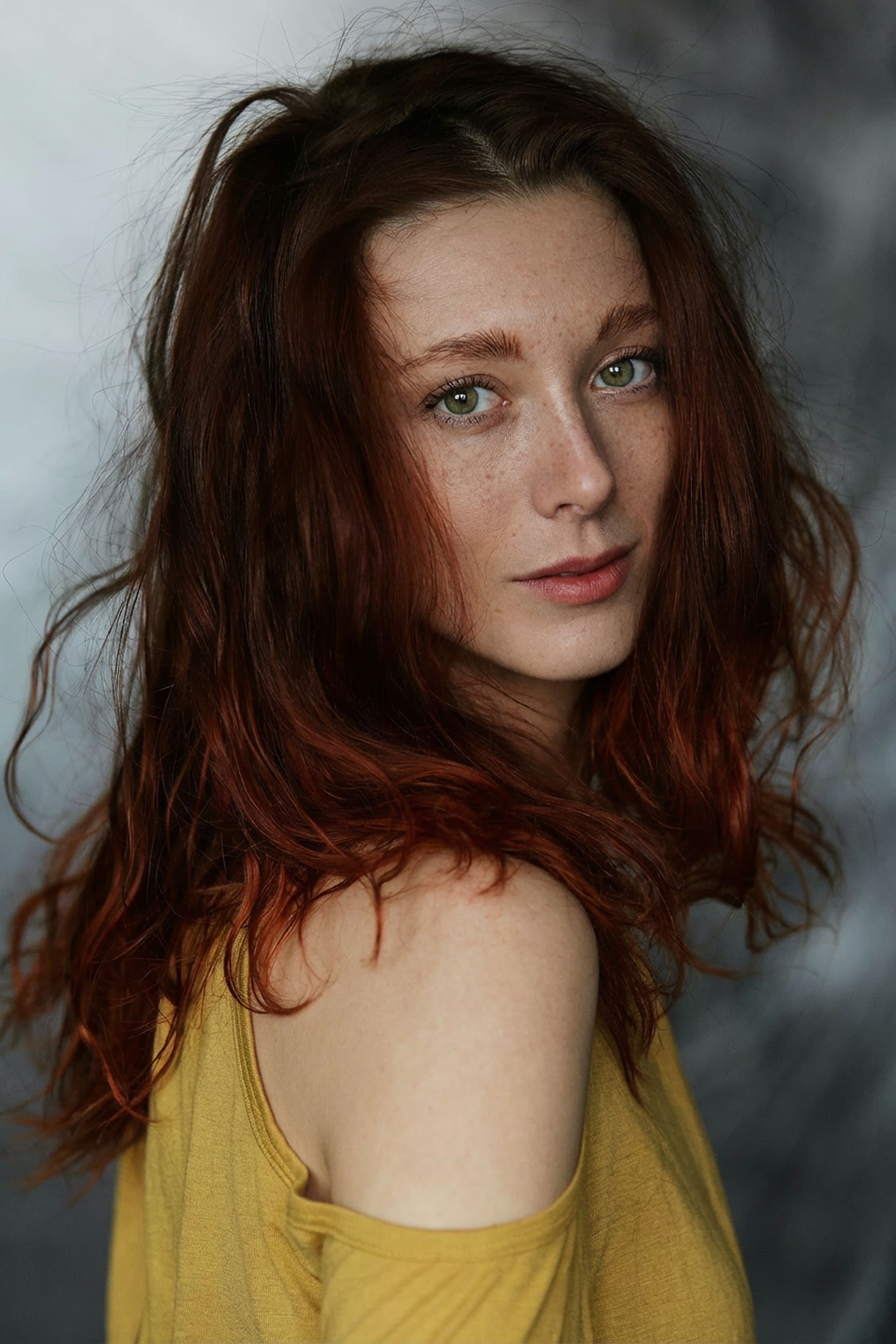
Imagine a professional-style close-up portrait of a young woman — auburn hair, warm yellow top, moody studio lighting. It's a beautiful setup. The composition is tight, the shadows are perfectly placed, and the expression on her face is soft and serene. There's just one problem: her eyes are closed.
This kind of shot is especially painful to lose because studio time costs money and recreating that exact lighting setup is nearly impossible. Asking the subject to come back for a reshoot isn't always an option either.
This is one of the most common use cases for an app to open eyes on photo. With Relumi AI Retake, the AI reads the studio lighting direction, maps the structure of her face, and generates natural-looking open eyes that complement her expression. The final result looks like she simply had her eyes open — no artificial glow, no mismatched shadows, no "edited" appearance.
Scenario 2: The Outdoor Lifestyle Shot Gone Wrong


Picture this: a woman with long brown hair, wearing a black and white striped crop top, sitting in a perfect lotus meditation pose on the grass beside a calm lake. The natural light is beautiful, the background is peaceful and cinematic. You've got the ideal wellness or lifestyle photo — except she blinked right at the moment of capture, and her eyes are completely closed.
Outdoor lifestyle and wellness content is a massive category on social media. A photo like this could perform incredibly well — but only if the subject's eyes are open and expressive. With eyes closed, it reads as an intentional meditation shot rather than a bright, engaging portrait.
Using Relumi as a free app to open eyes in photo, you simply import the image, activate AI Retake, and tap. The AI accounts for the soft, diffused natural light in the scene and rebuilds her eyes with the natural brightness and warmth that outdoor lighting produces. Within seconds, the shot goes from unusable to share-worthy.
This is the kind of result that makes Relumi the best app to open eyes in photos for creators who work in natural, uncontrolled lighting environments.
Scenario 3: The Group Travel Photo Where Someone Blinked


Now here's the scenario most people have experienced personally. Two friends — a tall young man in a dark teal t-shirt and a young woman in a pink dress — are standing together in front of a stunning yellow colonial building near a river. It's clearly a travel memory, the kind of photo you want to frame or share with family. But one of them blinked at the wrong moment.
Group photos are particularly tricky. You can't just delete the image because everyone else looks great. You can't crop out the person who blinked. And asking everyone to pose in that exact same spot again may not be possible — especially if you're traveling.
This is where Relumi's multi-face app to fix closed eyes capability shines. Even in a photo with two or more people, the AI isolates each face individually, processes them separately, and corrects only the eyes that were closed — leaving the rest of the image completely untouched. The man's natural expression, the woman's smile, the architecture behind them, the color of the water — all of it stays exactly as it was.
The final photo looks like the perfect travel memory it was always meant to be.


Relumi Al Photo Enhancer
Edit Photos with Words, Create Magic with Al

 One-tap closed eye detection: The AI finds every closed eye in the photo automatically; you don't have to manually mark anything
-
Face-specific reconstruction: Eyes are rebuilt to match each individual's unique features, not a generic template
-
Lighting-aware rendering : The reconstructed eyes match the brightness, shadow, and color temperature of the original scene
-
Multi-face support: Works on group photos with multiple people simultaneously
-
Non-destructive editing: Your original photo is always preserved; the fix is applied as a separate export
Part 3: How to Use Relumi AI Retake to Open Closed Eyes — Step by Step
Getting started with Relumi is straightforward. Here's exactly how to use the app to open eyes in photo feature from start to finish.
Step 1: Download Relumi and Open Your Photo
Download the Relumi app from the App Store or Google Play. Open the app and tap the "+" icon to import the photo you want to fix. Relumi supports all standard image formats including JPG, PNG, and HEIC.

Step 2: Select the AI Retake Feature
Once your photo is loaded into the editor, navigate to the AI tools panel. Tap on "AI Retake" — the dedicated closed eye fix tool. Relumi will automatically scan the photo and highlight any faces where closed eyes are detected. You don't need to do anything manually at this stage.
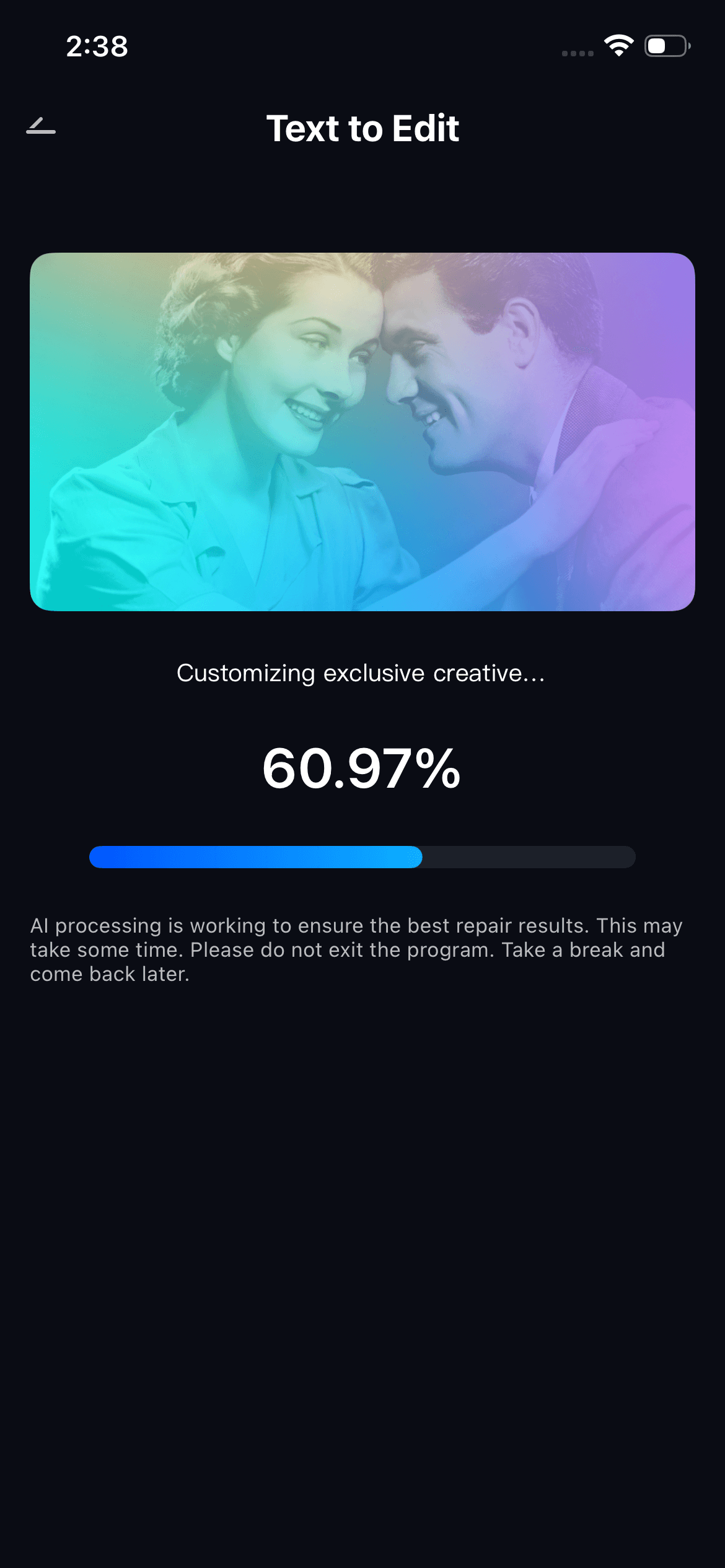
Step 3: Export and Save
Tap the export button to save your corrected photo in full resolution. You can save it directly to your camera roll or share it across any platform — Instagram, WhatsApp, email, or print — without any watermark on the free version.
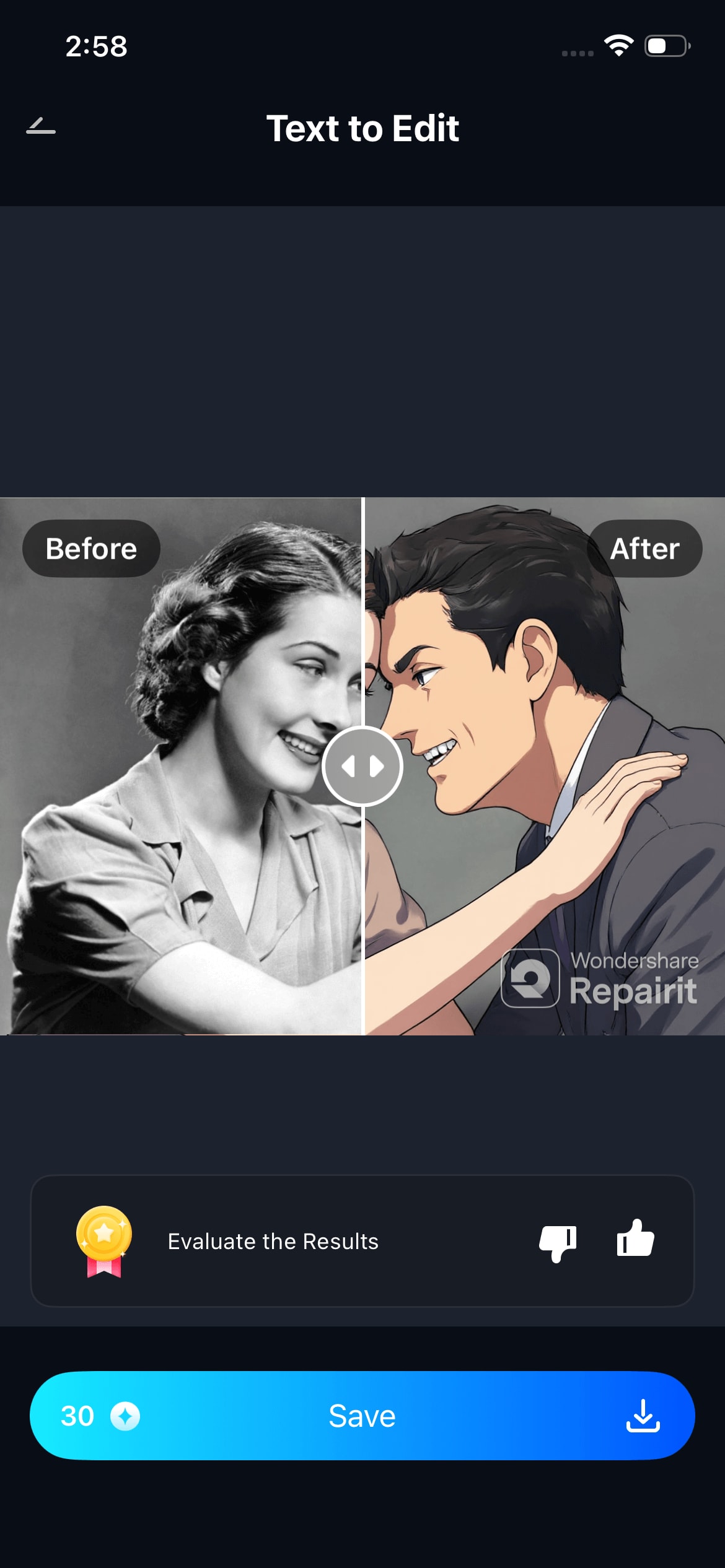
The entire process takes under 30 seconds for most photos.
Part 4: Why Relumi Is the Best App to Open Eyes in Photos
There are a handful of tools out there that claim to fix closed eyes, but most of them fall into the same trap: they either paste a generic set of eyes that don’t match the person, or they require manual editing that’s too complex for everyday users.
Here's what sets Relumi apart:
| Feature | Relumi AI Retake | Generic Eye Fix Tools |
| AI-powered face analysis | Yes | No |
| Matches individual eye color & shape | Yes | No |
| Works in natural & studio lighting | Yes | ⚠️ Limited |
| Multi-person group photo support | Yes | No |
| Free to use | Yes | ⚠️ Often paywalled |
| Mobile-first (iOS & Android) | Yes | ⚠️ Varies |
| No technical skill required | Yes | Complex |
If you've been searching for a free app to open closed eyes in photo that actually produces natural-looking results, Relumi AI Retake is the clear answer.
Part 6: Other Ways Relumi AI Enhances Your Photos
AI Retake is one of Relumi’s flagship features, but it’s part of a broader suite of AI-powered photo tools that make the app a complete mobile editing solution:
- AI Portrait Enhancement — Smooth skin, brighten eyes, sharpen facial details automatically
- Background Replacement — Swap any background with a single tap using text prompts
- Object Removal — Erase unwanted people, objects, or distractions from any photo
- Photo Restoration — Repair old, damaged, or blurry photos with AI reconstruction
- Color & Lighting Adjustment — Intelligent scene-aware color grading with one tap
All of these features share the same design philosophy as AI Retake: powerful AI doing the hard work invisibly, so you get a perfect photo without needing to understand how it’s done.
Conclusion
A great photo shouldn’t be thrown away just because someone blinked. Whether it’s a moody studio portrait, an outdoor lifestyle shot, or a once-in-a-lifetime travel memory with friends, closed eyes are a fixable problem — and you don’t need to be a Photoshop expert to fix them.
Relumi AI Retake is the simplest, most natural-looking, and most capable app to open eyes in photo available today. It’s free to try, takes seconds to use, and produces results that genuinely look like the blink never happened.
Stop deleting your almost-perfect photos. Download Relumi, tap AI Retake, and give every photo the finish it deserves.
Frequently Asked Questions
-
1. Is Relumi free to use as an app to open eyes in photos?
Yes. Relumi offers a free tier that includes access to AI Retake. You can fix closed eyes, preview the result, and export your photo without paying anything. Premium plans are available for users who want higher export resolutions or unlimited usage. -
2. Does AI Retake work on old or low-resolution photos?
AI Retake is optimized for modern smartphone photos, but it also performs well on lower-resolution images. The AI upscales facial details as needed during reconstruction to ensure a clean result. -
3. Can Relumi open eyes on multiple people in the same photo?
Yes. The multi-face support in AI Retake is one of its strongest features. It detects every face in the frame independently and corrects only the eyes that are closed, leaving open-eyed faces untouched. -
4. Will the fixed eyes look realistic or obviously edited?
Relumi’s AI uses the person’s own facial geometry and the photo’s unique lighting conditions to rebuild the eyes. The goal — and the result — is that the correction should be completely invisible. The eyes look like they were simply open when the photo was taken.



