Plex is a popular choice for organizing and streaming personal media, but it is not the only option. Whether you want open source control, simpler apps, or different pricing, several strong plex alternatives can deliver a smooth home media experience. Below, we compare the top platforms so you can match your devices, budget, and streaming style with the right media server solution.
From fully free options such as Jellyfin and Kodi to polished experiences like Emby, Stremio, Infuse, and Universal Media Server, you can easily find a best plex alternative that better fits your hardware, privacy needs, and streaming habits.
Enhance Low-Quality Videos with Repairit
 Security Verified. Improve blurry clips, recordings, highlights, and saved videos with AI.
In this article
Side-by-Side Comparison of Plex Alternatives
| Platform | Best For | Cost | What Stands Out | Main Limitation | Safety Tip |
|---|---|---|---|---|---|
| Jellyfin | Fully free, open source media server users | Free | 100% free, open source, and self-hosted with no tracking. | Requires more manual setup and maintenance than Plex. | Keep the server updated and avoid exposing admin ports directly online. |
| Emby | Families wanting polished controls and live TV | Freemium | Plex-like apps with strong parental controls and live TV/DVR. | Advanced features require an Emby Premiere subscription. | Use strong passwords and HTTPS for remote streaming. |
| Kodi | Highly customizable HTPC and TV setups | Free | Powerful, skinnable media center focused on local playback. | Steeper learning curve and confusing third-party add-ons. | Install only reputable add-ons from trusted repositories. |
| Stremio | Simple hub for local and online streaming | Free | Combines local files with legal online sources in one library. | Relies heavily on add-ons and has simpler mobile apps. | Stick to official or trusted add-ons and review permissions. |
| Infuse | Apple users who value sleek design | Freemium | Elegant iOS, iPadOS, and tvOS apps with broad codec support. | Apple-only and full power needs Infuse Pro. | Download only from the App Store and restrict sharing to trusted servers. |
| Universal Media Server | DLNA/UPnP streaming to older or mixed devices | Free | Robust DLNA support and wide device compatibility. | Dated interface and fewer rich companion apps. | Restrict access to your home LAN and disable unused services. |
6 Best Plex Alternatives
Alternative 1. Jellyfin
Jellyfin is a community-driven, open source media server that aims to replicate Plex while giving you complete control over your data and infrastructure. As a leading option among plex alternatives, Jellyfin is entirely free with no premium tiers, making it appealing if you dislike subscriptions or account requirements. Compared with Plex, it favors self-hosting, privacy, and transparency, while still offering modern apps, metadata, and streaming features. For users who want a long-term, open solution, Jellyfin delivers a flexible home setup without cloud lock-in.
Pros
Completely free with no paywalls, accounts, or subscriptions.
Open source and self-hosted for strong privacy and control.
Active community and cross-platform clients for major devices.
Cons
Initial setup and updates can be technical for beginners.
Some device apps are less polished than official Plex clients.
Alternative 2. Emby
Emby is a powerful media server that feels familiar to Plex users but offers more granular control over user accounts, libraries, and streaming rules. As a popular choice in comparisons like emby vs plex, it delivers sleek apps, robust parental controls, and optional live TV/DVR support through Emby Premiere. For households that want a polished, family-friendly experience without relying entirely on Plex, Emby balances ease of use with advanced configuration. It is a strong fit if you are comfortable paying for premium features but want to keep tighter control over how your server behaves.
Pros
Modern, intuitive interface similar to Plex across devices.
Granular user profiles and parental controls for families.
Live TV and DVR support when paired with compatible tuners.
Cons
Many advanced features sit behind the Emby Premiere paywall.
Heavy transcoding or multiple streams can demand powerful hardware.
Alternative 3. Kodi
Kodi is an open source kodi media center that turns PCs, TVs, and streaming boxes into fully customizable home theaters, making it a very different but capable alternative to Plex. Instead of relying on a central server, Kodi shines when playing local files directly and organizing them with rich metadata, skins, and add-ons. For users who mainly watch content on one TV or HTPC and value deep customization more than remote streaming, Kodi can be simpler and more stable than Plex. It is also a strong option if you want a completely free, offline-focused environment with no accounts or subscriptions.
Pros
Highly customizable interface with themes, skins, and layouts.
Excellent for local playback and offline media collections.
Large ecosystem of official add-ons and active community support.
Cons
Less streamlined than Plex for remote or multi-device streaming.
Third-party add-ons vary in quality and may pose security risks.
Alternative 4. Stremio
Stremio is a lightweight media hub that gathers your local files and legal streaming sources into one interface, offering a more discovery-focused twist on Plex. Rather than running a full-blown server, Stremio centers on easy browsing and one-click playback from supported services and community add-ons. If you find Plex server management heavy but still want to centralize your viewing, Stremio makes a convenient, lower-maintenance alternative. Used with trusted add-ons, it offers a straightforward, safer way to keep track of what you watch across platforms.
Pros
Very quick to install, configure, and start watching content.
Combines local media with supported online sources in one place.
Lightweight apps for desktop and major mobile platforms.
Cons
Library management and customization are more limited than Plex.
Overall experience depends heavily on which add-ons you use.
Alternative 5. Infuse
Infuse is a premium video player and library app for iPhone, iPad, and Apple TV that offers a sleek, Apple-native spin on personal media streaming. Unlike Plex, Infuse does not require you to run a dedicated server; instead, it connects directly to network shares or existing servers like Plex, Emby, and Jellyfin while providing superior codec support. For Apple-centric homes that want a polished front end, Infuse is one of the strongest plex alternatives, with rich metadata, smooth playback, and tight integration with iOS and tvOS. It is especially compelling if you want to enjoy your collection with minimal transcoding issues and an elegant interface.
Pros
Beautiful, intuitive interface tuned for iOS, iPadOS, and tvOS.
Excellent codec and subtitle support with minimal transcoding.
Connects to NAS shares and multiple media servers including Plex.
Cons
Limited strictly to Apple platforms and ecosystems.
Requires Infuse Pro subscription to unlock all advanced features.
Alternative 6. Universal Media Server
Universal Media Server is a DLNA-compliant server built to stream videos, music, and photos to a wide range of smart TVs, consoles, and legacy devices, making it a practical alternative when Plex apps are unavailable. Instead of relying on proprietary clients, it focuses on standards-based UPnP and DLNA streaming so devices can detect and play your media automatically. For homes with mixed or older hardware, Universal Media Server can be more compatible and less fussy than Plex, while still handling transcoding when needed. It is a solid choice if you value long-term, device-agnostic streaming over flashy interfaces.
Pros
Strong DLNA and UPnP support for a wide range of devices.
Free and open source with ongoing community updates.
Capable transcoding engine for many common video formats.
Cons
Interface feels dated compared with Plex and modern apps.
Lacks rich, official mobile or TV apps for direct browsing.
How Repairit Video Enhancer Improves Saved Video Quality
If you download or archive movies, shows, or home videos from Plex or other media server apps and notice low resolution, noise, or heavy compression, Repairit Video Enhancer can intelligently upscale and clean them up so they look sharper and more detailed on modern screens.
Key features of Repairit Video Enhancer
- AI-powered upscaling improves low-resolution videos and sharpens fine details for better big-screen playback.
- Automatic noise and artifact reduction cleans up blocky, blurry, or compressed clips from older rips or recordings.
- Batch processing lets you enhance multiple saved videos in one run before adding them to your plex alternatives library.
Simple steps to enhance your saved videos
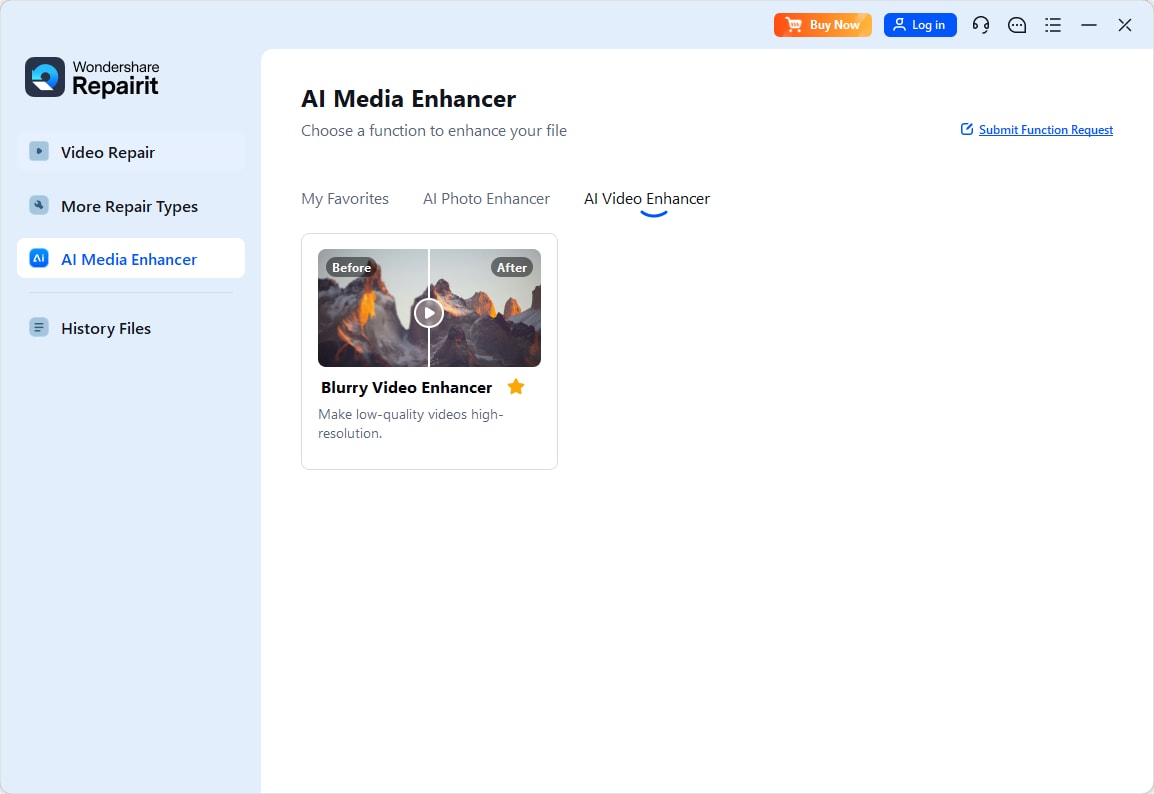
Step 1. Import videos to start AI video enhancement
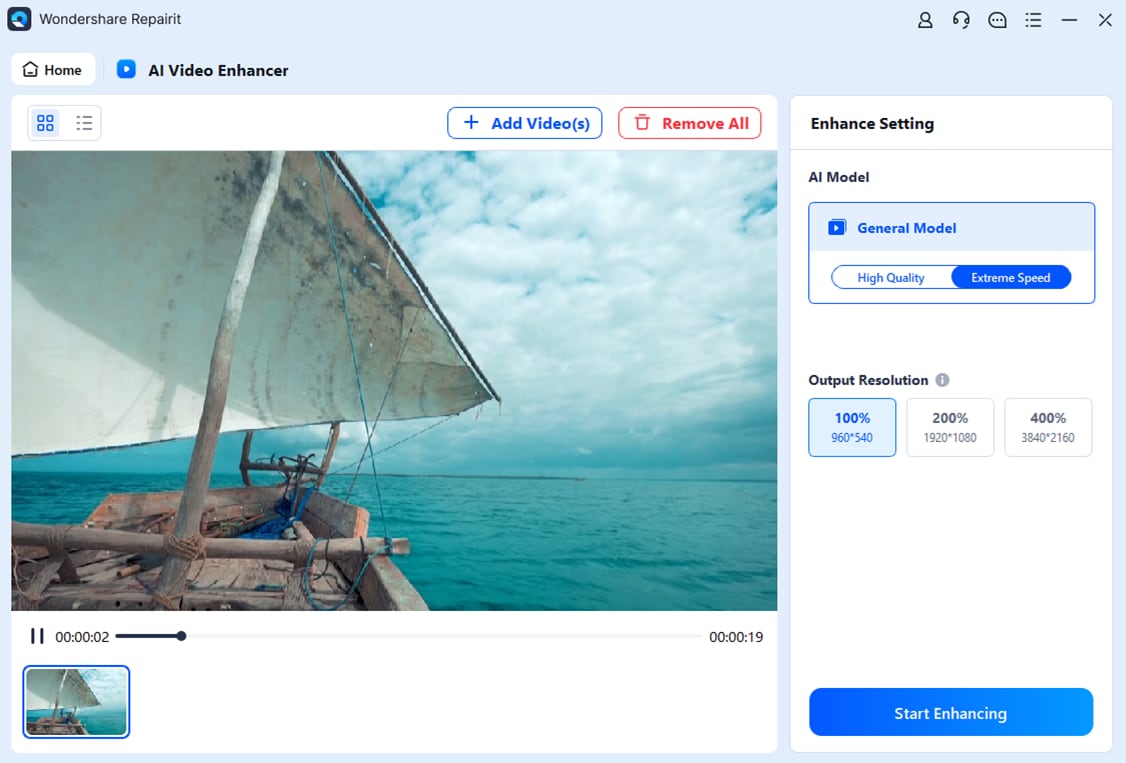
Step 2. Start the Process
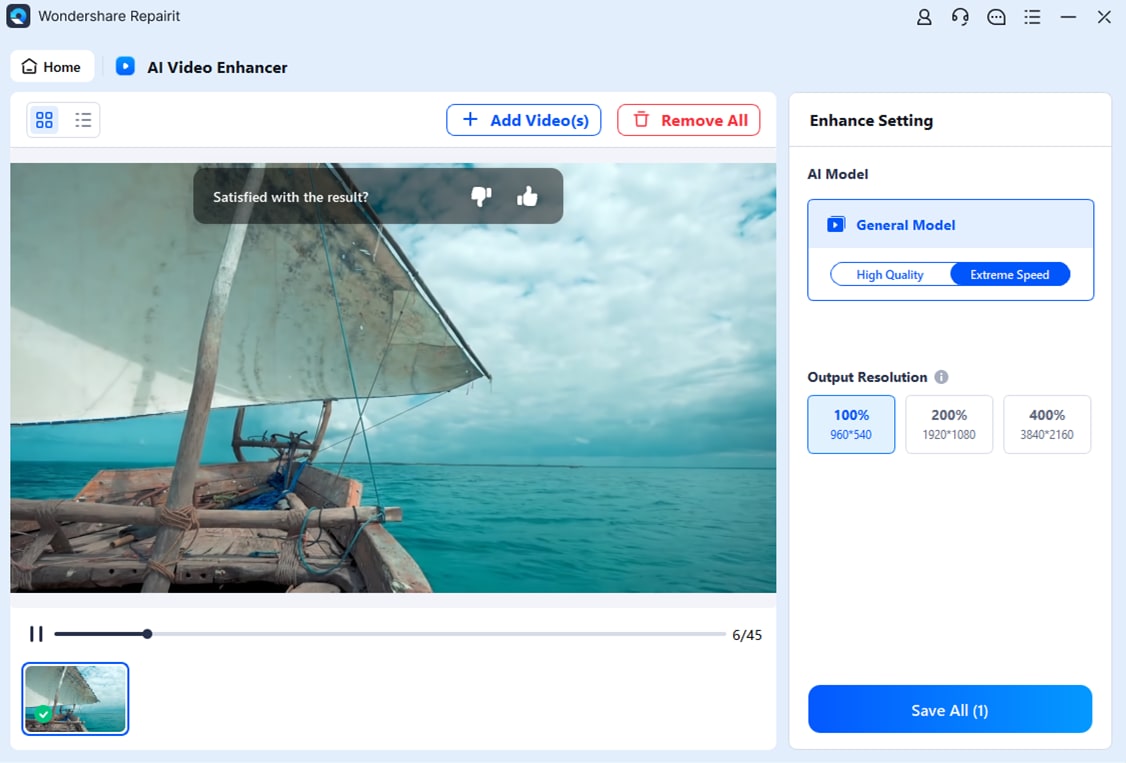
Step 3. Save the AI enhanced videos
Conclusion
Plex remains a powerful way to organize and stream personal media, but it is not the only solution. Depending on your priorities, Jellyfin, Emby, Kodi, Stremio, Infuse, and Universal Media Server each offer distinct strengths in cost, control, device support, and ease of use.
By choosing the best plex alternative that matches your devices and tech comfort level, you can build a more reliable, private, and enjoyable media setup. Then, by enhancing saved videos with tools like Repairit Video Enhancer, you keep your growing library looking sharp for years of smooth streaming.
FAQ
-
Is there a completely free alternative to Plex with no premium tier?
Yes. Jellyfin is a fully free, open source media server with no paid features, making it a strong Plex replacement if you want to avoid subscriptions. -
Which Plex alternative is best for non-technical users?
Emby and Stremio are usually easiest for beginners, offering simple setup, clear interfaces, and official apps without requiring deep server knowledge. -
What is the safest way to use Plex alternatives for remote streaming?
Enable HTTPS, use strong unique passwords, keep your server and apps updated, and only expose needed ports or use a VPN for remote access.