Repair Damaged Photos Online Free
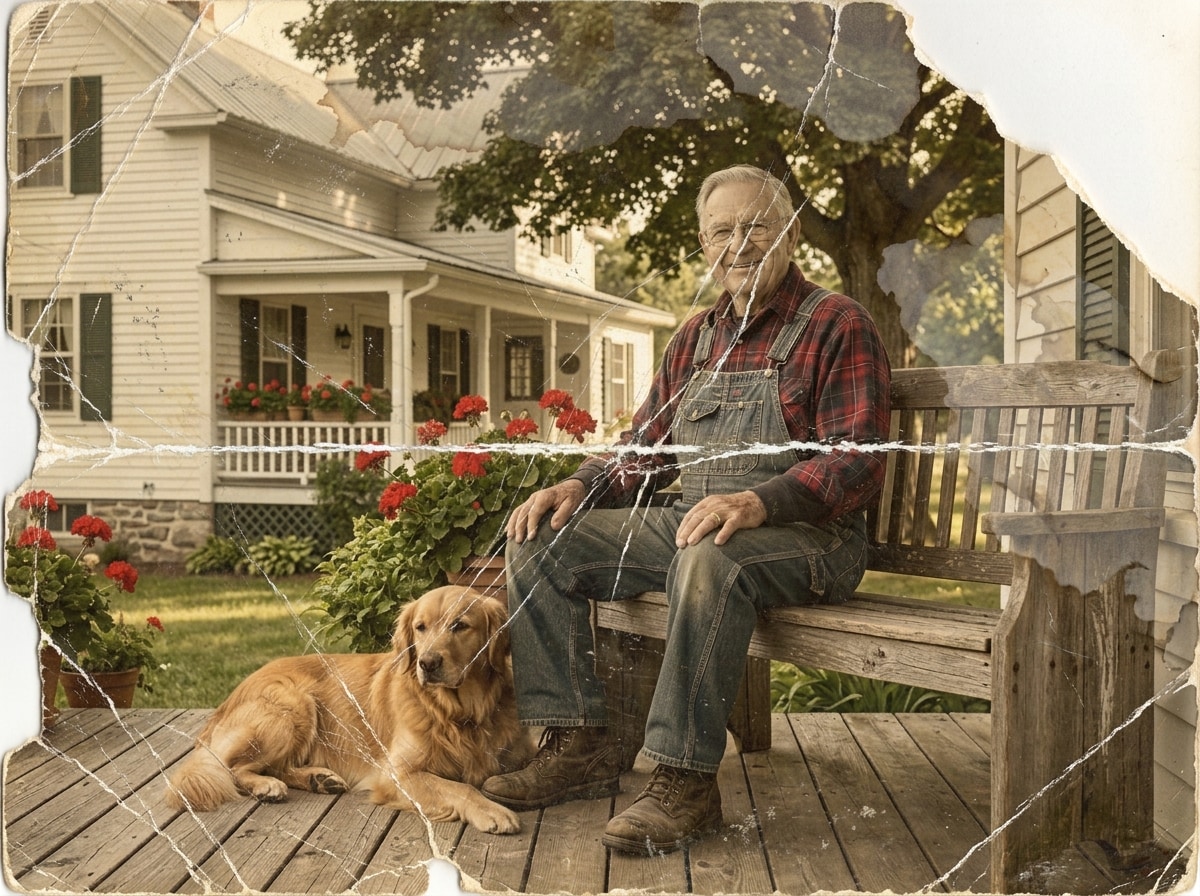





Repair Photos with Scratches, Tears, and Visible Damage Free Online
A lot of damaged photos are still viewable, but they no longer look usable. Prints stored in drawers, albums, or boxes often pick up scratches, fold marks, stains, dust, and torn edges over time. Repairit free online helps clean up common physical photo damage automatically, so you can repair damaged photos online free without learning complicated editing tools.


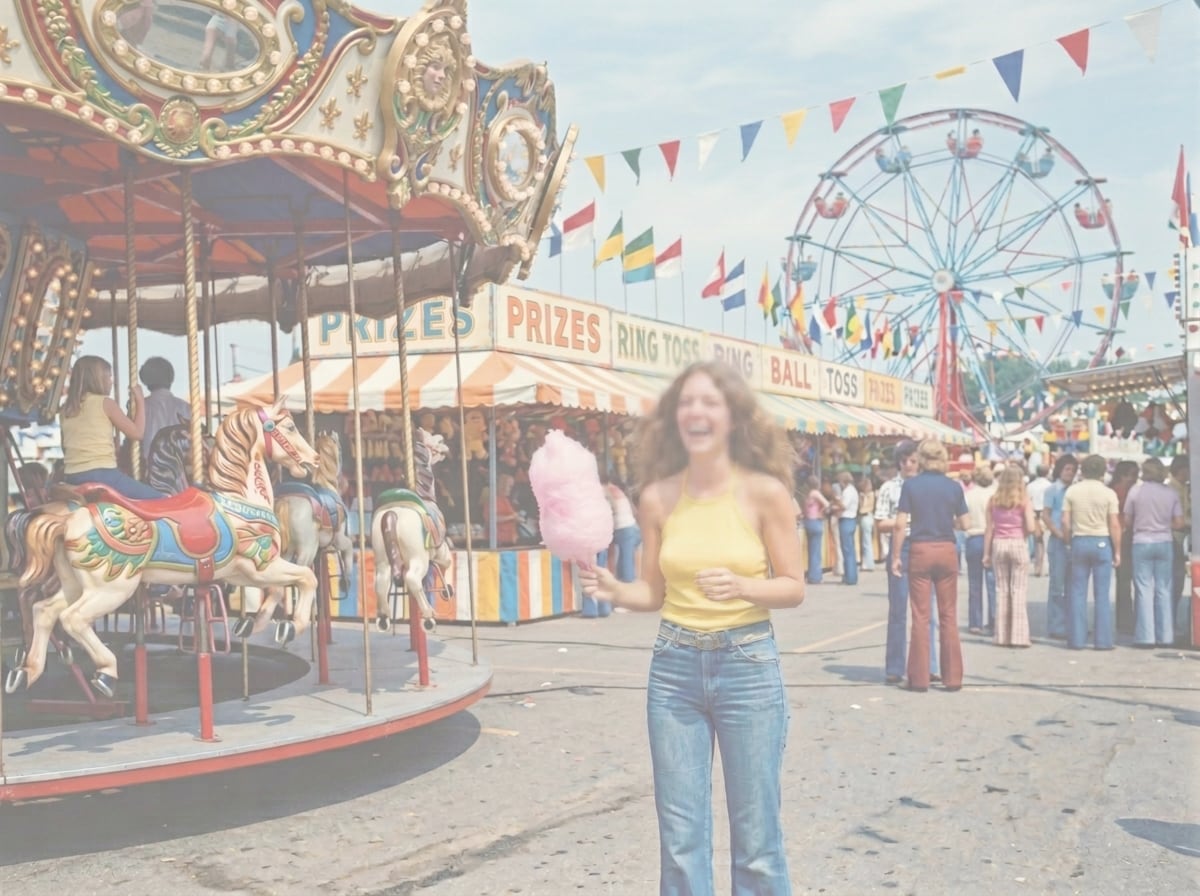
Fix Blurry, Faded, and Washed Out Pictures in Seconds Free Online
Many users are not trying to restore museum level archives. They simply want a clearer version of a photo that looks dull, soft, or low contrast. Repairit helps sharpen blurry details, improve faded colors, and recover clarity in portraits, scanned images, event photos, and everyday pictures. If your image looks flat or hard to recognize, Repairit gives you a faster way to make it usable again.

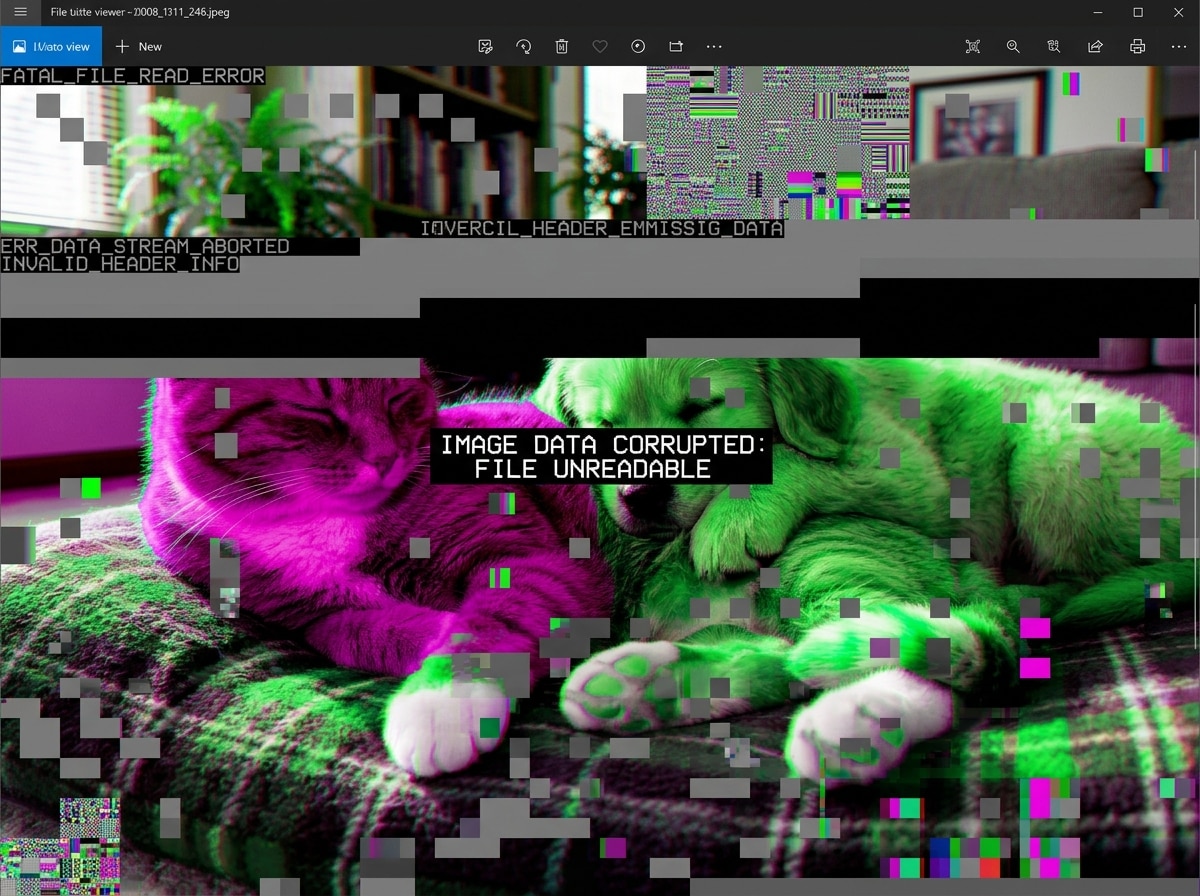
Repair Corrupted Images That Will Not Open Properly Free Online
One of the most common real world problems is this: the file is still there, the size looks normal, but the photo will not open in Preview, Photos, or editing software. This is exactly why many users search for repair corrupted images online free. Repairit helps repair corrupted image files that appear broken, unreadable, gray, or partially damaged after transfer, storage, or recovery.

How to Repair Damaged Photos Online Free with Repairit

Step 1
Upload Your Photo
Upload a damaged, blurry, faded, or corrupted photo in JPG, PNG, or WEBP format.

Step 2
Let Repairit Repair the Image
Repairit automatically detects photo damage and starts the repair process.

Step 3
Preview and Download
Preview the repaired result and download your photo in better quality.
Why Choose Repairit's Free Online Photo Repair?
Compare Repairit with 4DDiG Photo Repair

Repairit
|
4DDiG Photo Repair | |
|---|---|---|
| Target Users | 🎯 Everyday users, beginners, families, and anyone who wants a fast online fix | 🧰 Users who want an all in one desktop tool for photo repair, enhancement, colorization, and uncropping |
| Repair Approach | 🤖 AI powered online repair for damaged and corrupted photos | 🛠️ AI powered software repair with extra enhancement and colorization tools |
| Workflow | ⚡ Upload, repair, preview, and download online | 📂 Add photos, start repair, preview, and save in software |
| Convenience | 🌐 Browser based use with quick access across devices | 💻 Primarily positioned as downloadable software |
| Best For | 🖼️ Scratches, tears, blur, faded photos, gray images, and quick online repair | 🧩 Broader desktop workflows that combine repair, enhancement, colorization, and image expansion |
| Automation Level | 🌟 Simple automatic repair with minimal setup | ⚙️ Guided repair workflow with more tool oriented options |
| Features | 💡 Fast online photo repair for damaged photos and corrupted image files | 🧠 Repair, enhance, colorize, uncrop, and batch process images |
Frequently Asked Questions
Yes. Repairit lets you repair damaged photos online free in just a few clicks, without needing advanced editing skills or complicated software.
Yes. Repairit can help repair corrupted images that fail to open properly, appear broken, or show abnormal damage after transfer or storage issues.
Yes. If you are looking for a way to repair corrupted JPEG files online free, Repairit offers a simple online workflow for damaged JPG and JPEG images.
Repairit can help fix scratches, tears, stains, blur, faded colors, gray photos, and certain corrupted image issues.
No. Repairit is designed for users who want a simpler and faster way to repair damaged or corrupted photos online.
Repairit supports common image formats including JPG, PNG, and WEBP, so you can upload damaged prints, scanned photos, portraits, screenshots, and everyday pictures without extra conversion.
Hot Topics
Comprehensive How-to Guides
Want to repair damaged photos free online? Click to enter the Photo Eraser Workbench and make it happen easily!


